
 View on Asset Store (opens in new tab)
Package details
- Latest version
- 1.1
- Last updated
- First released
- Unity version
- 2021.3.42 or later
- Package size
- 869 KB
- Files
- 4
- Favorites
- 24
- Views in the past week
- 14
Price tracking
- Last checked
- Tracked since
- Lowest recorded
- Free on
Keywords

Sprite Exporter
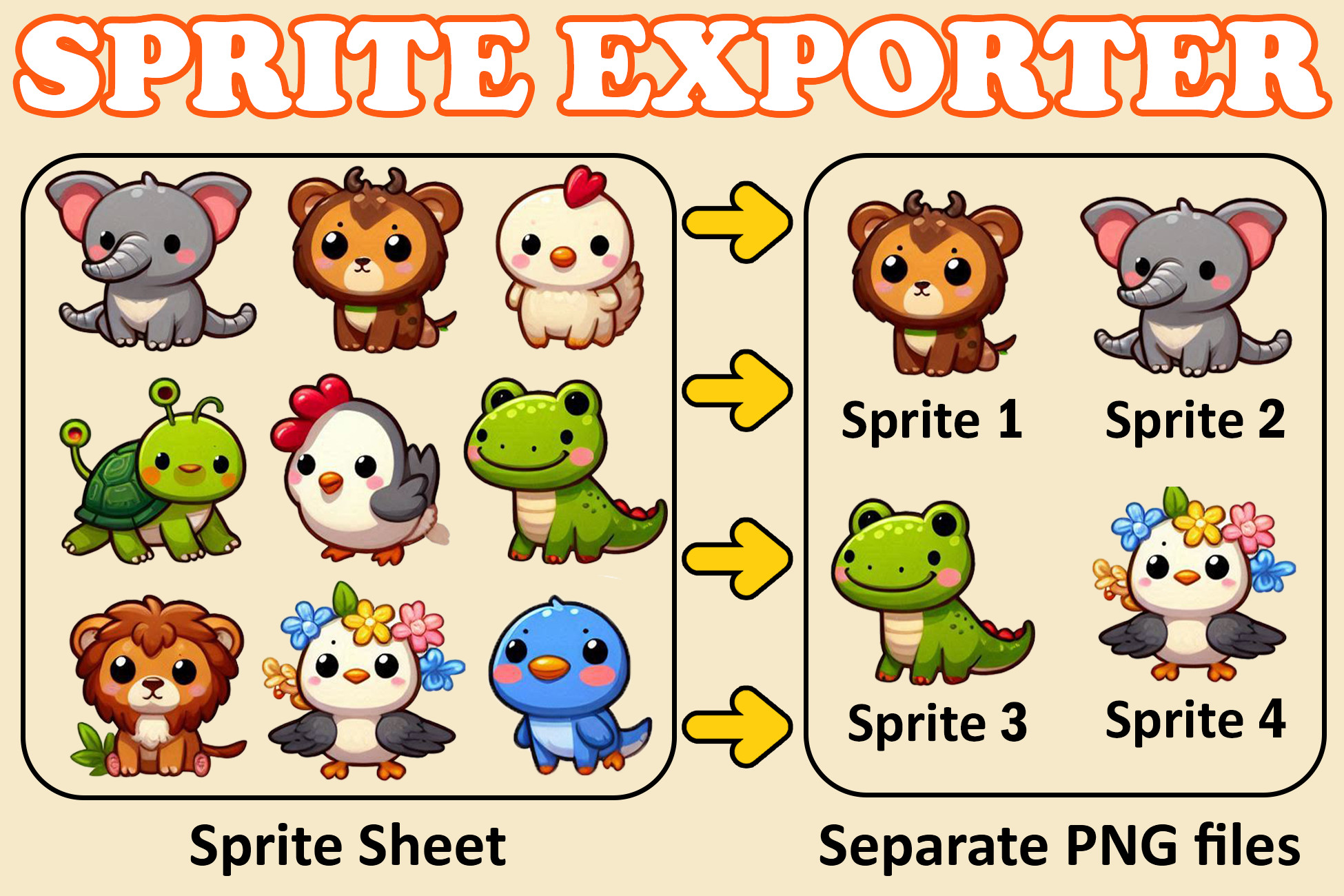
Export Sprites from a Sprite Sheet into Separate Individual PNG Files
Price Free
Get it free on Asset Store (opens in new tab)
Affiliate link · Purchases support this site
Price history
Last 6 months
USDAbout this asset
The SpriteExporter script is a Unity Editor tool designed to Export sliced sprites from a specified Texture2D into individual PNG files. This can be particularly useful for extracting and saving individual sprites from a Sprite Sheet.
Github: Click here
🤝EXECUTION GUIDE
- Download and Import the Asset into your project.
- Ensure that the Read/Write property of the texture is enabled and the TextureType property of the texture is Sprite (2D and UI).
- In the Unity Editor, Right-click the Sprite Sheet PNG file in the Project view, then select SpriteExporter > ExportFromSpriteSheet. The individual sprites will be exported to the ExportedSprites folder located in the same directory as the original file.
⭐️Review
If you found it helpful or enjoyed using it, I’d greatly appreciate a quick review and rating. Your feedback not only helps me improve but also supports other developers in discovering this tool. Thank you for your time and support!
From the publisher's Asset Store listing.
Technical details
🤝 EXECUTION GUIDE
- Download and Import the Asset into your project.
- Ensure that the Read/Write property of the texture is enabled and the TextureType property of the texture is Sprite (2D and UI).
- In the Unity Editor, Right-click the Sprite Sheet PNG file in the Project view, then select SpriteExporter > ExportFromSpriteSheet. The individual sprites will be exported to the ExportedSprites folder located in the same directory as the original file.
Compatibility
| Unity version | Built-in | URP | HDRP | Custom |
|---|---|---|---|---|
| 2021.3.42f1 | Compatible | Compatible | Compatible | Compatible |
As listed on the Asset Store.