
 View on Asset Store (opens in new tab)
Package details
- Latest version
- 1.0.1
- Last updated
- First released
- Unity version
- 2022.3.29 or later
- Package size
- 9.5 MB
- Files
- 172
- Favorites
- 2
- Views in the past week
- 6
Price tracking
- Last checked
- Tracked since
- Lowest recorded
- $7.50 on
Keywords

Widget Services
Widget Services streamlines the process of connecting user interface components and developing workflows for inter-scene and prefab messaging.
Affiliate link · Purchases support this site
Price history
Last 6 months
USDAsset preview
1 / 10

Widget Services screenshot 1


About this asset
////////////////////////////////////////
Purpose
////////////////////////////////////////
Monobehaviours to load scenes and intantiate prefabs. The template objects can be either prefabricated game objects or addressable memory content.
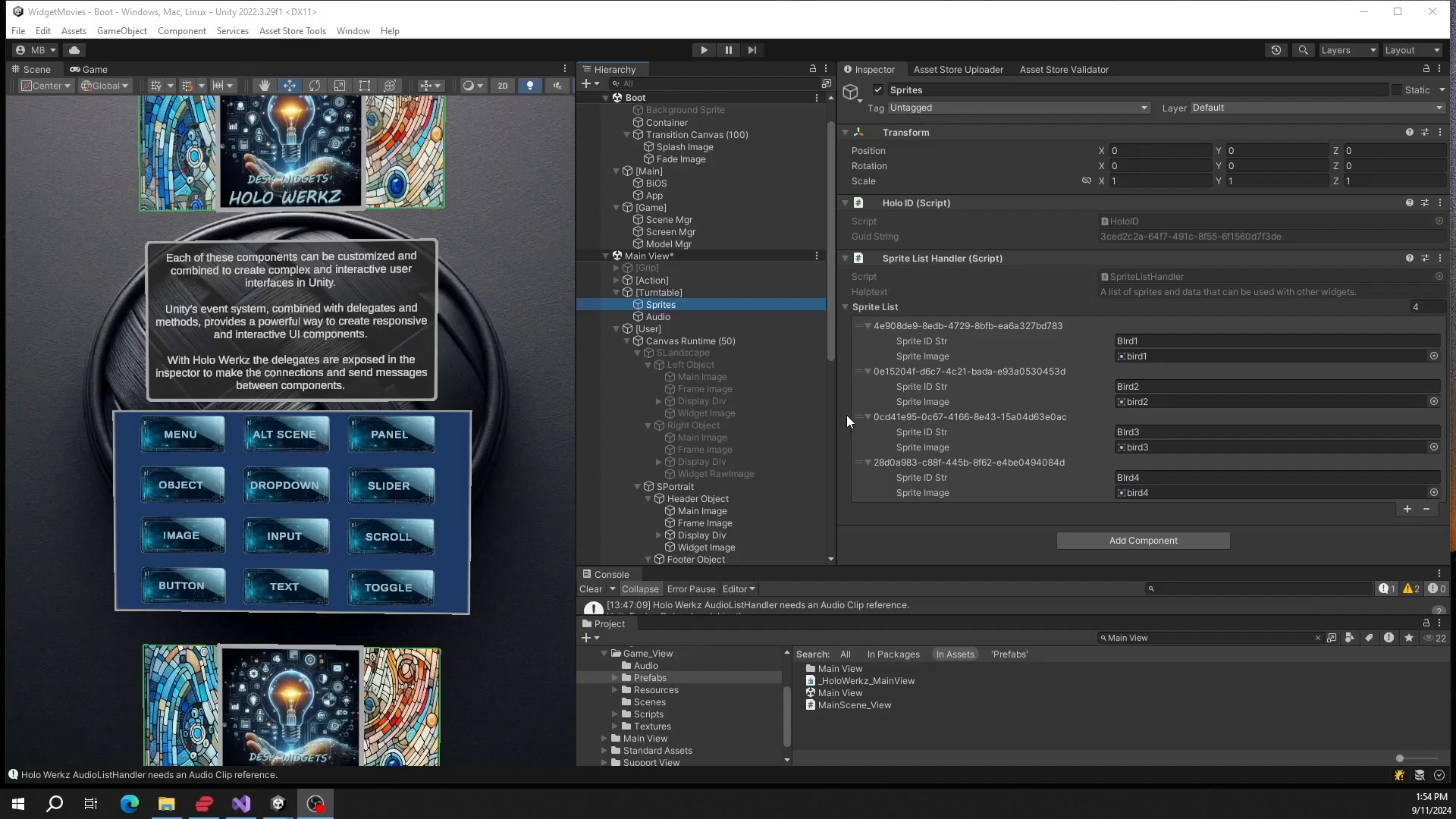
Create lists of Audio Clips and Textures to pass to the Widget Services.
Code methods to create behaviours on game objects to inter communicate between user interface components like the text or button ui behaviours.
The methods to send messages can be added at runtime or edit time.
The goal is to allow for runtime UI creation and automated testing.
⦁Workflow for Sending Data: Efficiently send data between addressable scenes and addressable prefabs.
⦁Data Connection Implementation: Connect user interface components input and output sockets for transfering objects. Save and load data for each widget.
⦁Scene and Screen Handlers: Load and unload addressable scenes and prefabs seamlessly. Handles screen orientations and scaling.
⦁Testing and Automation Interface: Test and automate using data connections by sending messages to widgets.
Works in Edit Mode and Run Time.
Each UI behavior includes a component called a Widget, such as Button Widget. The Button Widget handles the heavy lifting by implementing inputs and outputs that connect to UI behavior methods. You can set the text label or receive the button click with the label as the data. Messages are sent with object GUIDs, decoded by the destination object for a method, and parsed for results that are set in the UI behavior.
From the publisher's Asset Store listing.
Technical details
Example System Workflow
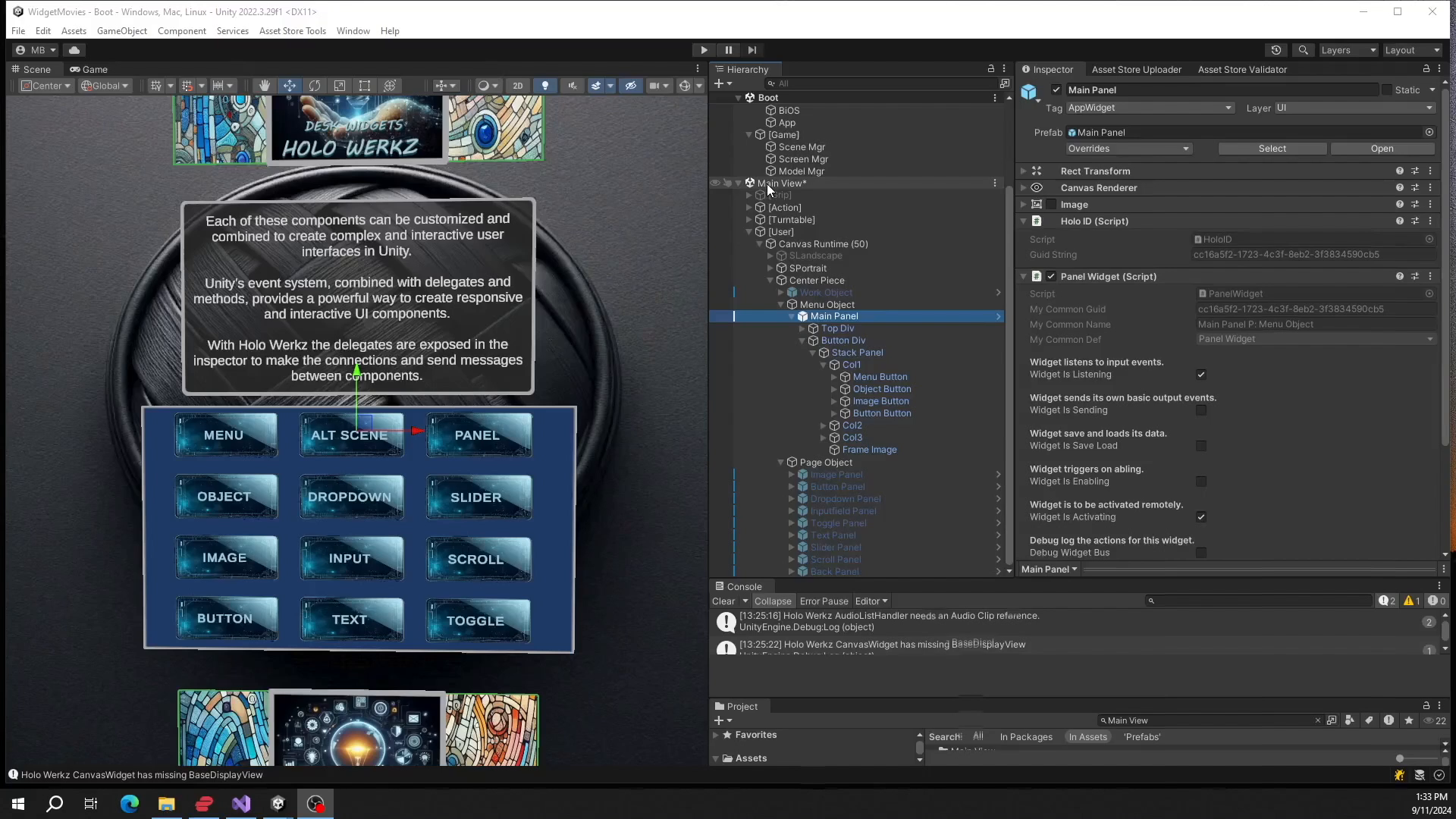
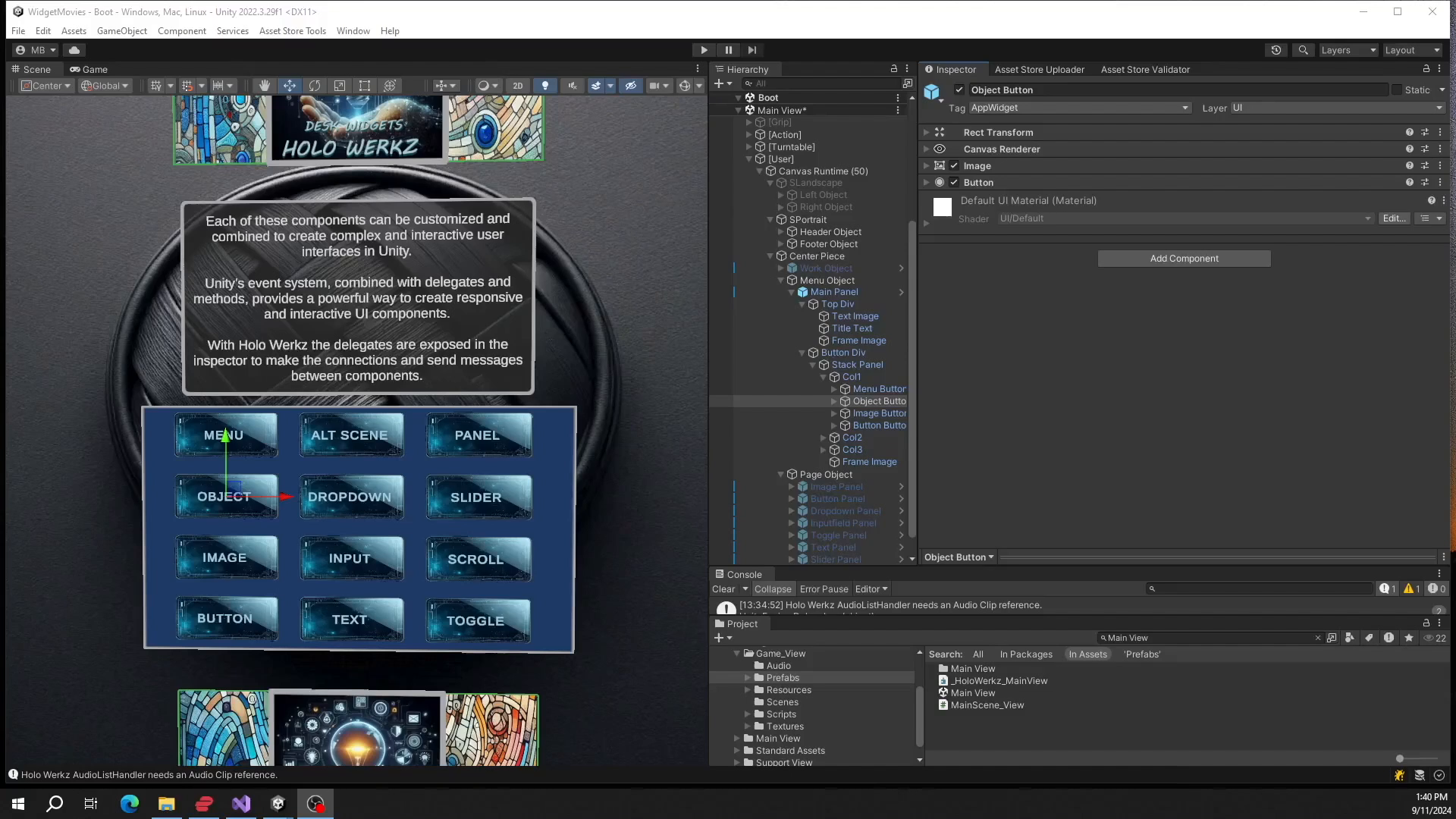
⦁Add Components: Add a panel ui component, a PanelWidget, a button component and a ButtonWidget so you create the typical UI elements.
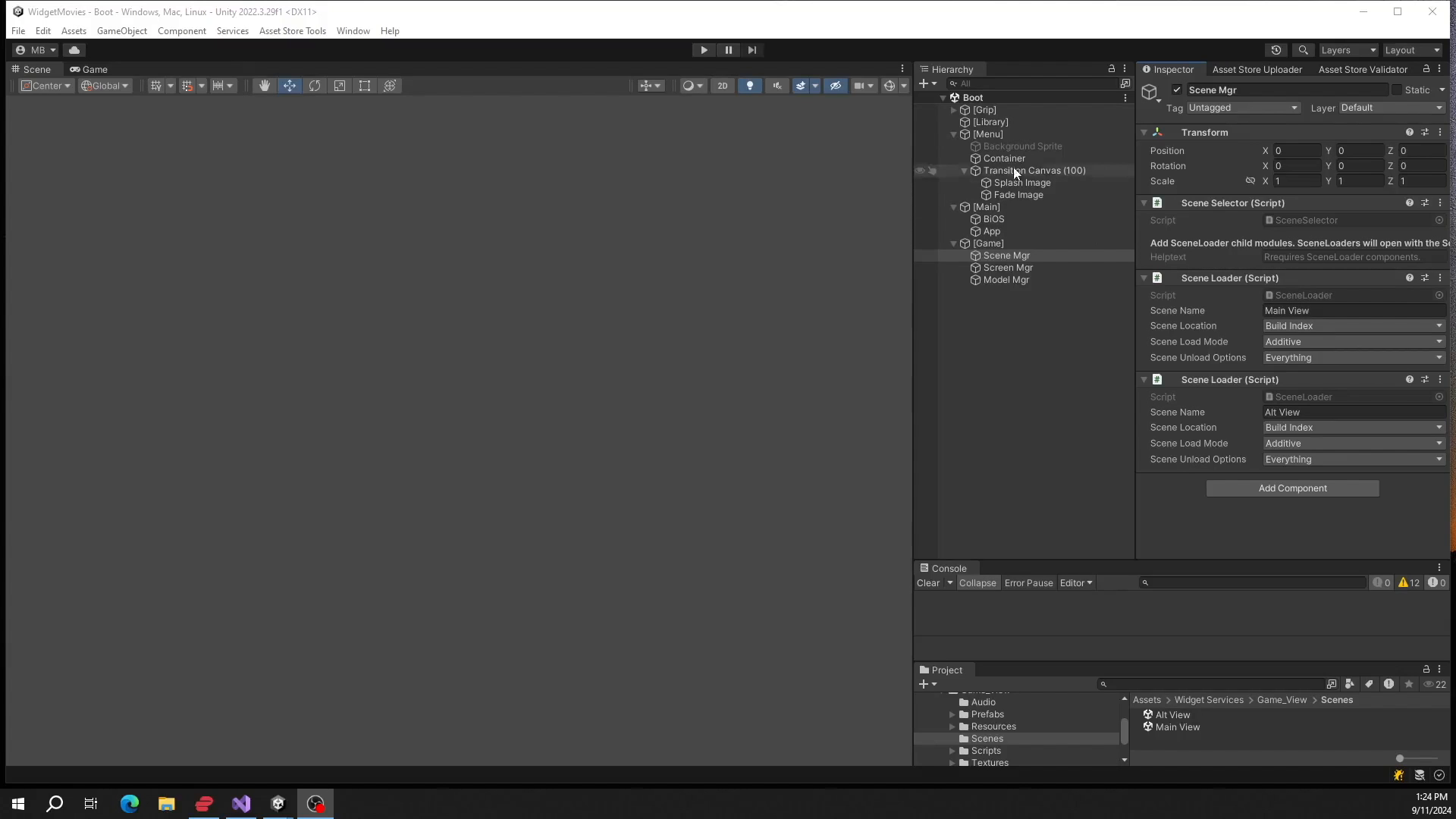
⦁Event Handling: Add a ToWidget component to the button widget. Use the To Widget to send events to specific widgets by GUID. For example, the button widget can toggle the active state of the toggle switch. The button can also send its label to an input field and vice versa. (This is the example screen with four shots of the Unity Editor for the Panel, Button, Inputfield and Back Button.
The asset is simple enough and the code has been used in previous Unity versions over the years of development. It should enhance the workflows of any Project.
Documentation:
https://holowerkz.com/widget-services/
https://www.youtube.com/@holowerkz
Compatibility
| Unity version | Built-in | URP | HDRP | Custom |
|---|---|---|---|---|
| 2022.3.29f1 | Compatible | Compatible | Compatible | Compatible |
As listed on the Asset Store.