
 View on Asset Store (opens in new tab)
Package details
- Latest version
- 1.1.2
- Last updated
- First released
- Unity version
- 2022.3.62 or later
- Package size
- 2.7 MB
- Files
- 34
- Favorites
- 57
- Views in the past week
- 11
Price tracking
- Last checked
- Tracked since
- Lowest recorded
- $9.00 on
Keywords
- Search for poser
- Search for Animation Preview
- Search for Animator Preview
- Search for Timeline
- Search for Character Poser
- Search for Editor animation
- Search for Animation viewer
- Search for Tool
- Search for Animator Edit Mode
- Search for Character Animation
- Search for Animation tool
- Search for editor tool

Editor Animation Viewer
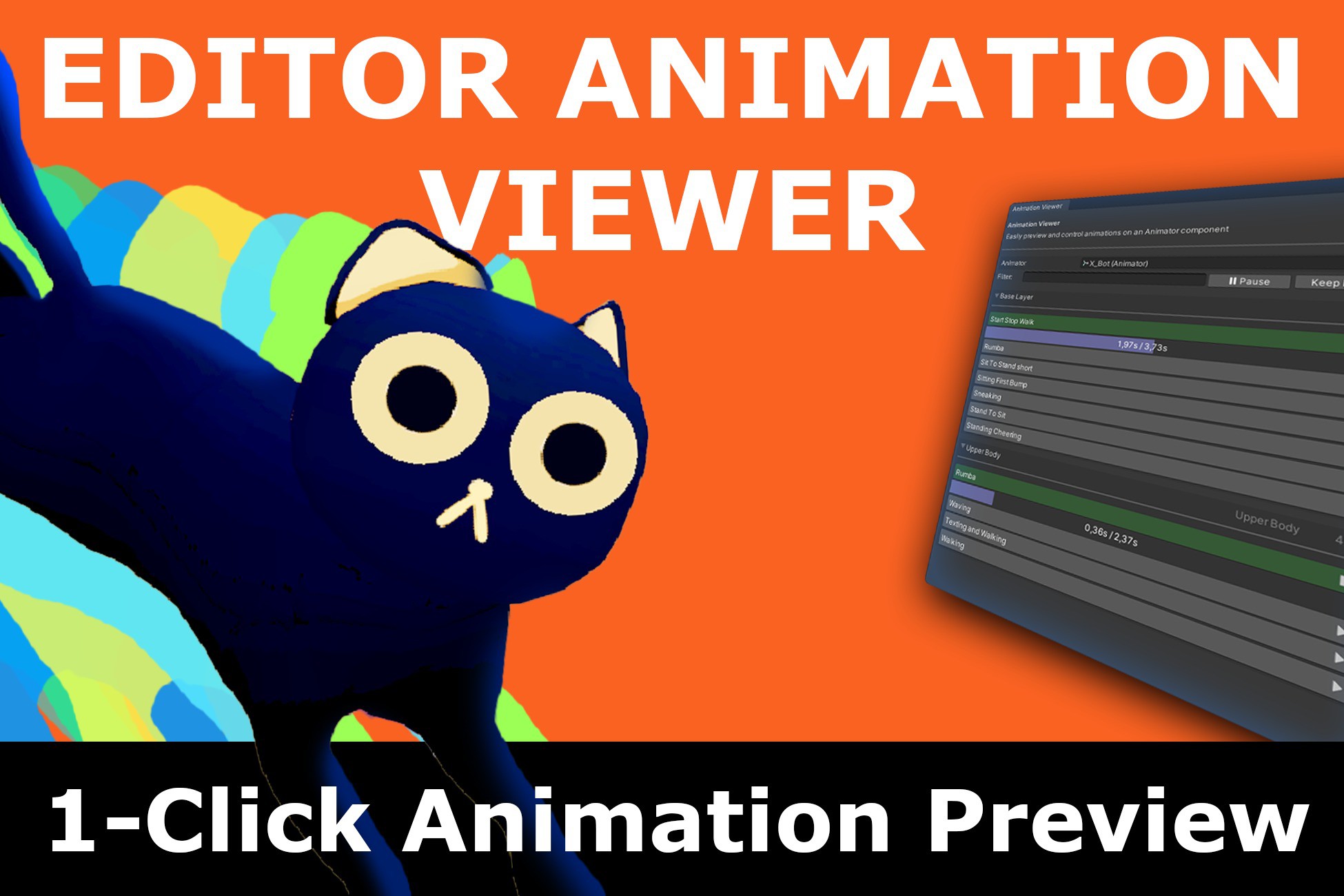
Play, Pause, Pose! Play animations in the scene with just 1 click, without entering Play Mode! The most feature-rich editor animation viewer on the store, made to streamline your animation workflow.
Affiliate link · Purchases support this site
Price history
Last 6 months
USDAsset preview
1 / 6

Editor Animation Viewer screenshot 1


About this asset
Key Features:
Seamless Animation Playback
1-Click Animation Preview: View your animations directly in the scene with just one click of the custom editor.
Blend Tree & Parameter Support:
Easily Preview your Blend Trees in detail, with access to your Animator Parameters directly in the custom Editor.
Inspector Integration: Control animations by adding a single attribute directly in the Inspector.
Animation Navigation
Transition and Mask Support: View and tweak animation transitions and avatar masks directly within the editor.
Conditional Transitions: Conditional transitions are supported, letting you test transitions without Play Mode.
Character Posing
Pose Characters in Scene: Manipulate character poses using animations directly within the scene view.
User-Friendly Interface
Timeline Navigation: Scrub through animations with an intuitive timeline interface.
- Usability-Focused UI: Animations are divided into layers, each labeled for a clean and organized interface.
Quality of Life Features: Utilize search filtering, keyboard shortcuts, and more for a streamlined workflow.
Asset does not currently support:
Animation Event Calls: Animation events may be called, but will often not produce desired effects outside of play mode.
From the publisher's Asset Store listing.
Technical details
- Play/Pause Animations Directly in the Editor
- Through the custom editor window.
- In the Inspector through a single attribute.
- View your Blend Trees in detail
- Affect your Animator parameters directly in the Editor Window.
- Navigate Animations with Timelines
- View Animations, Transitions, and Avatar Masks
- Conditional Transitions Supported
- Pose characters with animations directly in the scene.
- Usability-Focused UI:
- Quality of life features like search filtering, keyboard shortcuts, and more.
- Supported on Any OS.
Documentation can be found here.
Asset does not currently support:
- Animation Event Calls: Animation events may be called, but will often not produce desired effects outside of play mode.
Compatibility
| Unity version | Built-in | URP | HDRP | Custom |
|---|---|---|---|---|
| 6000.5.5f1 | Compatible | Compatible | Compatible | Compatible |
| 2022.3.62f3 | Compatible | Compatible | Compatible | Compatible |
As listed on the Asset Store.