
 View on Asset Store (opens in new tab)
Package details
- Latest version
- 1.0
- Last updated
- First released
- Unity version
- 6000.0.0 or later
- Package size
- 43.4 MB
- Files
- 23
- Favorites
- 79
- Views in the past week
- 36
Price tracking
- Last checked
- Tracked since
- Lowest recorded
- $7.99 on
Keywords

Slime Material
- Price drop
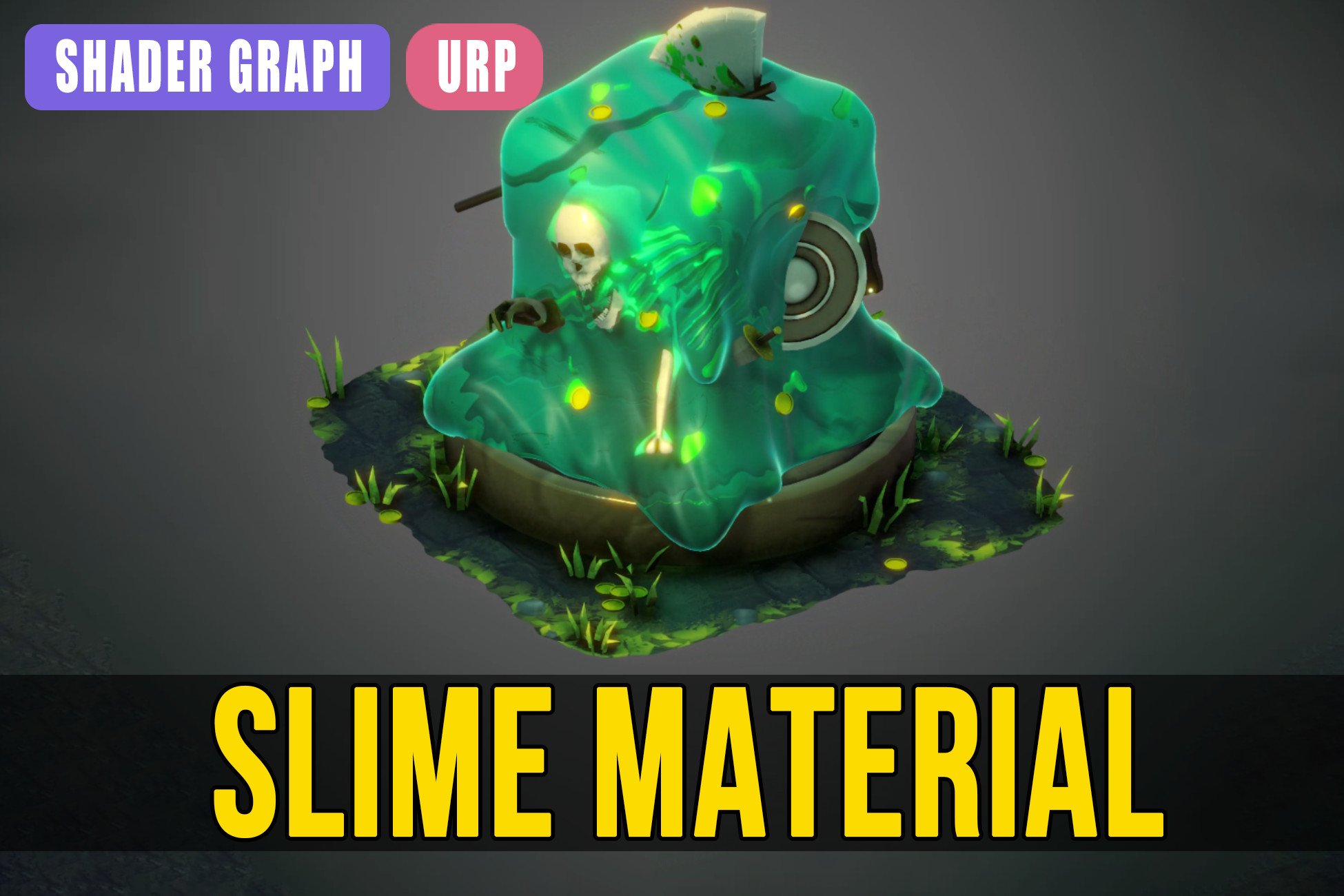
The Slime material was created using Shader Graph. It can be used for slimes, crystals, ice, or any object that needs to be translucent and have custom refraction!
Affiliate link · Purchases support this site
Price history
Last 6 months
USDAsset preview
1 / 4

Slime Material screenshot 1


About this asset
This is a Slime shader material. You can adjust the refraction of the material, as well as the noise, view displacement, and transparency.
You can also add a complementary rim light to make the colors of your object pop.
Of course, you can connect textures (albedo and normal) to enhance the quality of your object, along with the basic PBR parameters like smoothness, metallic, or color with HDR.
Place objects inside others that use this material, and they will appear distorted—like something trapped in ice, for example.
Enhance the visual quality of your project with this kind of material!
From the publisher's Asset Store listing.
Technical details
- Unity 2021 or superior.
- Slime shader created using Shader Graph.
- A procedural shader that offers high customizability.
- Optimized for projects of any scale.
- it includes features such as refraction and refraction displacement and noise, rim light and all the PBR basic parameters.
- This shader is designed for Unity URP, so it requires URP and Shader Graph for proper functionality.
- To make the refraction work, you must set the "Opaque Texture" parameter to ON in the camera object of your scene or in your render pipeline asset.
Compatibility
| Unity version | Built-in | URP | HDRP |
|---|---|---|---|
| 6000.0.0b13 | Not listed | Compatible | Not listed |
Unity 2021 or superior.
As listed on the Asset Store.