
 View on Asset Store (opens in new tab)
Package details
- Latest version
- 1.7.3c
- Last updated
- First released
- Unity version
- 2021.3.45 or later
- Package size
- 644 KB
- Files
- 77
- Favorites
- 63
- Views in the past week
- 23
Price tracking
- Last checked
- Tracked since
- Lowest recorded
- $12.50 on
Keywords
- Search for Developer stats
- Search for Developer Tools
- Search for Time Tracking
- Search for Unity insights
- Search for Work tracker
- Search for Unity Analytics
- Search for Usage statistics
- Search for Session tracker
- Search for Editor habits
- Search for Editor usage
- Search for Workflow analysis
- Search for Productivity tracker

DevTrails - Developer Statistics Made Easy
Gain insight into your Unity workflow by tracking time, saves, logs, and more, all privately and with no performance impact. No setup required, just import and enjoy.
Affiliate link · Purchases support this site
Price history
Last 6 months
USDAsset preview
1 / 7

DevTrails - Developer Statistics Made Easy screenshot 1


About this asset
DevTrail is the first asset you’ll want in every project.
Effortlessly track your Unity usage, from work hours to save counts and gain real insight into your development habits. Stop guessing how much you work; see the real data, and make your process more transparent (and fun!).
The quick shortcut Control + Shift + T means you are always just a moment away from your stats.
Everything is tracked seamlessly in the background and only when required. So, it doesn't impact performance, and there is no need to keep the window open for the asset to work.
✅Developer Statistics
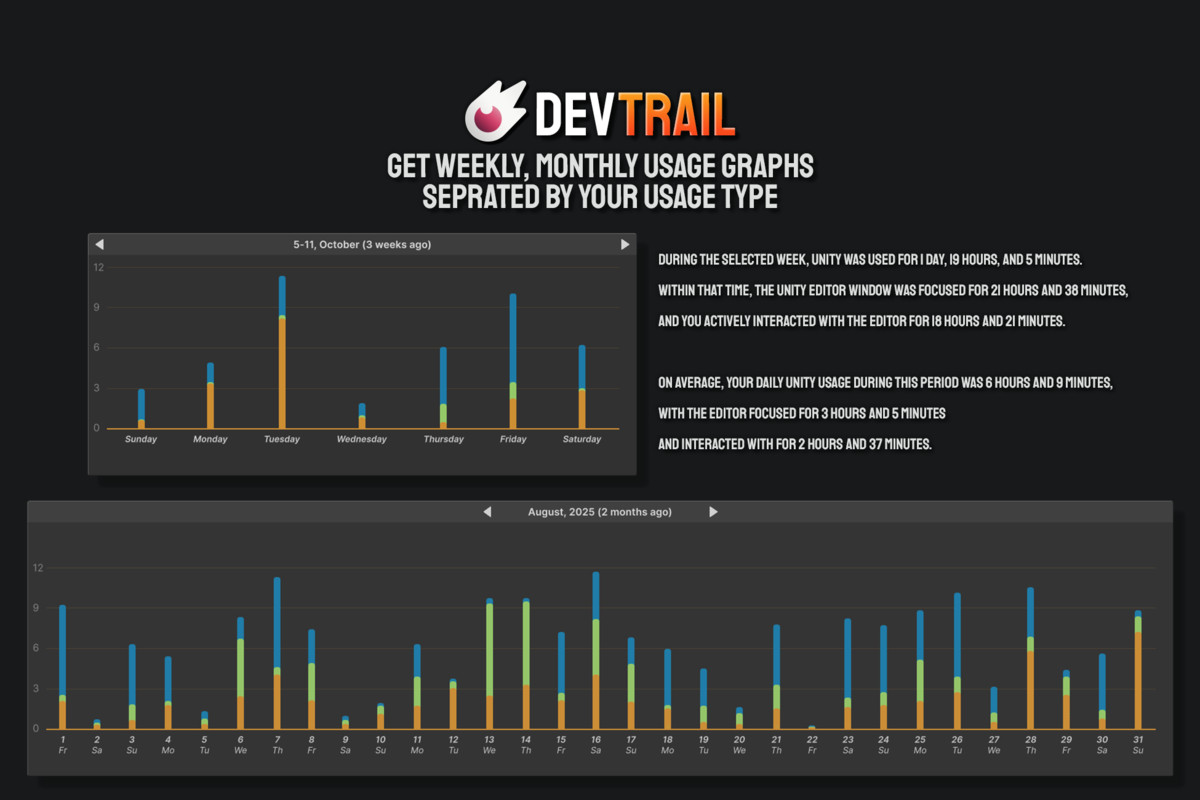
Track various information for better clarity about how you use the editor. Learn about the data for today, the project, and even across all projects.
→ Track Time:
Seamlessly track your development time in Unity! This tool provides a comprehensive view of how long you spend in the Unity Editor, breaking down time spent with the editor open, in focus, and actively in use. With detailed tracking for the current project, individual sessions, and even cumulative time across all Unity projects, this asset is a must-have for developers looking to optimize their workflow and gain insights into their time investment.
You can also set goals to notify you after using Unity for a certain period.
→ Track Logs:
Were you ever curious about how many logs you got in the editor and runtime? It's usually a lot more than you expect. Track editor, play mode normal logs, warnings, and error logs.
→ Track Compilation:
While the asset is imported into the project, track how many times you have compiled, how long you have spent waiting for compilation to finish in this project or lifetime, and also get the average compile time. Also, track the dreaded domain reloads and how much of your time they waste.
Also, get various little stats about the number of times you saved a scene, opened a scene, how many times you used undo/redo, and how long you spent in play mode. You can also easily opt out of tracking any/every stat with a single toggle.
✅ No Setup
Just import and enjoy. No setup is necessary.
✅ Source Code
Full source code included.
✅ Built with UI Toolkit
It was created using Unity's new UI framework for the fastest and most comfortable user experience.
Need help or have any questions? Contact support: [email protected] (mailto link)
⭐Optional
This asset works great alongside DevTask, an offline project management asset made for Unity.
⭐ Some other assets that might interest you
→ Better Transform - A must-have editor extension to improve your workflow.
→ Better Mesh - This is how the mesh filter inspector should have looked by default.
→ Modular 3D Text - Easily create texts as 3D meshes and build a complete 3D UI system.
→ 3D Icons Mega Pack - A collection of 3D Icons perfect for your 3D in-game UI.
→ Modular 3D Ranks - Create professional-grade 3D Badges in no time with a powerful, user-friendly tool built for Unity developers of all levels.
From the publisher's Asset Store listing.
Technical details
[Please note that Unity 2021 is not officially supported. An older version will be downloaded if you are using that version.]
Save Location
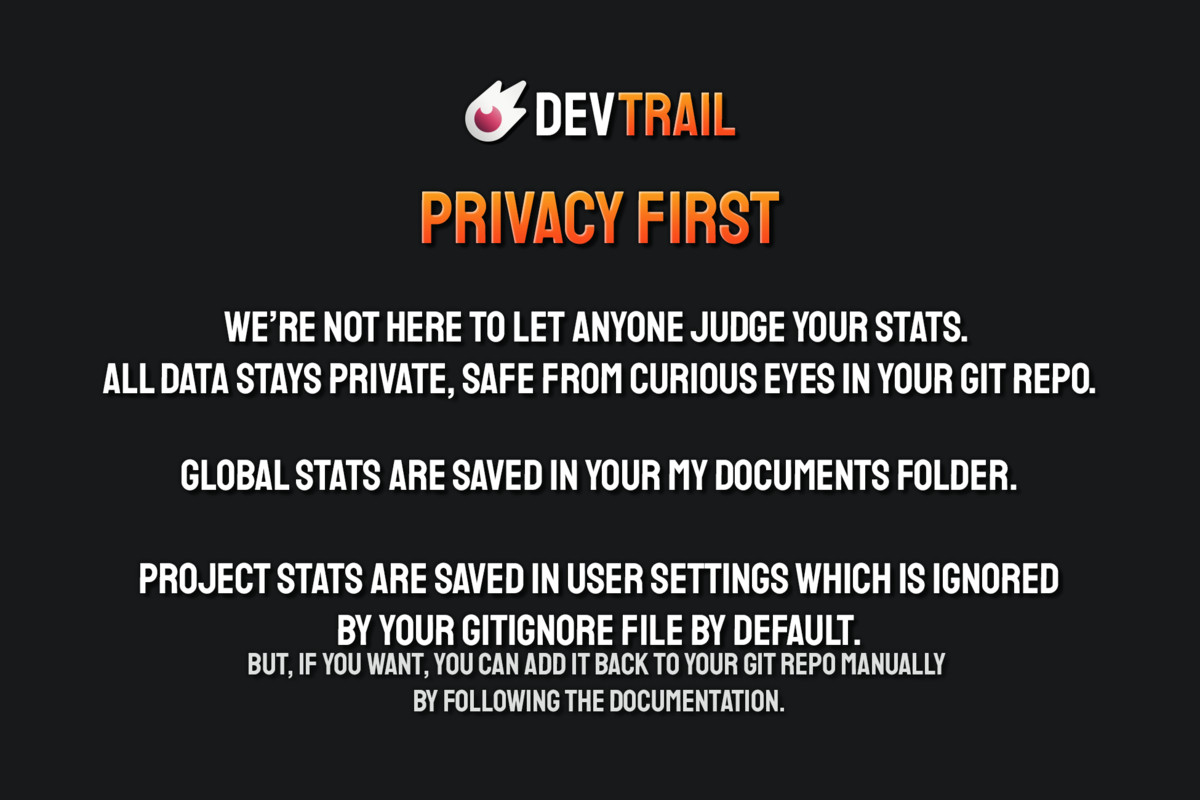
The asset creates a directory named “Tiny Giant Studio/DevTrails” in the Documents folder of your operating system.
The project stats are saved in the 'UserSettings' folder of your Unity project.
Requirement
The asset will automatically import Unity's editor coroutines package on import.
Compatibility
| Unity version | Built-in | URP | HDRP | Custom |
|---|---|---|---|---|
| 6000.3.23f1 | Compatible | Compatible | Compatible | Compatible |
| 6000.0.82f1 | Compatible | Compatible | Compatible | Compatible |
| 2022.3.62f2 | Compatible | Compatible | Compatible | Compatible |
| 2021.3.45f2 | Compatible | Compatible | Compatible | Compatible |
As listed on the Asset Store.