
 View on Asset Store (opens in new tab)
Package details
- Latest version
- 1.0.0
- Last updated
- First released
- Unity version
- 6000.0.10 or later
- Package size
- 17 KB
- Files
- 5
- Favorites
- 5
- Views in the past week
- 6
Price tracking
- Last checked
- Tracked since
- Lowest recorded
- $4.99 on
Keywords
Easy UI Navigation
A simple solution to navigate through your project UI with a single key.
Affiliate link · Purchases support this site
Price history
Last 6 months
USDAsset preview
1 / 2

Easy UI Navigation screenshot 1

About this asset
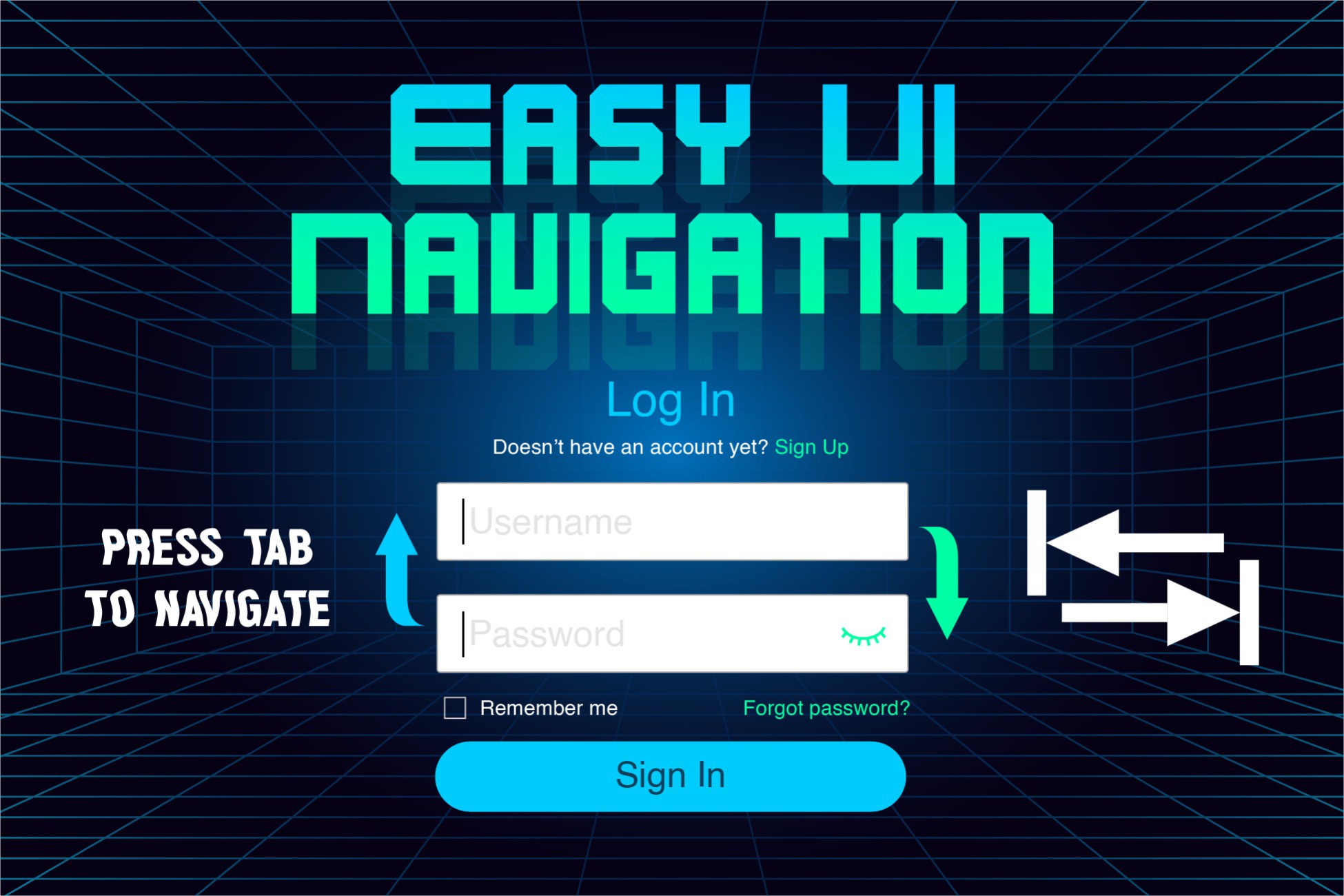
With this package, you will be able to navigate through your game's interface by pressing the Tab key.
You can move through all interface elements that have the Selectable component (InputField, Button, Toggle...). You only need to add a script to your scene for it to work; no configuration is required.
You will be able to move between input fields by pressing only one key (Tab), unlike Unity's default navigation system which requires the use of two keys (Enter and Tab).
It is compatible with both Unity Input System.
From the publisher's Asset Store listing.
Technical details
- Works on both Unity Input System
- Works on all Render Pipelines
- Easy to use
- Improvement of the Navigation System functionality.
- Better InputFields navigation
- Configurable key
- Unity UI
Compatibility
| Unity version | Built-in | URP | HDRP | Custom |
|---|---|---|---|---|
| 6000.0.10f1 | Compatible | Compatible | Compatible | Compatible |
Works with Unity 2019, 2020, 2021, 2022, 2023 and Unity 6 on Windows 11 or Windows 10.
They will likely work in all versions of Unity that use the old or new Unity Input System.
As listed on the Asset Store.