
 View on Asset Store (opens in new tab)
Package details
- Latest version
- 3.0.4
- Last updated
- First released
- Unity version
- 2017.4.34 or later
- Package size
- 143 KB
- Files
- 75
- Favorites
- 129
- Views in the past week
- 26
Price tracking
- Last checked
- Tracked since
- Lowest recorded
- $3.00 on
Keywords
The Shelf
The Shelf is a central place to bookmark the assets and game objects you need the most. Show them in the inspector or assign them to scripts. All using drag&drop, with an intuitive and compact UI.
Affiliate link · Purchases support this site
Price history
Last 6 months
USDAsset preview
1 / 5
The Shelf screenshot 1
About this asset
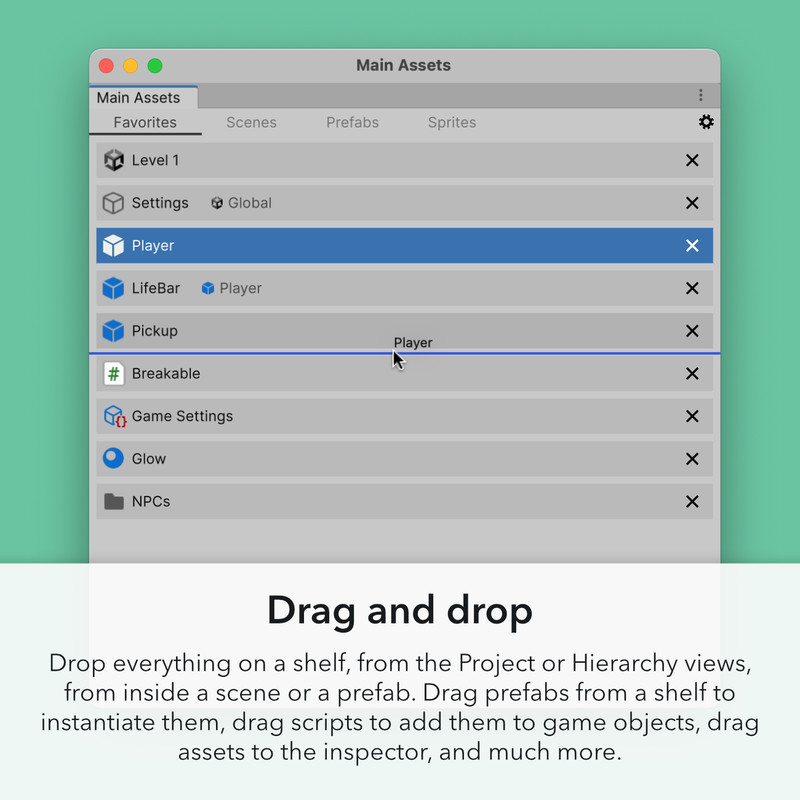
Drag and drop
Drop everything on a shelf, from the Project or Hierarchy views, from inside a scene or a prefab. Drag prefabs from a shelf to instantiate them, drag scripts to add them to game objects, drag assets to the inspector, and much more.
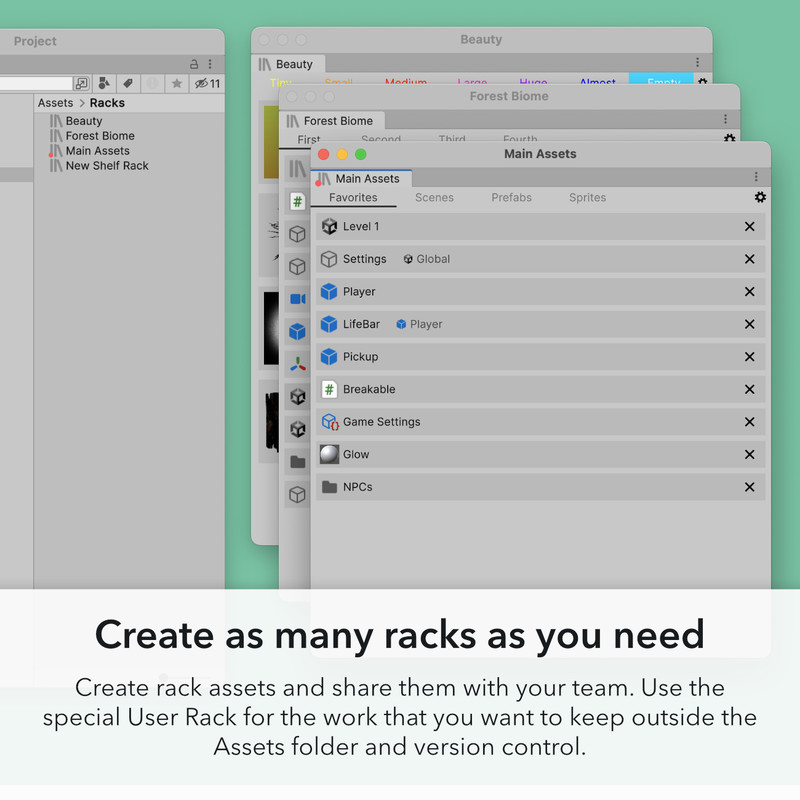
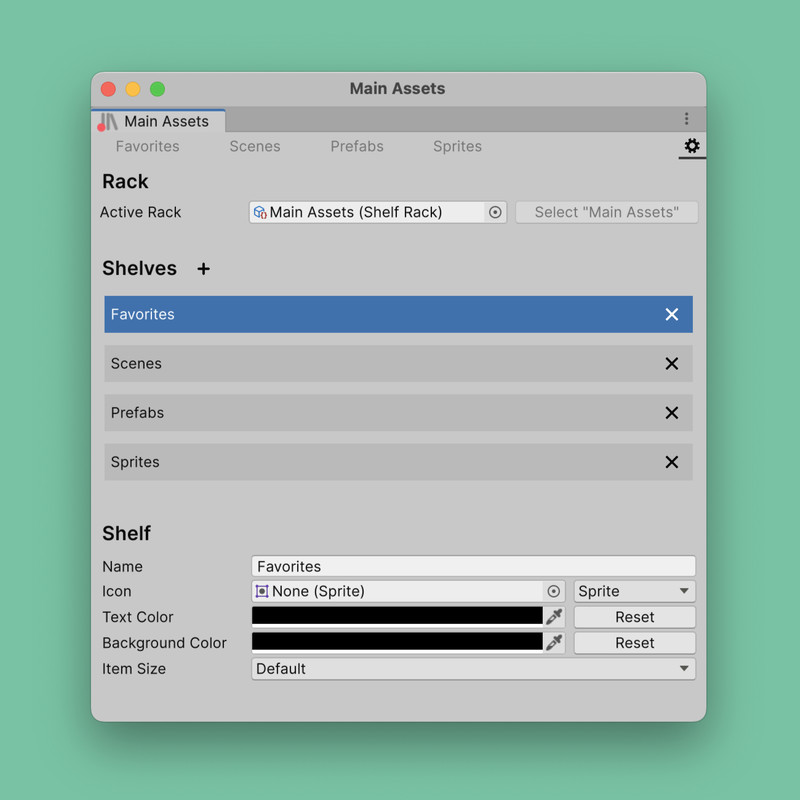
Create as many racks as you need
Create rack assets and share them with your team. Use the special User Rack for the work that you want to keep outside the Assets folder and version control.
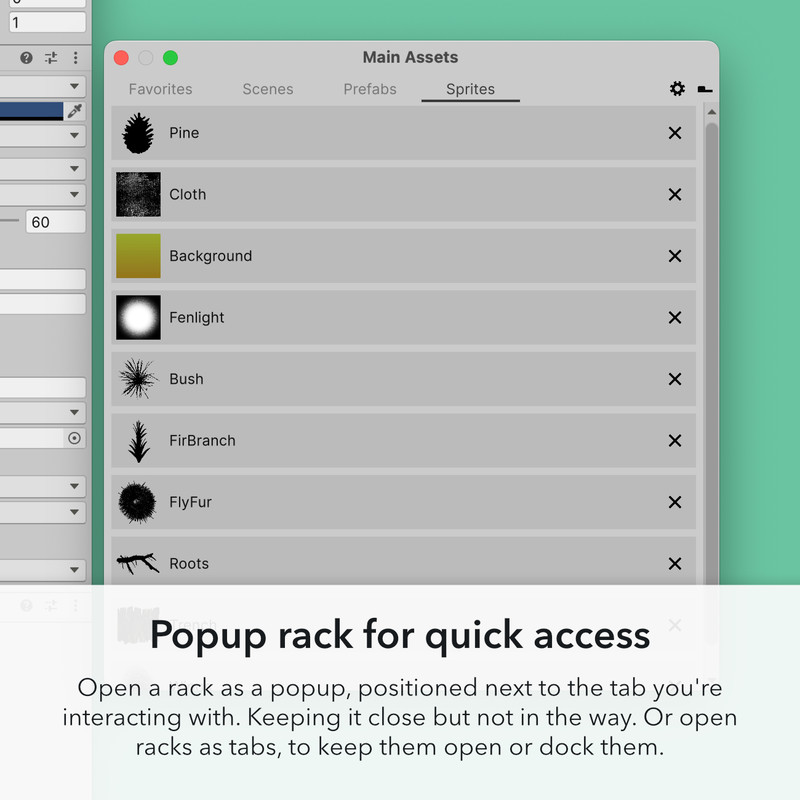
Popup rack for quick access
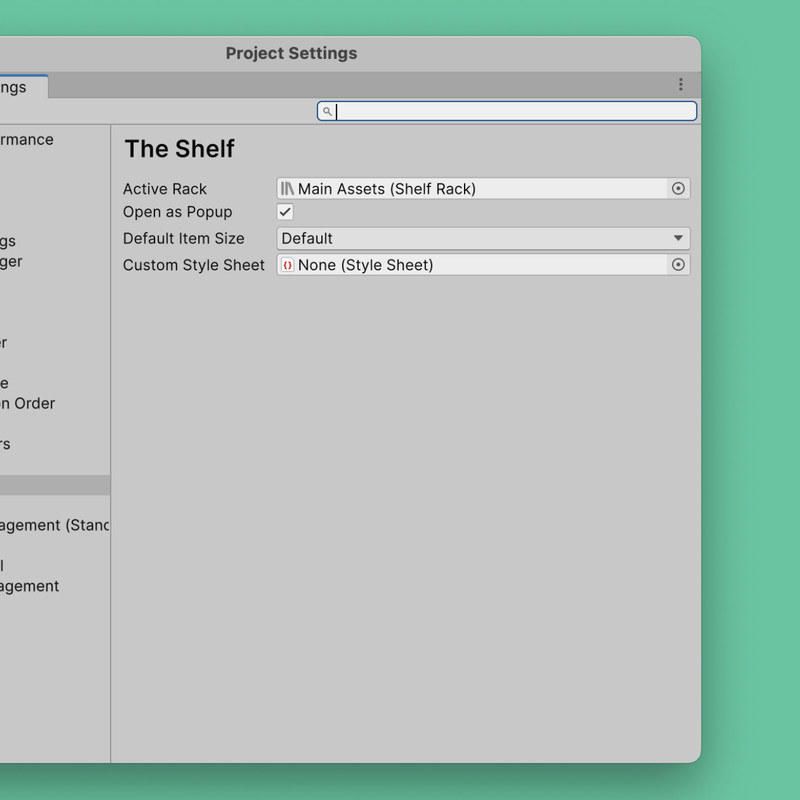
Open a rack as a popup, positioned next to the tab you're interacting with. Keeping it close but not in the way. Or open racks as tabs, to keep them open or dock them.
Main Features
- Drag&drop everything to and from shelves
- Create as many rack assets as you need, share them with your team
- Use the User Rack for local shelves that don't live in the Assets folder
- Popup mode opens the active rack next to the tab under your mouse
- Put objects inside scenes or prefabs on shelves
- Click to select, double-click to execute type-dependent actions
- Drag scripts to add them to game objects, drag prefabs to instantiate them, drag references into the inspector
- Click on folders to show their contents in the project view, click on objects to show them in the inspector
- Double-click on assets to open them inside or outside of Unity
- Keyboard shortcuts to open racks, switch shelves or put the current selection on shelves
- Put shortcuts to Preferences, Project Settings, or any menu item on shelves
- Customize a shelf's item size, icon, and tab color
From the publisher's Asset Store listing.
Technical details
- Built using UI Toolkit, installs as a package
- Full source included
- API for customizing and extending
- Support Unity 2021.3 through Unity 6