
 View on Asset Store (opens in new tab)
Package details
- Latest version
- 1.0.1
- Last updated
- First released
- Unity version
- 2022.3.16 or later
- Package size
- 190 KB
- Files
- 13
- Favorites
- 7
- Views in the past week
- 5
Price tracking
- Last checked
- Tracked since
- Lowest recorded
- $8.50 on
Keywords

Terminal for Games
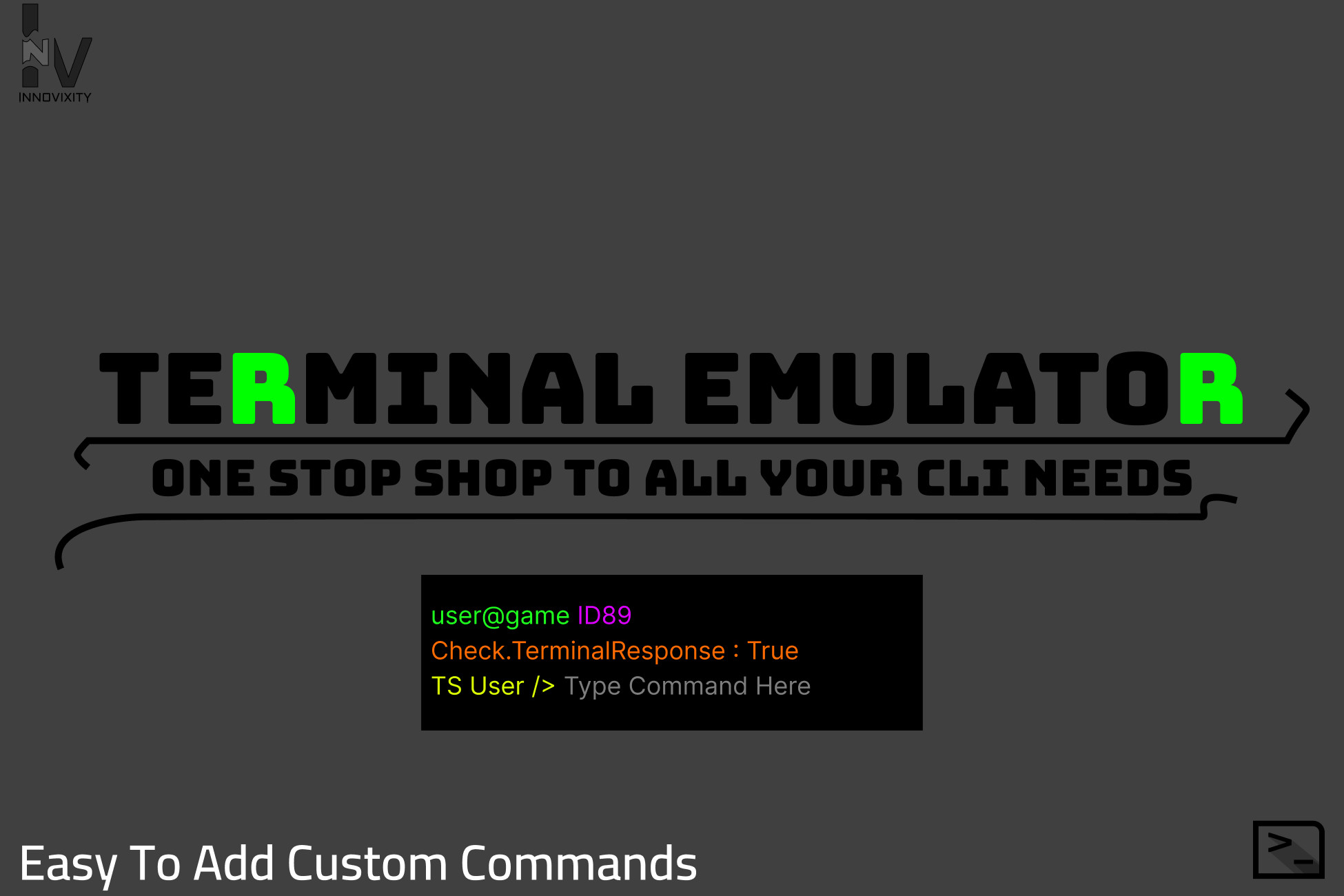
This is a package where you will be able to get terminal-like interface with 17+ working commands like ls, cd, mkdir etc with easy ways to add custom commands to be integrated with your unique game.
Affiliate link · Purchases support this site
Price history
Last 6 months
USDAsset preview
1 / 7

Terminal for Games screenshot 1


About this asset
This package provides you with a completely working terminal-like interface. If your game needs a working terminal to be a part the computers, this can help you do that. It is also easy to add custom commands to the source code. Look at the "technical details" for more info on adding custom commands. Apart from that, the color of the interface is ever so easy to change, completely changing the look and feel of your game. Contact me for custom command request here.
It is also extremely easy to add custom commands to to change the variables in the game like player speed or player position during runtime without leaving the game view. It has implemented Admin access meaning, you can restrict certain commands from certain users.
You can contact me if you want custom commands to affect various game variables during runtime. Depending upon the scale of the request, i can do it either for no or a small fee.
You can also add it yourself. It is as easy as adding a function and if else in the terminalv3.cs file.
I will be adding more and more commands to closely resemble working on a linux terminal or any command line interface along with fun and useful custom commands.
NOTE:
READ THE "README" FILE FOR INSTALLATION GUIDE FOR THE PACKAGE TO WORK PROPERLY AS INTENDED.
READ THE TECHNICAL DETAILS TOO. IT HAS THE INSTALLATION GUIDE TOO
CLOSELY FOLLOW THE INSTALLATION GUIDE ON THE README OR UNDER THE "TECHNICAL DETAILS"
NOTE THAT FOLLOWING THE STEPS WILL RESULT IN EXPECTED OUTPUT.
From the publisher's Asset Store listing.
Technical details
This project contains multiple prefabs. The most important of them all are the one named "Terminal". Dragging and dropping that prefab on the scene should get you the working terminal. The script "Terminalv3" has all the commands. you can access it to add custom commands. Look at its site for more info and contact here.
Installation guide
Download the package.
Run the downloads
Click on “install/upgrade”
It will open a package importer
Click on “import”
Go to Terminal/Prefabs
Drag and drop the prefab named “Terminal”
It will open a “TMP Importer”
Import both “TMP Essentials” as well as “TMP Examples and Extras”
Note that you need both for the package to work.
That is all. Look at possible errors to fix it.
Possible errors and steps to fix it
1. NullReferenceException: (When importing TMP Essentials)
Fixes: importing TMP Examples and Extras should fix it.
2. The Scene and game view are empty or have a missing part.
Fixes: saving, closing and reopening the project should fix it.
3. Tag: InstantiatedPanel is not defined. (ERROR)
Fixes: Add the tag named "InstantiatedPanel" in the inspector panel to fix that error. Click here for video tutorial
4. The text overlays on each other in the scene view
Fixes: Run the game to fix it. it will auto adjust to your screen size.
5. General Fixes
Fixes: Make sure that the scale is set to the normal size
Fixes: make sure that the game view is scrolled to the top.
6. Contact me if you find any other errors.
Compatibility
| Unity version | Built-in | URP | HDRP |
|---|---|---|---|
| 2022.3.16f1 | Compatible | Compatible | Compatible |
As listed on the Asset Store.