
 View on Asset Store (opens in new tab)
Package details
- Latest version
- 1.4.1
- Last updated
- First released
- Unity version
- 2022.3.62 or later
- Package size
- 1.3 MB
- Files
- 427
- Favorites
- 50
- Views in the past week
- 32
Price tracking
- Last checked
- Tracked since
- Lowest recorded
- $27.00 on
Keywords
Input Glyphs
- Price drop
Input Glyphs display device button icons in the UI or text. Your work is minimized as much as possible, and there is no need to set images for each device. The project must use the Input System.
Lowest in 6 months
Buy on Asset Store (opens in new tab)Affiliate link · Purchases support this site
Price history
Last 6 months
USDAsset preview
1 / 5
Input Glyphs screenshot 1
About this asset
Display Button Glyph Images
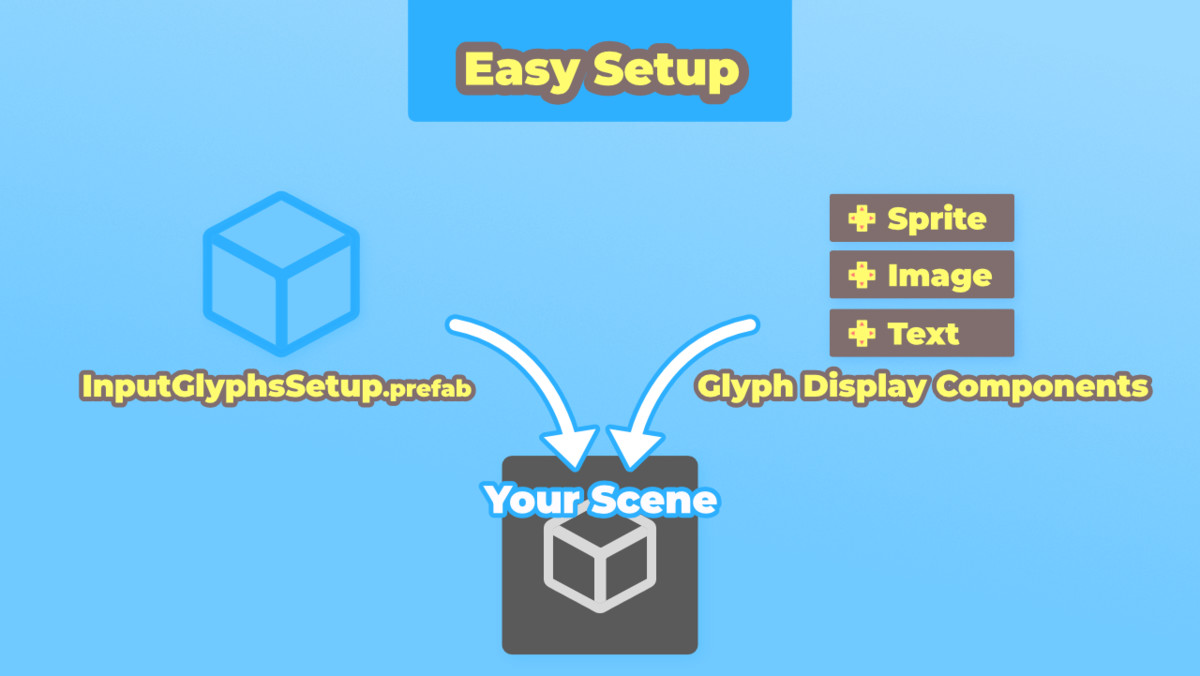
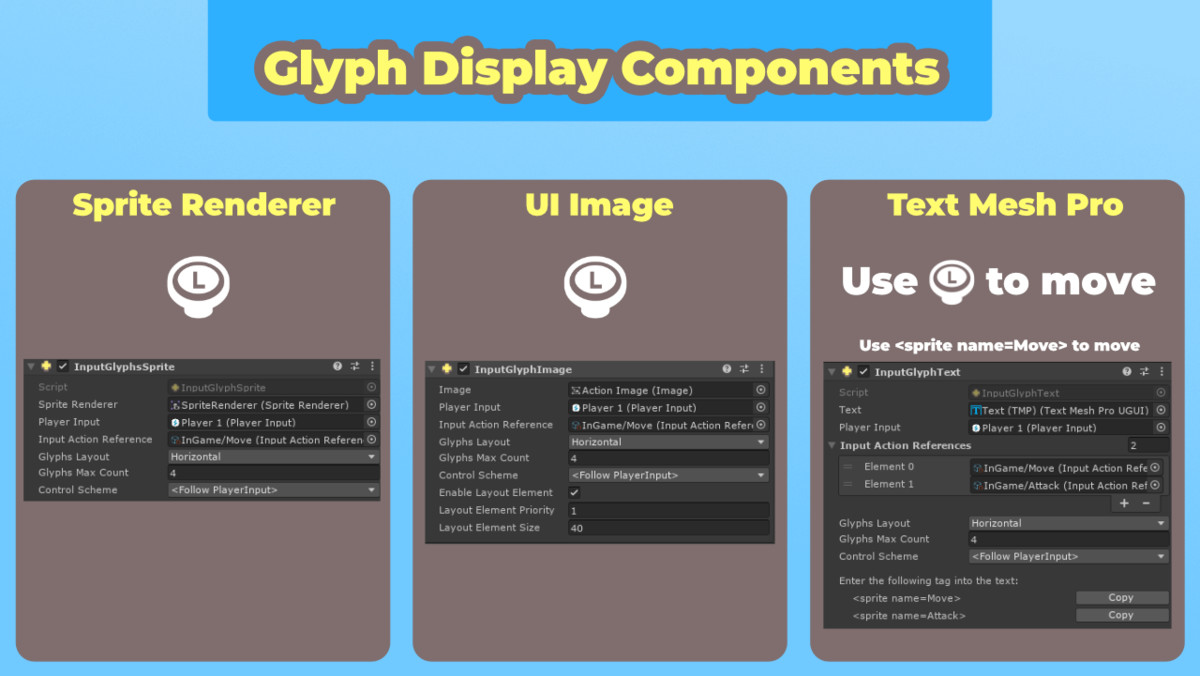
Glyph images will be displayed according to your project’s InputActions and PlayerInput. Glyph images can be displayed using Sprite Renderer, UI Image, or Text Mesh Pro.
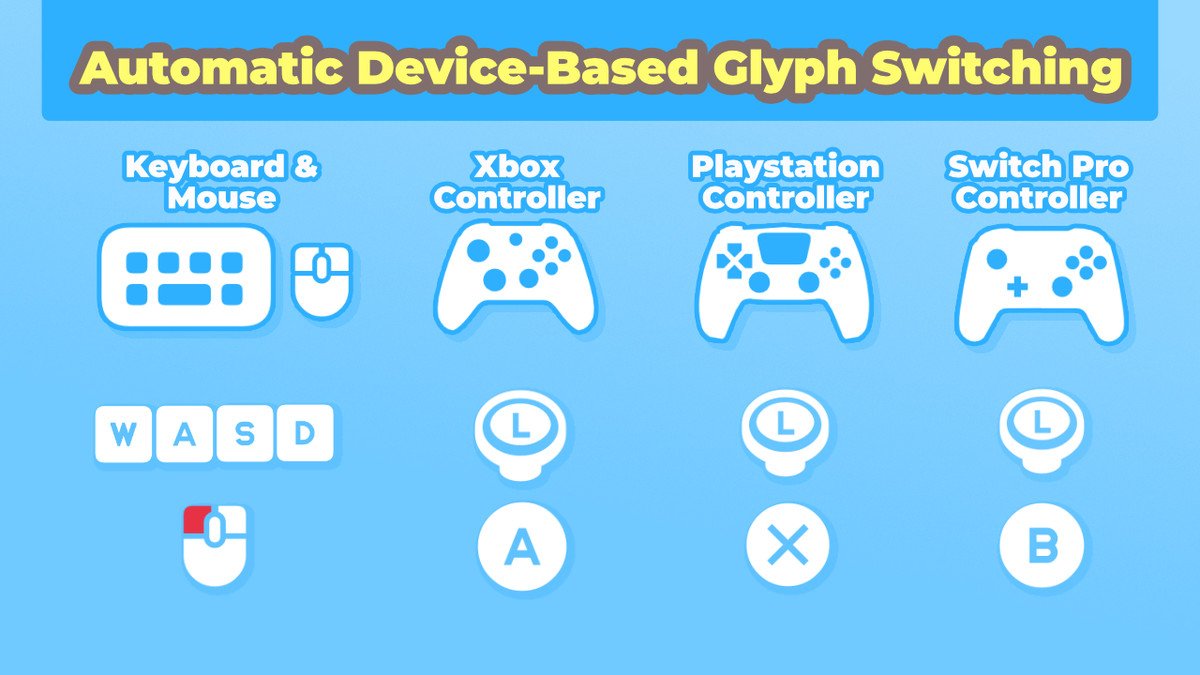
During gameplay, glyph images will automatically switch by detecting changes in input (PlayerInput). For example, when switching input devices, creating a second local player, or changing button assignments.
Support for Various Input Devices
By default, glyph images for the following devices are supported. It can also be extended for other devices.
- Keyboard & Mouse
- Xbox Controller
- Playstation Controller
- Switch Pro Controller
Support for Multiple Button Assignments
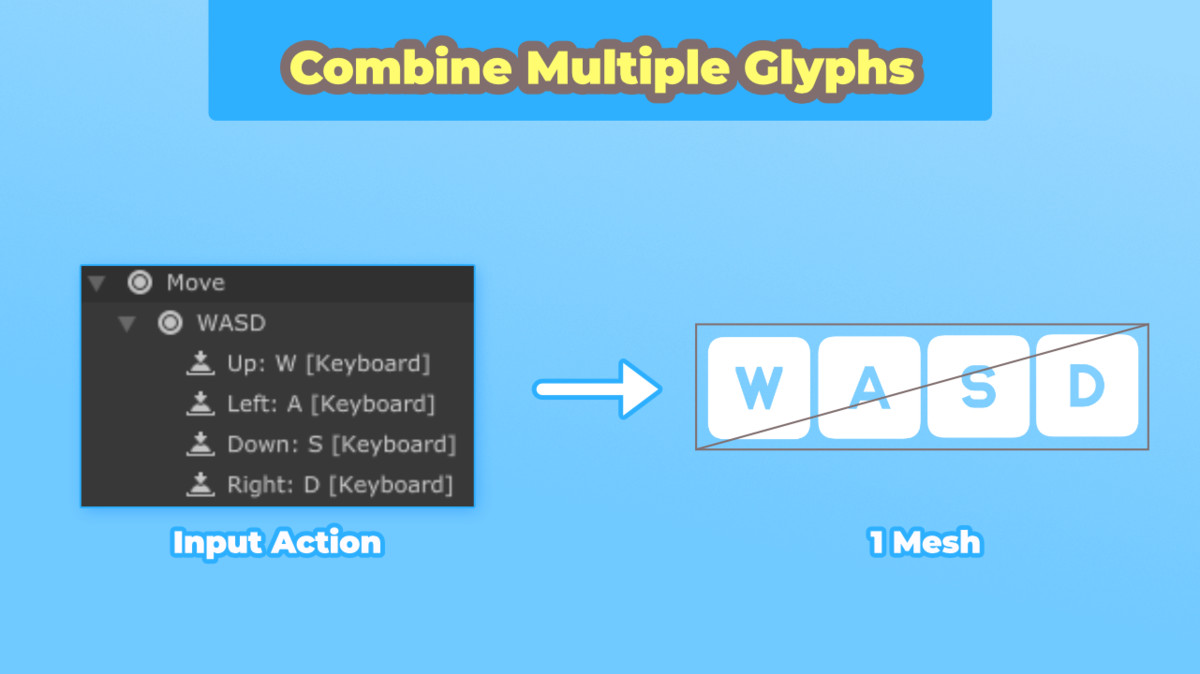
When multiple buttons are assigned to one action, such as “Move: WASD”, concatenated glyph images are generated.
Documentation
The documentation provides detailed instructions on how to set it up.
https://eviltwo.github.io/InputGlyphs_Docs/
This asset uses Kenney Input Prompts under Creative Commons 0. For more details, please refer to the Third-Party Notices.txt file within the package.
From the publisher's Asset Store listing.
Technical details
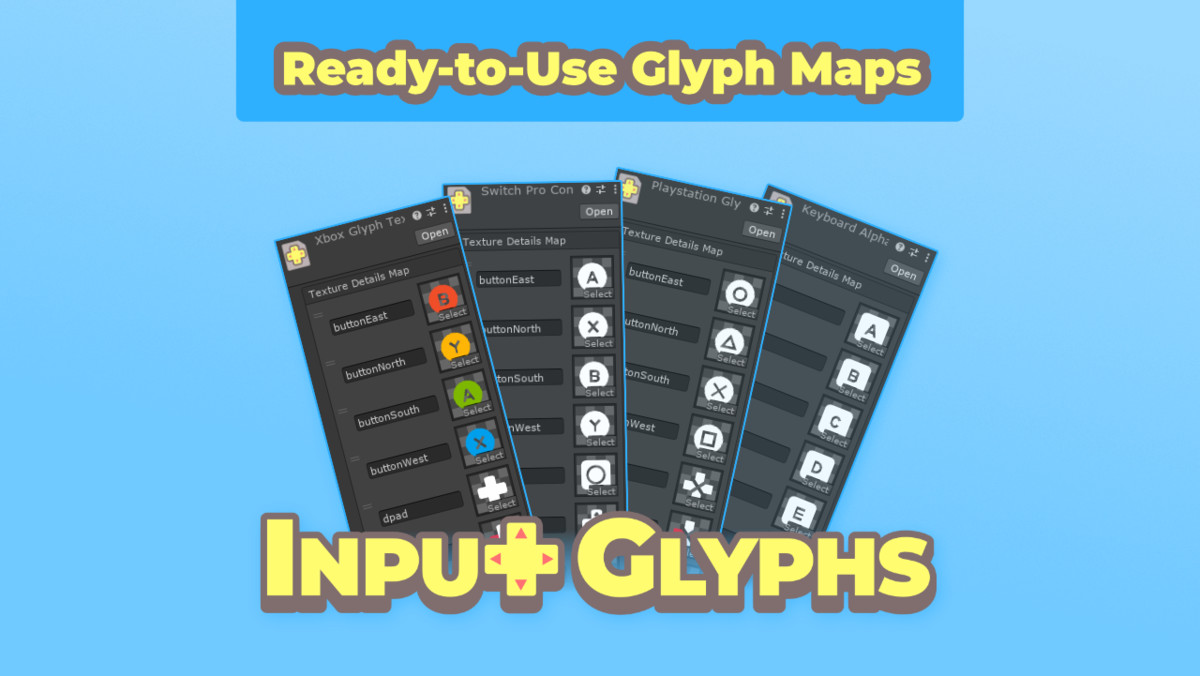
- Glyph images can be changed.
- Button names and glyph images can be added.
- Can be extended to display glyph images for your custom devices.
- Includes 4 samples
- SoloPlayerSample:
- A sample assuming single-player. The glyph image switches to the device that received input.
- DuoPlayerSample
- A sample assuming two players. Different glyph images are displayed for the first and second players.
- InputCheckSample
- When you press a device button, the glyph image of that button is displayed.
Compatibility
| Unity version | Built-in | URP | HDRP |
|---|---|---|---|
| 6000.3.9f1 | Compatible | Compatible | Compatible |
| 6000.0.85f1 | Compatible | Compatible | Compatible |
| 2022.3.62f2 | Compatible | Compatible | Compatible |
As listed on the Asset Store.