
 View on Asset Store (opens in new tab)
Package details
- Latest version
- 1.0
- Last updated
- First released
- Unity version
- 2022.3.8 or later
- Package size
- 53.1 MB
- Files
- 145
- Favorites
- 71
- Views in the past week
- 12
Price tracking
- Last checked
- Tracked since
- Lowest recorded
- $32.50 on
Keywords
- Search for VR Gesture Detection
- Search for VR Sports Simulation
- Search for Real-time Motion Tracking
- Search for hand gesture recognition
- Search for Natural VR Interactions
- Search for AR Gesture Detection
- Search for VR motion detection
- Search for Unity XR Framework
- Search for Immersive VR Controls
- Search for Machine Learning for VR
- Search for gesture recognition
- Search for VR Interaction System
VR Gesture Detection
VR Gesture Detection System for Unity | Real-Time Gesture Recognition for VR/AR Apps. VR Gesture Detection is a package that provides real-time gesture recognition for virtual and augmented reality.
Affiliate link · Purchases support this site
Price history
Last 6 months
USDAsset preview
1 / 16

VR Gesture Detection screenshot 1

About this asset
VR Gesture Detection
VR Gesture Detection is a cutting-edge Unity asset that delivers high-performance gesture recognition for virtual reality applications. Now fully compatible with Unity 6 using Sentis inference engine, this system provides seamless integration with OpenXR, Meta's OVR, and other VR frameworks.
Key Features
- Unity 6 Ready: Upgraded to use Unity Sentis for neural network inference
- Cross-Platform VR Support: Works with OpenXR, Meta Quest, SteamVR, and more
- 90+ Pre-trained Gestures: Extensive library of common VR movements
- Event-Driven Architecture: Easy integration with existing Unity projects
- High-Performance: GPU-accelerated processing optimized for VR environments
- Comprehensive Documentation: Detailed guides for setup and implementation
Gesture Library
Our extensive gesture library includes, but is not limited to:
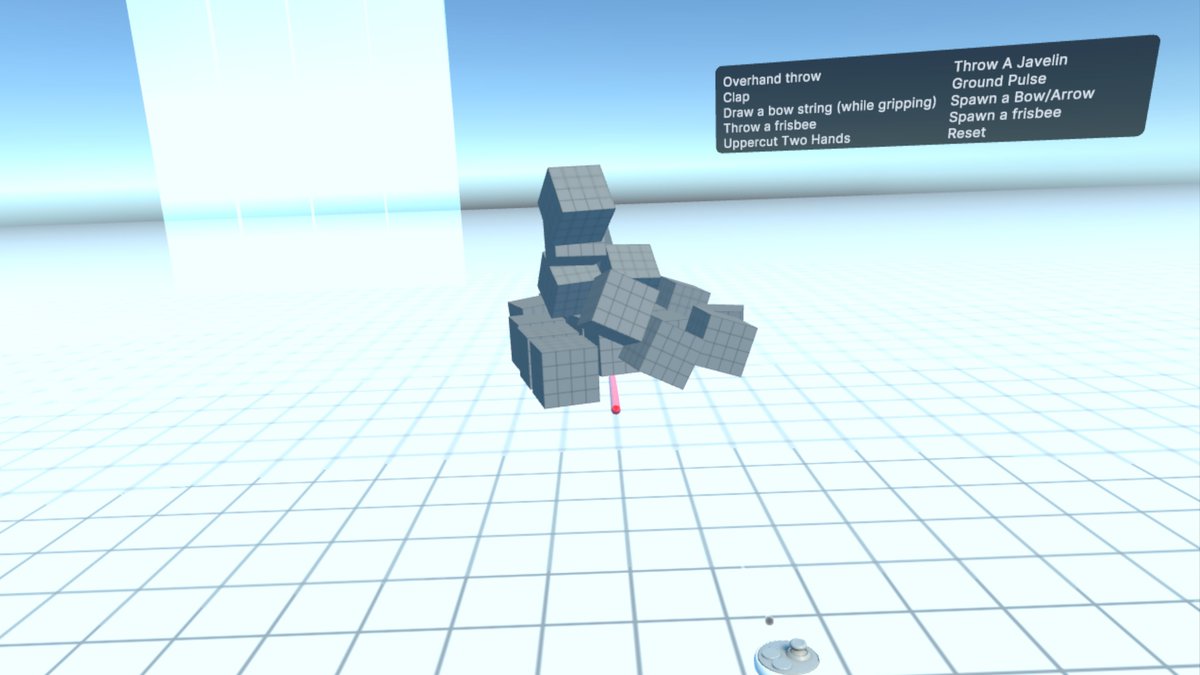
- Combat moves: uppercuts, punches, dodges
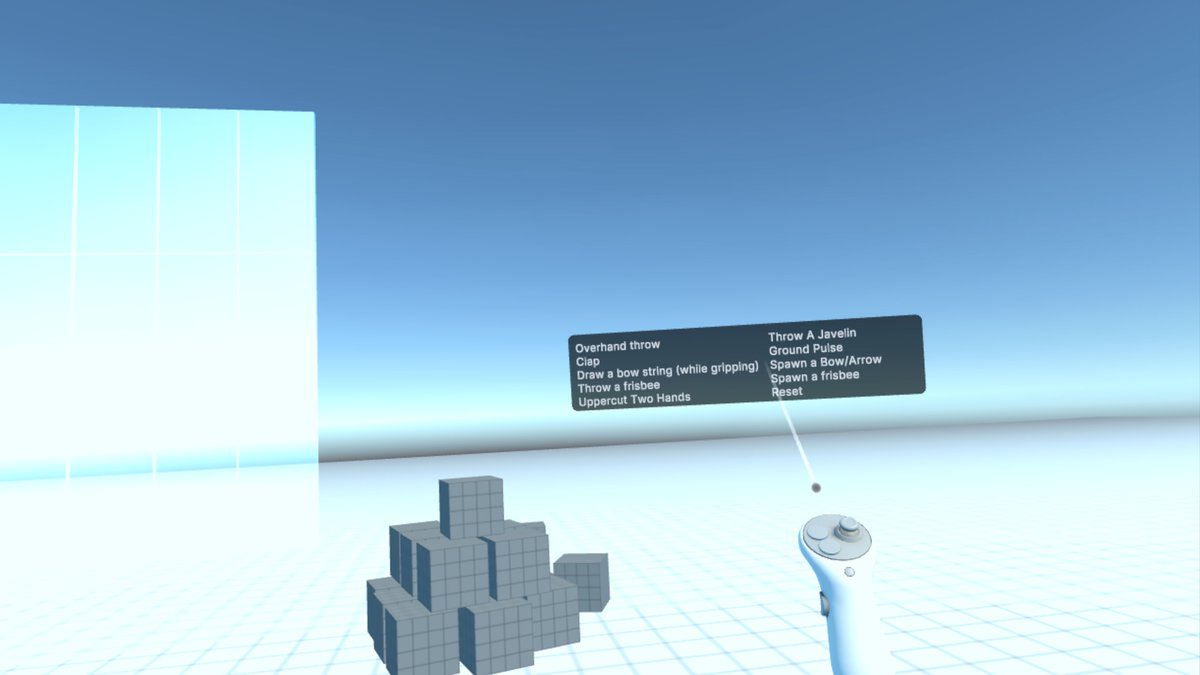
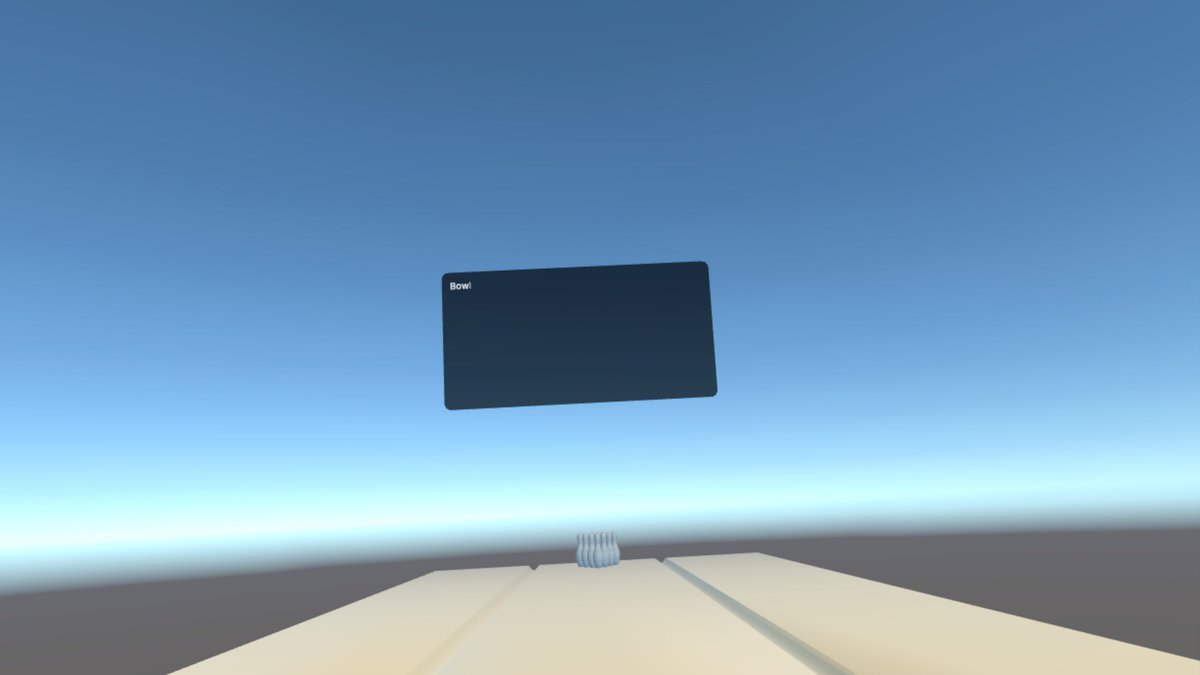
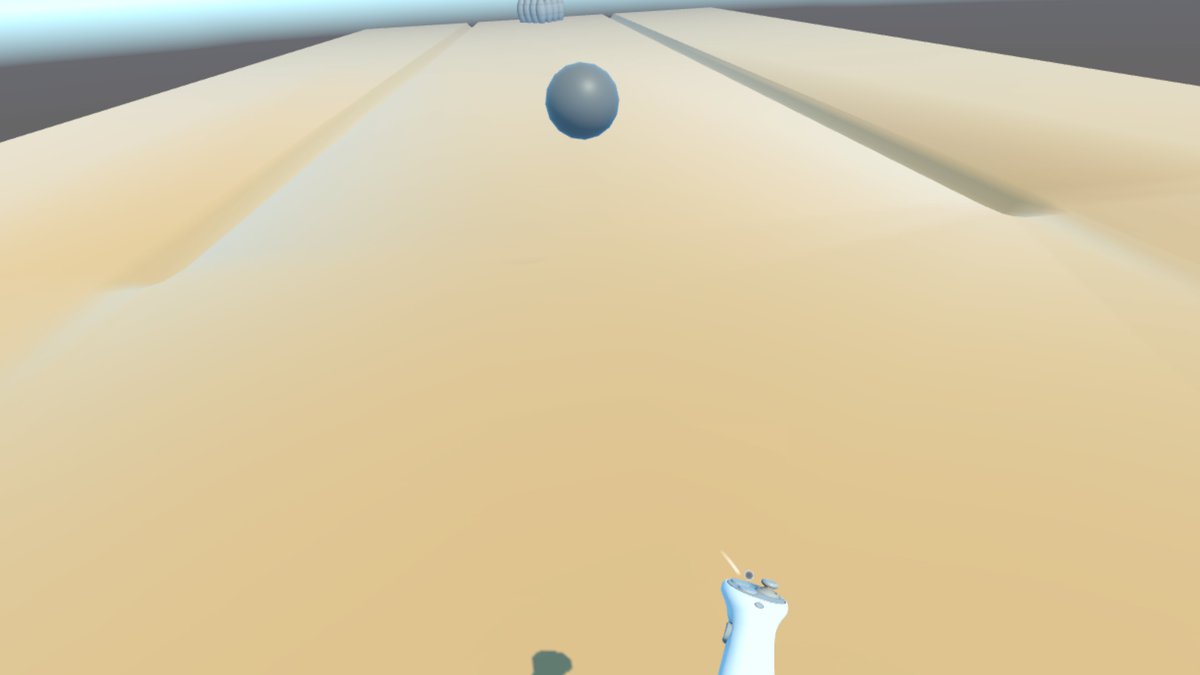
- Sports actions: bowling, frisbee throws, paddling
- Hand signals: claps, waves, timeouts
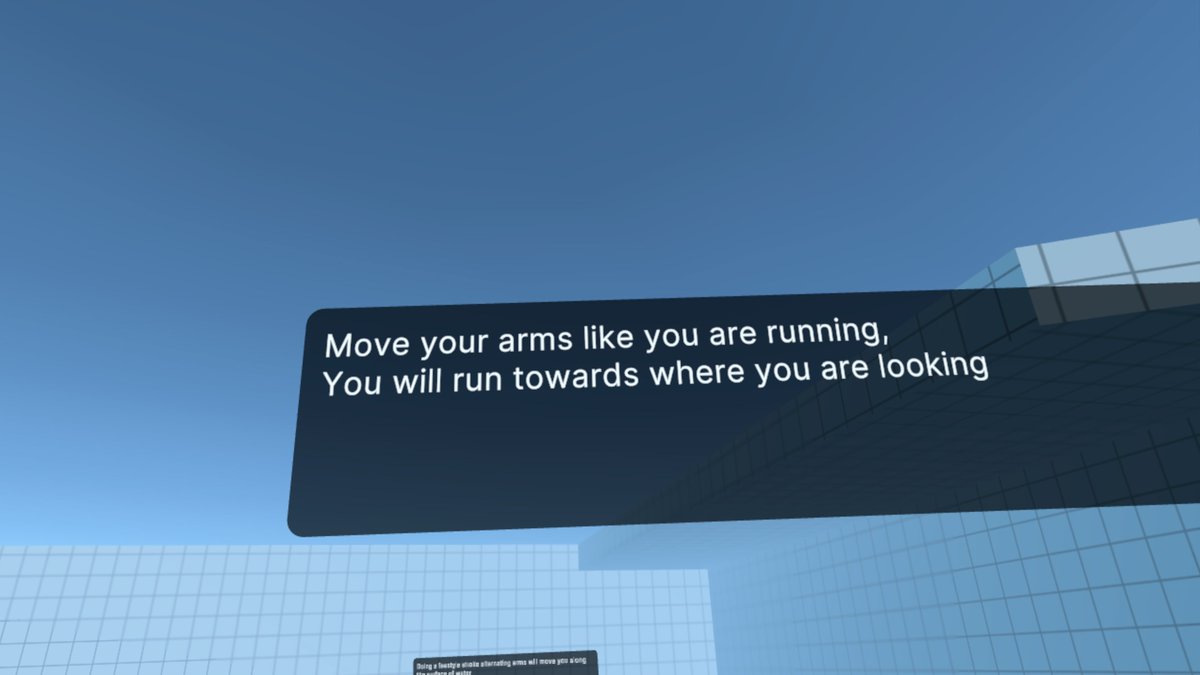
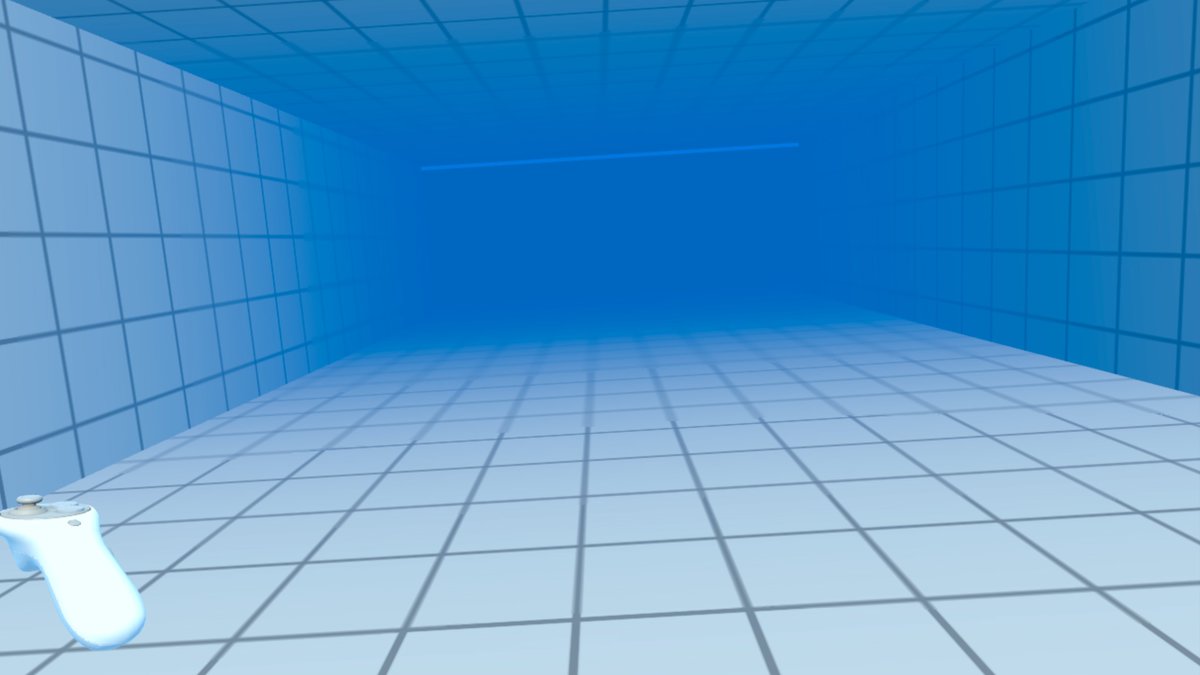
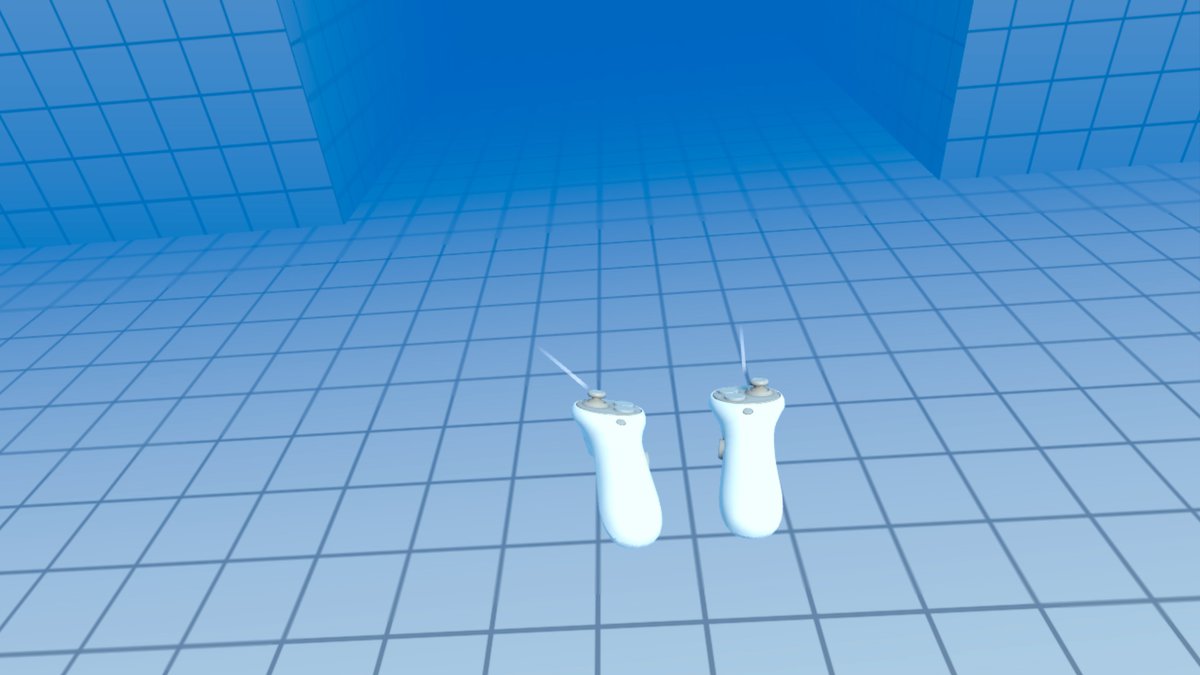
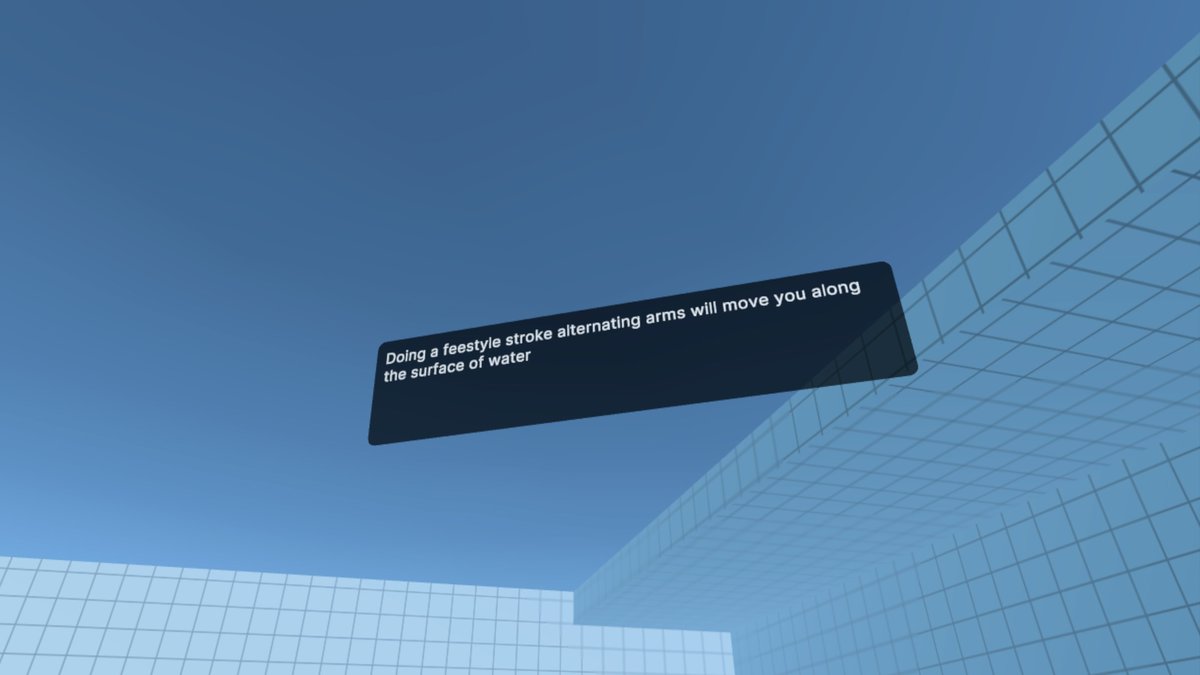
- Body movements: running, swimming, ducking
Use Cases
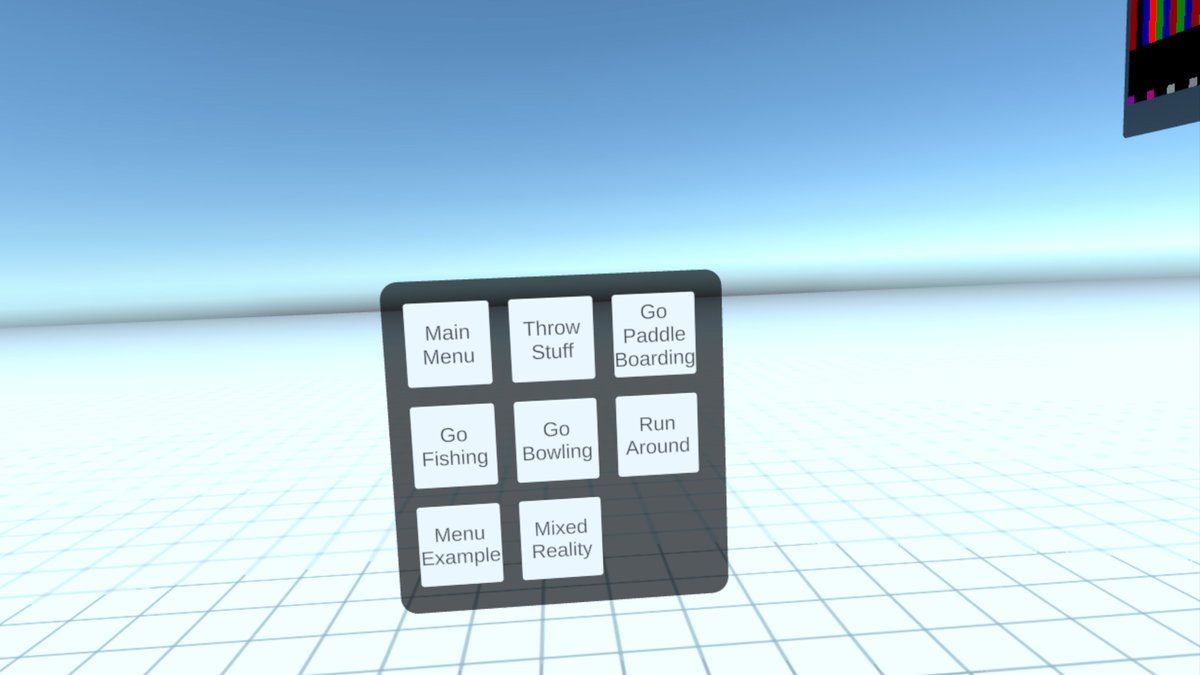
- Sports Simulation: Implement realistic paddleboarding, fishing, bowling, and more
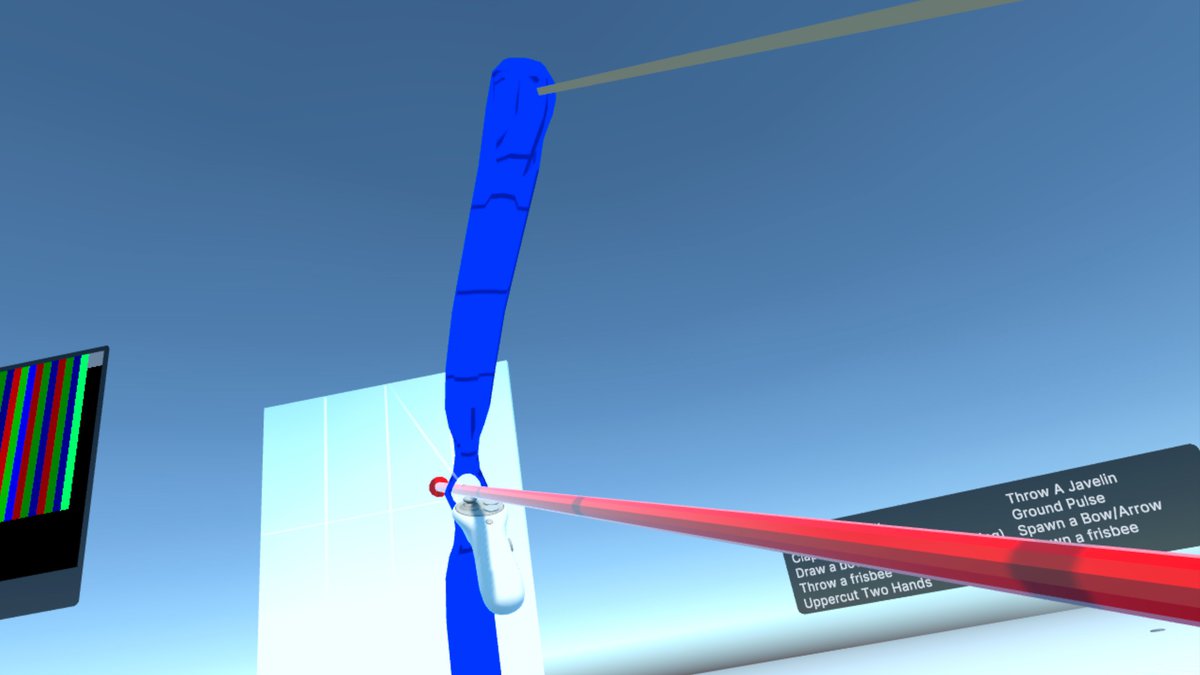
- Combat Games: Create gesture-based weapon spawning, aiming, and fighting mechanics
- Character Control: Natural locomotion through swimming, running, and other movements
- Training Applications: Develop interactive learning environments with precise gesture recognition
- Creative Tools: Enable intuitive controls for VR art and design apps
Why Choose VR Gesture Detection?
- Cutting-Edge Technology: Uses the latest Unity Sentis neural network framework
- Cross-Platform: Compatible with all major VR platforms and frameworks
- Precision & Speed: High accuracy detection with minimal latency
- Easy Integration: Simple setup process with clear documentation
- Example-Rich: Multiple demo scenes showcasing various implementations
- Customizable: Adapt the system to your specific project needs
- Ongoing Support: Regular updates and responsive assistance
Sample Implementations Included
- FightingTest: Combat mechanics with gesture-spawned weapons
- Fishing: Realistic fishing simulation with casting gestures
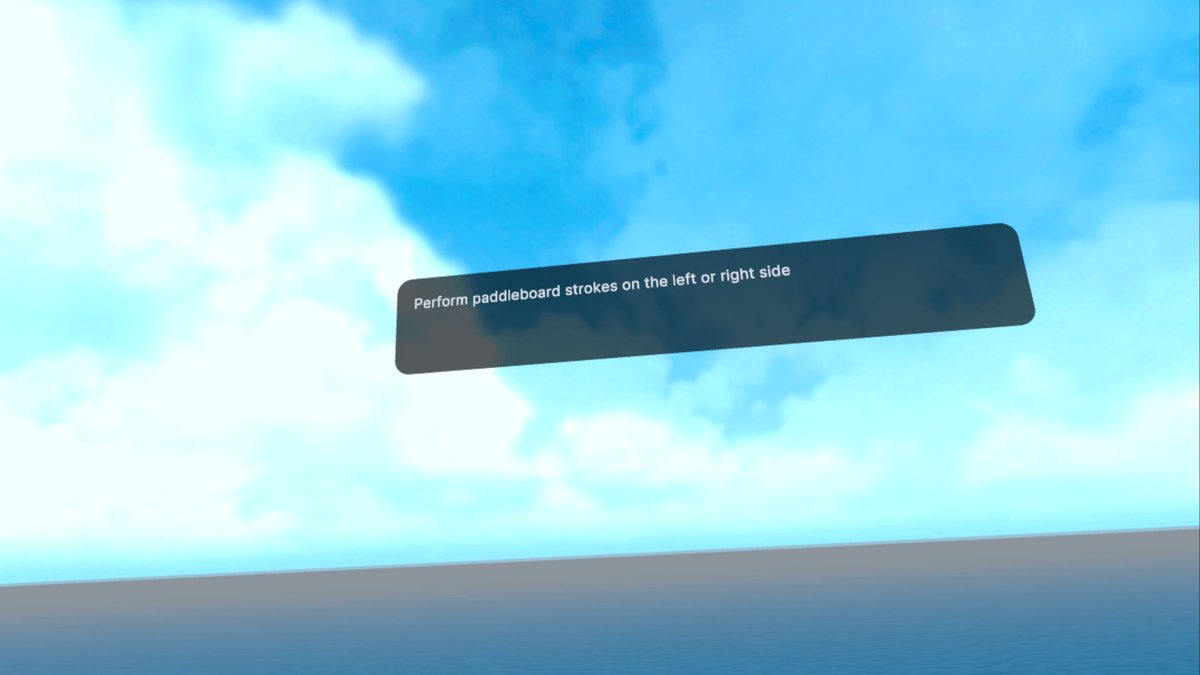
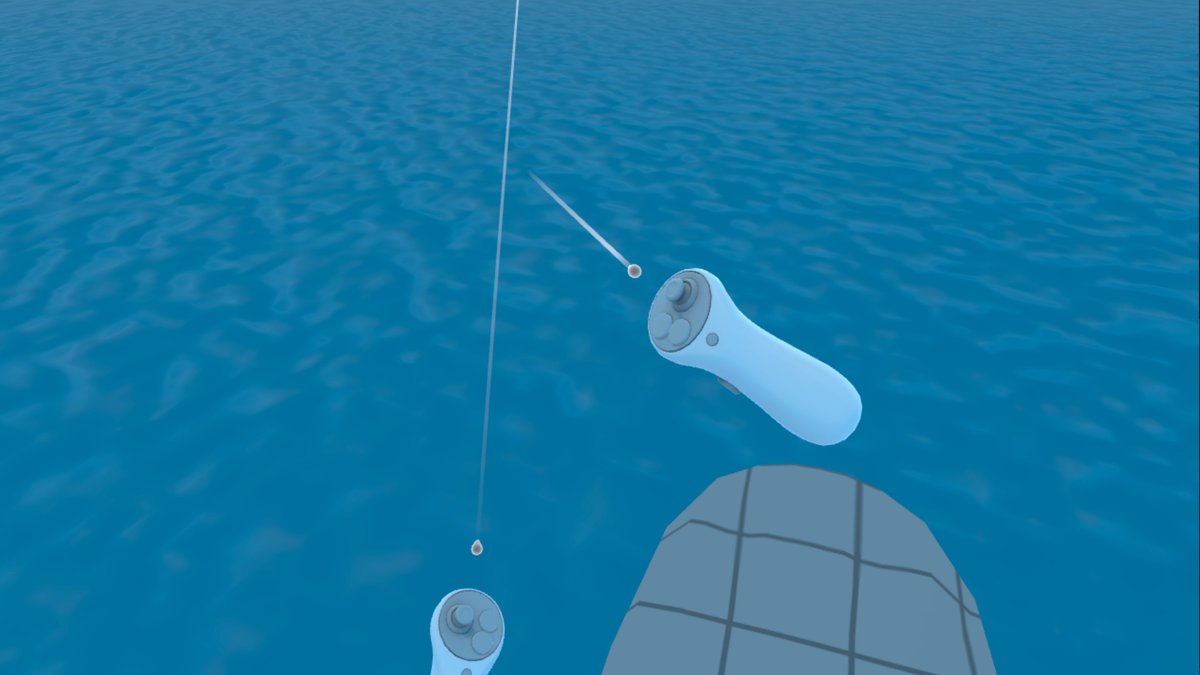
- PaddleBoard: Natural paddleboarding locomotion
- SimpleTest: Basic gesture detection testing
- SpawnItems: Object creation with throwing gestures
- CharacterControl: Avatar animation with gestures
Complete Gesture List
Basic Poses
- idle
- idle movement
- hold arms out
- hold arms up
- hold arms forward palms up
- hold arms forward palms down
Hand Movements
- upper cut right hand
- upper cut left hand
- pull down right hand
- pull down left hand
- right hand circle
- left hand circle
- right hand throw overhand
- left hand throw overhand
- super punch right
- super punch left
- waving right hand
- waving left hand
- look palm right
- look palm left
- facepalm right hand
- facepalm left hand
Arm Movements
- cross arms
- uncross arms
- extended arm circles
- rowing
Two-Handed Gestures
- push two hands
- upper cut two hands
- clap
- applause
- pull down two hands
- timeout two hands
- arms pound center
- yin yang
- jazz hands
- orb hands rotate
- windmill arms
- jump rope circles
- hand circles down
- right side two hand scoop
- left side two hand scoop
- reverse yin yang
- two hand throw overhand
- two hands push upward
- two hands push downward
- hands open skyward
- hands open groundward
- hands open right side
- hands open left side
- hands draw heart
- hands draw triangle
- hands draw square
- clap above head
- clap below waist
- clap behind back
- clap right side
- clap left side
- spiral hands upward
- spiral hands downward
Sport-Specific Motions
- paddleboard stroke right
- paddleboard stroke left
- paddleboard reverse stroke right
- paddleboard reverse stroke left
- draw bow right
- draw bow left
- reeling in right hand
- reeling in left hand
- throw fishing line right
- throw fishing line left
- fishing line precast right
- fishing line precast left
- bowling right
- bowling left
- bowling two hands
- frisbee throw right
- frisbee throw left
- frisbee throw two hands
- running
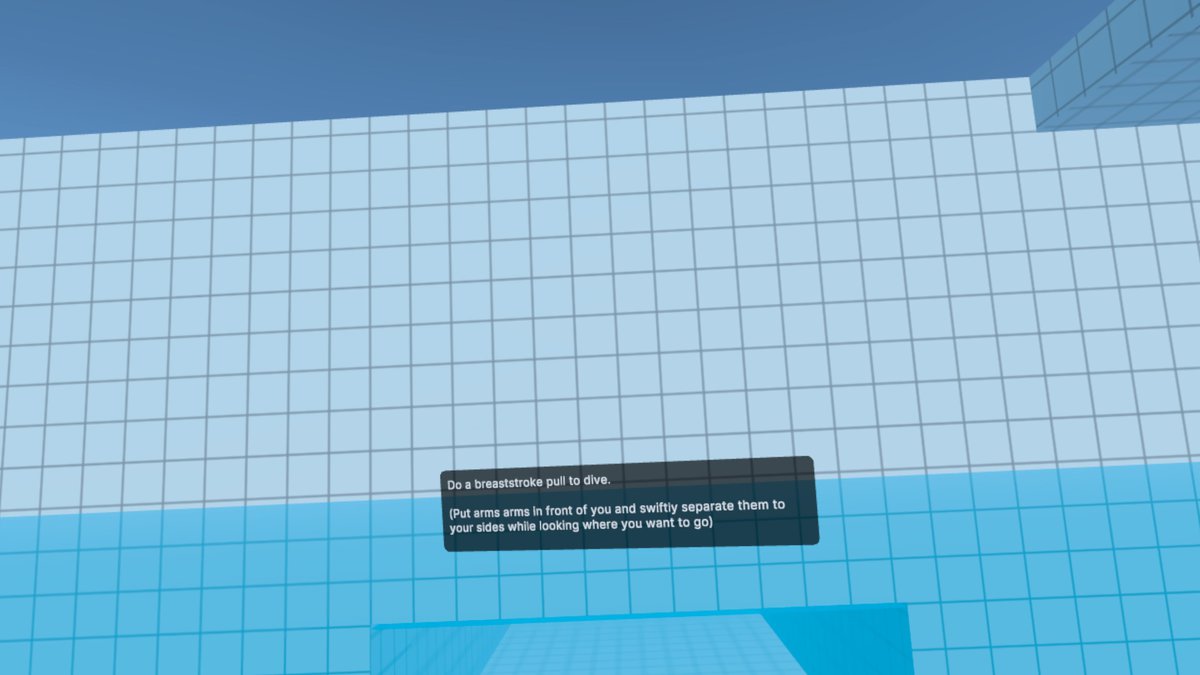
- breast stroke
- underwater swim
- lasso right
- lasso left
Directional Swipes
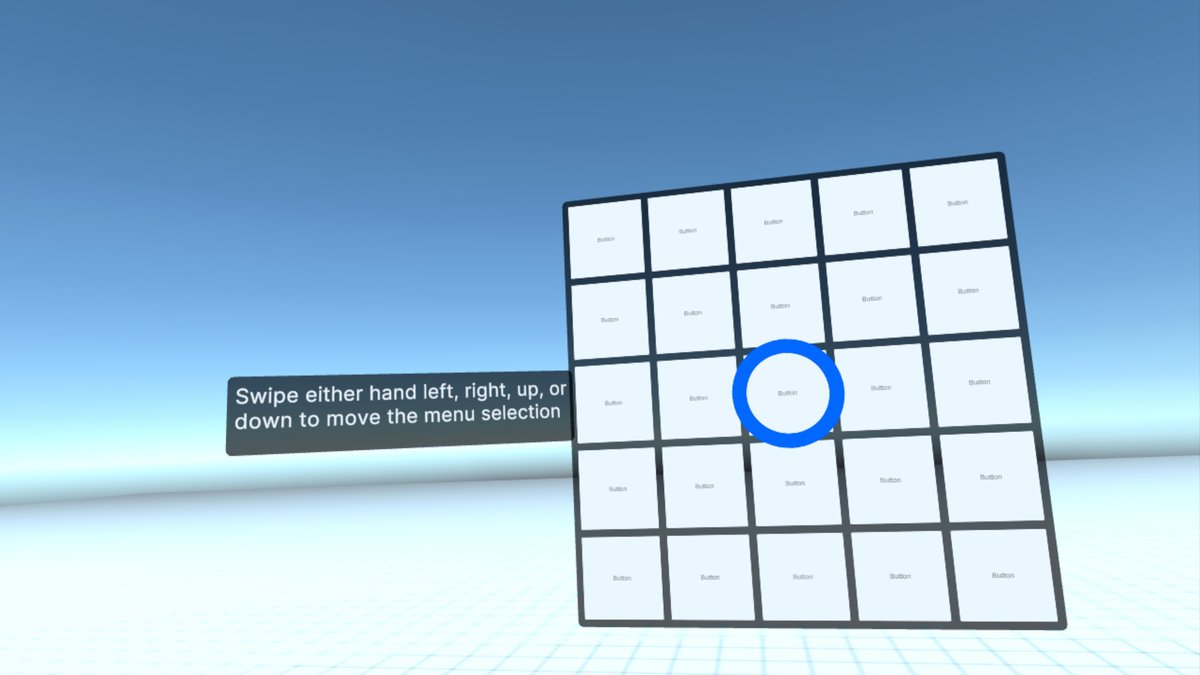
- right hand swipe across
- left hand swipe across
- right hand swipe up
- right hand swipe down
- right hand swipe L
- right hand swipe R
- left hand swipe up
- left hand swipe down
- left hand swipe L
- left hand swipe R
- right hand waving face
- left hand waving face
Head Movements
- yes nod
- no head shake
Tool-Based Gestures
- shovel dig right
- shovel dig left
- shovel throw right
- shovel throw left
- hammering right hand
- hammering left hand
Miscellaneous Gestures
- dodge left
- dodge right
- duck
With more gestures being added regularly!
System Requirements
- Unity 2020.3 or later (Unity 6.x recommended)
- Unity Sentis package
- Compatible VR headset (Meta Quest, Valve Index, HTC Vive, etc.)
Transform your VR applications with VR Gesture Detection - where every movement matters!
From the publisher's Asset Store listing.
Technical details
Technical Specifications
- Utilizes Unity Sentis for efficient ML model execution (Unity 6 compatible)
- Lightweight and optimized for VR/AR performance
- Compatible with major VR/AR platforms
- Regular updates with new gestures and optimizations
- Real-time gesture detection using machine learning models
- Seamless integration with Unity's XR framework
- Seamless integration with Meta's OVR framework
- Seamless integration with VRIF
- Detailed documentation for easy setup and usage
- Example scenes demonstrating core functionality
- Supports head and hand tracking
- Converts gestures into encoded images for detection
- Easy configuration through Unity Inspector
- Works great in Mixed Reality
- GPU-accelerated inference for optimal VR performance
Compatibility
| Unity version | Built-in | URP | HDRP | Custom |
|---|---|---|---|---|
| 6000.0.28f1 | Compatible | Compatible | Compatible | Compatible |
| 2022.3.8f1 | Compatible | Compatible | Compatible | Compatible |
Ensure these are installed and up to date:
Unity Sentis (Updated from Barracuda): For running the machine learning models used in gesture detection.
OpenXR: For accessing VR headset and controller input data, ensuring compatibility with a wide range of VR devices.
As listed on the Asset Store.