
 View on Asset Store (opens in new tab)
Package details
- Latest version
- 1.01
- Last updated
- First released
- Unity version
- 2022.3.33 or later
- Package size
- 100 KB
- Files
- 19
- Favorites
- 14
- Views in the past week
- 7
Price tracking
- Last checked
- Tracked since
- Lowest recorded
- Free on
Keywords

Bounding Box
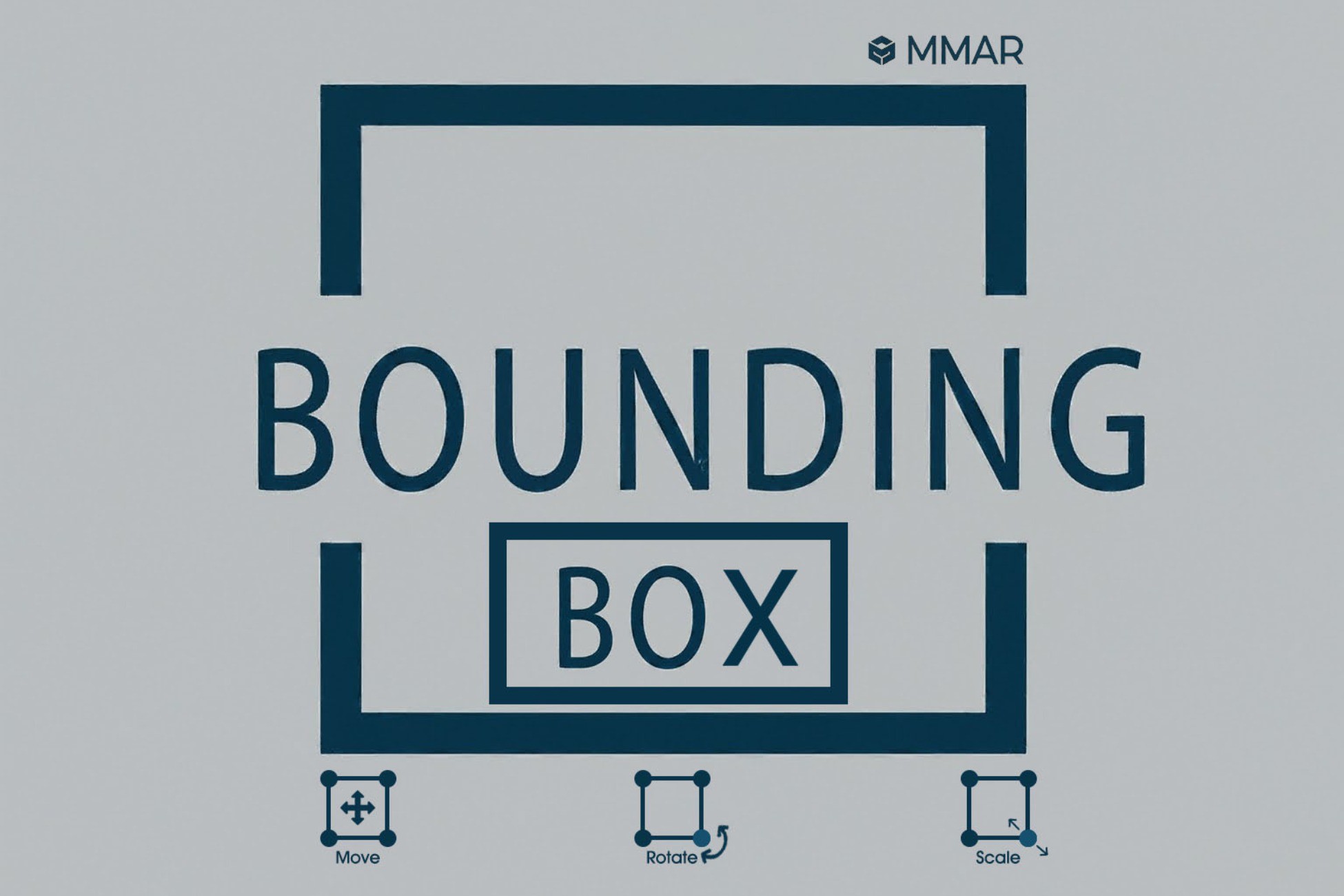
Bounding box can help you to move, resize and rotate canvas objects in runtime. This can help you to rearrange the UI in runtime or allow users to customize ui as their wish.
Price Free
Get it free on Asset Store (opens in new tab)
Affiliate link · Purchases support this site
Price history
Last 6 months
USDAsset preview
1 / 1
Bounding Box video 1 (plays on the Asset Store)
About this asset
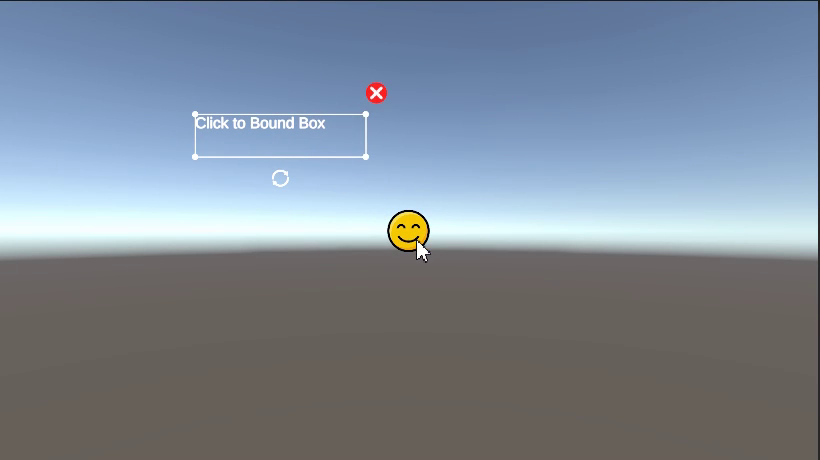
Bounding boxs allows you to easily reposition, resize or rotate unity canvas object in runtime. You can also use it to allow users to modify ui or controls.
Key Features:
- Visual Bounding Box: Easily select and interact with UI elements through a clear, resizable bounding box.
- Real-time Transformations: Move, rotate, and scale Canvas objects with smooth, immediate feedback.
- Easy to Use: Add the bounding box prefab in your scene and you call BoundingBox.instance.Set(targetRectTransform). Now you are ready to move, rotate or resize that object by just click and dragging. Hurray 🙂
From the publisher's Asset Store listing.
Technical details
- Visual Bounding Box: Easily select and interact with UI elements through a clear, resizable bounding box.
- Real-time Transformations: Move, rotate, and scale Canvas objects with smooth, immediate feedback.
- Easy to Use: Add the bounding box prefab in your scene and you call BoundingBox.instance.Set(targetRectTransform). Now you are ready to move, rotate or resize that object by just click and dragging. Hurray 🙂
Compatibility
| Unity version | Built-in | URP | HDRP |
|---|---|---|---|
| 6000.2.15f1 | Compatible | Compatible | Compatible |
| 2022.3.33f1 | Compatible | Compatible | Compatible |
As listed on the Asset Store.