
 View on Asset Store (opens in new tab)
Package details
- Latest version
- 1.0.2
- Last updated
- First released
- Unity version
- 2021.3.0 or later
- Package size
- 64.9 MB
- Files
- 391
- Favorites
- 87
- Views in the past week
- 28
Price tracking
- Last checked
- Tracked since
- Lowest recorded
- $9.99 on
Keywords
Fast Mesh Pro - 3D Asset Creation Tool
- Price drop
FastMesh provides a fast and efficient tool for creating 3D models directly within the Unity editor.
Lowest recorded price
Get 80% off on Asset Store (opens in new tab)Affiliate link · Purchases support this site
Price history
Last 6 months
USDAsset preview
1 / 18

Fast Mesh Pro - 3D Asset Creation Tool video 1


About this asset
[Lite] [Pro]
Tired of spending time on complex 3D editors just to create simple 3D models for your projects? Introducing FastMesh - a tool that will allow you to quickly and easily bring your creative ideas to life, without getting distracted by mastering multi-functional 3D software.
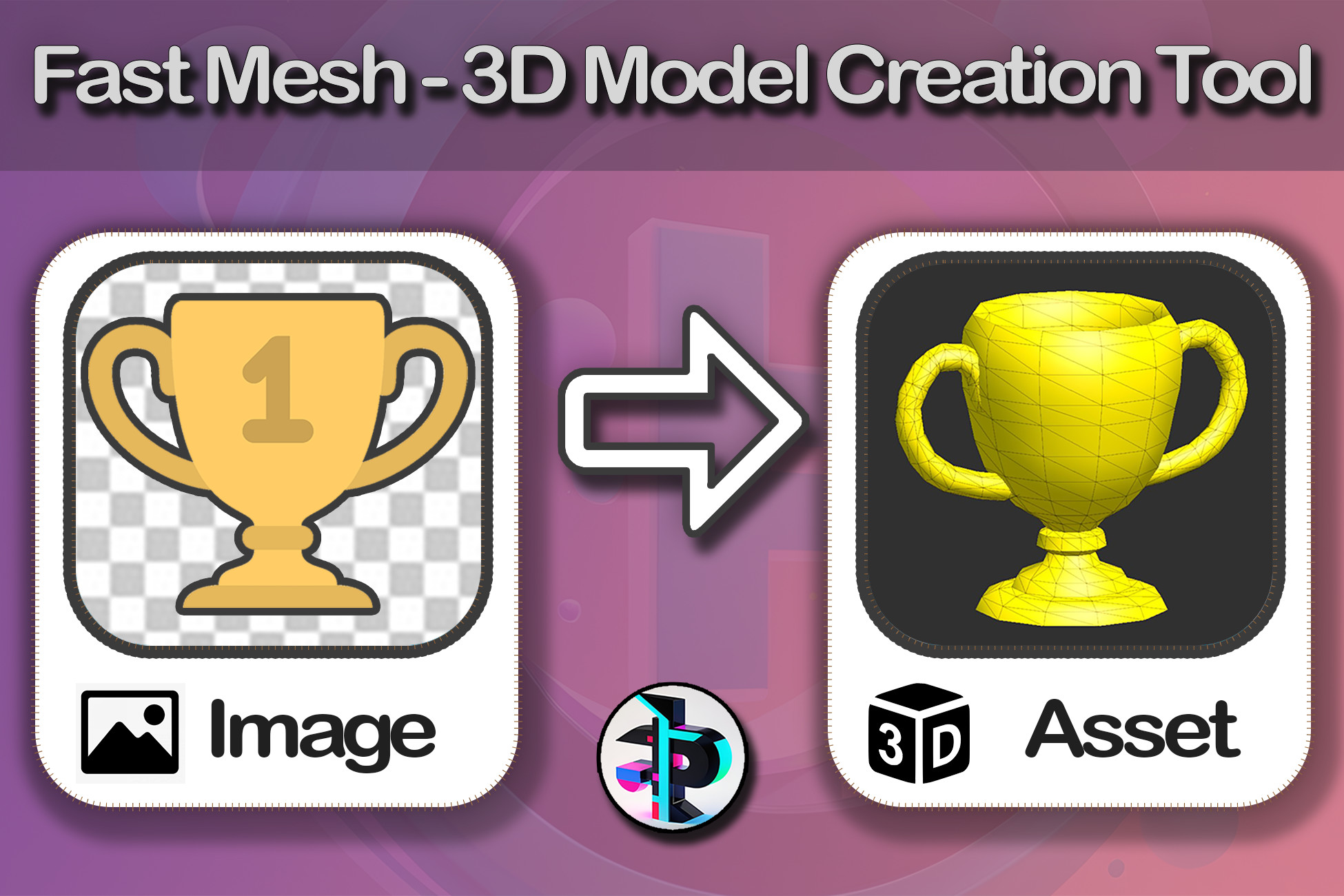
With FastMesh, you can create 3D assets directly within Unity, without the need to switch between various programs. Simply draw the silhouette of the desired object, and FastMesh will instantly transform it into a three-dimensional model. Or upload a 2D image and get a ready-to-use 3D mesh that you can immediately incorporate into your project.
Whether it's simple icons, interior objects, or any other items - with FastMesh, you can realize your creative visions in a matter of minutes.
FastMesh offers an intuitive interface and the most essential tools for quick and efficient 3D model creation.
Discover the new possibilities of fast 3D modeling with FastMesh. Bring your ideas to life without getting distracted by complex tools, and create 3D content at an incredible pace.
You can try out all the Features for FREE with Fast Mesh Lite then seamlessly upgrade to Fast Mesh Pro if needed.
Open FastMesh window at menu "Window -> Fast Mesh -> Open Editor". An Editor window will pop up.
You can download 3D models created with this asset for FREE here
From the publisher's Asset Store listing.
Technical details
⚙️ Main Features
-> Basis
To draw a 3D shape, first draw its front view, then its side view. The program will connect these drawings to create a solid object!
-> Bevel Modifier
The Bevel tool provides the ability to create chamfered edges on 3D objects. It ensures a smooth transition between faces, giving the object a more realistic and complete appearance.
-> Revolve Modifier
The "Revolve" tool creates an object that repeats the shape around a central axis, allowing for the quick generation of symmetrical 3D forms. This tool is particularly useful when creating objects with circular symmetry, such as vases, bowls, bottles, and other objects of rotation.
-> Use of your images
You can not only draw on the canvas to create 3D objects, but also upload your own images.
-> "2D to 3D" Mode
The "2D to 3D" mode allows to add depth to two-dimensional images, turning them into three-dimensional objects. Suitable for elongated objects such as handles, pipes, etc.
-> Cutout Tool
The "Cutout" tool allows cutting holes in 3D objects
-> Eraser Tool
The "Eraser" tool allows you to remove parts of an object at any angle.
-> Split Tool
Use the 'Split' tool to divide a layer into two parts. You can draw cutting lines along which the division will take place. This allows you to edit the resulting parts independently of each other.
📦 Supported OS:
Cross-platform
FastMesh is fully compatible with Unity 2021.3 or higher
📝 Link to documentation: