
 View on Asset Store (opens in new tab)
Package details
- Latest version
- 1.5.0
- Last updated
- First released
- Unity version
- 2021.3.19 or later
- Package size
- 14.0 MB
- Files
- 54
- Favorites
- 67
- Views in the past week
- 28
Price tracking
- Last checked
- Tracked since
- Lowest recorded
- Free on
Keywords

Animation Recorder Lite
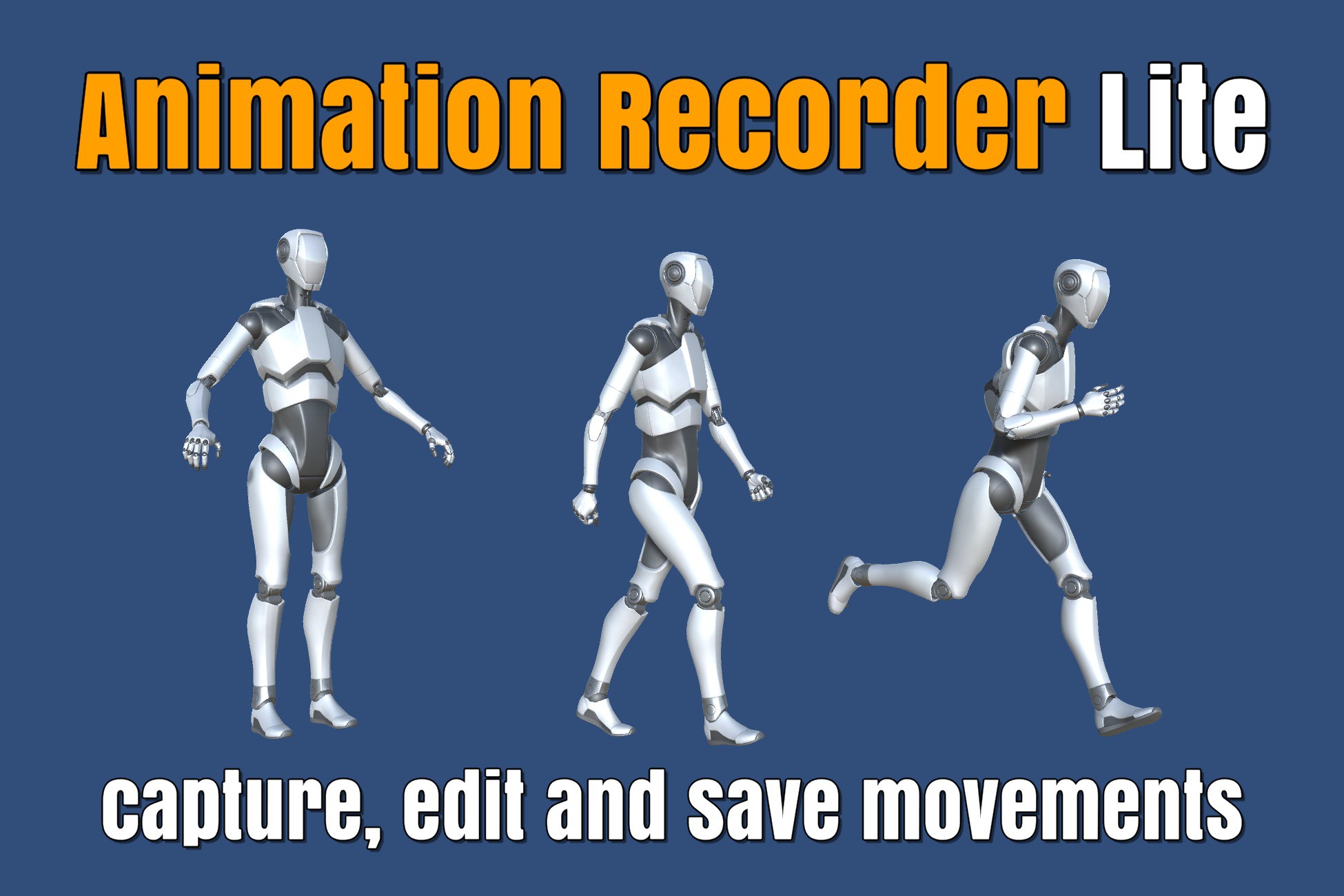
If you are looking for a way to capture and modify skeletal movements of a model at runtime or in Editor, this plugin is the perfect solution for your needs.
Affiliate link · Purchases support this site
Price history
Last 6 months
USDAsset preview
1 / 9

Animation Recorder Lite screenshot 1



About this asset
This plugin allows you to capture the skeletal movements of a model in real-time or in Unity Editor, modify and save them as animations for future use. Whether you're developing a game or an interactive application, this tool will streamline your animation workflow.
Version Differences
- Pro Version: Full functionality, including GLB and FBX export, blendshapes recording, and VR samples.
- Lite Version: Limited to JSON serialization and generic Animation Clips.
There are following ways to save captured movements:
- JSON serialization
- creating generic Animation Clip
Primary Use Cases
- Animation editor: Modify existing animations.
- Combine Animations: Merge several animations into a single one.
- Create Animation Packs: Develop new animations or static pose packs.
- VR Body Tracking: Generate animations from body tracking in VR applications.
- Debugging Tool: Debug in-game movements effectively.
Getting Started
- Open and run an Assets/DevEloop/AnimationRecorder/Scenes/1-EditorModeRecordingSample.unity sample scene.
- Open the Animation Recorder Window (Window -> Animation -> Animation Recorder).
- Select an object with Animator.
- Press the Run Animator button to start animation and record it.
- Press the Stop Animator button to stop recording.
- Modify the captured movements if needed.
- Create a generic Animation Clip.
───────────────────────────────
MORE FROM DEVELOOP
Need FBX and GLB export? Get the full Animation Recorder:
https://assetstore.unity.com/packages/slug/284862
All our Unity tools and animation packs:
Demos and tutorials on YouTube:
https://www.youtube.com/@develoop-video
Support: [email protected]
From the publisher's Asset Store listing.
Technical details
Supported platforms:
- JSON serialization is supported on all platforms
- Generic Animation Clip can be created in Unity Editor
Detailed docmentation can be found in Assets/DevEloop/AnimationRecorder/Documentation/documentation.html