
 View on Asset Store (opens in new tab)
Package details
- Latest version
- 1.1.0
- Last updated
- First released
- Unity version
- 2022.3.62 or later
- Package size
- 16.8 MB
- Files
- 50
- Favorites
- 31
- Views in the past week
- 12
Price tracking
- Last checked
- Tracked since
- Lowest recorded
- $10.99 on
Keywords
SciFi Portals - Seamless Teleportation
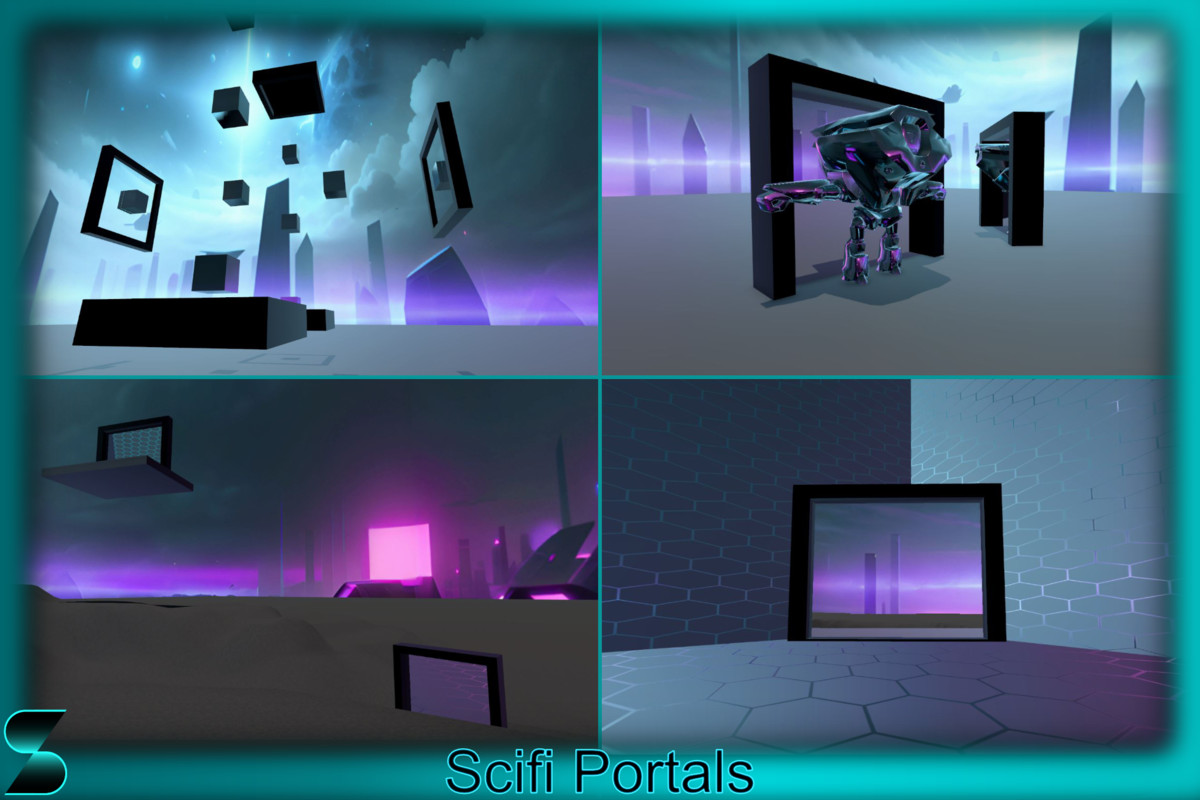
Sci-Fi Portals with seamless teleportation and slicing effect
Affiliate link · Purchases support this site
Price history
Last 6 months
USDAsset preview
1 / 4
SciFi Portals - Seamless Teleportation screenshot 1

About this asset
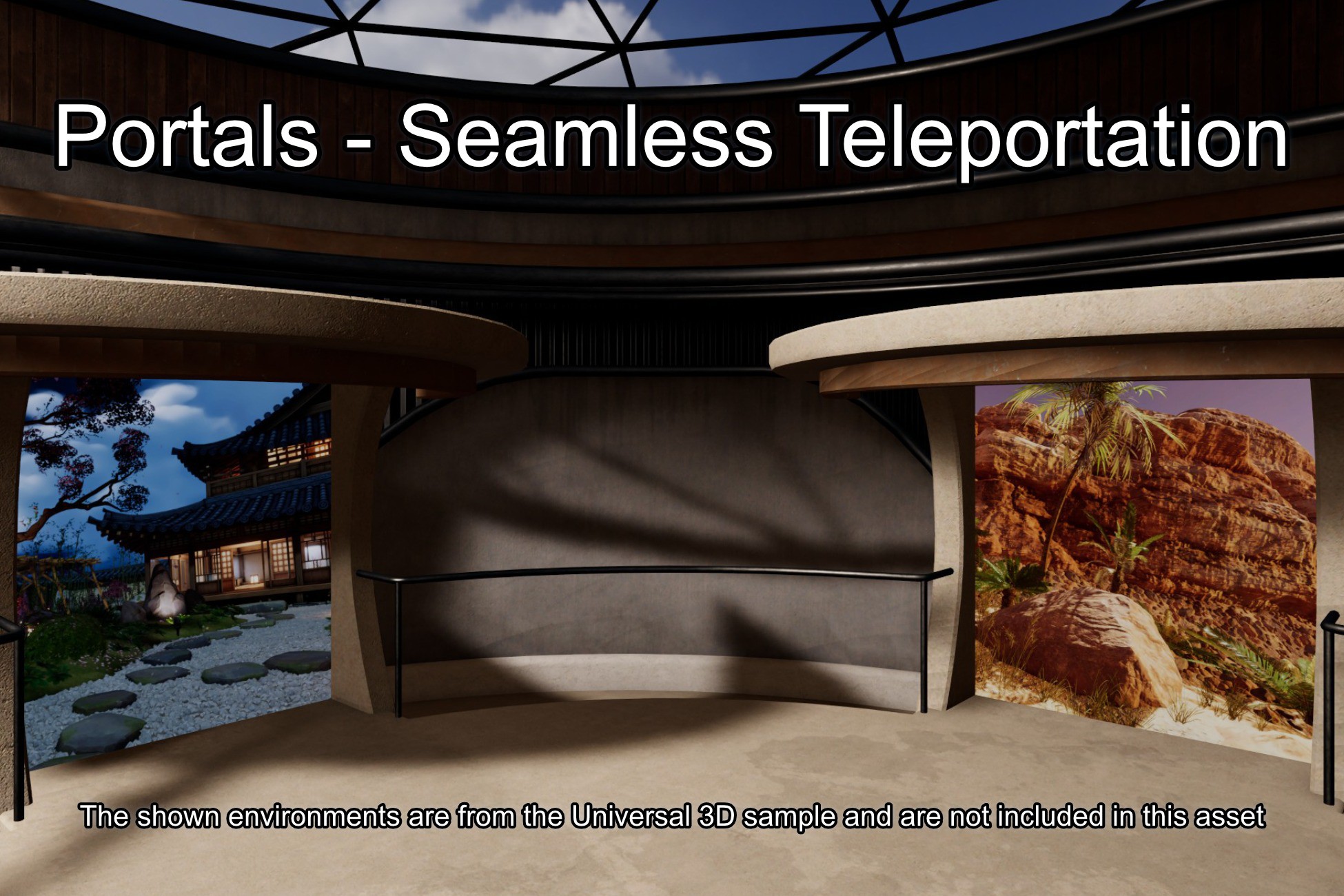
The Sci-Fi Portals asset is your gateway to fascinating interdimensional experiences! Whether you're creating a space exploration adventure or a futuristic RPG, this portal is the perfect addition to your project. With the ability to effortlessly walk through portals, players will be mesmerized by the fluidity of their teleportation experience. Craft gameplay scenarios by combining two portals seamlessly, allowing complex teleportation mechanics and dynamic level design. Whether you're transporting players to distant galaxies or alternate realities,with this asset you can get seamless teleportation by simply walking through the portal like through a simple door.
Part of the Gameplay Systems Bundle! Get this asset together with 5 additional assets and enjoy the complete collection at a special bundle price.
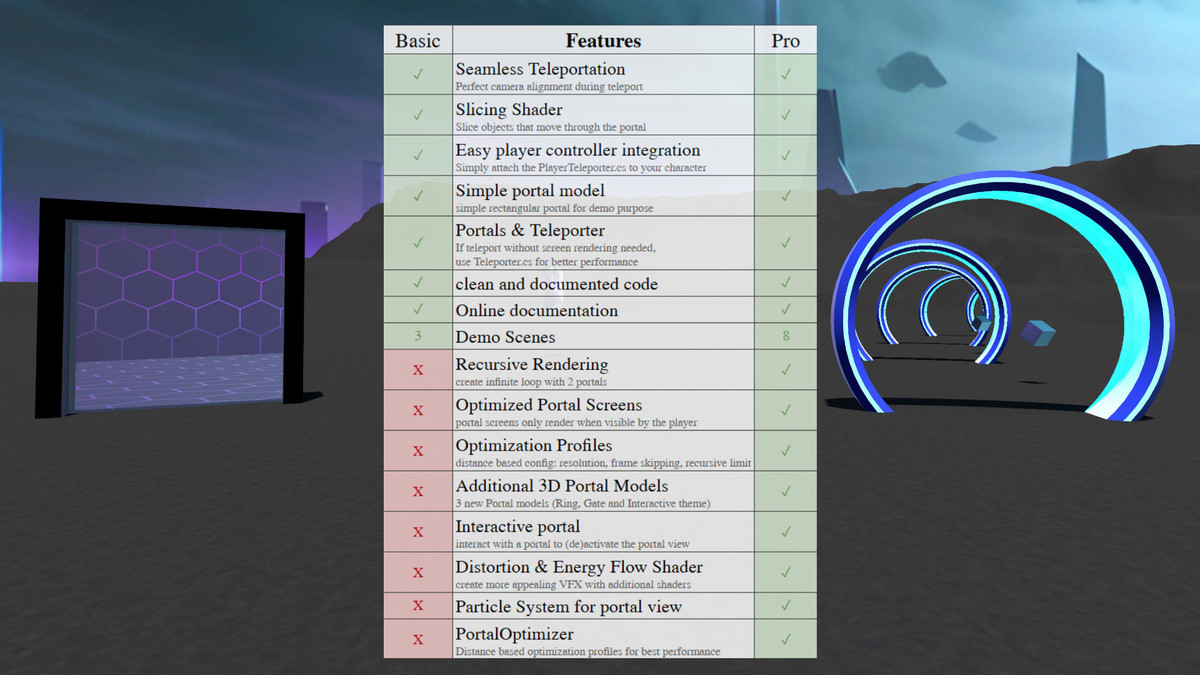
Looking for recursive rendering portals? Check out SciFi Portals Pro
Note: This package is build with a first person controller, and has no support for third person controllers.
Key features:
Seamless teleportation
Players can effortlessly walk through portals as if they were walking through a simple door. Say goodbye to clunky transitions as users seamlessly traverse between worlds with a single step. From a third-party perspective, witness the objects appear to seamlessly transition through the portal, adding a touch of realism and immersion to your project
Perfect portal camera alignment
Through mechanisms like perspective division and oblique projection, the portal's cameras adjust based on the player's camera, creating the most realistic portal view possible. This view mechanism is the base of the seamless teleportation, since it exactly shows the future view of the player's camera.
Slicing Shader
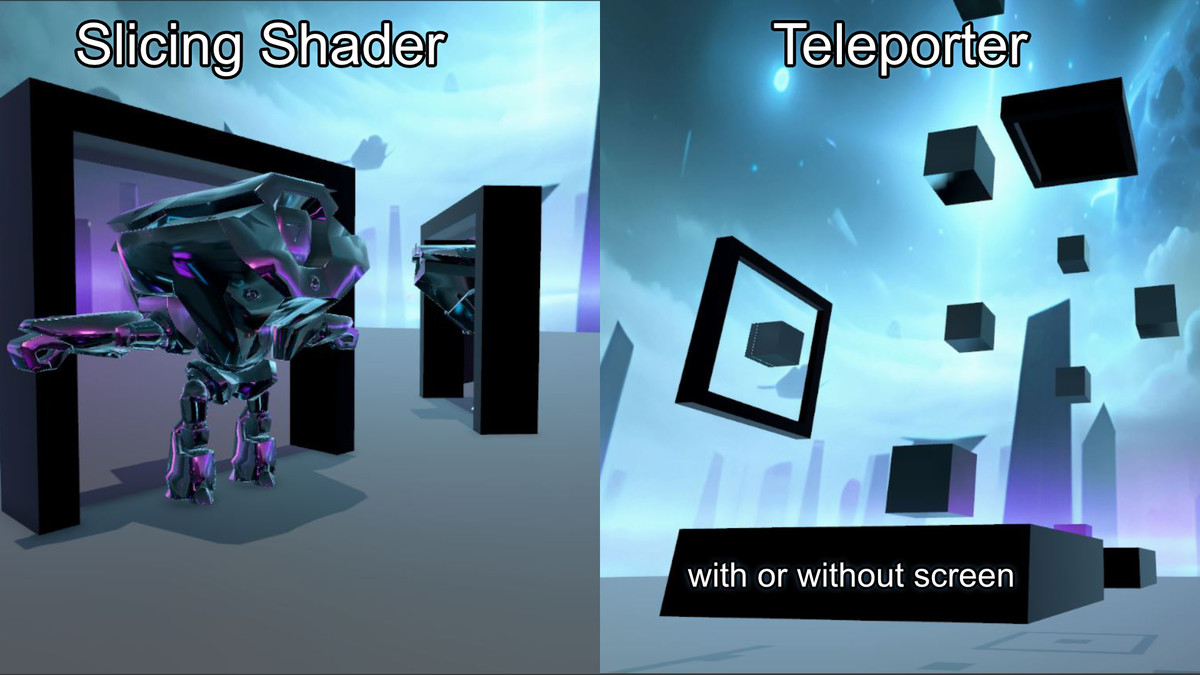
With this shader, the mesh of objects passing through the portal is precisely clipped at the portal's center, creating the illusion that they are truly traversing through the dimensional gateway.
WebGL Demo
Try before you buy! Explore the asset with the WebGL Demo directly in your browser. Get a hands on feel on how the system works and see its key features in action instantly. An on-screen FPS counter is included so you can directly evaluate runtime performance
Extensive Online Documentation & Intuitive Integration
Integrate the portals into your Unity project with user-friendly scripts and documentation. No need to be a coding expert – this asset is designed for easy implementation.
Also check out the FAQ of the portals pro extension, since common issues may apply to both packages.
From the publisher's Asset Store listing.
Technical details
- This package currently supports only the Universal render pipeline
- This package is not tested for VR usage and will probably not work there
- This asset only works with First Person Controllers and has no support for third person controllers.
- Extensive documentation explaining how to use use and configure the asset (can be found online on my homepage)
- Shader for Portal View with perspective division
- Slicing shader for creating appealing transitions from a third party point of view
- 3 demo scense
- WebGL Demo that allows you to test the asset directly in your browser, even measuring FPS performance
- Now in the Unity 6 version the included PlayerController works with the old and new Input System (lower versions are only with the old system). But this is only relevant if you are not using your own player controller.
Compatibility
| Unity version | Built-in | URP | HDRP |
|---|---|---|---|
| 6000.3.9f1 | Not listed | Compatible | Not listed |
| 2022.3.62f2 | Not listed | Compatible | Not listed |
As listed on the Asset Store.