
 View on Asset Store (opens in new tab)
Package details
- Latest version
- 1.6
- Last updated
- First released
- Unity version
- 6000.0.58 or later
- Package size
- 382.0 MB
- Files
- 753
- Favorites
- 32
- Views in the past week
- 32
Price tracking
- Last checked
- Tracked since
- Lowest recorded
- $9.99 on
Keywords

AR Magic Bar Pro (AR Foundation, Lightship & 3D)
Accelerate your Augmented Reality AR Foundation projects by eliminating repetitive tasks. AR Magic Bar Pro helps you rapidly integrate interactive AR functionalities into your Unity apps.
Affiliate link · Purchases support this site
Price history
Last 6 months
USDAsset preview
1 / 12

AR Magic Bar Pro (AR Foundation, Lightship & 3D) screenshot 1




About this asset
AR Magic Bar Pro - Your All-In-One AR Tool
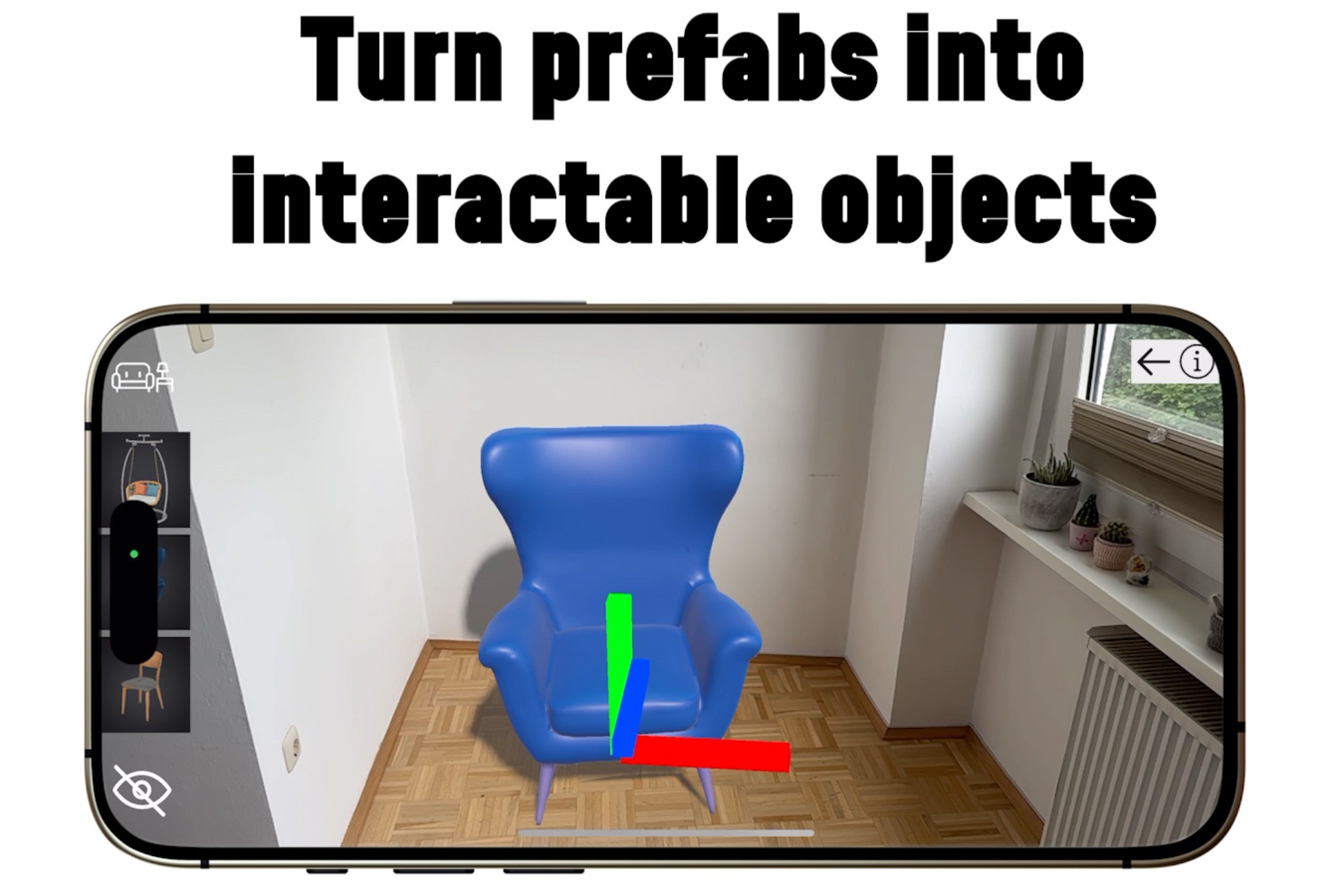
Accelerate your Augmented Reality AR Foundation projects by eliminating repetitive tasks. AR Magic Bar Pro helps you rapidly integrate interactive AR functionalities into your Unity apps. Includes 7 sample scenes with prototypes such as a real time strategy game, tower builder, card game, furniture visualizer. You can see the sample scenes in the images / videos above.
Please find a detailed documentation here.
How to setup an AR Project in Unity 6: https://youtu.be/hbBqu_LgAis
How to install AR Magic Bar in Unity 6: https://youtu.be/5FQqfiON25s
Why Choose AR Magic Bar Pro?
- Easy Integration: Quickly add and interact with prefabs in Augmented Reality seamlessly.
- Versatile Use: Ideal for prototyping, sandbox games, strategy games, RPGs, furniture visualisation and much more
- Sample Projects: Includes 3 prototype games to jumpstart your ideas and even more sample projects
Key Features:
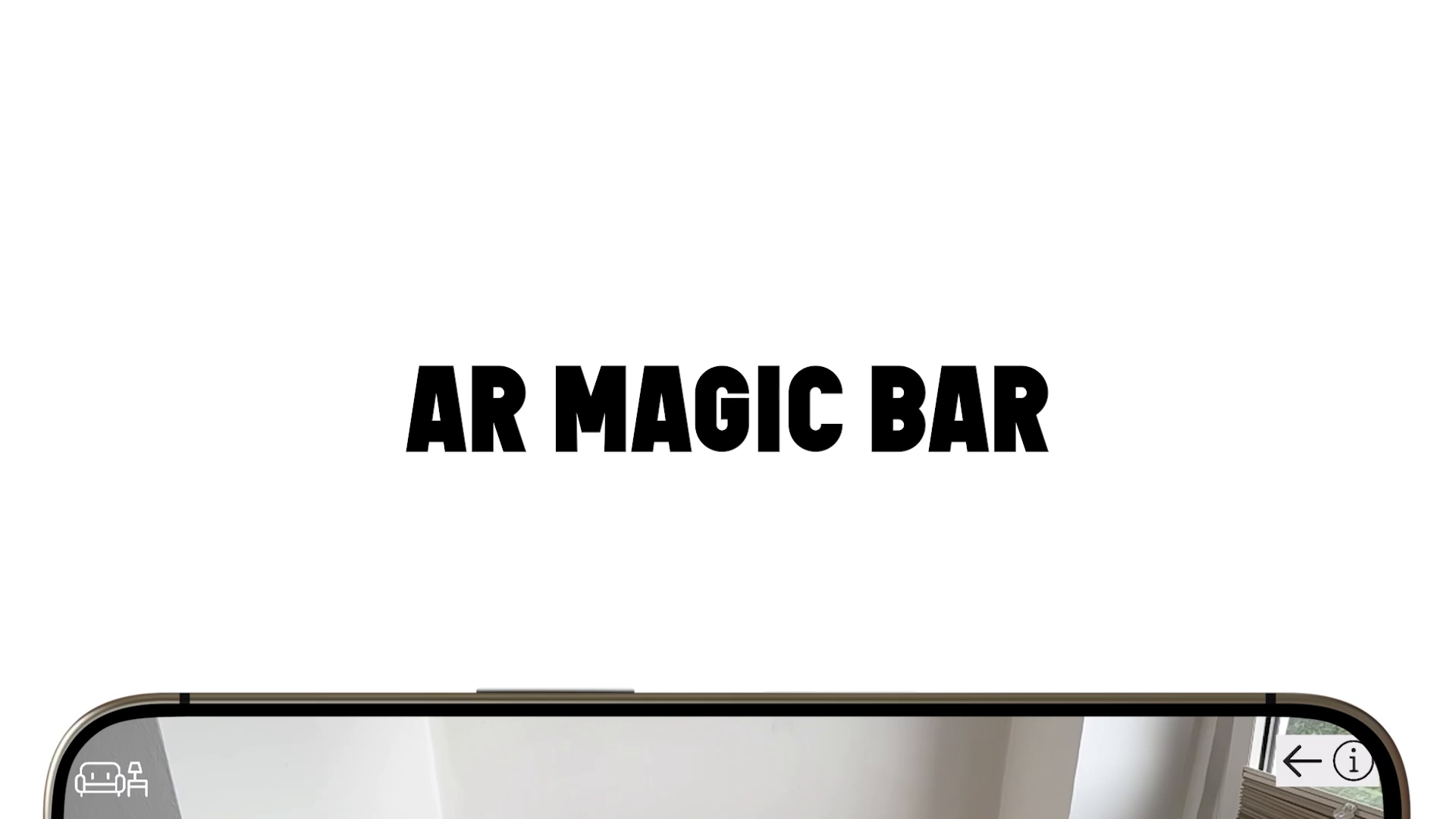
- Drag-and-Interact: Easily create interactive AR objects with drag-and-drop.
- Inventory System: Control object management, availability, placement, and interactions dynamically with a in-game inventory system
- Custom Interactions: Assign unique behaviors like animations, dialogues, and material changes.
- Comprehensive API: Expand and customize functionalities to fit your needs.
- Customizable: Adjust icons, size, and appearance easily. Create alternative intractable prefabs. Select which transform options are available for the user and much more.
What You Can Build:
- Prototypes & Experiments: Rapidly visualize and test object behaviors.
- Sandbox & Strategy Games: Implement object groups, resource management, and interactive gameplay.
- Role-Playing & Puzzle Games: Create item inventories, puzzle interactions, and immersive AR adventures.
- Visualization Apps: Develop furniture visualizers or educational simulations.
- Card & Board Games: Design interactive AR card games or track-building experiences.
Sample scenes:
- Card Game: Draw and place down cards in AR
- Tower builder: Build a physics based tower and shoot it down with balls
- Furniture visualizer: Place and move furniture
- Pick-up and place: Place down AR objects and pick them up again
- Alternative prefab: Move, Scale, Rotate objects with finger gestures instead of gizmos
- Simple placement: Place down objects and transform it with gizmos
- Spell caster: Cast spells instead of placing objects
Stop reinventing the wheel over and over —bring magic to your AR projects effortlessly.
Compatible with Unity 2022 LTS, Unity 6 + AR Foundation and Lightship.
Note: While Unity 2021 LTS is working too, it is no longer actively being tested and developed for.
There is also a tools available for free, the AR Magic Bar lite. If you want to test a reduced tool with some of the basic features without any risk, you can do that here.
Magic Bar Pro vs Magic Bar Lite:
Lite:
- ✔️ Generate interactable objects
- ✔️ Bottom bar with pagination
- ✔️ Place, Move, rotate, scale, delete objects
Pro (includes all Lite features plus):
- ✔️ Inventory system
- ✔️ Wide range of samples & prototypes
- ✔️ Multiple object databases
- ✔️ Rotate on XYZ axes
- ✔️ Enable/disable UI items at runtime
- ✔️ Limit inventory items
- ✔️ Interaction prefab with finger gestures instead of gizmos
- ✔️ Enable/disable transform options
- ✔️ Custom interactions (pick up, animate, switch color etc.)
Need help? Visit our website and fill out the contact form: https://www.alive-studios.com/
Or write us a mail to: [email protected]
From the publisher's Asset Store listing.
Technical details
AR Magic bar is a drag and drop solution that works with URP (Built in render pipeline
It is compatible with any Unity LTS version, 2022 and forward and needs AR Foundation (minimum Version: 4.2.10., recommended: 5+) or Lightship 3+ installed.
I highly recommend using Unity 6
Compatibility
| Unity version | Built-in | URP | HDRP |
|---|---|---|---|
| 6000.0.58f2 | Not listed | Compatible | Not listed |
Compatible with URP
As listed on the Asset Store.