
 View on Asset Store (opens in new tab)
Package details
- Latest version
- 1.0
- Last updated
- First released
- Unity version
- 2022.3.13 or later
- Package size
- 48 KB
- Files
- 8
- Favorites
- 3
- Views in the past week
- 8
Price tracking
- Last checked
- Tracked since
- Lowest recorded
- $10.50 on
Keywords

Coloured Folders
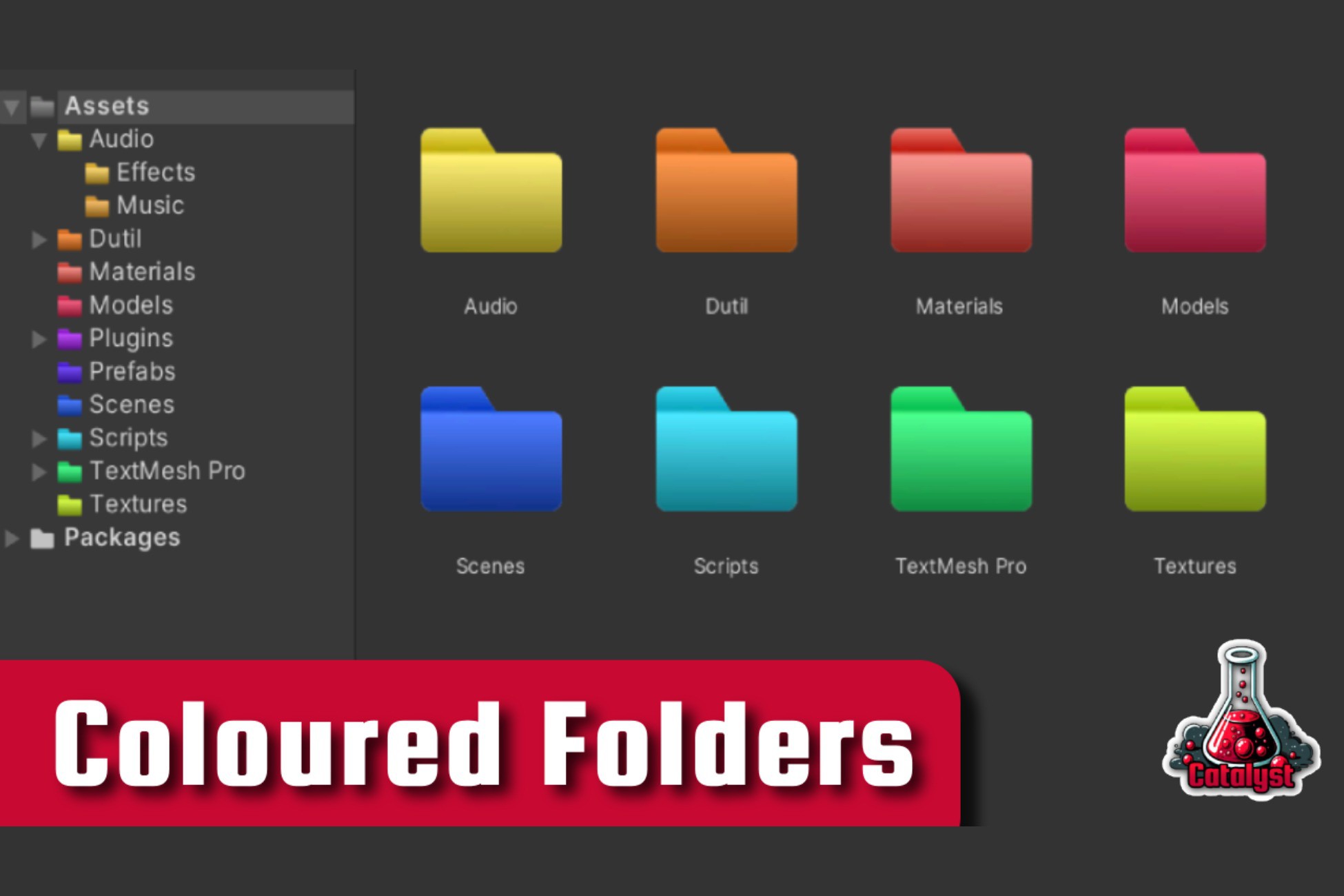
Allows creation of coloured folders in the project window.
Affiliate link · Purchases support this site
Price history
Last 6 months
USDAsset preview
1 / 3

Coloured Folders screenshot 1


About this asset
Use Coloured Folders for Faster Asset Discovery.
Every Color Available
Choose from any colour. Icons are created on the fly, meaning you are not limited to pre-made icons.
Solid Colors & Gradients
Switch to a gradient for further customisation.
Override Default Folders
Set the look of all other folders that you have not specifically targeted.
They are made darker by default to help your colourful changes stand out.
Easy Subfolder Cascading
Simply check a box to color all sub-folders of a target.
Globally Saved
Your preferences persist across all of your projects.
So once you have finished customising, you will not need to do it ever again.
Subfolder Vertical Lines
Improve your visibility with vertical lines extending from open folders.
Open via the top menu.
"Tools" -> "Catalyst" -> "Coloured Folders"
From the publisher's Asset Store listing.
Technical details
- Supported Unity Versions: 2019.4.x and above
- Installation Instructions: Drag the folder prefabs from the package into your project's Assets folder.
- Number of Folder Prefabs: 0. Includes 1 folder texture which is used to generate new folder colours on the fly.
- Customization Options: Users can create custom-colored folders by using the editor window.
- Performance Impact: Negligible impact on project performance.
Compatibility
| Unity version | Built-in | URP | HDRP | Custom |
|---|---|---|---|---|
| 2022.3.13f1 | Compatible | Compatible | Compatible | Compatible |
As listed on the Asset Store.