
 View on Asset Store (opens in new tab)
Package details
- Latest version
- 2.1.5
- Last updated
- First released
- Unity version
- 2021.3.16 or later
- Package size
- 37.1 MB
- Files
- 286
- Favorites
- 23
- Views in the past week
- 43
Price tracking
- Last checked
- Tracked since
- Lowest recorded
- $27.99 on
Keywords

EasyBox: AI-Powered Visual Scripting & Multiplayer
Unleash Your Game’s Potential with EasyBox – The AI-Powered Visual Scripting & Multiplayer Kit!
Affiliate link · Purchases support this site
Price history
Last 6 months
USDAsset preview
1 / 6
EasyBox: AI-Powered Visual Scripting & Multiplayer screenshot 1
About this asset
Unleash Your Game’s Potential with EasyBox – The AI-Powered Visual Scripting & Multiplayer Suite!
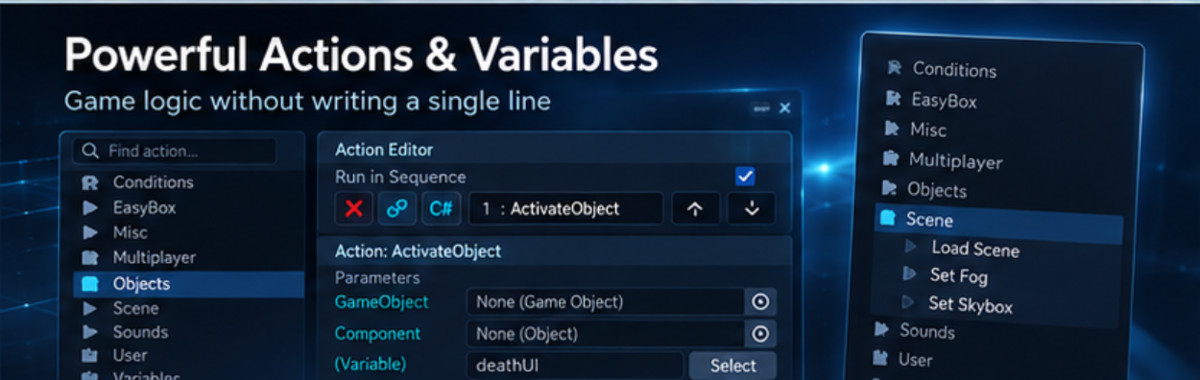
Take your game development to the next level with EasyBox, the first AI-enhanced visual scripting tool designed for both beginners and experienced developers. No coding required! With an intuitive node-based editor, powerful action sequencers, and AI-driven automation, scripting has never been easier.
🔹 Let AI build, debug, and optimize your logic—instantly.
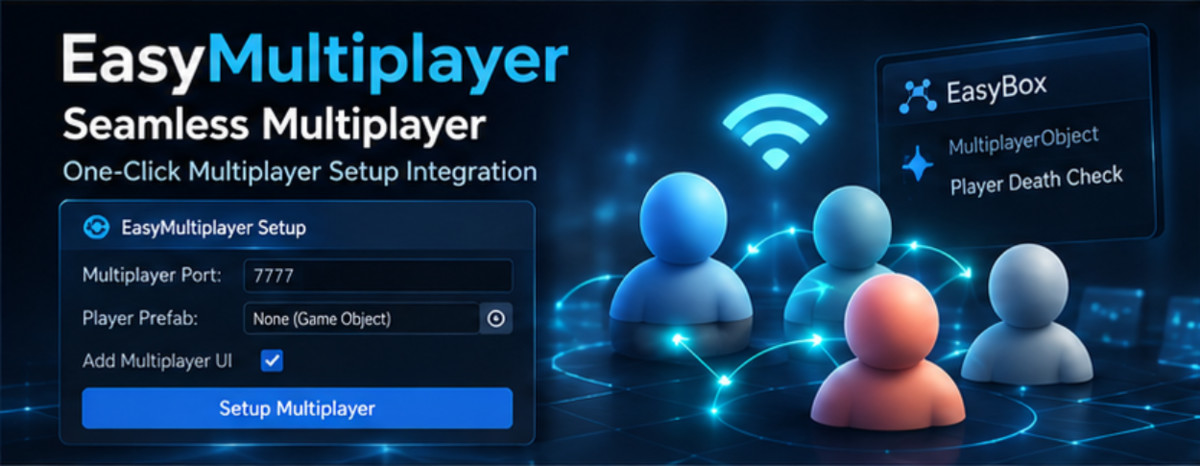
🔹 Create multiplayer games effortlessly with one-click networking.
🔹 Streamline your workflow with intelligent automation.
Key Features
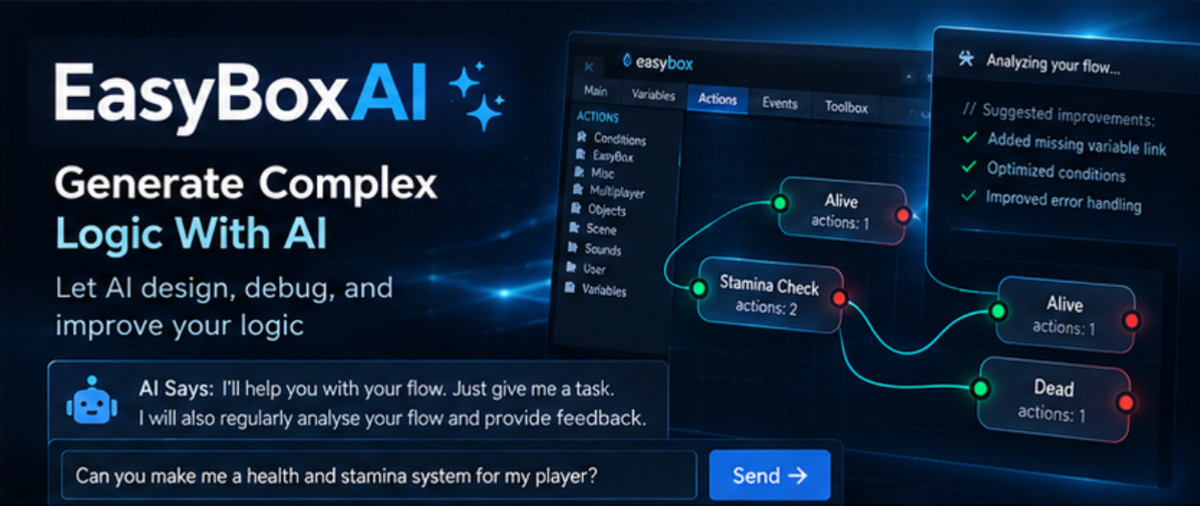
✅ AI-Powered Flow Generation & Debugging – NEW! Let EasyBoxAI auto-generate, analyze, and fix your logic flows, reducing errors and speeding up development.
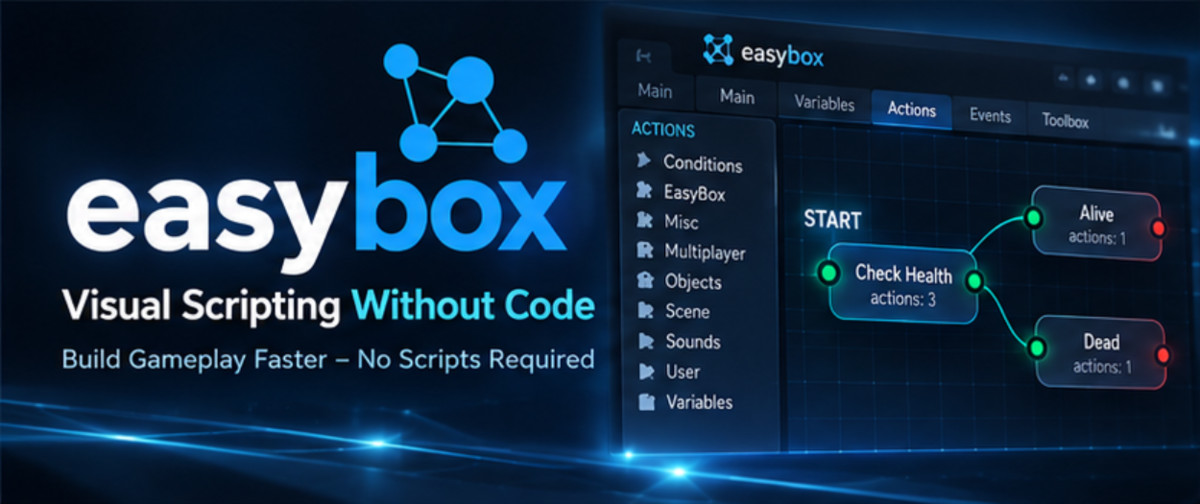
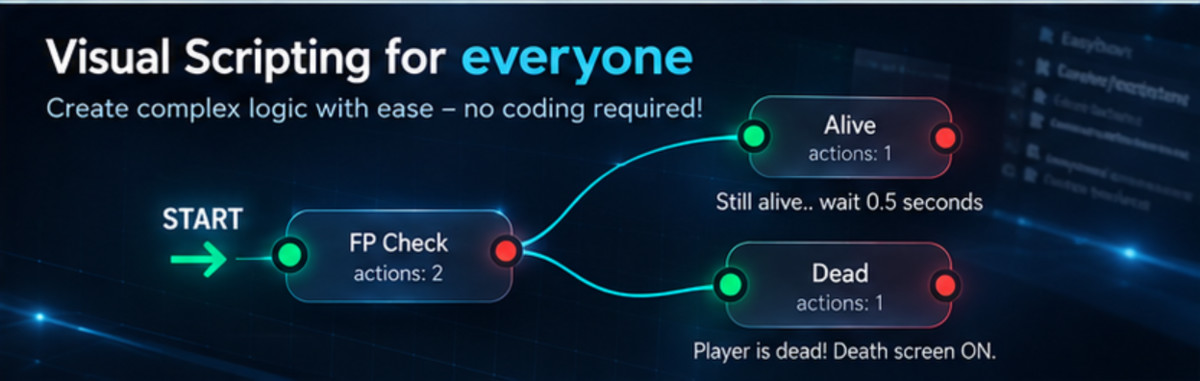
✅ Effortless Visual Scripting – A clean and intuitive flow editor makes scripting as easy as connecting nodes.
✅ Smart Action Sequences & Events – AI-enhanced action sequencing ensures smooth execution of in-game events, whether running in order or parallel.
✅ Intelligent Variables & Conditions – AI suggests optimal variable usage and auto-fixes missing parameters to prevent logic errors.
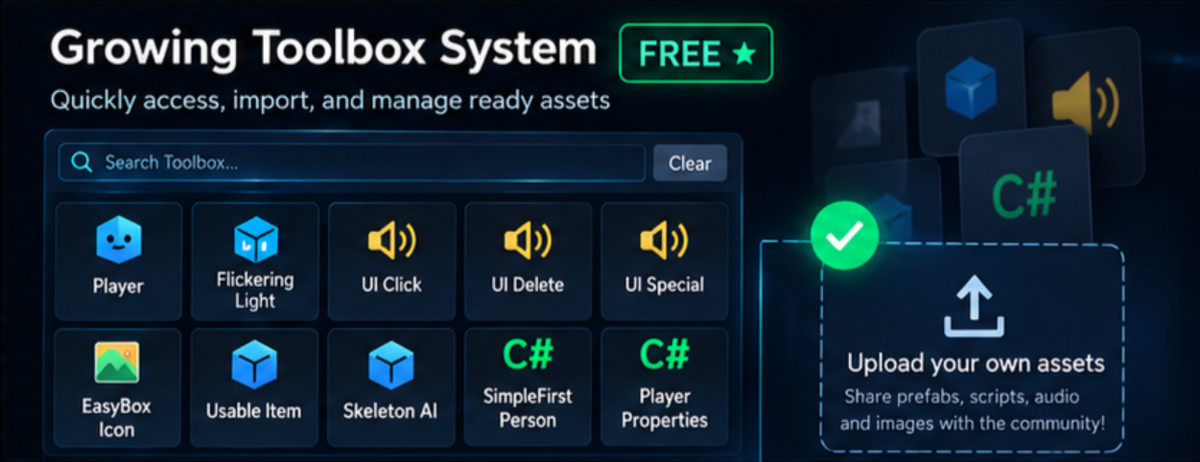
✅ Growing Toolbox – Includes ready-to-use prefabs, scripts, and assets—automatically recommended based on your project’s needs.
✅ Built-in Multiplayer – NEW! Create seamless multiplayer games with EasyMultiplayer, featuring peer-to-peer and host-based networking.
Getting Started is a Breeze
1️⃣ Open the EasyBox Editor
2️⃣ Select a GameObject
3️⃣ Click "ADD" – and you’re done!
Your object is now AI-enhanced, ready to run actions, store variables, and react dynamically in your game.
Why Choose EasyBox?
🔹 AI-Powered & No-Code Friendly – Works for beginners and advanced developers alike. (plus customize your AI!)
🔹 Scales with Your Project – Supports both prototypes and full-scale productions.
🔹 Constant Updates & Expanding Features – We’re actively adding AI-driven automation, multiplayer improvements, and more!
What’s Next? Possible Future Updates
🔸 Smarter AI Debugging & Flow Optimization (+ Project & Scene Awareness)
🔸 Expanded AI-Assisted Toolbox (Auto-Recommend Assets & Prefabs)
🔸 More Multiplayer Actions (Matchmaking, Networking Enhancements)
🔸 Performance & Usability Enhancements
Support & Community
📩 Need help? Contact us at [email protected]
💬 Join our Discord for discussions, updates, and direct support!
🔥 EasyBox – AI-Powered Scripting, Multiplayer Made Simple. 🚀
From the publisher's Asset Store listing.
Technical details
- Package Contents: Preloaded with actions and toolbox items that get updated regularly.
- Documentation: Comes with a documentation file, as well as documentation and tooltips for every single action and parameter.
- Support: Should you have any questions or feature requests simply reach us by email: [email protected] or [email protected], and on discord.
- Updates: The tools and actions that EasyBox comes with will expand as future updates come.
*When a new update is available, we recommend updating. Always make a backup copy of your project first, you may delete it if no issue arises.
Compatibility
| Unity version | Built-in | URP | HDRP | Custom |
|---|---|---|---|---|
| 2022.3.20f1 | Compatible | Compatible | Compatible | Compatible |
| 2021.3.16f1 | Compatible | Compatible | Compatible | Compatible |
As listed on the Asset Store.