
 View on Asset Store (opens in new tab)
Package details
- Latest version
- 1.0.1
- Last updated
- First released
- Unity version
- 2022.3.30 or later
- Package size
- 516 KB
- Files
- 6
- Favorites
- 1
- Views in the past week
- 0
Price tracking
- Last checked
- Tracked since
- Lowest recorded
- $10.50 on
Keywords

CvMobClient - tracking objects to phone or PC
A simple asset to track an object's trajectory in the scene and send the 6Dof data to a server in a Windows PC or Android Phone. It is especially useful for tracking human movement using a VR headset
Affiliate link · Purchases support this site
Price history
Last 6 months
USDAsset preview
1 / 4

CvMobClient - tracking objects to phone or PC screenshot 1


About this asset
This asset allows the tracking of objects in the scene by sending data via TCP protocol to a server that collects the data and presents it as graphics and 3D trajectories.
Compatible with Oculus Quest 2, 3, Pro, and Pico 4.
The Windows and Android servers are Free to download!
A link to download the PC or Android Server :
From the publisher's Asset Store listing.
Technical details
Both the Client and server must be connected on the same network router.
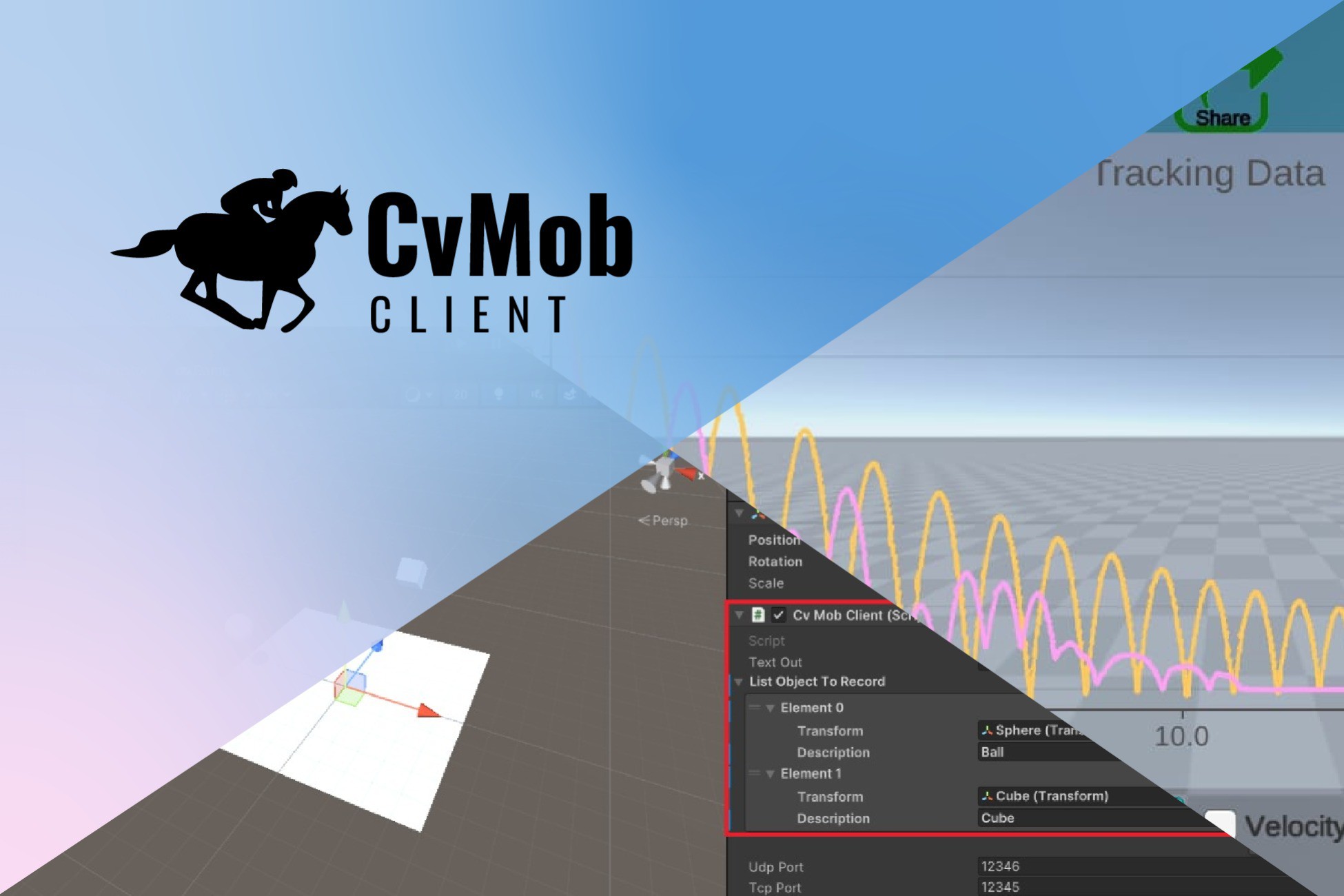
To add an object to the tracking list to be sent, add an element to the list of tracked objects in the CvMobClient object script and drag the object, including its respective description. See the video tutorial in the asset store.
If the client application is running on a Windows PC, you must deactivate the firewall or include an exception for your application.
Compatible with Windows, Android, Oculus Quest 2, 3, Pro, and Pico 4.
Compatibility
| Unity version | Built-in | URP | HDRP | Custom |
|---|---|---|---|---|
| 2022.3.30f1 | Compatible | Compatible | Compatible | Compatible |
As listed on the Asset Store.