
 View on Asset Store (opens in new tab)
Package details
- Latest version
- 1.0.21
- Last updated
- First released
- Unity version
- 2022.3.23 or later
- Package size
- 183 KB
- Files
- 144
- Favorites
- 41
- Views in the past week
- 5
Price tracking
- Last checked
- Tracked since
- Lowest recorded
- Free on
Keywords

Missing Features
A bunch of basic missing features
Affiliate link · Purchases support this site
Price history
Last 6 months
USDAsset preview
1 / 20

Missing Features screenshot 1






About this asset
Missing Features
A bunch of basic missing features.
There are many basic features that are missing natively. This package provides many tools to fill these holes and improve productivity. It contains programming utilitary attributes that limits the need of making custom editors, or custom windows and ready-to-use components and events that limits the need of scripting, pushing further the "visual scripting" approach.
Asset Store
GitHub
References
Donation
If you like my work, think about supporting me ! https://donorbox.org/support-kevin-castejon
How to install
- From Unity Asset Store: Browse to https://assetstore.unity.com/packages/tools/utilities/missing-features-283473 and add the asset to your account. You can then use the "Open in Unity" button in your browser or find the package on the Package Manager window.
- From Github: Use the "Add package from git URL..." button of the PackageManager window and type : https://github.com/kevincastejon/Unity-Missing-Features.git#upm
From the publisher's Asset Store listing.
Technical details
- Missing Events
MouseEvents
Offers UnityEvent fields for Unity's mouse callback methods.
LifeCycleEvents
Offers UnityEvent fields for Unity's lifecycle callback methods.
VisibleEvents
Offers UnityEvent fields for Unity's visible callback methods.
PhysicsEvents
Offers UnityEvent fields for Unity's physics callback methods and sleep state changes.
TimerEvents
Fires UnityEvents based on time.
Events Data Converters
Middleware components to plug between UnityEvent and methods when the type does not match but can be converted.
- BooleanReverseEvent : A component to plug between a UnityEvent<bool> and a method that accepts an boolean parameter to reverse its value.
- FloatToIntEvent : A component to plug between a UnityEvent<float> and a method that accepts an integer parameter.
- ToStringEvent : A component to plug between a UnityEvent and a method that accepts a string parameter. Supported types are bool, int and float.
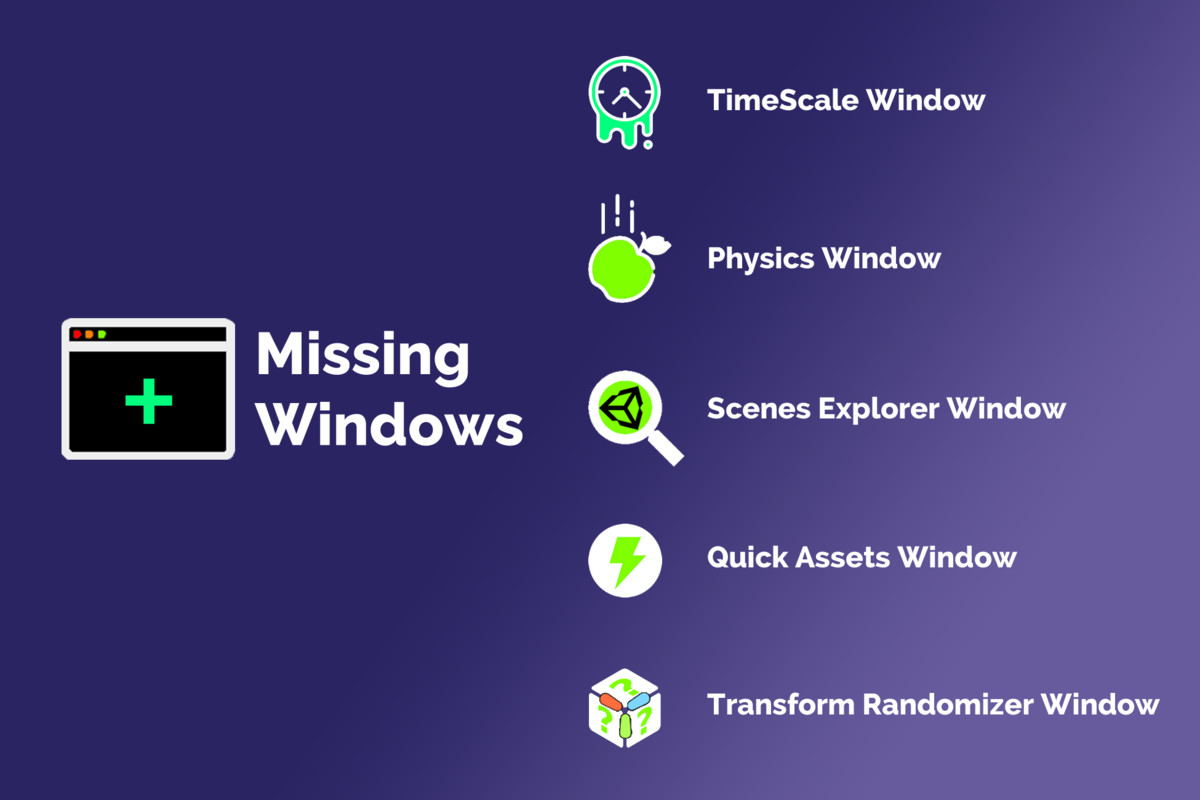
- Missing Windows
TimeScale Window
Exposes the main timescale settings.
PhysicsWindow
Exposes the main physics settings.
Scenes Explorer Window
Exposes the scenes assets.
Quick Assets Window
Exposes an custom assets list.
Transform Randomizer Window
Allows position, rotation and scale randomizing.
Tile Duplicator Window
Duplicates a GameObject in order to make a grid.
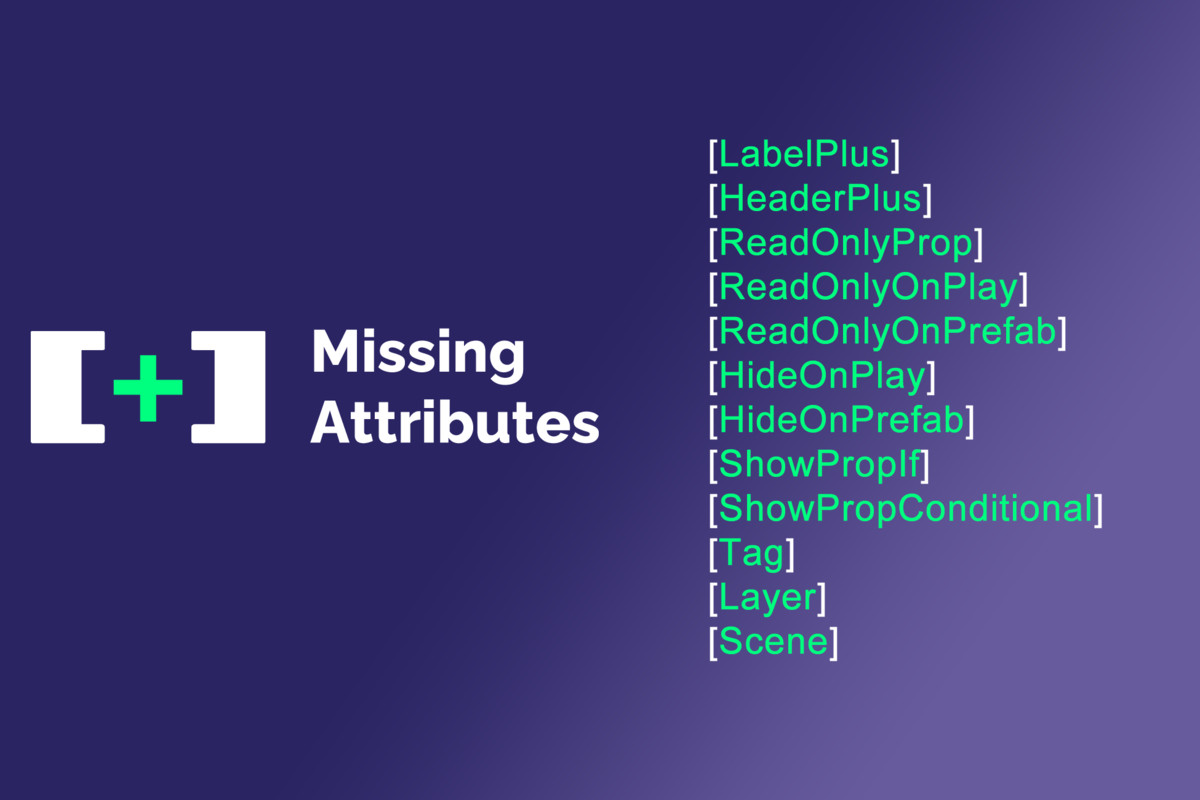
- Missing Attributes
LabelPlus
Custom Inspector property label that allows using an icon, a custom label text and a custom label color.
HeaderPlus
Custom Inspector property header that allows using an icon, a custom header label text and a custom header label color.
ReadOnlyProp
Prevents a property from being edited on the Inspector.
ReadOnlyOnPlay
Prevents a property from being edited on the Inspector in PlayMode. The behaviour can be inverted so the property is editable only in PlayMode.
ReadOnlyOnPrefab
Prevents a property from being edited on the Inspector in PrefabMode. The behaviour can be inverted so the property is editable only in PrefabMode.
HideOnPlay
Hides the property in PlayMode. The behaviour can be inverted with the 'invert' parameter so the property is visible only in PlayMode.
HideOnPrefab
Hides the property in PrefabMode. The behaviour can be inverted with the 'invert' parameter so the property is visible only in PrefabMode.
ShowPropIf
Shows or hides a property on the inspector based on another serialized bool property value.
ShowPropConditional
Shows or hides a property based on a bool method.
Tag
Displays a dropdown list of available Tags (must be used with a 'string' typed property).
Layer
Displays a dropdown list of available Layers (must be used with a 'int' typed property). It offers a single layer selection instead of the multiple LayerMask selection.
Scene
Displays a dropdown list of available build settings Scenes (must be used with a 'string' typed property).
- Missing Components
Instantiator
A component that can instantiate objects.
Destroyer
A component that can destroy objects.
Physics Components
Components that can be used to manipulate physics objects through UnityEvents
- ForceAdder : A component that can add force and/or torque to physics objects.
- ForceAdder2D : A component that can add force and/or torque to 2D physics objects.
- VelocitySetter : A component that can sets the velocity and/or angular velocity to physics objects.
- VelocitySetter2D : A component that can sets the velocity and/or angular velocity to 2D physics objects.
Simple Animators
Components to use for simple A to B automatic animations
- SimpleTransformAnimator : A simple motion animator component for simple Transform animation
- SimpleLightAnimator : A simple light animator component for simple Light color animation
- SimpleRendererColorAnimator : A simple color animator component for simple Renderer color animation
- SimpleSpriteRendererColorAnimator : A simple color animator component for simple SpriteRenderer color animation
Debug Logger
A component with public methods that you can plug to UnityEvents callback to debug events firing
Color Setters
Simple color setter components meant to be plugged to UnityEvent for setting color without scripting. Works with Renderer and SpriteRenderer.
Transform Teleporter
Simple Transform teleporter component meant to be plugged to UnityEvent for setting position, rotation and/or scale.
Button Clicker
A component that can click on a button.
UnityEvent Component
A simple component to hold and fire a UnityEvent as a component.
Parent Setter
A component for setting the parent of a Transform
Better Toggle Group
A component inspired by the native ToggleGroup component, but allowing events firing at group level.
Dont Destroy On Load Component
A component that places its related gameobject into the DontDestroyOnLoad scene on Start.
- Missing Operations
Custom Editor Generator
A contextual menu that generates a custom Editor script skeleton file for your Monobehaviour and ScriptableObject classes.
Custom PropertyDrawer Generator
A contextual menu that generates a custom PropertyDrawer script skeleton file for your serializable classes.
Reset Transform Preserving Children
A contextual menu that reset the Transform of a GameObject without modyfing its children.
Grid Snapper
A contextual menu that snaps the positions of GameObjects on the grid.
Compatibility
| Unity version | Built-in | URP | HDRP | Custom |
|---|---|---|---|---|
| 2022.3.23f1 | Compatible | Compatible | Compatible | Compatible |
As listed on the Asset Store.