
 View on Asset Store (opens in new tab)
Package details
- Latest version
- 1.0.0
- Last updated
- First released
- Unity version
- 2022.3.16 or later
- Package size
- 165.5 MB
- Files
- 207
- Favorites
- 89
- Views in the past week
- 31
Price tracking
- Last checked
- Tracked since
- Lowest recorded
- Free on
Keywords
Skyboxes for space free
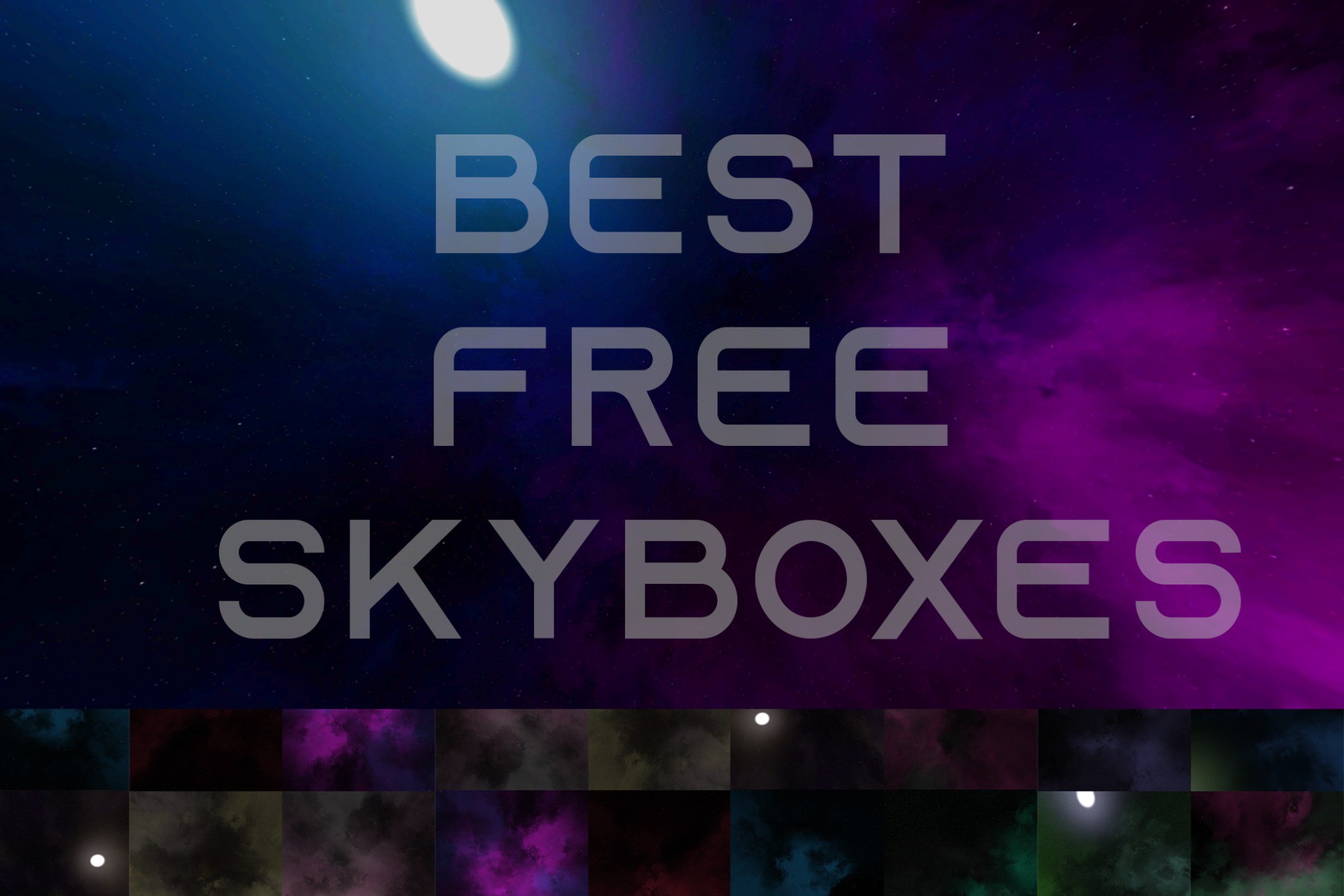
Discover 23 stunning space skyboxes in our easy-to-use package. With drag-and-drop integration and optimized resolution, elevate your scenes effortlessly
Affiliate link · Purchases support this site
Price history
Last 6 months
USDAsset preview
1 / 7

Skyboxes for space free screenshot 1


About this asset
Elevate your virtual environments to new heights with our comprehensive collection of 23 high-quality skyboxes. Designed with ease of use in mind, simply drag and drop these skyboxes into your scene window to instantly transform your project's atmosphere.Preview individual images of all the skyboxes within the package to find the perfect backdrop for your scene. With a clear path to access the skyboxes through the provided directory structure, integrating these skyboxes into your projects has never been easier. Whether you're a seasoned developer or just starting out, our skybox package is an essential addition to your toolkit for creating captivating virtual experiences.
step-by-step guide on how to add the skyboxes to your project:
- Download the Package: First, download the skybox package from the provided source.
- Extract the Files: Extract the contents of the downloaded package to a location of your choice on your computer.
- Open Your Development Environment: Launch your game engine or 3D development environment where you want to use the skyboxes.
- Access the Skybox Directory: Navigate to the directory where you extracted the skybox package.
- Locate the Skybox Materials: Within the extracted folder structure, find the directory labeled "skyboxes -> materials -> 1080".
- Select the Skybox Material: Choose the skybox material you want to use in your scene. Each material represents a different skybox environment.
- Drag and Drop: Simply drag the chosen skybox material from the directory and drop it into your scene window within your development environment.
From the publisher's Asset Store listing.
Compatibility
| Unity version | Built-in | URP | HDRP |
|---|---|---|---|
| 2022.3.16f1 | Compatible | Compatible | Compatible |
As listed on the Asset Store.