
 View on Asset Store (opens in new tab)
Package details
- Latest version
- 1.2.0
- Last updated
- First released
- Unity version
- 2022.3.62 or later
- Package size
- 47.1 MB
- Files
- 430
- Favorites
- 188
- Views in the past week
- 140
- Requires
Price tracking
- Last checked
- Tracked since
- Lowest recorded
- $2.00 on
Keywords

Fast Food Rush - Hyper Casual Restaurant Management
Create your own hyper-casual restaurant management simulation game based on this complete project!
Affiliate link · Purchases support this site
Price history
Last 6 months
USDAsset preview
1 / 4

Fast Food Rush - Hyper Casual Restaurant Management screenshot 1


About this asset
Important: Please Back Up Your Project Before Updating!
Since Fast Food Rush is a Template / Pack asset, updating it can overwrite existing files, potentially affecting any modifications you've made. This could lead to:
- Loss of custom changes
- Broken references or missing assets
- Incompatibility with previous setups
To ensure a smooth update, please:
- Create a backup of your project before updating.
- Check the changelog for details on what has changed.
- If you've modified the asset, consider using version control (Git) or a duplicate project to test the update first.
Fast Food Rush - Hyper Casual Restaurant Management
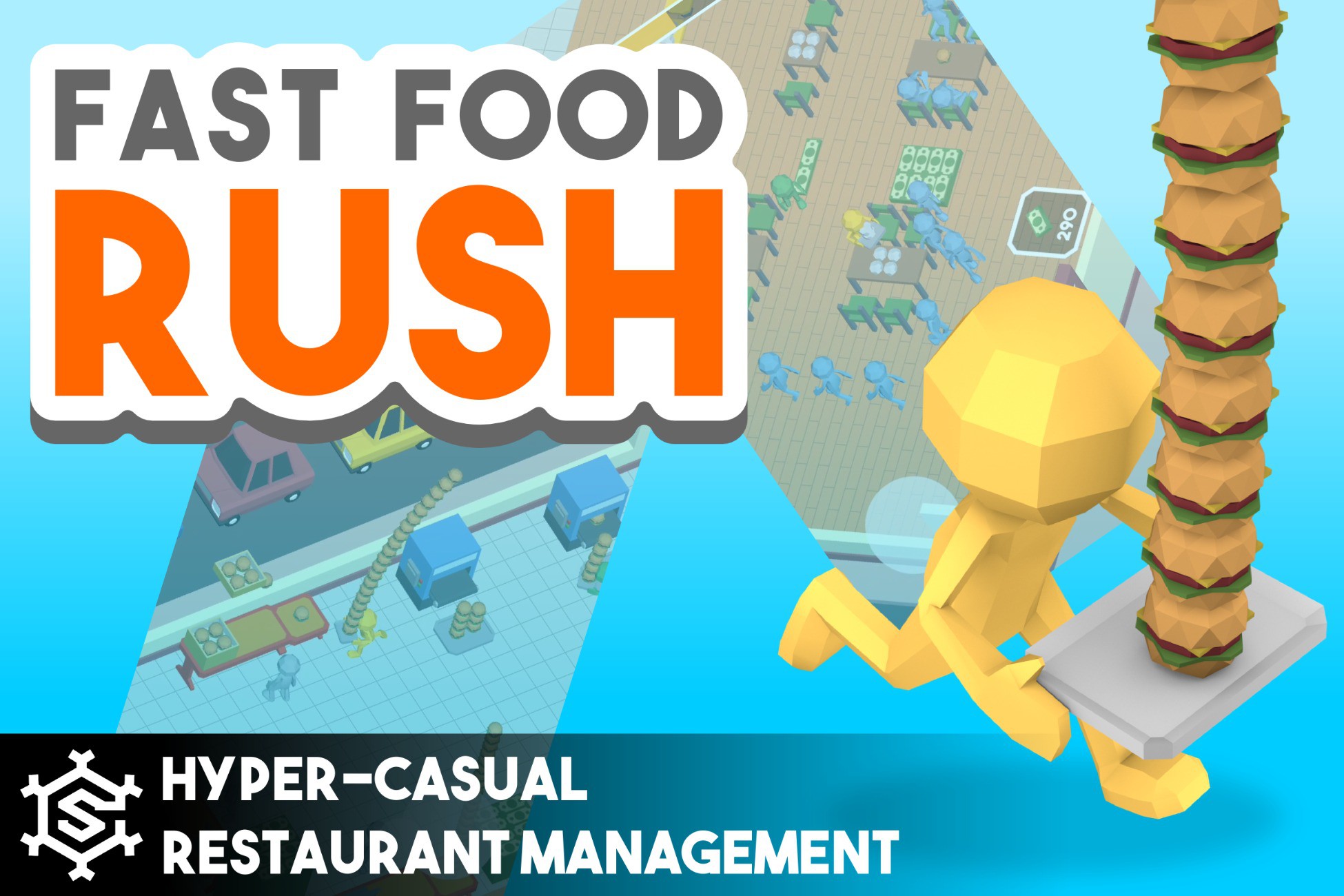
Run your own fast-paced restaurant business in Fast Food Rush, a fully featured game template for hyper-casual restaurant management sims. Take control of a stick figure character, serve hungry customers, manage revenue, and upgrade your restaurant to maximize profits.
Players will juggle food preparation, order delivery, and customer satisfaction, all while unlocking new restaurants, hiring employees, and boosting stats. With intuitive mechanics, dynamic progression, and vibrant visuals, this template provides everything developers need to create an engaging and addictive restaurant simulation.
Key Features
- Fast-Paced Restaurant Gameplay – Manage multiple tasks at once, from serving food to collecting revenue.
- Highly Customizable – Easily modify graphics, characters, and restaurant layouts to match your vision.
- Progressive Unlockables – Upgrade furniture, unlock new features, and improve efficiency over time.
- Employee Management – Hire and oversee staff to streamline operations.
- Stat Upgrades & Progression – Boost food capacity, service speed, and profits to scale your business.
- Dynamic Customer Interactions – Customers order, eat, and tip based on service quality.
- Multiple Restaurant Settings – Operate various fast-food spots, from burger joints to coffee shops.
- Comprehensive Code Documentation – Well-commented scripts make customization and expansion easy.
Supported Platforms
The project is initially optimized for the Android platform. However, developers can seamlessly adapt the asset to various other platforms with minimal or no adjustments required.
Third-Party Notices
Asset uses DOTween and SimpleInput under MIT license; see Third-Party Notices.txt file in package for details.
Demo
Want to try it out before purchasing? Download this Android APK
From the publisher's Asset Store listing.
Compatibility
| Unity version | Built-in | URP | HDRP |
|---|---|---|---|
| 2022.3.62f3 | Compatible | Compatible | Not listed |
Universal Render Pipeline (URP) Compatibility
Fast Food Rush is built using Unity’s Built-in Render Pipeline.
The package does not use any custom shaders.
To use this package with URP, convert the materials using Unity’s Render Pipeline Converter:
- Install and enable URP in your project
- Open Window > Rendering > Render Pipeline Converter
- Select Built-in to URP and run the Material Upgrade
As listed on the Asset Store.