
 View on Asset Store (opens in new tab)
Package details
- Latest version
- 1.3.6
- Last updated
- First released
- Unity version
- 4.6.1 or later
- Package size
- 8.5 MB
- Files
- 27
- Favorites
- 113
- Views in the past week
- 5
Price tracking
- Last checked
- Tracked since
- Lowest recorded
- $7.00 on
Typewriter & Fade-in Text Effect
Price $10.00
Buy on Asset Store (opens in new tab)
Affiliate link · Purchases support this site
Price history
Last 6 months
USDAsset preview
1 / 5

Typewriter & Fade-in Text Effect screenshot 1


About this asset
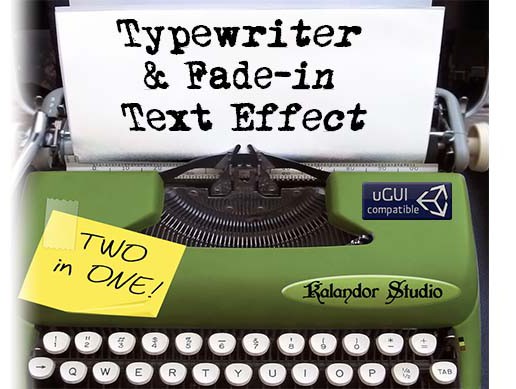
Who said that displaying text has to be boring? Show dialogues, mission objectives or even massive story fragments gradually with this easy-to-use text effect!
Main features:
- Display each characters gradually or let them fade-in over time
- Rich Text support (letting you use multiple font styles and sizes on the same text)
- Highly customizable (speed, timescale independence etc.)
- Set up without scripting using the new Unity GUI-system
- Compatible with all GUI solutions thanks to its simple callback system*
- Thorough documentation, 3 sample scenes demonstrating some practical usage of the effect (see below)
- Play and randomize sound effects and pitch
- Built-in Rich Text Editor
- Place triggers to invoke events anywhere along the text
- Supports Unity 4.6+ and 5.0+ as well
* (Please note that Automatic Content Wrapping and Auto-Start only works with the new Unity GUI, and to use this asset to its full potential you need to enable Rich Text formatting in your text. It also means that if your custom GUI system doesn’t support RTF, the fade-in effect won’t be able to operate.)
Documentation | Quick-setup video tutorial
Demos: Fade-in | Dialogue | Wall-of-Text
Check out Kalandor Studio's other assets here!
From the publisher's Asset Store listing.