
 View on Asset Store (opens in new tab)
Package details
- Latest version
- 1.1.1
- Last updated
- First released
- Unity version
- 2021.3.0 or later
- Package size
- 28.0 MB
- Files
- 174
- Favorites
- 65
- Views in the past week
- 13
Price tracking
- Last checked
- Tracked since
- Lowest recorded
- $157.50 on
Keywords

Imagine WebAR - Face Tracker
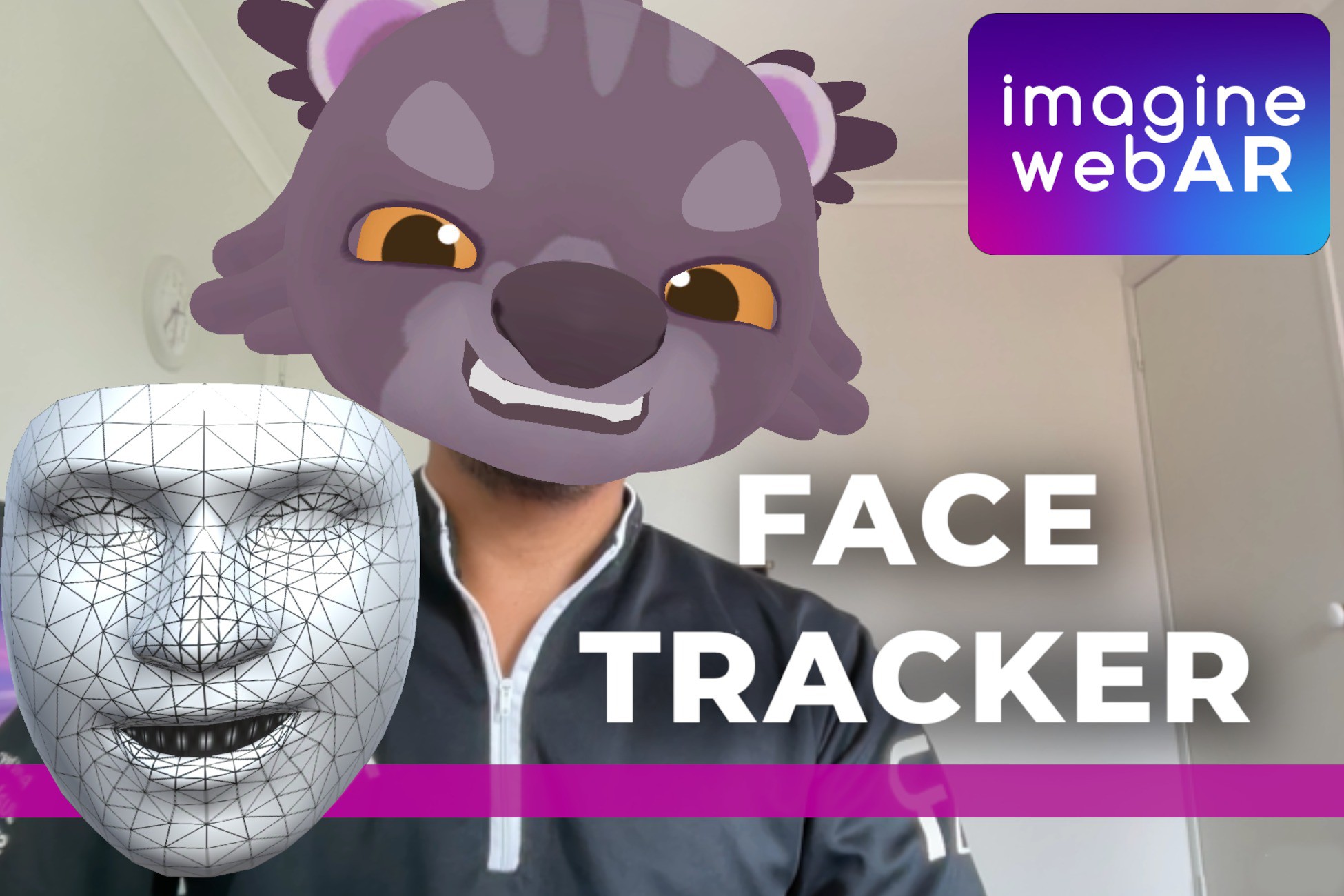
Create WebAR experiences anchored on players' faces using this plugin. Supports blendshapes, face-meshes, multiple face-tracking etc. Fast and highly accurate. Supports all major browsers.
Affiliate link · Purchases support this site
Price history
Last 6 months
USDAsset preview
1 / 9

Imagine WebAR - Face Tracker screenshot 1


About this asset
Important: This FaceTracker plugin is not yet inter-operable with other WebAR plugins. But we look to support combined AR experiences in the future.
In-editor testing is not supported, you'll need to build your game for WebGL to run the experience, or use our edittor debugging tools.
Why WebAR?
AR for the web is best suited for small and highly shareable experiences.
Easy-access: Just click a link or scan a QR code to launch your experience. No download required.
No hosting fees
Unlike other expensive WebAR solutions which requires monthly, per-view, or per-app-id subscriptions. Save hundreds of dollars per month on AR hosting platforms
White-label
This plugin will allow developers to host their own WebAR experiences like any other Unity WebGL build. Upload to your own domain or website! The entire tech-stack is yours.
Face Tracking with 478 Facial Landmarks
Fast and precise tracking using Mediapipe, which allows you to generate real-time face meshes in Unity.
Blendshapes
Animate your virtual avatars using 50+ different blendshapes.
Face Gestures and Head Tilt Events
Easily detect gestures such as mouth-open, smile, frown. As well as use head-tilt (forwar, back, left, right, turn-left, turn-right) gestures to control characters in your AR games.
Face Deformation (Experimental)
Deform face vertices in real-time. Give your users a dynamic smile, frown or a very long nose. Currently available only on Built-In Render Pipeline.
Sample Shaders (Experimental)
We include various shader samples such as for Face make-up, Skin-smoothening, Lip-gloss, Teeth-whitening shaders. Mostly for Built-In Render Pipeline only.
Easy Setup
Many samples to choose start with. Set up your AR scene only takes a few minutes
Supports major browsers for desktop and mobile. Tested and works on Chrome, Safari, Edge, Firefox across a wide range of devices. Tested and works on built-in browsers in messaging apps such as WeChat, Facebook Messenger and Viber.
Disclaimers: Performance (FPS) is mainly determined by [1] user device's processing capability and [2] scene/game complexity.
Third-Party: Asset is using OpenCV and Mediapipe under Apache 2.0 License; see Third-Party Notices.txt file in package for details
Demo:
OPEN THIS LINK TO TRY THE WEBGL DEMO
Other Links:
• Unity Forums (Coming soon)
From the publisher's Asset Store listing.
Technical details
Imagine CV face tracker (Source code not included)
Imagine WebAR Editor
- Setup your AR scene in less than 5 minutes (See Demo Tutorial)
Face Pose Tracking
- Anchor 3D models on user's face. Useful for virtual try-on experiences.
Face Mesh with 478 Landmarks
- Generate face meshes in realtime. Useful for face-paint experiences.
Avatar Blendshapes
- Animate your virtual avatars using 51 different blendshapes.
Front/Back camera support
- Easily switch between front and back camera using our built-in camera switching functionality
Screenshot Capture (Save/Share)
- Capture screenshots directly using this plugin. Users can tap/hold to save directly to their phone gallery or share to social media
Universal Render Pipeline
- Supports URP including the following features: Post-Processing, Camera HDR
Compatibility
| Unity version | Built-in | URP | HDRP |
|---|---|---|---|
| 2021.3.0f1 | Compatible | Compatible | Not listed |
- Post-Processing and Camera HDR is now supported. This is possible by enabling VideoPlane in your ARCamera.
As listed on the Asset Store.