
 View on Asset Store (opens in new tab)
Package details
- Latest version
- 1.0
- Last updated
- First released
- Unity version
- 2022.3.62 or later
- Package size
- 13.9 MB
- Files
- 328
- Favorites
- 12
- Views in the past week
- 11
Price tracking
- Last checked
- Tracked since
- Lowest recorded
- $30.00 on
Keywords

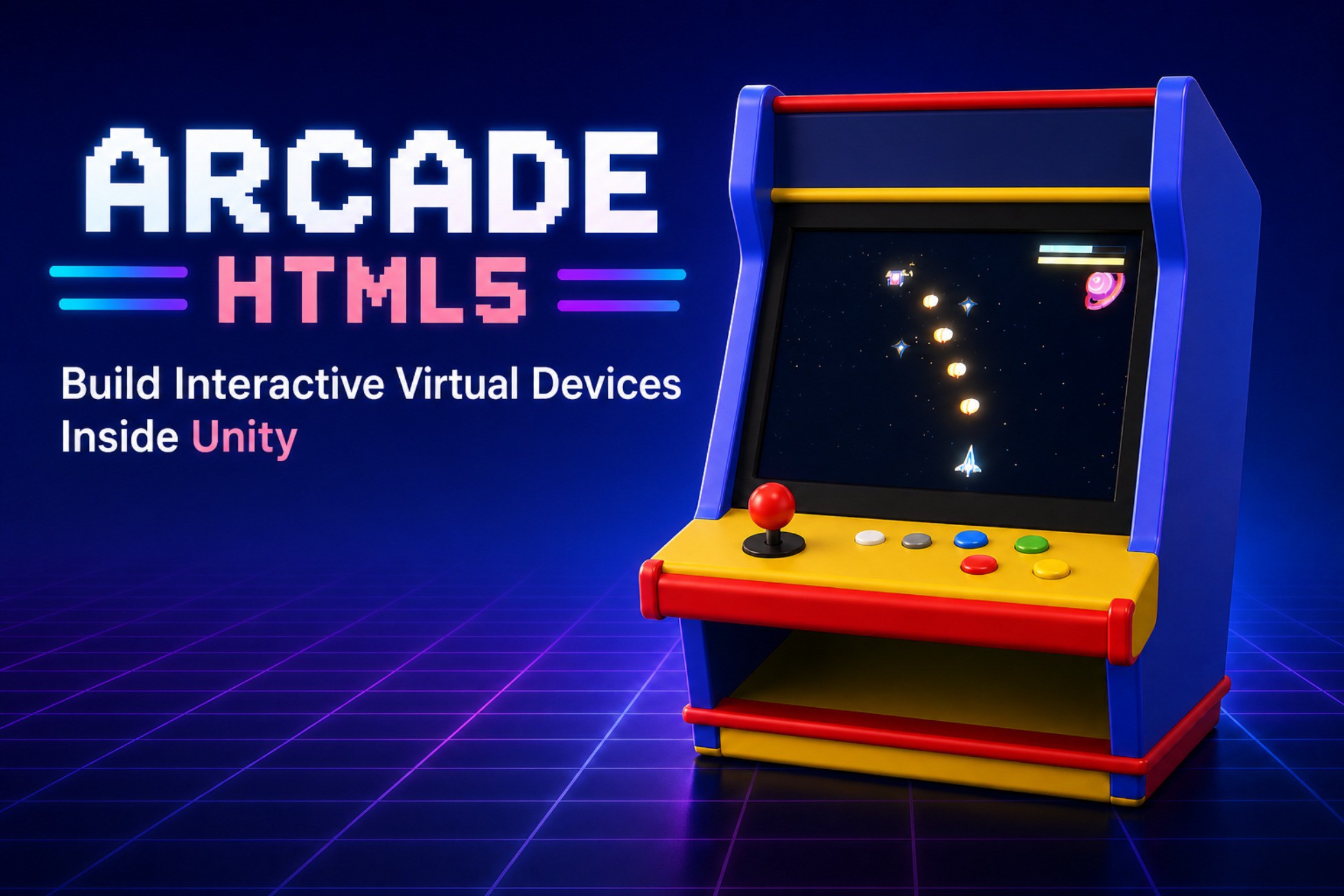
Arcade Html5: Virtual Device Simulator
Embed local HTML5 mini-games into Unity 3D scenes with arcade cabinets, browser rendering, input, audio, save, and host-game messaging.
Affiliate link · Purchases support this site
Price history
Last 6 months
USDAsset preview
1 / 4

Arcade Html5: Virtual Device Simulator screenshot 1


About this asset
Arcade Html5 Simulator
Bring playable local HTML5 mini-games directly into your Unity worlds.
Arcade Html5 Simulator allows you to place interactive HTML5 experiences inside your 3D scenes, including:
- Arcade cabinets
- Kiosks
- Computer terminals
- Interactive displays
- Custom in-world screens
HTML5 content is rendered onto real Unity textures and displayed on 3D surfaces, making it fully compatible with custom materials and visual effects such as the included CRT screen shader.
Supported Platforms
Current supported platforms:
- Windows
- macOS
Supported environments:
- Unity Editor
- Standalone Desktop Builds
Features
Native Desktop Browser Backend
Powered by a native desktop browser backend for reliable local HTML5 rendering inside Unity.
In-World 3D Screens
Render HTML5 games directly onto meshes and materials inside your scene.
Official Arcade Cabinet Prefab
Includes a ready-to-use arcade cabinet with:
- Virtual joystick
- Arcade buttons
- Input mapping
- CRT display effects
- HTML game menu
Fully Customizable Hardware
The included cabinet is only a starting point.
You can:
- Replace the cabinet model
- Create custom devices
- Define your own virtual controls
- Remap keyboard/gamepad input
- Replace screen materials
- Build custom HTML menus
Local Mini-Game Support
Add your own local HTML5 mini-games through StreamingAssets.
Unity ↔ HTML5 Communication
Mini-games can communicate with the Unity host using JavaScript APIs.
Supported interactions include:
- Score submission
- Achievement unlocks
- Item grants
- Save/read lightweight state
- Unity-side audio playback
- Returning to the machine menu
Audio Bridge
Play gameplay audio through Unity instead of browser audio for better synchronization and performance.
Save System Integration
Lightweight save/read messaging system with customizable host-side storage.
Designed For Game Integration
Arcade Html5 Simulator is designed for controlled local HTML5 content built specifically for your project.
It is ideal for:
- Interactive easter eggs
- Retro arcade systems
- In-game terminals
- Mini-game collections
- Virtual devices
- Meta-game interfaces
Important Notes
This package is not intended to be:
- A public web browser
- A remote website renderer
- A guarantee that arbitrary online HTML5/WebGL games will run unchanged
The system is optimized for curated local HTML5 mini-games authored for Unity integration.
From the publisher's Asset Store listing.
Technical details
• Native browser plugin architecture
• macOS backend using system WebKit
• Windows backend with native WebView2 plugin included
• Render local HTML5 pages into a Unity Texture2D
• ArcadeHtml5Screen component for bare in-world HTML screens
• ArcadeMachineController for power, menu, game loading, and return-to-menu flow
• Official Arcade Cabinet Deluxe prefab
• Local HTML game menu rendered through the same screen pipeline
• StreamingAssets template installer and sync tool
• Local HTML5 game manifest system
• Virtual hardware input profiles
• Keyboard-to-control binding profiles
• JavaScript ArcadeInput API for mini-game controls
• JavaScript ArcadeHost API for score, item, achievement, save/read, audio, and exit messages
• Unity AudioClip based audio bridge for low-stutter sound effects and music
• PlayerPrefs save store example
• Message policy component for host-side request filtering
• CRT screen shader with curvature, scanlines, phosphor mask, vignette, chromatic aberration, flicker, and brightness-based glow
• Built-in demo games and basic sample scenes
• Editor tool panel for setup, object creation, game validation, and audio bank generation
• Internal package validator for Asset Store preparation
Limitations:
• Desktop-focused package
• HTML content should be local and project-controlled
• Browser audio is not recommended for frequent sound effects; use the Unity audio bridge
• Remote websites, popups, downloads, file upload, pointer lock, DRM video, and arbitrary public web games are not target use cases
• Recommended starting resolution is 960x540 at 30 FPS
Compatibility
| Unity version | Built-in | URP | HDRP |
|---|---|---|---|
| 6000.0.48f1 | Not listed | Compatible | Not listed |
| 2022.3.62f1 | Not listed | Compatible | Not listed |
As listed on the Asset Store.