
 View on Asset Store (opens in new tab)
Package details
- Latest version
- 4.0.2
- Last updated
- First released
- Unity version
- 6000.3.21 or later
- Package size
- 31.2 MB
- Files
- 158
- Favorites
- 82
- Views in the past week
- 59
Price tracking
- Last checked
- Tracked since
- Lowest recorded
- Free on
Keywords

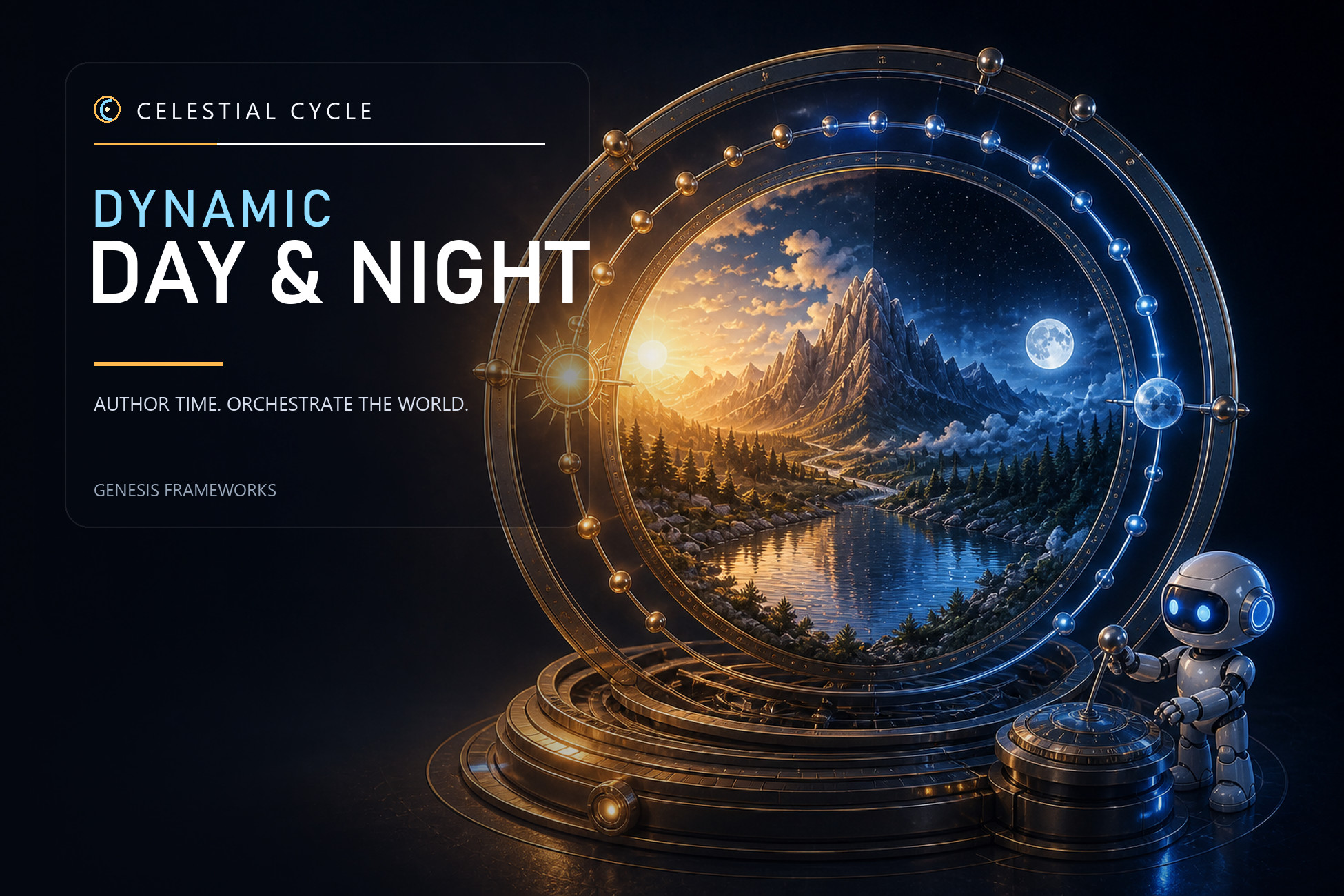
Celestial Cycles: Dynamic Day-Night System
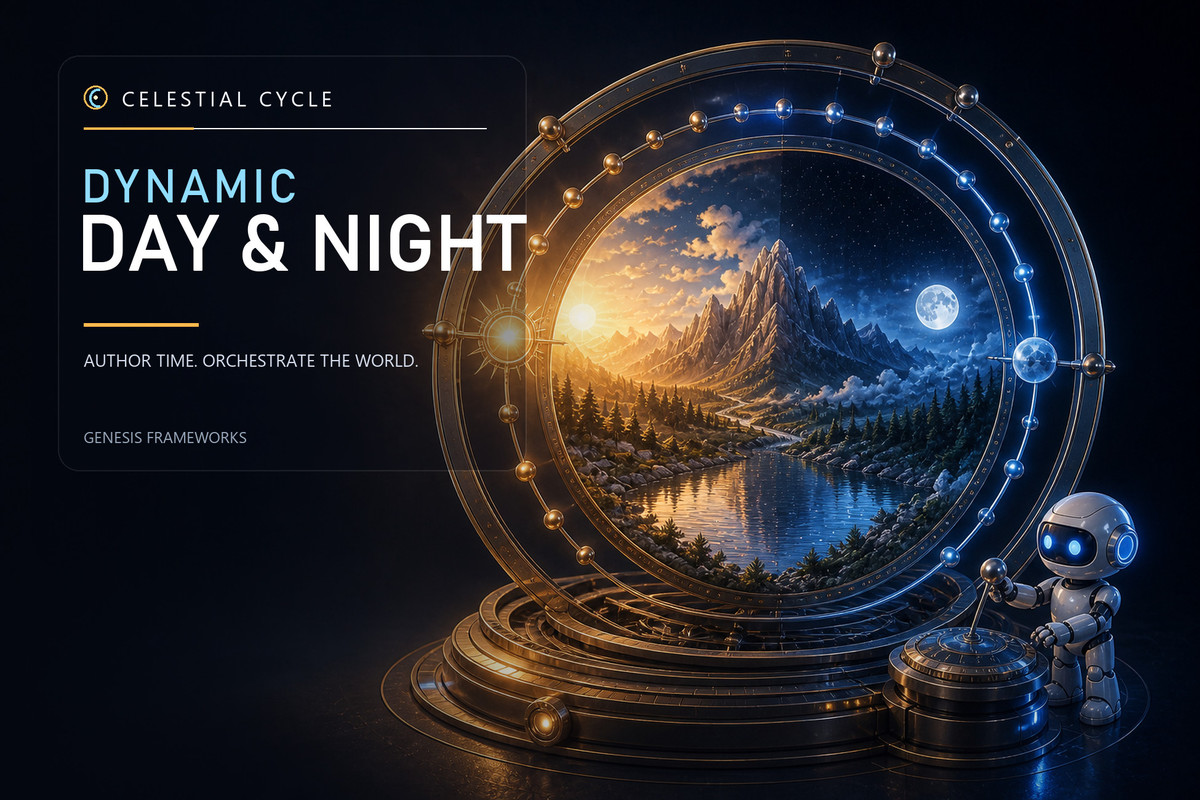
One Time Manager. A world awakens. Shape sky, clouds and light with visual controls, then continue with Celestial Cycle's separate Season and Ocean assets. Unity URP.
Affiliate link · Purchases support this site
Price history
Last 6 months
USDAsset preview
1 / 22
Celestial Cycles: Dynamic Day-Night System screenshot 1


About this asset
One small object. A world awakens.
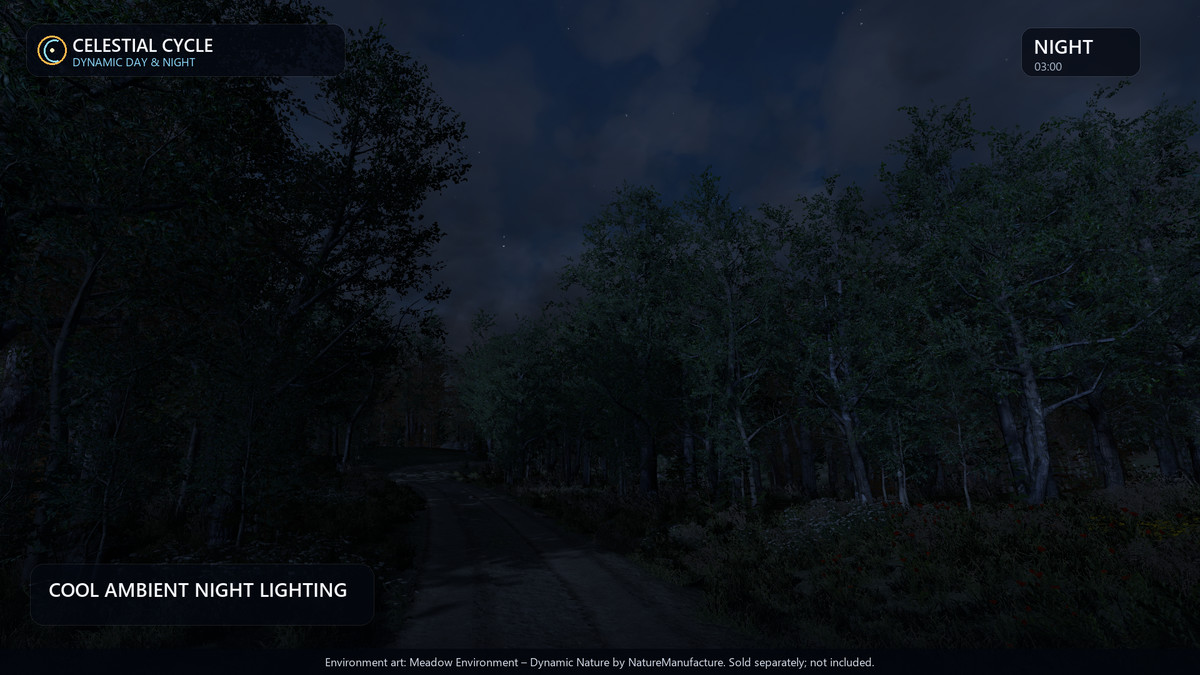
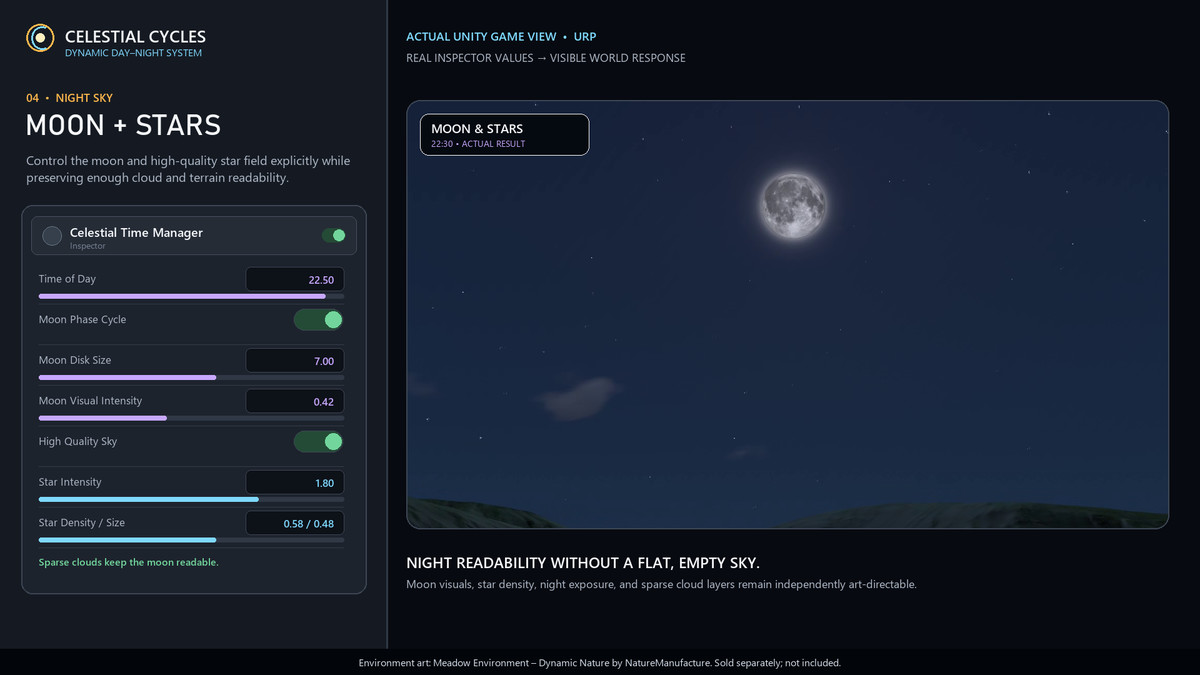
Light touches the horizon. Clouds drift. The first stars appear.
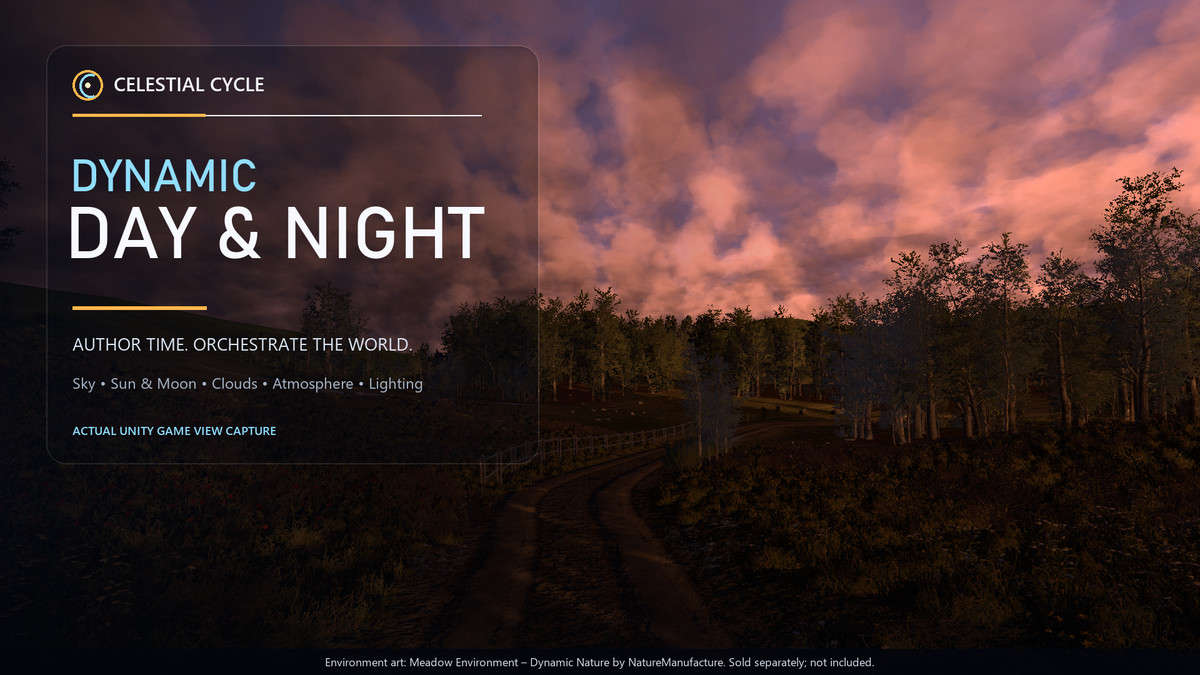
One Time Manager puts your sky, clouds and lighting in your hands. Shape the day with visual controls and see it unfold in your scene.
Watch the 2-minute walkthrough. See the 4.0.2 controls before you buy.
From import to first light.
Import. Open Setup & Repair. Run Day & Night setup.*
Sun, Moon, stars, clouds and lighting arrive together. The setup is handled. The look is yours.
Every hour has a mood. Find yours.
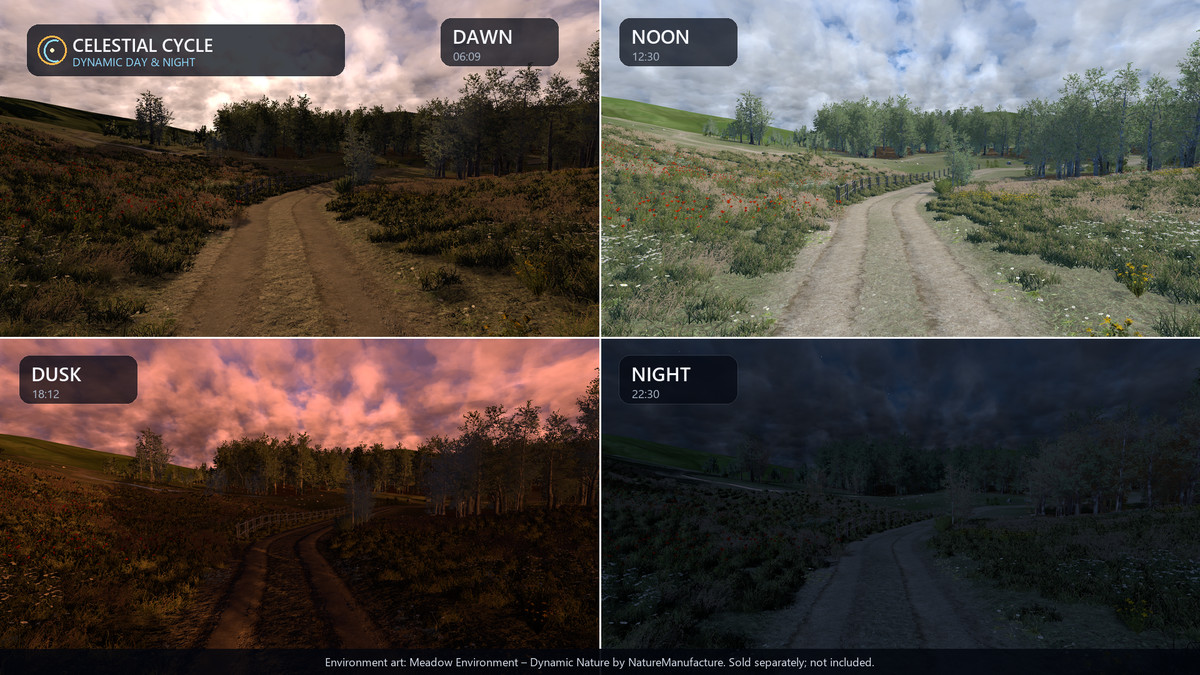
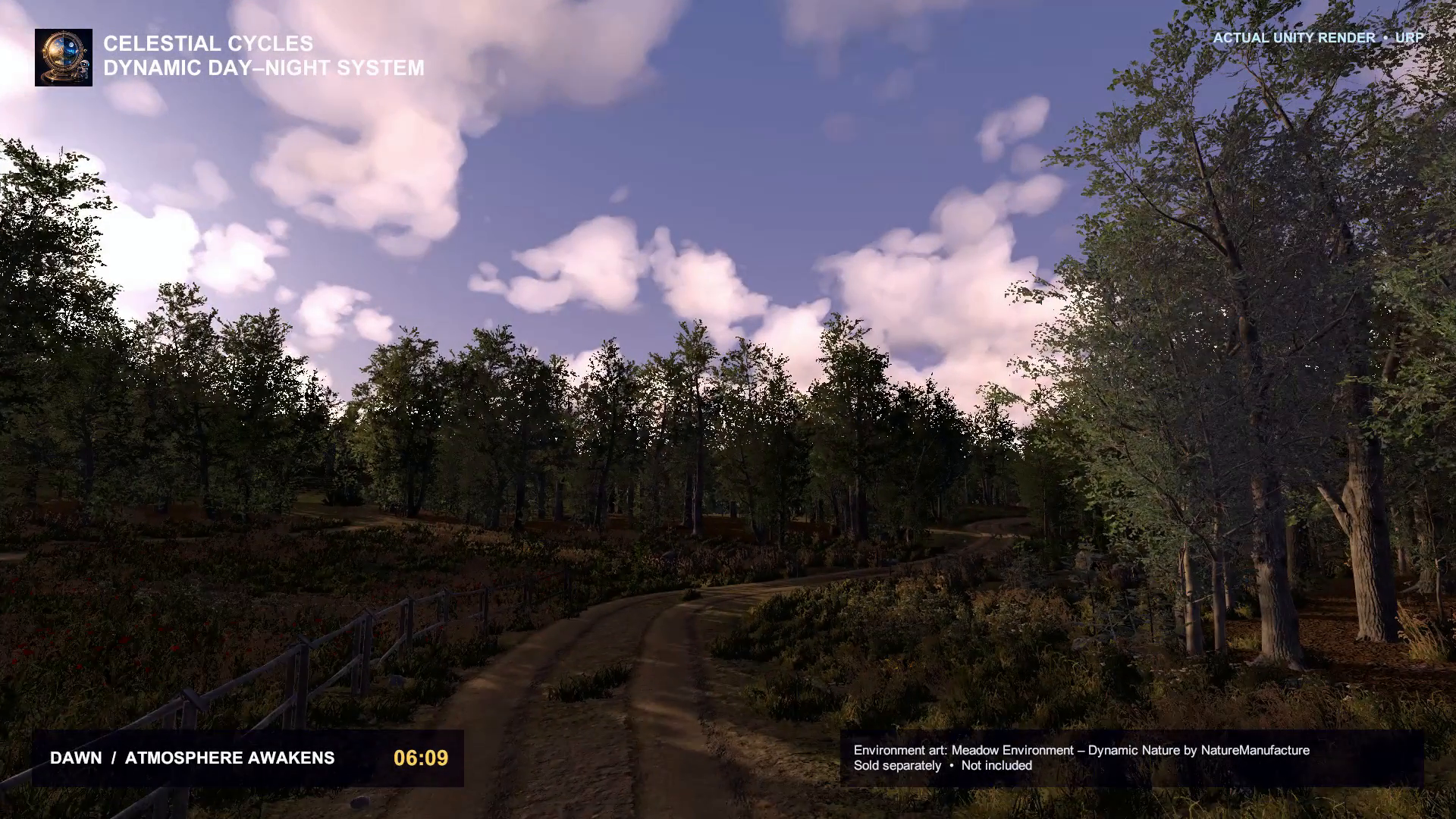
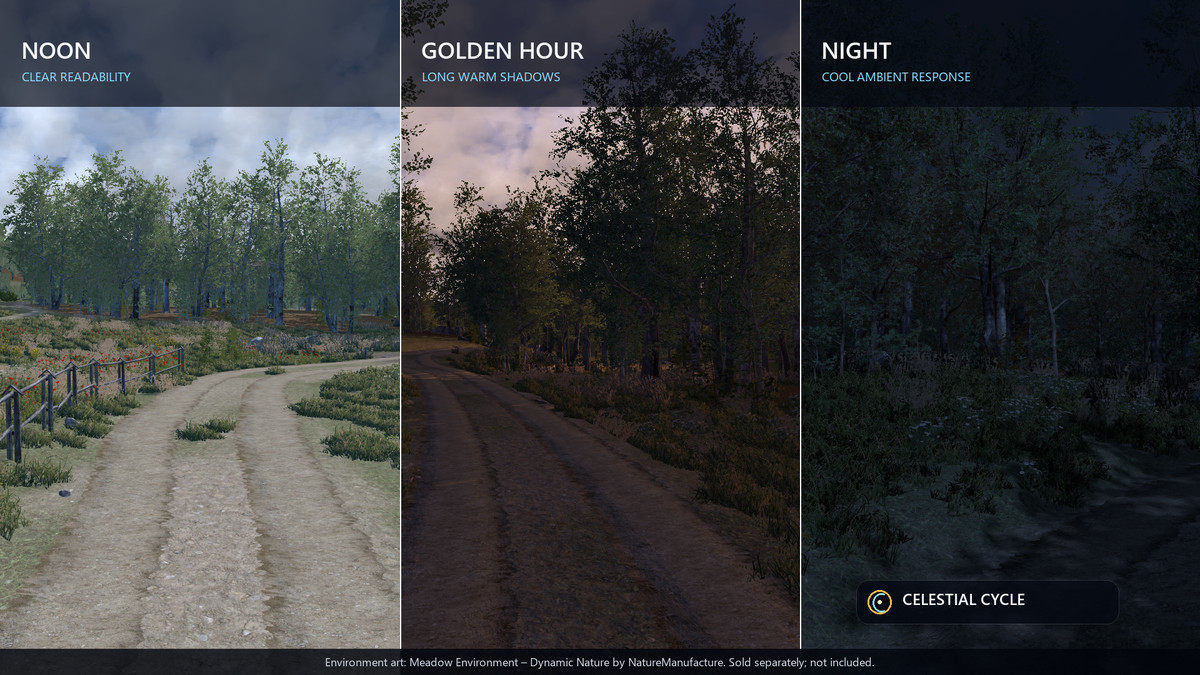
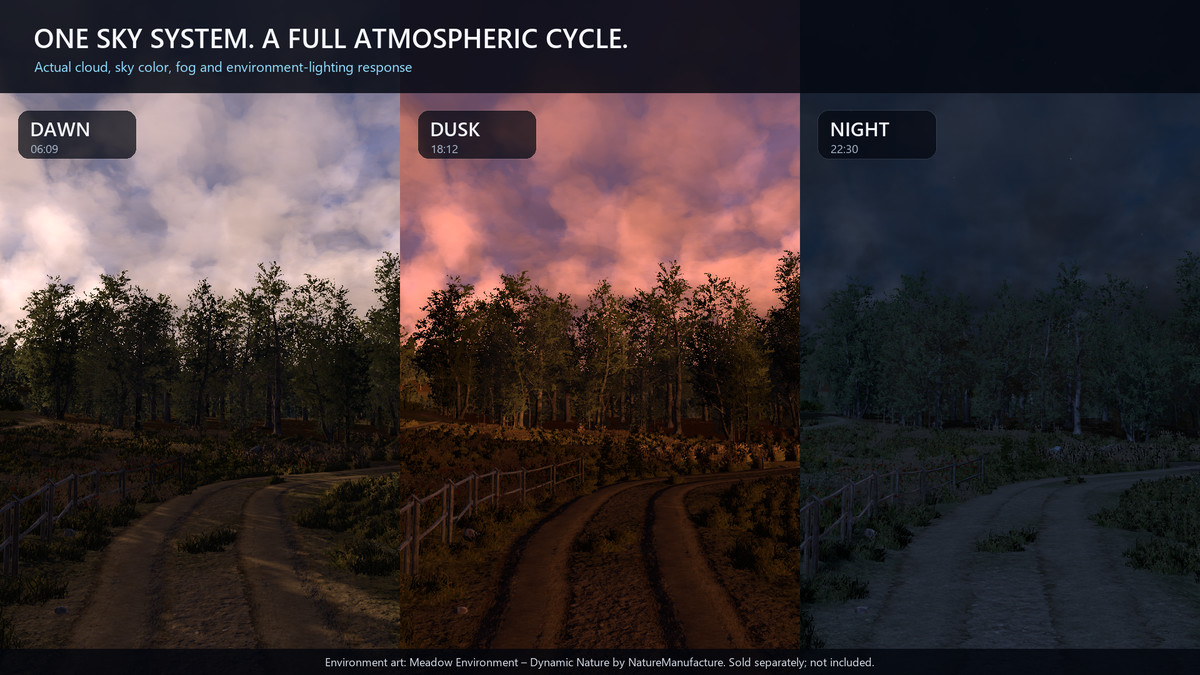
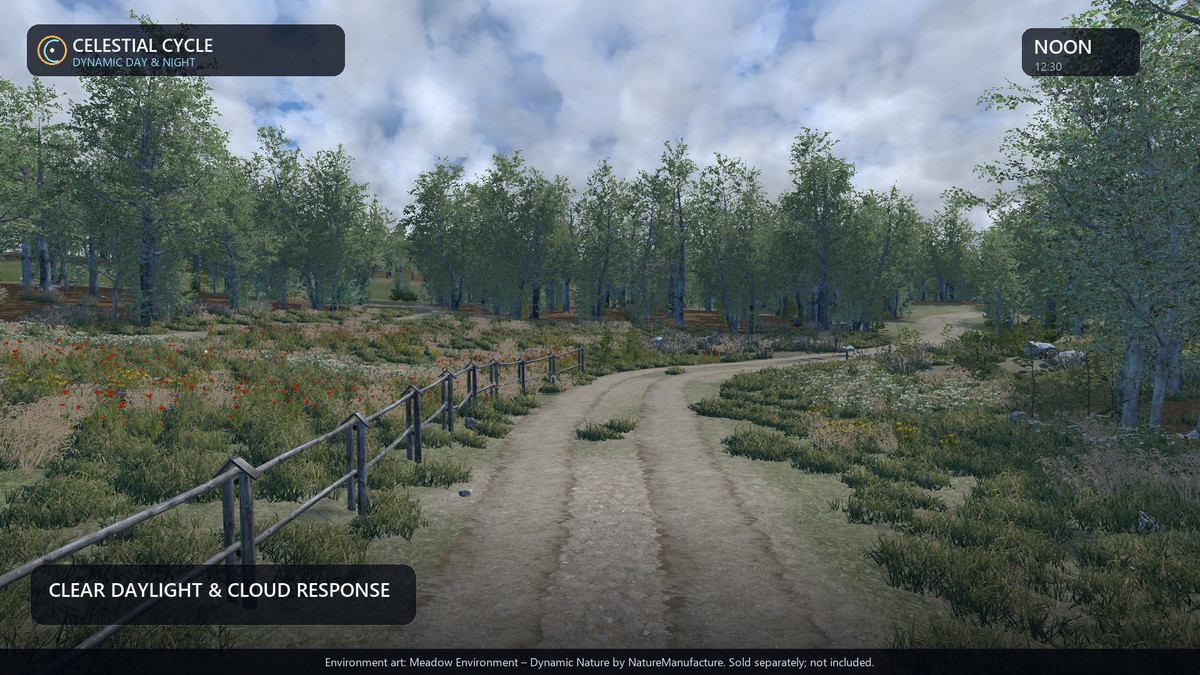
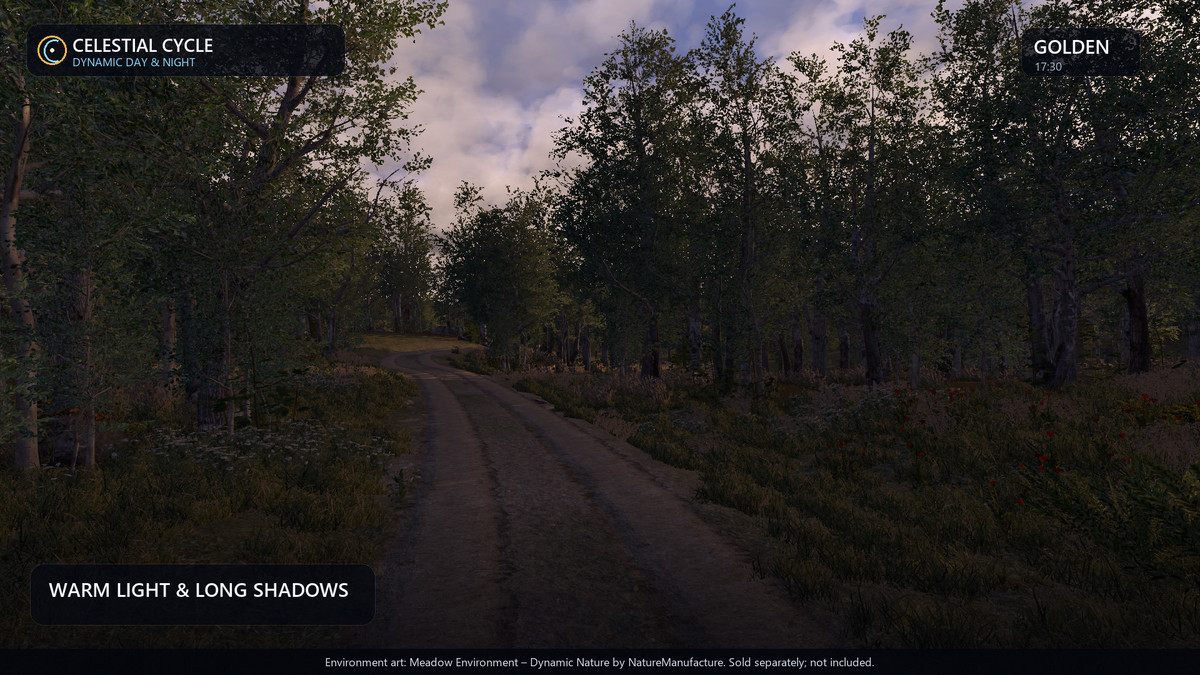
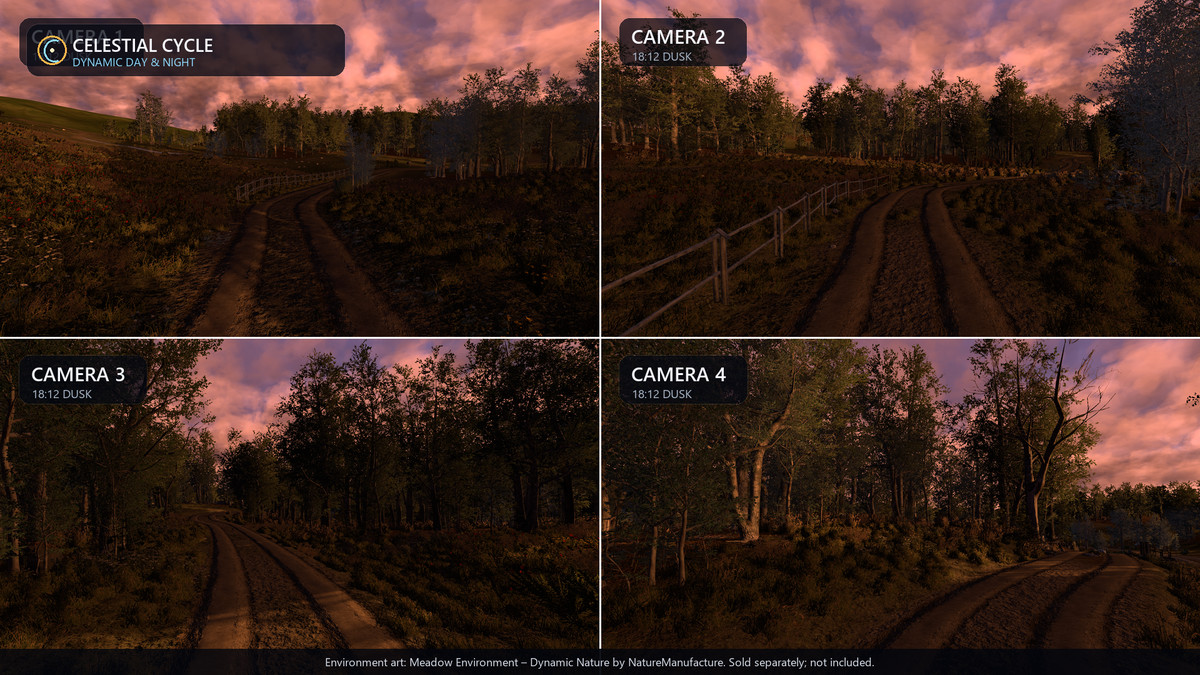
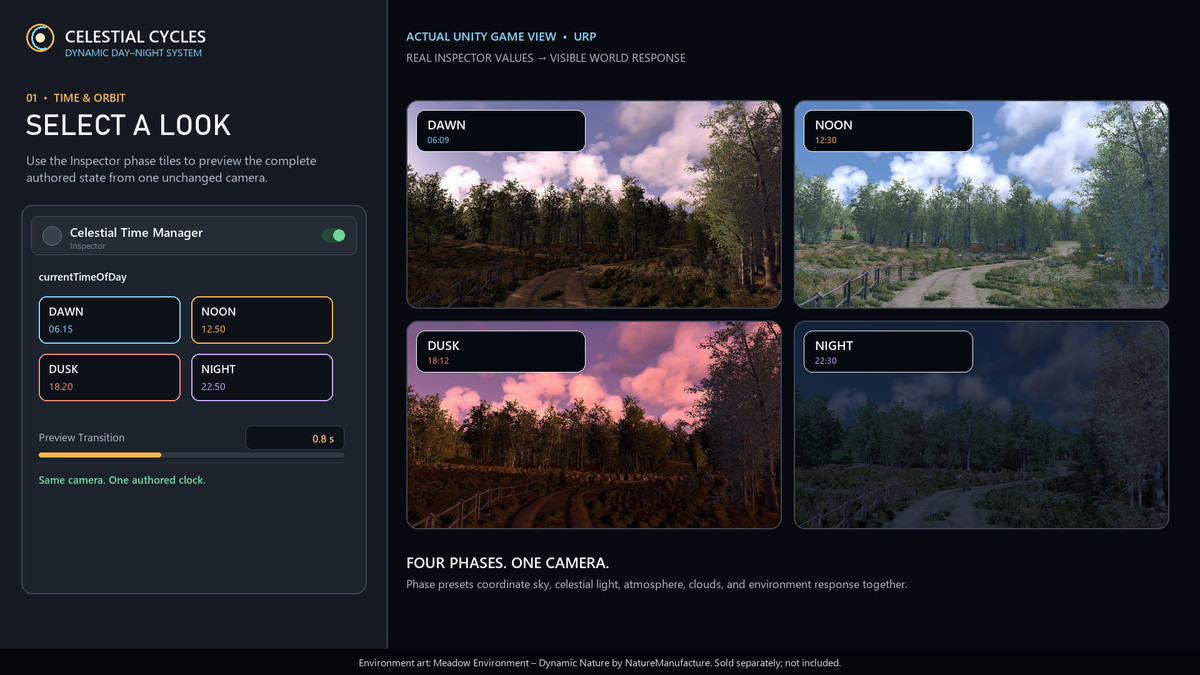
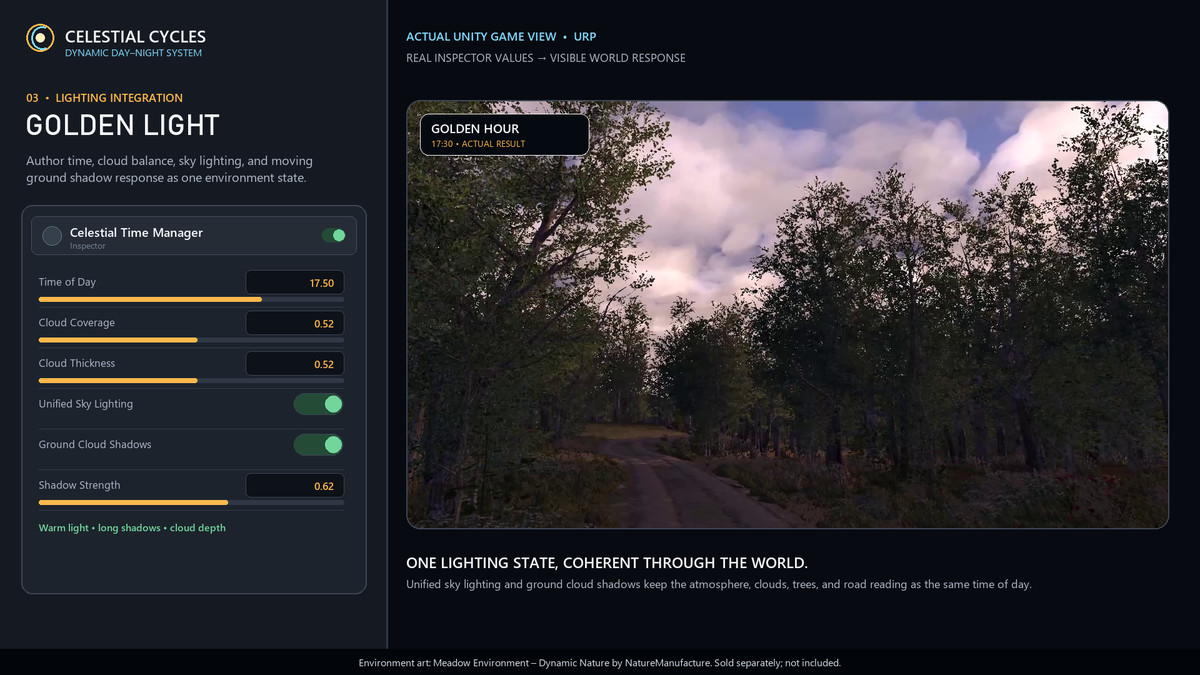
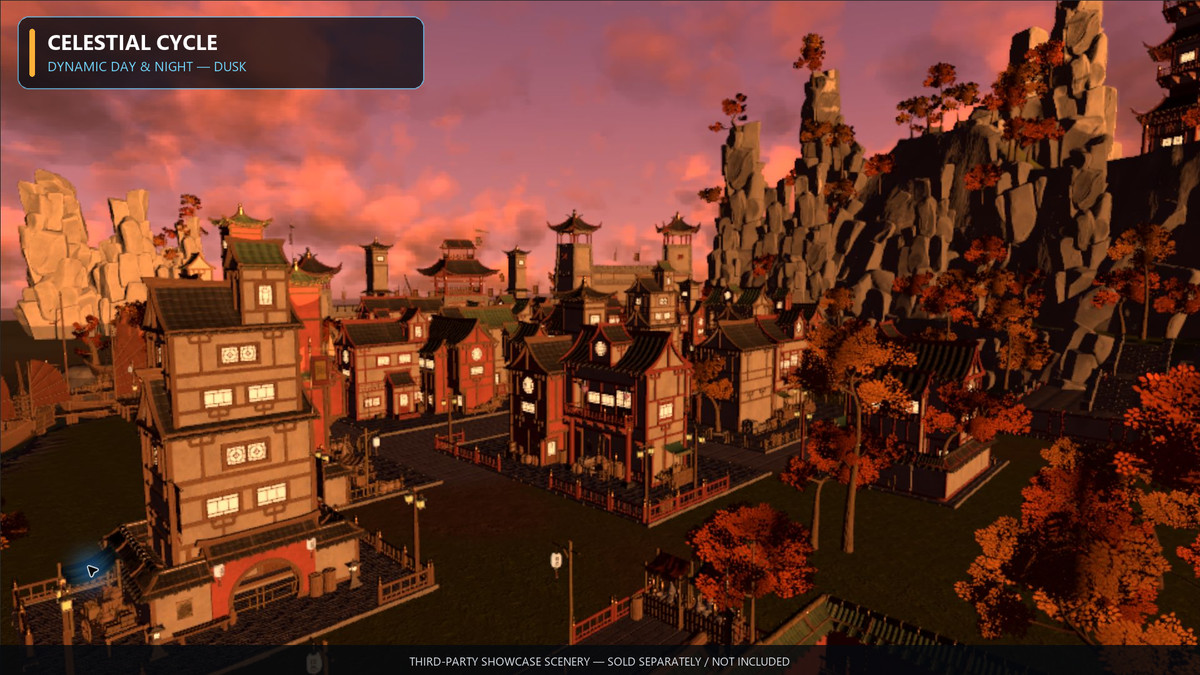
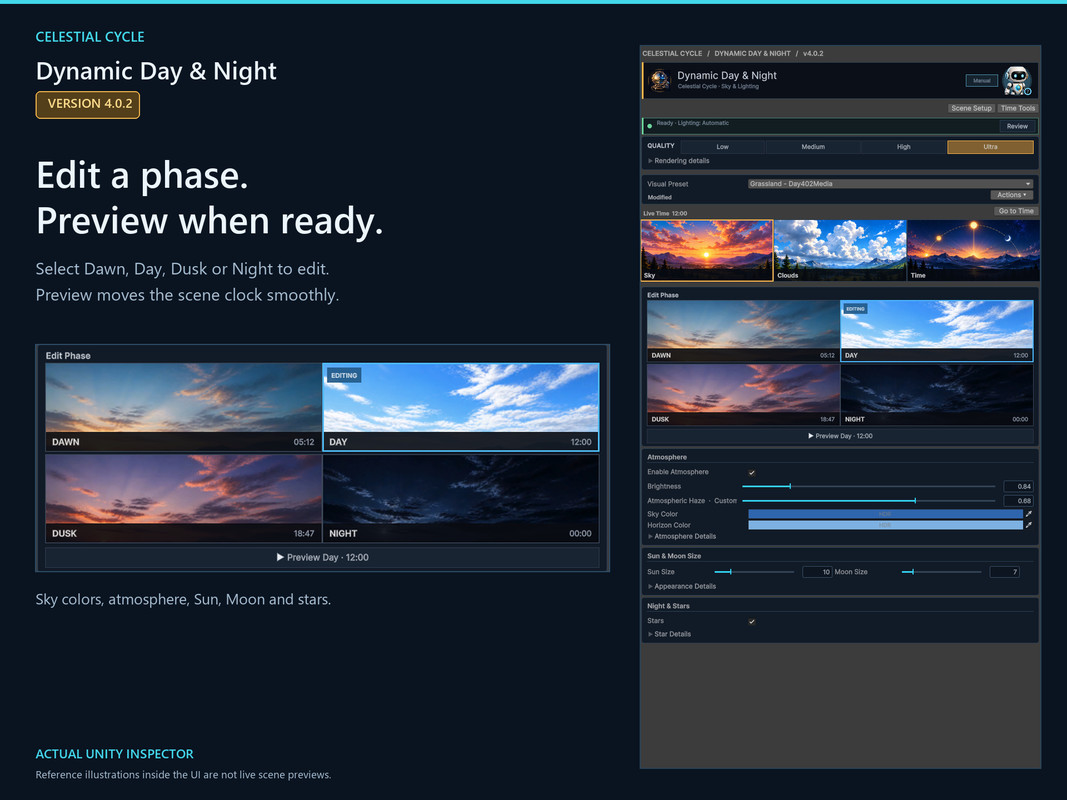
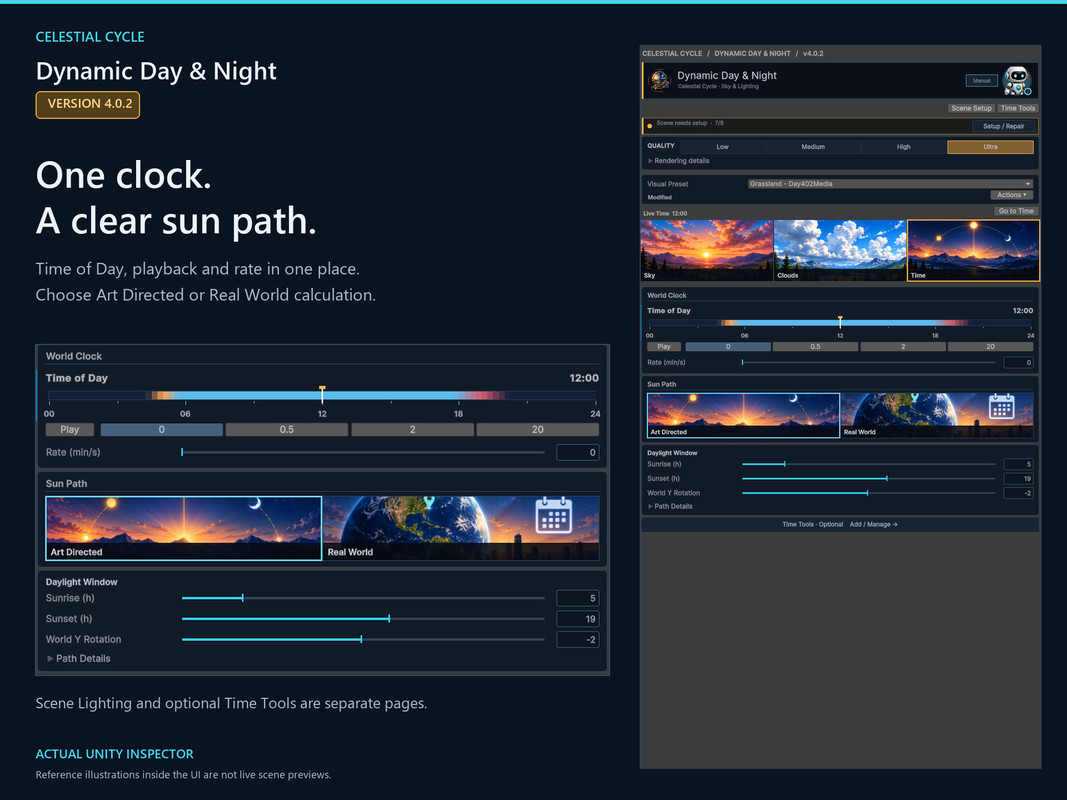
Dawn. Noon. Golden hour. Midnight. Move through the day and watch sky, Sun, Moon, stars and ambient light follow the same clock. Pause while you shape a look, then let it run at the pace your story needs. Edit a phase without moving time; hit Preview to see the transition.
Four looks. Make one yours.
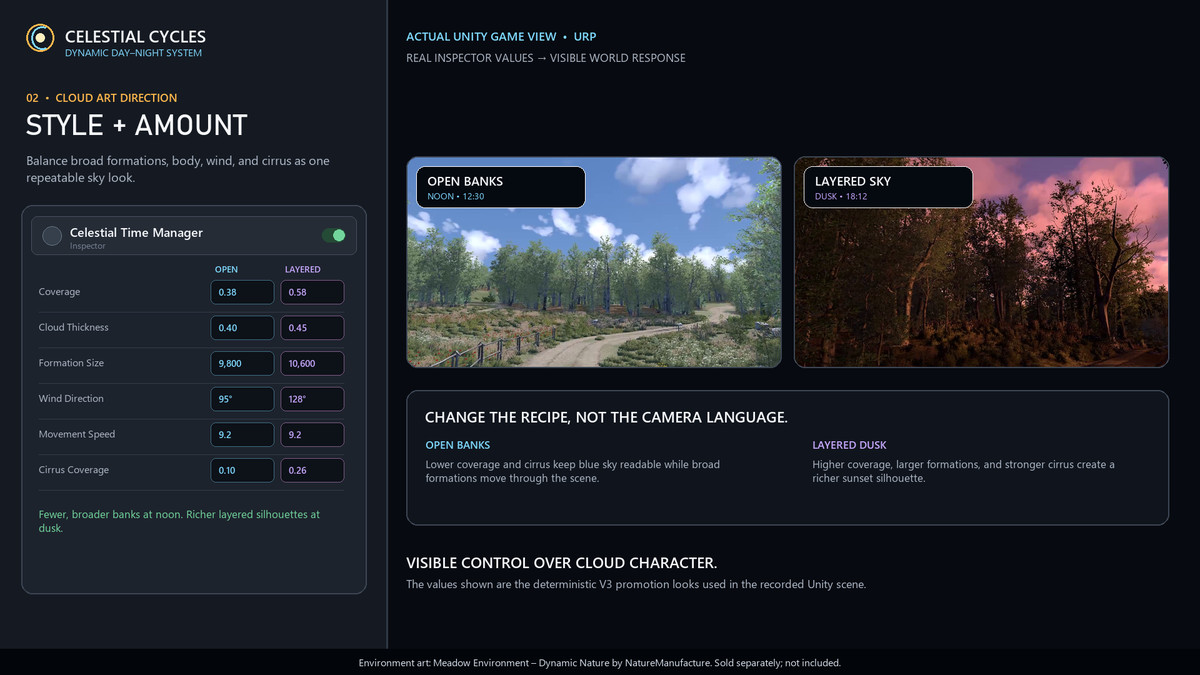
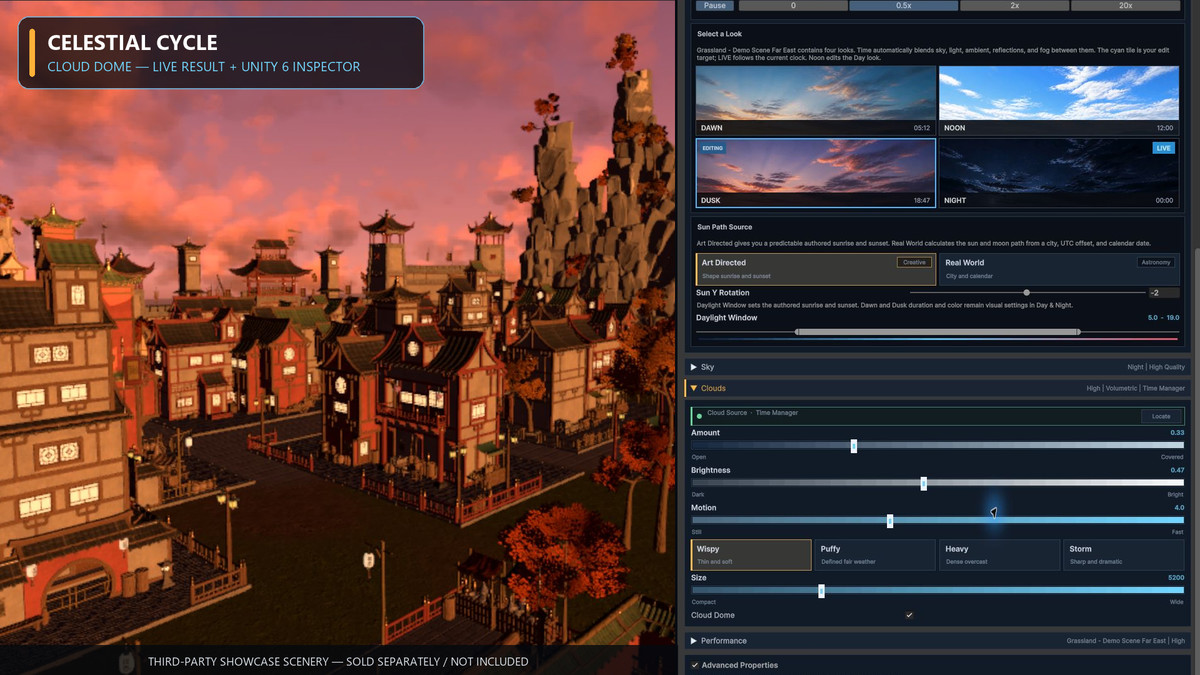
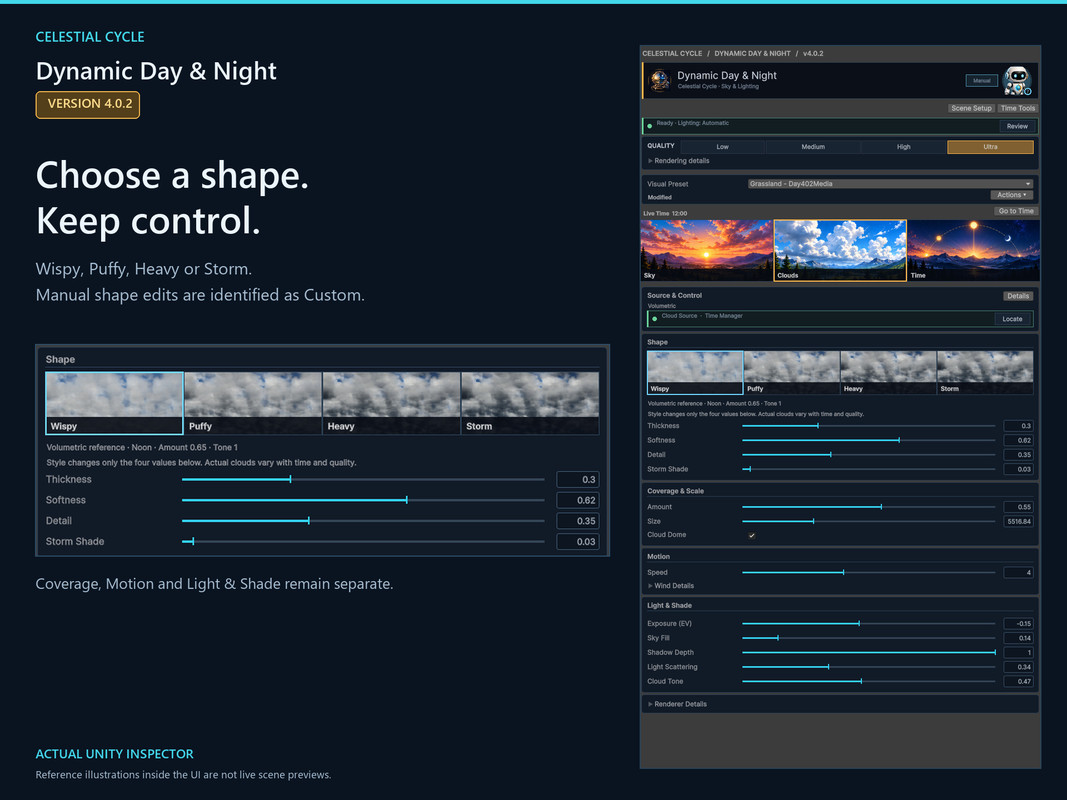
Grassland. Desert. Arctic. Tropical. Start with a visual preset, then shape Wispy, Puffy, Heavy or Storm clouds. Custom identifies your own cloud shape. Your scene edits leave the source preset untouched until you choose to save them back.
Clouds with depth. Light with drama.
High and Ultra bring volumetric clouds, directional light and self shadowing, with optional ground shadows and Sun shafts. Low and Medium use lighter texture cloud layers. Cloud Dome carries both toward the horizon. One sky. Four quality choices.
When the sun sets, your world notices.
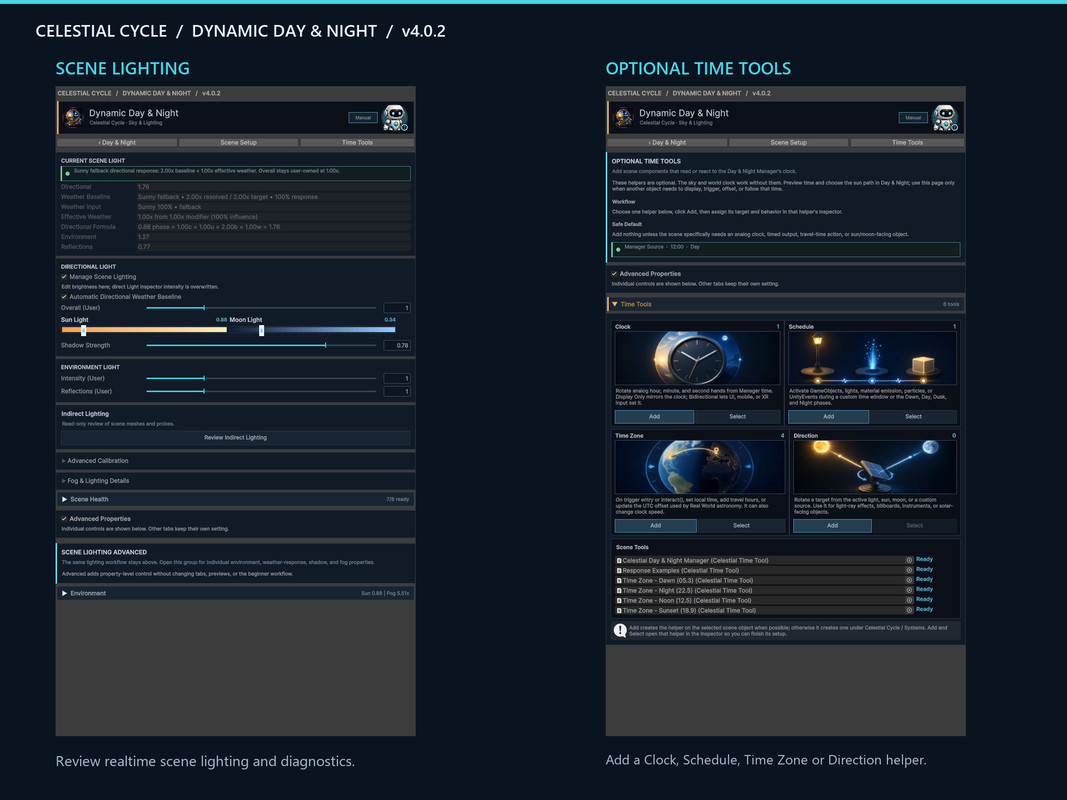
Turn on streetlights. Let windows glow. Bring particles into the night. Time Tools connect the clock to lights, emission, particles, GameObjects and UnityEvents, or drive clock hands. Runtime APIs connect your gameplay to the same time system. Set your own daylight window, or calculate Sun and Moon paths from location and date.
Start with the sky. Then build a world.
Day & Night is the first chapter: give your world a day. Add Dynamic Season for weather and seasons. Add Dynamic Ocean for water. Each is sold separately. Explore the Celestial Cycle family.
The next chapters. Coming soon.
We are building the next layers of the world: the land beneath your feet, a way to explore it, and the lives that fill it. These products are in development and are not included with Day & Night.
See it before you build it.
Take the cinematic tour or fly with the free camera. Compare four cloud tiers, move through time, and see night lights, emission, particles and Time Zone triggers in use. An original terrain, four visual presets and response examples are included.
Redesigned for 4.0.2.
Illustrated Sky, Clouds and Time workspaces, with dedicated Scene Lighting and Time Tools pages. See the new Inspector in action.
Before you begin
- * Setup requires the package dependencies and a saved URP scene. Existing scenes need Scene Check and a review of Setup & Repair before saving.
- Requires Unity 6000.3 or later and URP. Built-in and HDRP are not supported. Realtime lighting only; baked lighting can conflict with a changing day.
- High and Ultra volumetric clouds require the Renderer Feature and do not support stereo XR. Start with Low or Medium for mobile and standalone XR, then profile on target hardware.
- Cloud style images are static references. Custom matches the four cloud shape values: Thickness, Softness, Detail and Storm Shade. Storm does not create rain.
- Upgrading from before 4.0? Back up the project, duplicate production scenes and follow the included upgrade guide and Scene Converter. Demo movement uses Legacy Input: set Active Input Handling to Old or Both.
- Compatible Celestial Hub and Common resources, PDF manual and upgrade guides are included. No Cinemachine or separate Celestial product is required. Third party promotional scenery is not included; Cinemachine and Unity Recorder were used for promotional production only.
Questions or setup trouble? Find us on Discord.
From the publisher's Asset Store listing.
Technical details
RENDER PIPELINE AND UNITY
• Universal Render Pipeline (URP) only
• Requires Unity 6000.3 or newer
• Tested with Unity 6000.3.21f1 and URP 17.3.x
• Unity UI (com.unity.ugui) 2.0.x
• Built-in Render Pipeline: not supported
• HDRP: not supported
• Unity 2022.3 and earlier: not supported by Version 4
RENDERING
• Custom high-quality procedural HLSL Skybox
• Low: one layered texture-cloud shell; no camera Renderer Feature required
• Medium: two altitude-separated texture-cloud layers; no camera Renderer Feature required
• High: volumetric clouds; Celestial Cloud Renderer Feature required on the URP Base Camera
• Ultra: highest tested volumetric ray, light, shadow, and shaft budget; Renderer Feature required
• Native URP 17 RenderGraph execution; setup does not force Compatibility Mode or add a project-wide scripting define
• Cloud Dome enabled by default on new Cloud Renderers with a 300 km starting radius
• Accurate animated-Skybox environment lighting or fast tri-light mode
• One managed Unity Directional Light with virtual Sun and Moon paths
• Realtime lighting workflow; check baked-lighting conflicts before Repair and saving
PERFORMANCE
• Mobile: Low or Medium recommended; Ultra is not a mobile target
• Standalone XR: Low or Medium recommended; profile on-device
• High / Ultra: desktop and high-end non-stereo targets
• High / Ultra volumetric clouds are not supported for stereo XR in Version 4.0.0
INCLUDED CONTENT
• Celestial Time Manager runtime and custom Inspector
• Prefab-backed Time Manager and scene setup tools
• Celestial Cloud Renderer and setup tools
• HLSL sky, volumetric cloud shader, includes, and compute shaders
• Layered texture-cloud maps
• Four visual presets
• Unified CelestialTimeTool and custom Inspector
• Real-time astronomy evaluator
• Runtime time state, environment evaluation, events, and public API
• Scene converter, Setup / Repair workflow, and diagnostics
• Playable Demo, response examples, and original three-LOD terrain
• PDF manual and breaking-upgrade guide
• Compatible shared Celestial Hub and Common resources are included
DEPENDENCIES
• Unity package dependencies: URP 17.3.x and UGUI 2.0.x
• Declared Unity modules: Particle System, VR and Physics2D
• No Asset Store package dependency
• No required Cinemachine, XR, Dynamic Player, or online-service dependency
• Optional integrations: Dynamic Season (legacy Dynamic Nature identity) and Dynamic Ocean; separate products
DEMO INPUT
• WASD/free-camera controls use Legacy Input
• Set Active Input Handling to Old or Both
IMPORTANT UPGRADE NOTICE
Version 4.0.0 is a breaking remaster. Create a restorable project backup and duplicate production scenes before upgrading. Prefer a clean replacement of the publisher Dynamic Day folder. Read the included upgrade guide, run Tools > Celestial Cycle > Day & Night > Advanced > Scene Converter, then Setup / Repair Scene, and verify the preset, Skybox, Directional Light, Cloud Renderer, quality tier, and Time Tools before committing the upgraded project.
Compatibility
| Unity version | Built-in | URP | HDRP |
|---|---|---|---|
| 6000.3.21f1 | Not listed | Compatible | Not listed |
URP only. Tested: Unity 6000.3.21f1 / URP 17.3.0, Windows DX11/DX12. Shared Hub/Common included. Low/Medium need no Renderer Feature. High/Ultra need Celestial Cloud Renderer Feature on the URP Base Camera; native RenderGraph and Compatibility supported. Realtime lighting; review baked conflicts before Repair. Built-in/HDRP and stereo High/Ultra unsupported.
As listed on the Asset Store.