
 View on Asset Store (opens in new tab)
Package details
- Latest version
- 1.2.3
- Last updated
- First released
- Unity version
- 6000.3.3 or later
- Package size
- 200 KB
- Files
- 57
- Favorites
- 106
- Views in the past week
- 31
Price tracking
- Last checked
- Tracked since
- Lowest recorded
- Free on
Keywords

ScenarioFlow
ScenarioFlow helps to make dialogue scenes in your project. It provides the highly-extensible system for programmers and the novel script for writers to describe story.
Affiliate link · Purchases support this site
Price history
Last 6 months
USDAsset preview
1 / 9

ScenarioFlow screenshot 1


About this asset
Links
Philosophy
This package provides neither too much nor too little functions needed for creating dialogue scenes. The role of this package is not to provide a perfect system but to help you to build your own system that suits your project to create dialogue scenes. It means that you have to implement most of functions you need. However, it also means you can create your system as you like without any unnecessary dependencies, which is accomplished very effectively with this package.
Highly Scalable and Extensible System
The catchphrase of this package is "Suits for all projects." This package has a lot of extensible points so that it works well in your project no matter how the dialogue scene you want to create.
Writer-Friendly System
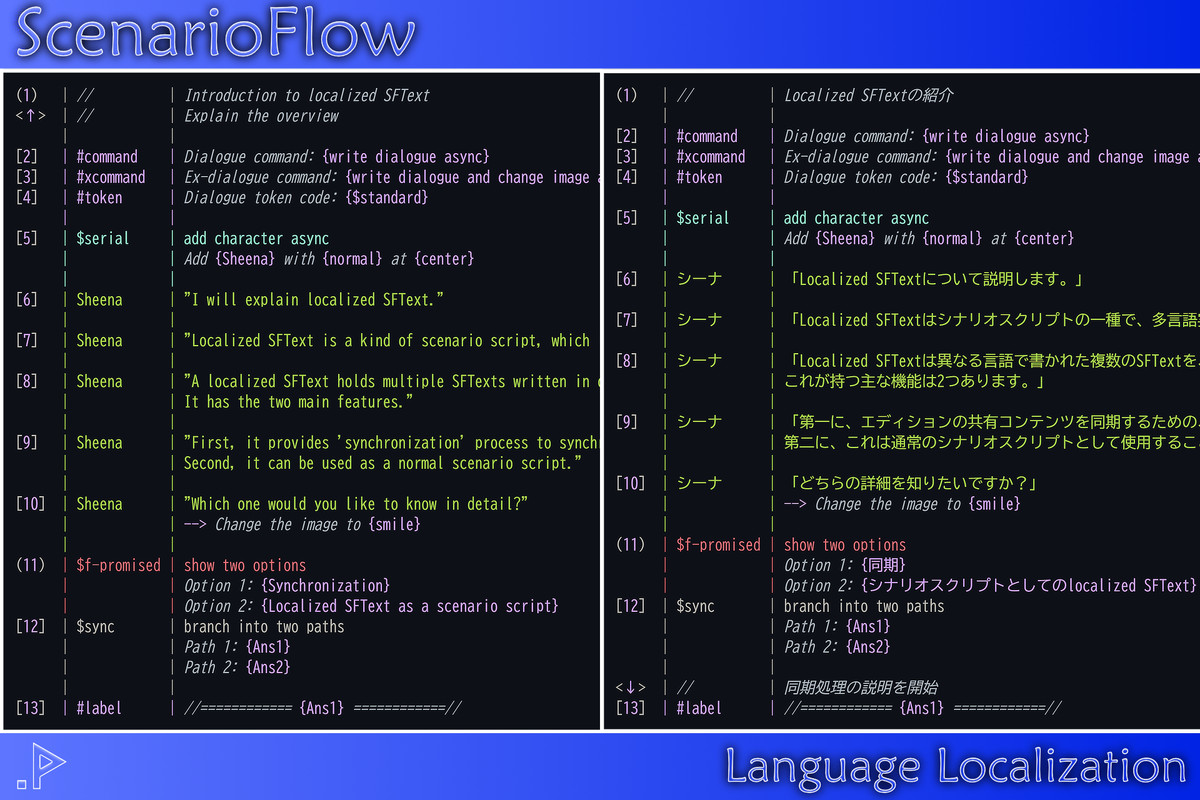
Writers have to describe scenario scripts to play a dialogue scene with invoking "commands" provided by programmers. ScenarioFlow provides a new script format used by writers, "SFText." This new format has very simple grammar and an appearance like for a play, so it is easy to write and also easy to read. Extensions for Visual Studio Code (VSCode) are available, so you can edit SFText scripts efficiently using them.
Programmer-Friendly System
"Command" is a function invoked by writers to cause some narrative directions like displaying dialogue lines, replacing character images, playing musics, and so on. Thanks to the novel architecture of ScenarioFlow, programmers can implement such commands easily and effectively.
Dependency
This package uses UniTask to handle async operations. You have to import it to your project at first to use ScenarioFlow.
From the publisher's Asset Store listing.
Compatibility
| Unity version | Built-in | URP | HDRP | Custom |
|---|---|---|---|---|
| 6000.3.3f1 | Compatible | Compatible | Compatible | Compatible |
As listed on the Asset Store.