
 View on Asset Store (opens in new tab)
Package details
- Latest version
- 1.0.0
- Last updated
- First released
- Unity version
- 6000.6.0 or later
- Package size
- 1.6 GB
- Files
- 954
- Favorites
- 5
- Views in the past week
- 13
Price tracking
- Last checked
- Tracked since
- Lowest recorded
- $20.00 on
Keywords

URP Lab Studio
- Price drop
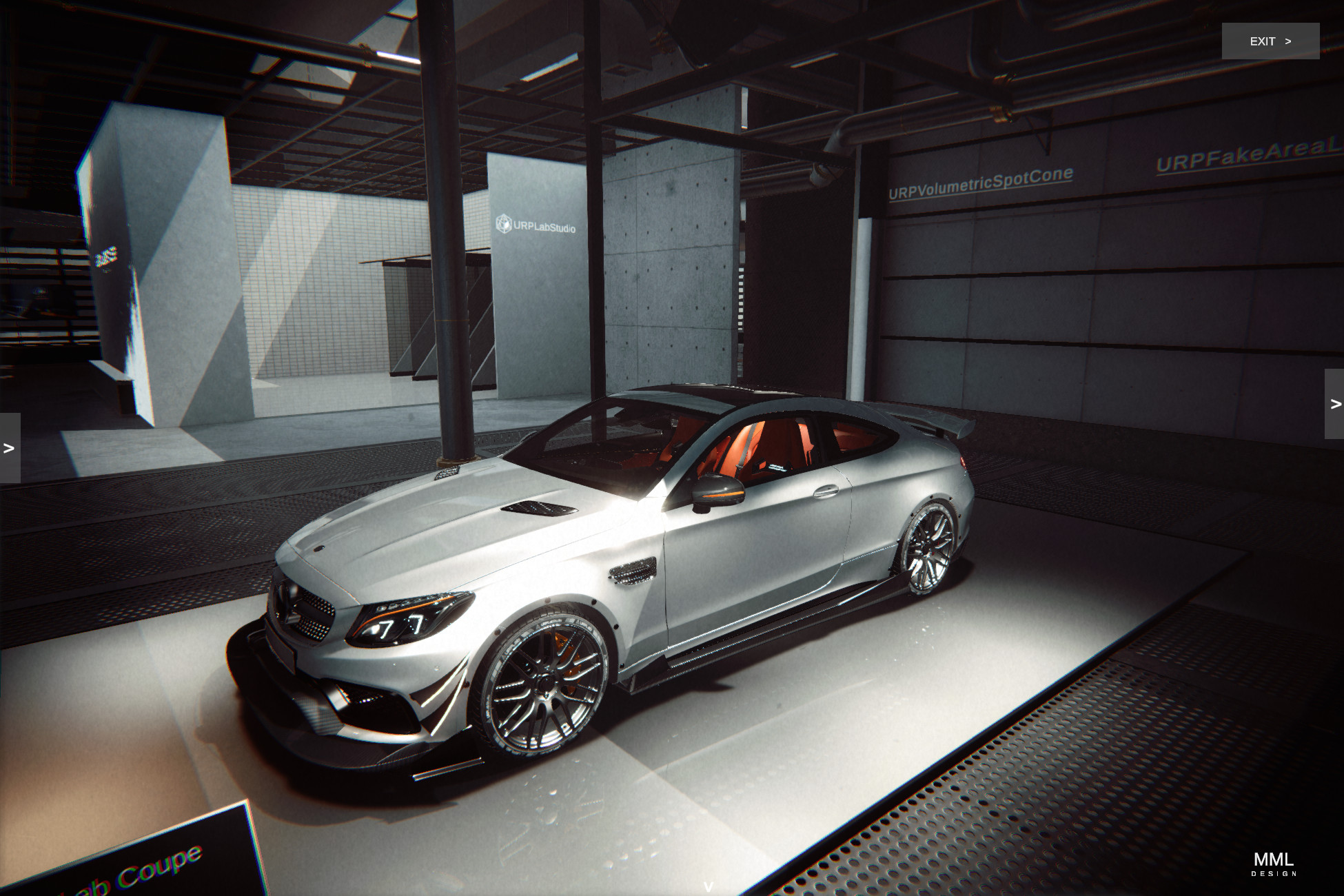
URP Lab Studio is a Unity 6 URP automotive visualization toolkit with realtime configuration, custom rendering, shaders, camera controls, and editor tools.
Lowest in 6 months
Get 3% off on Asset Store (opens in new tab)Affiliate link · Purchases support this site
Price history
Last 6 months
USDAsset preview
1 / 39
URP Lab Studio screenshot 1
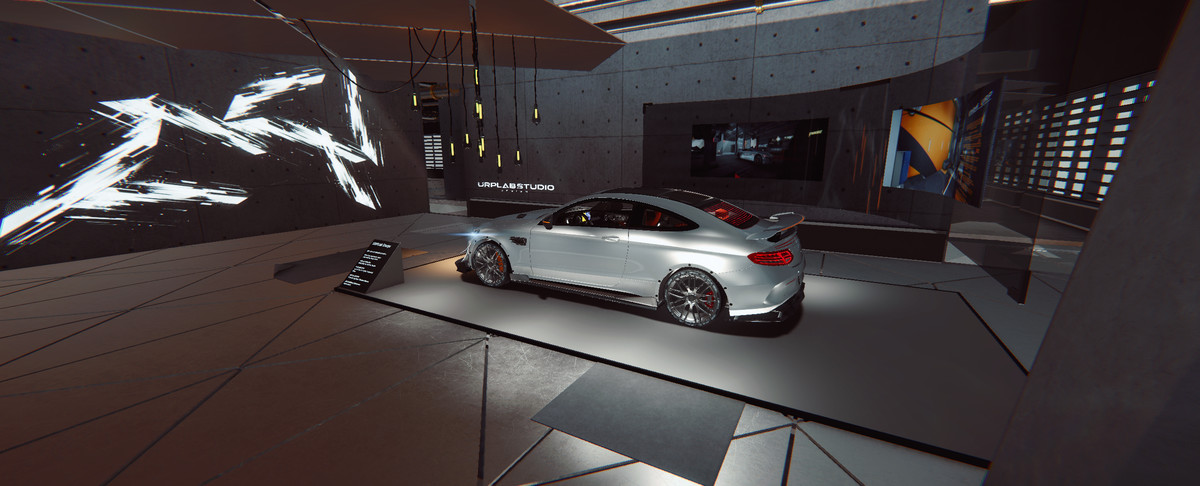
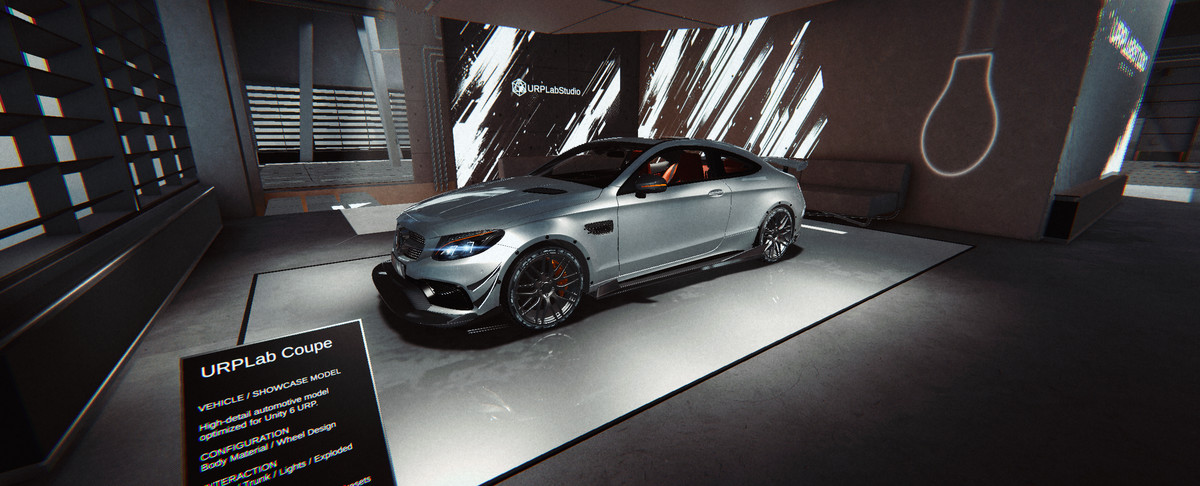
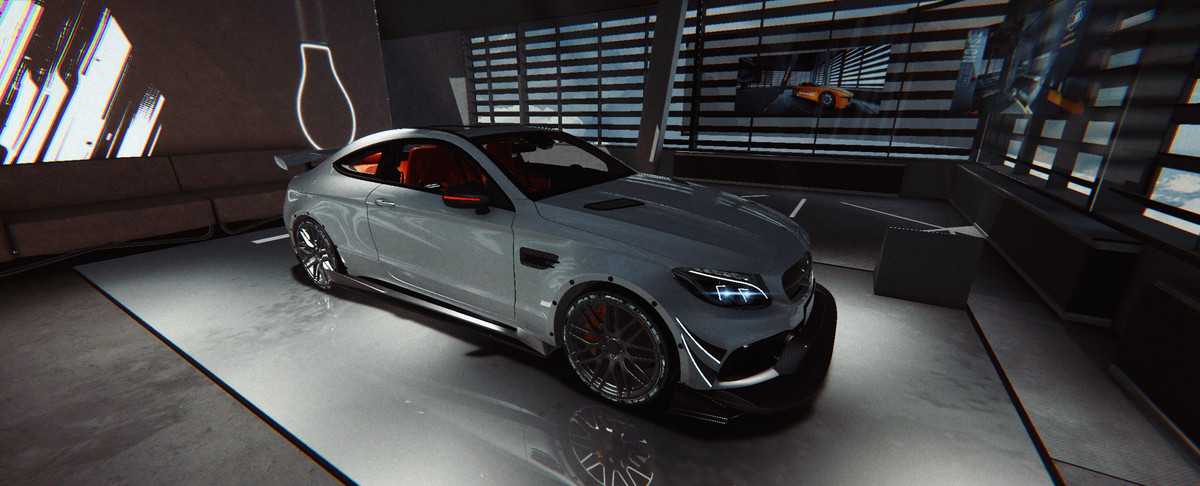
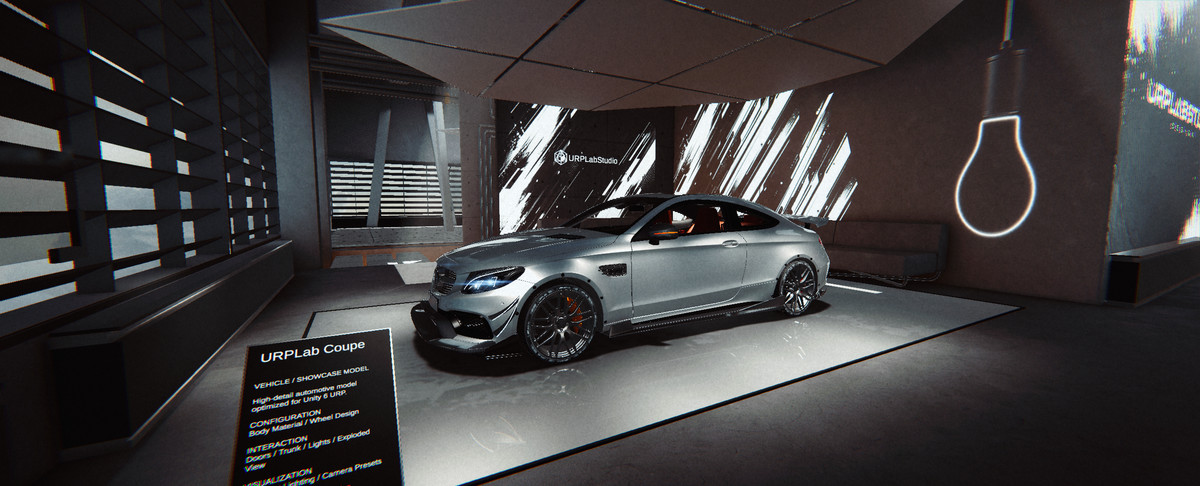
About this asset
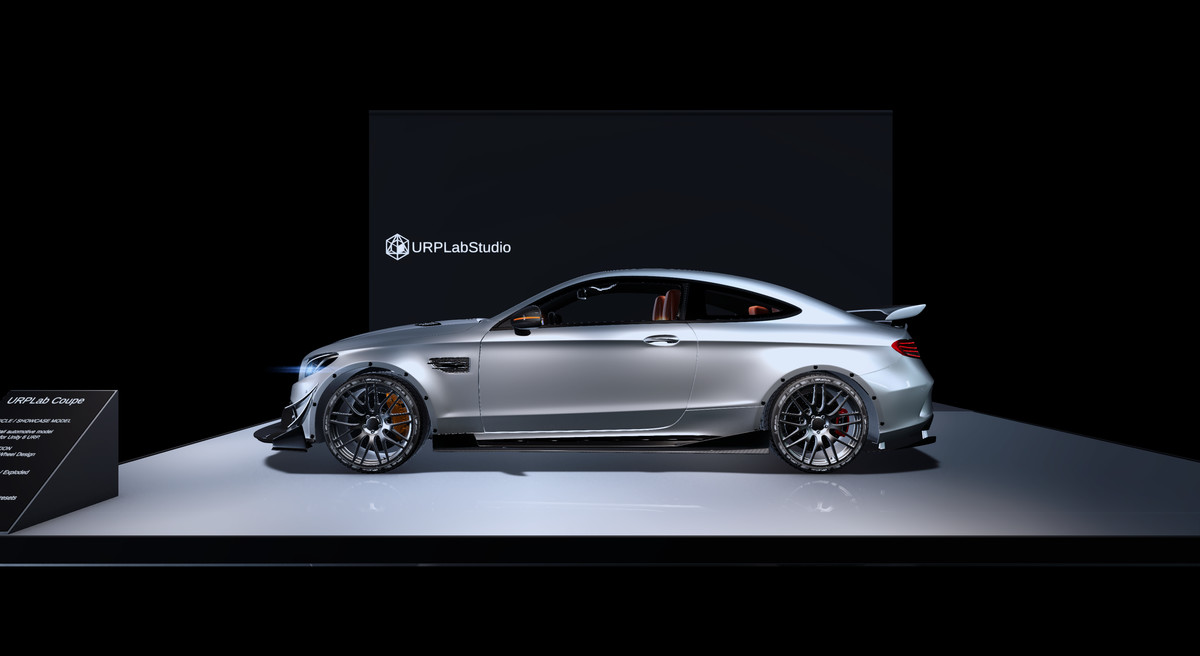
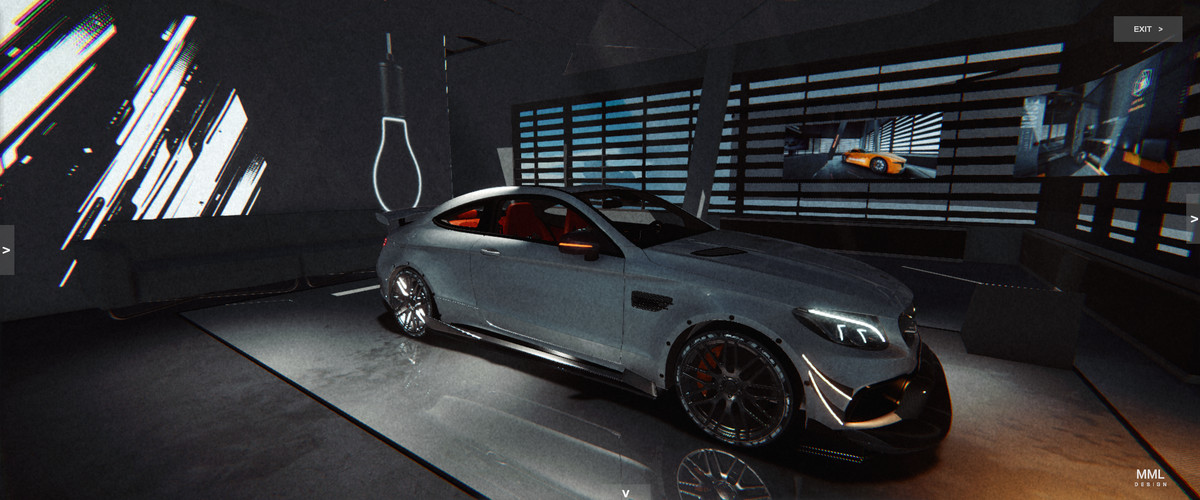
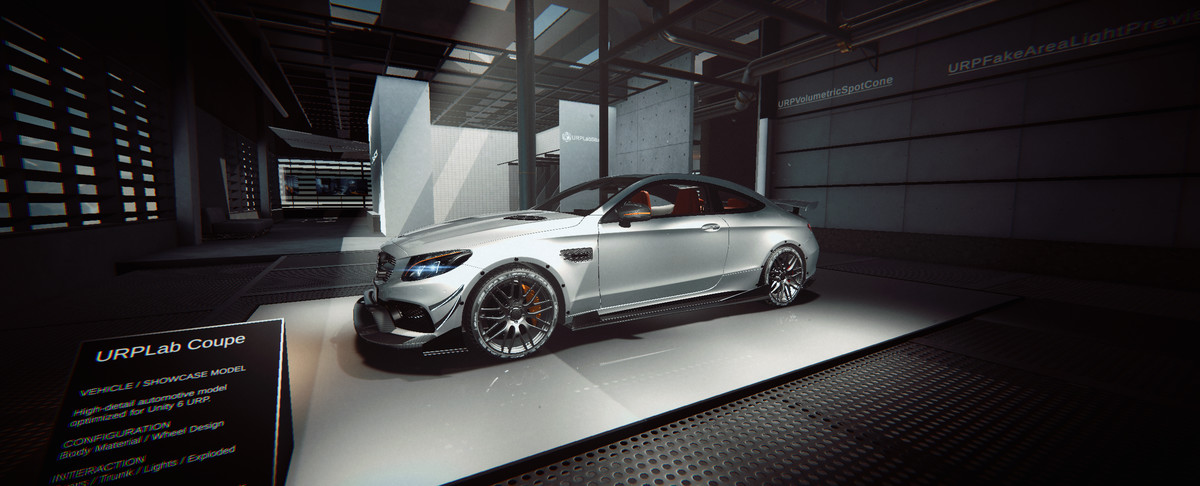
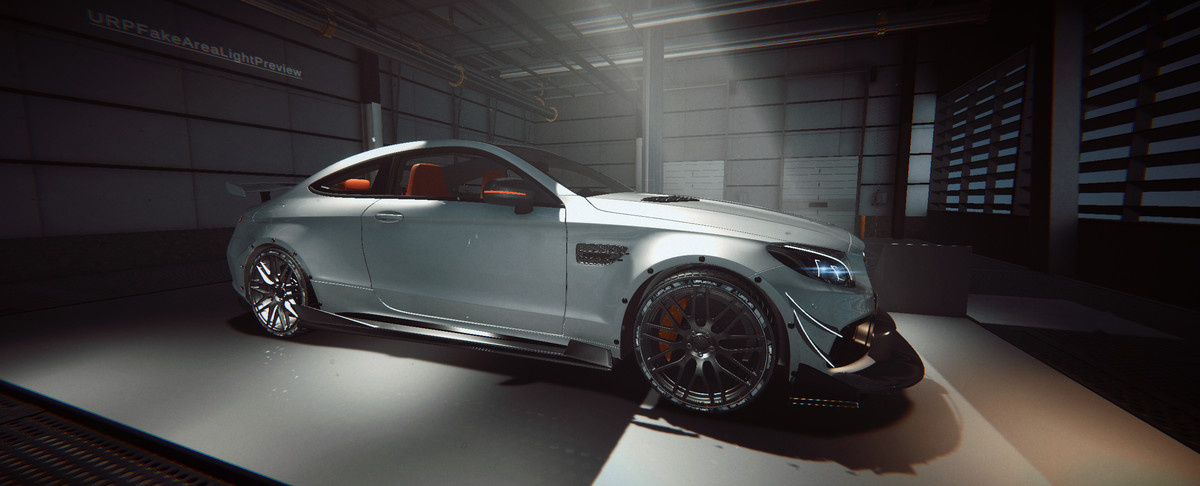
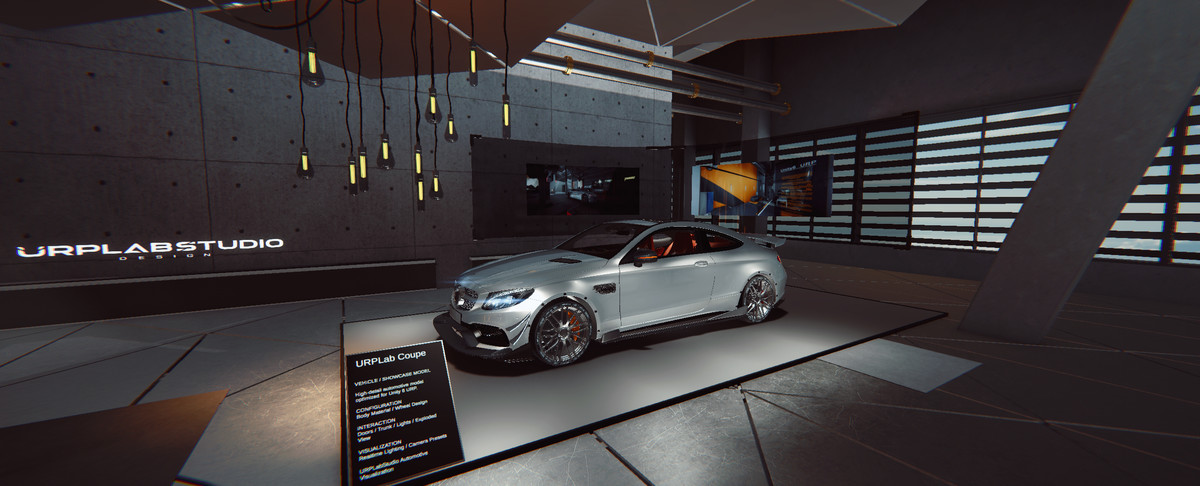
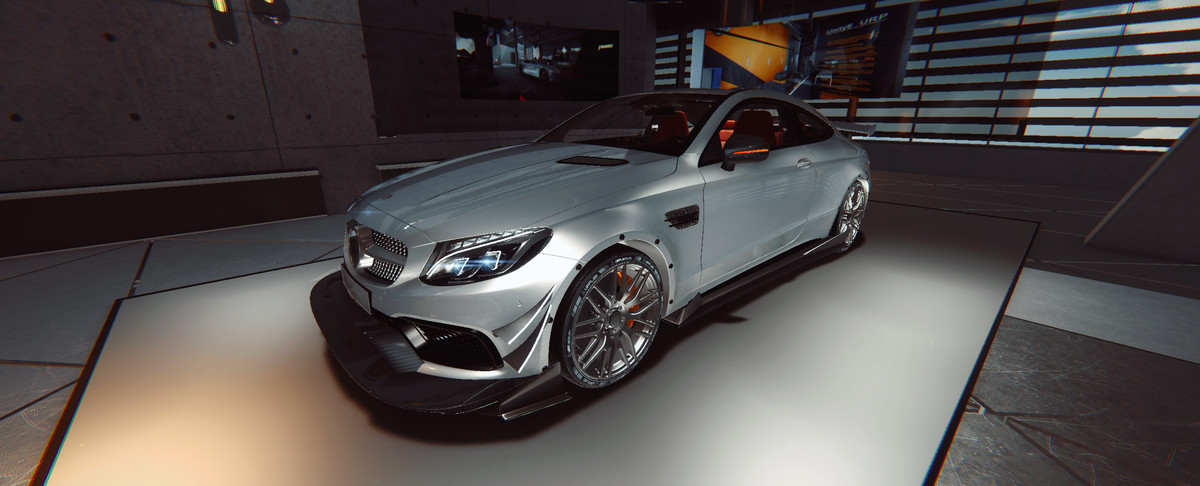
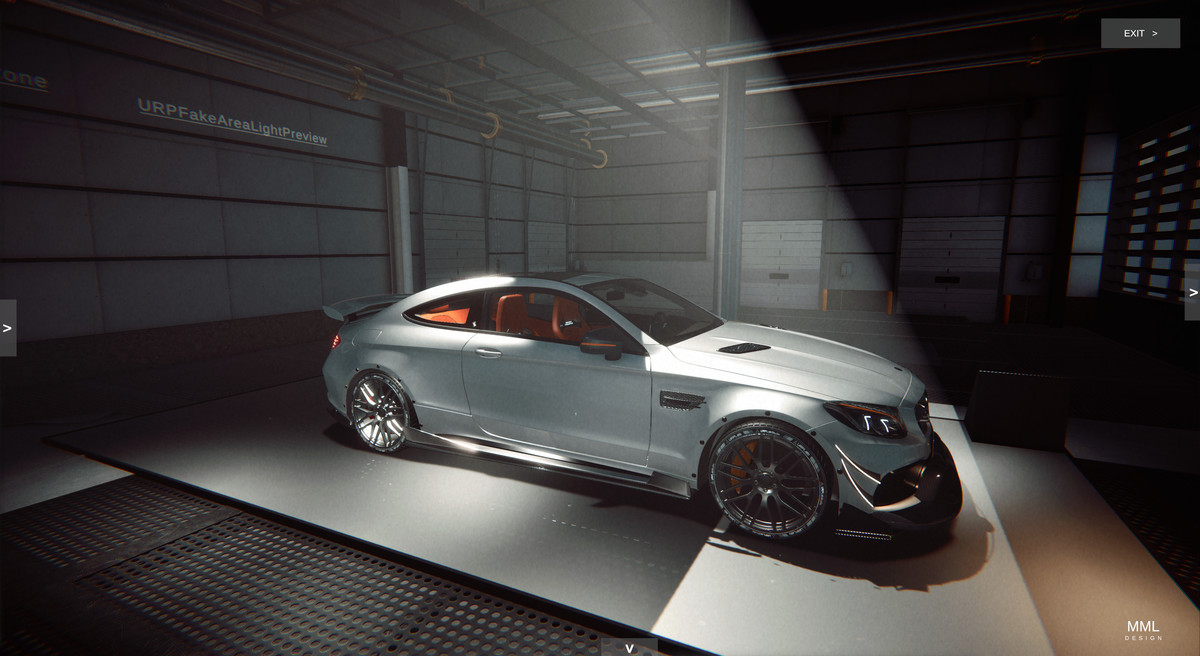
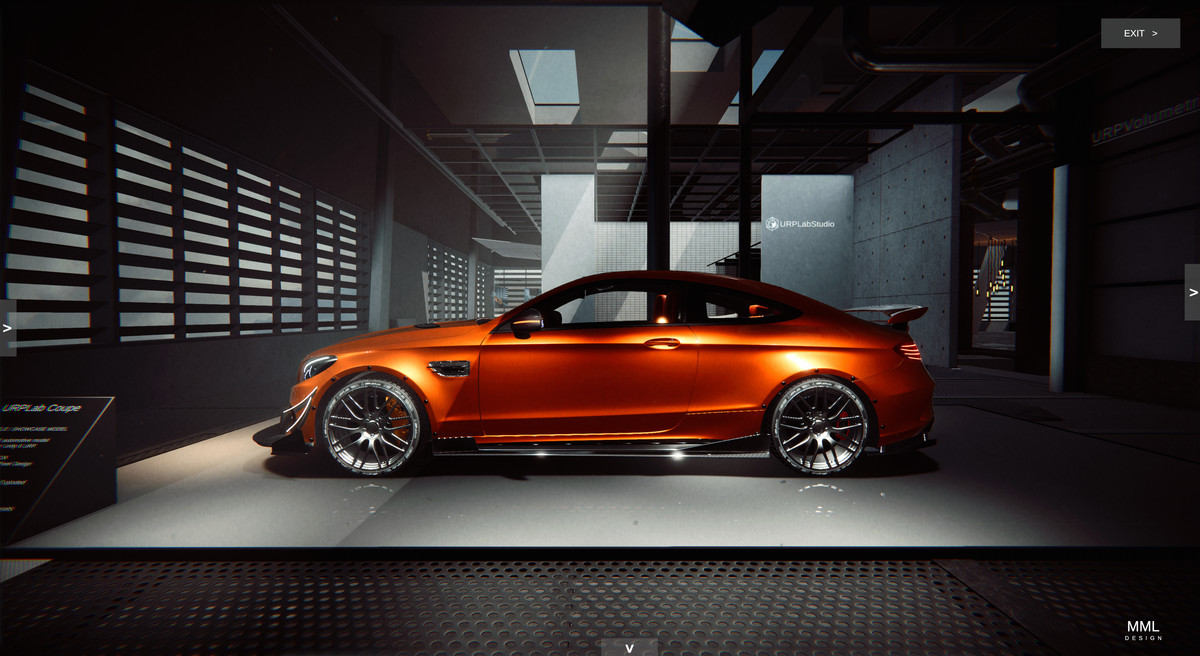
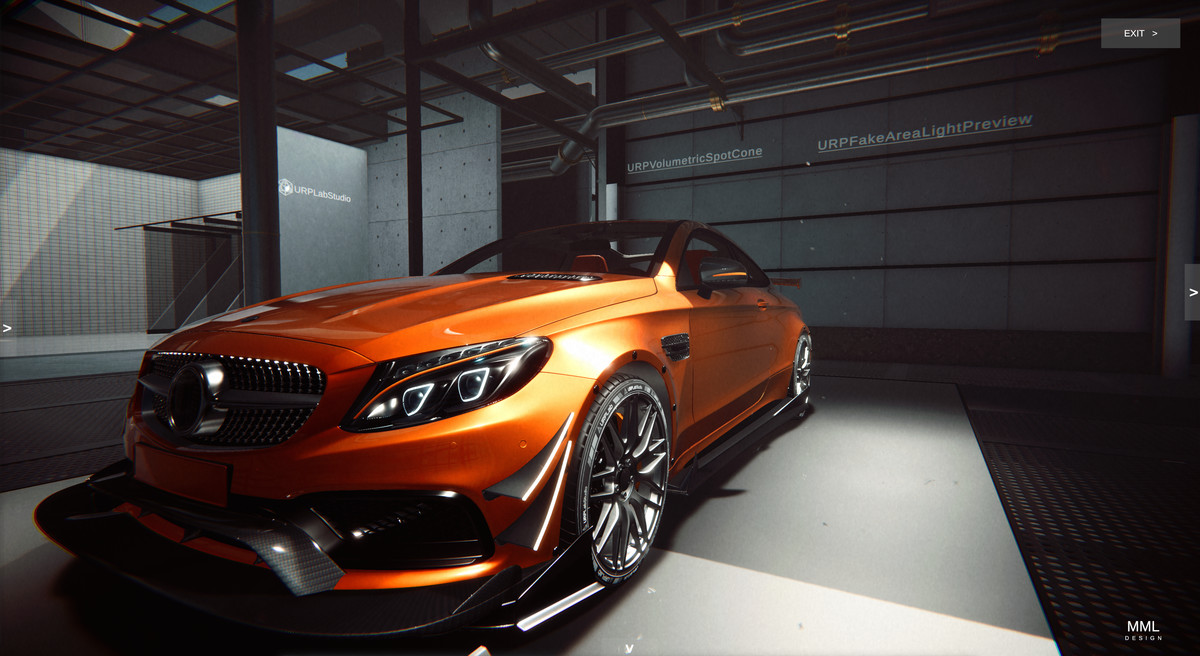
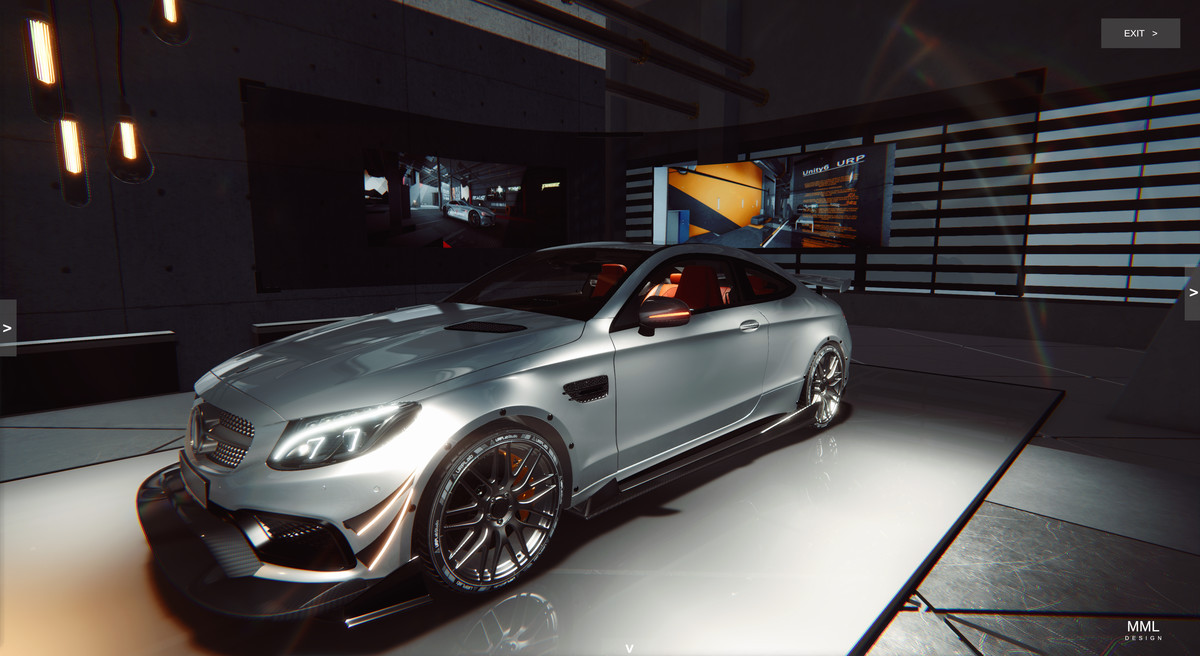
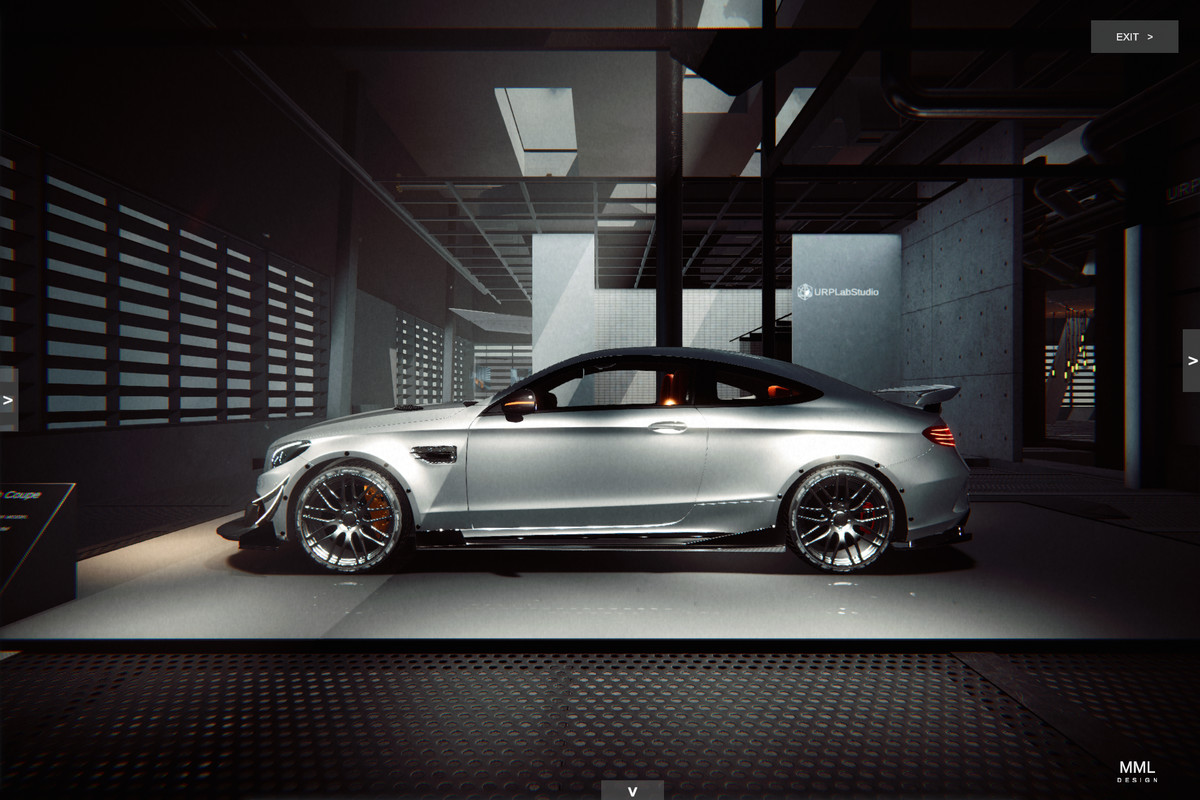
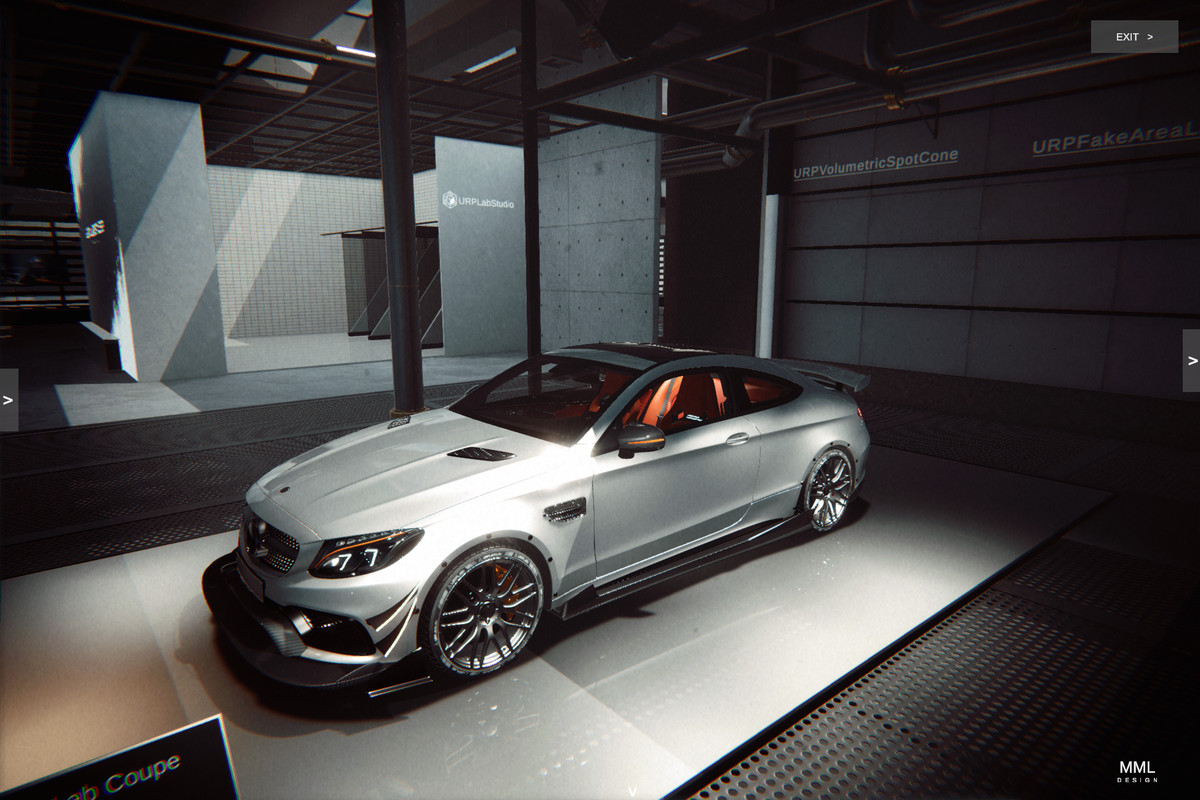
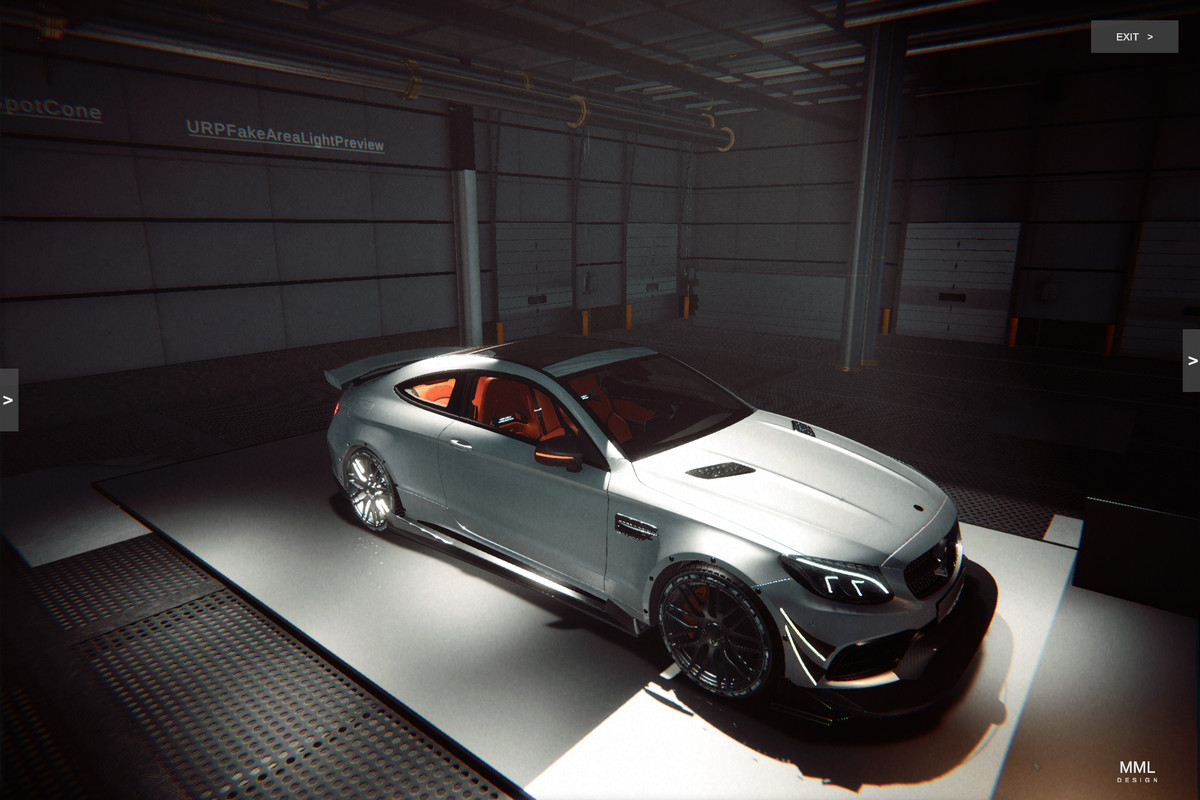
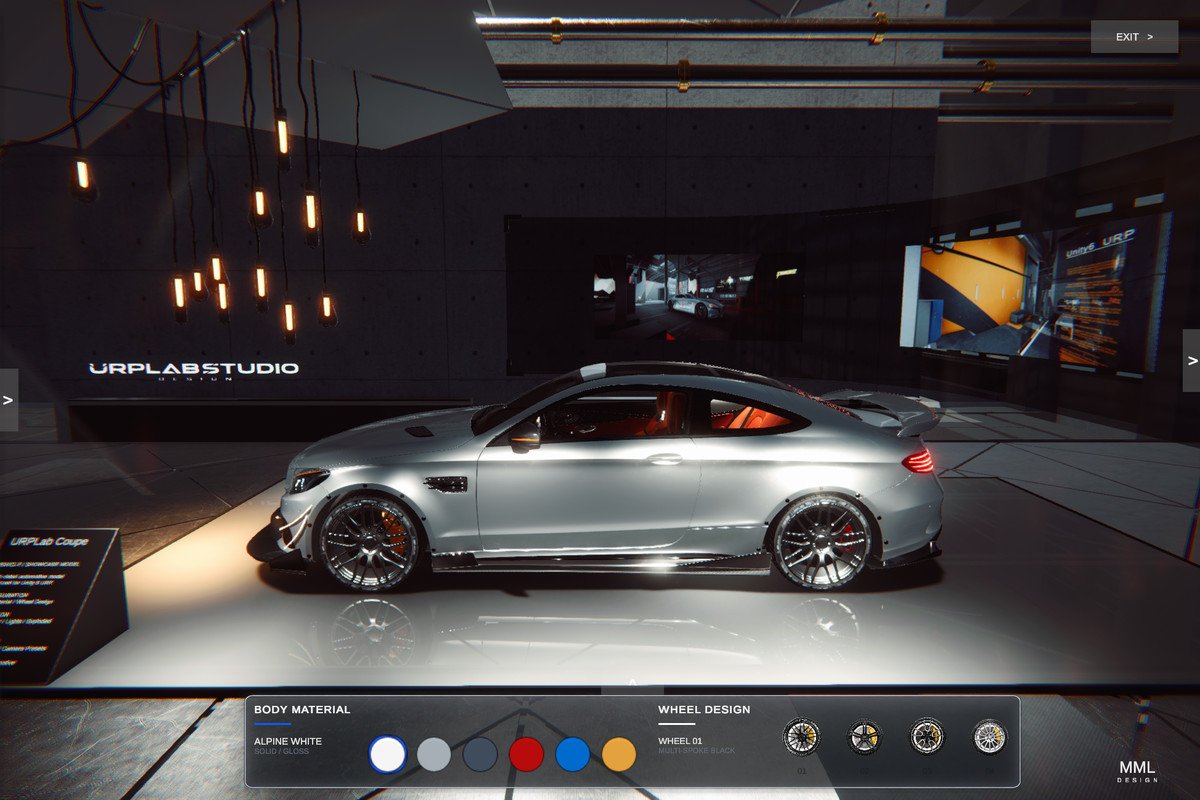
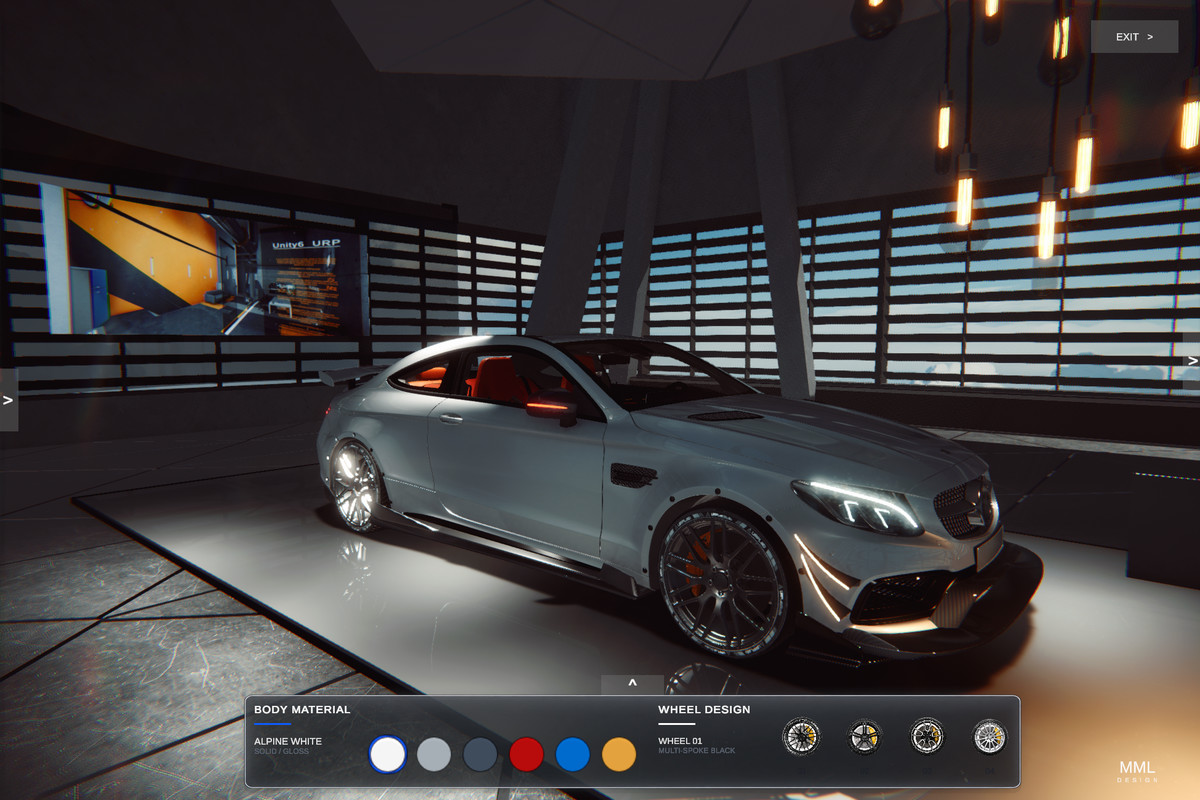
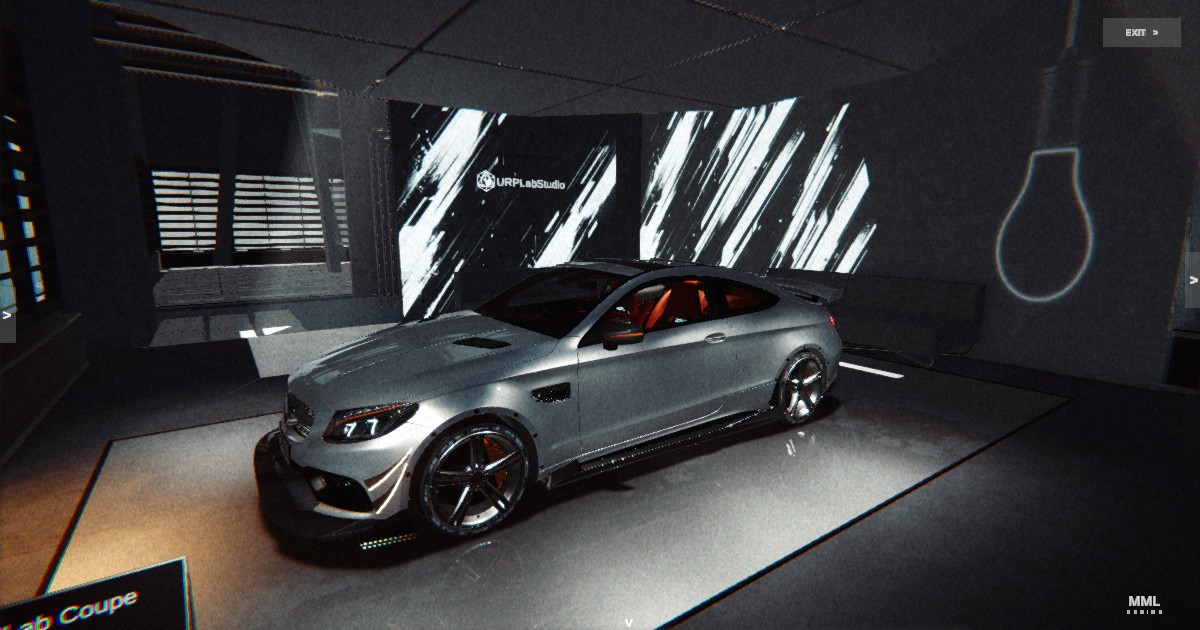
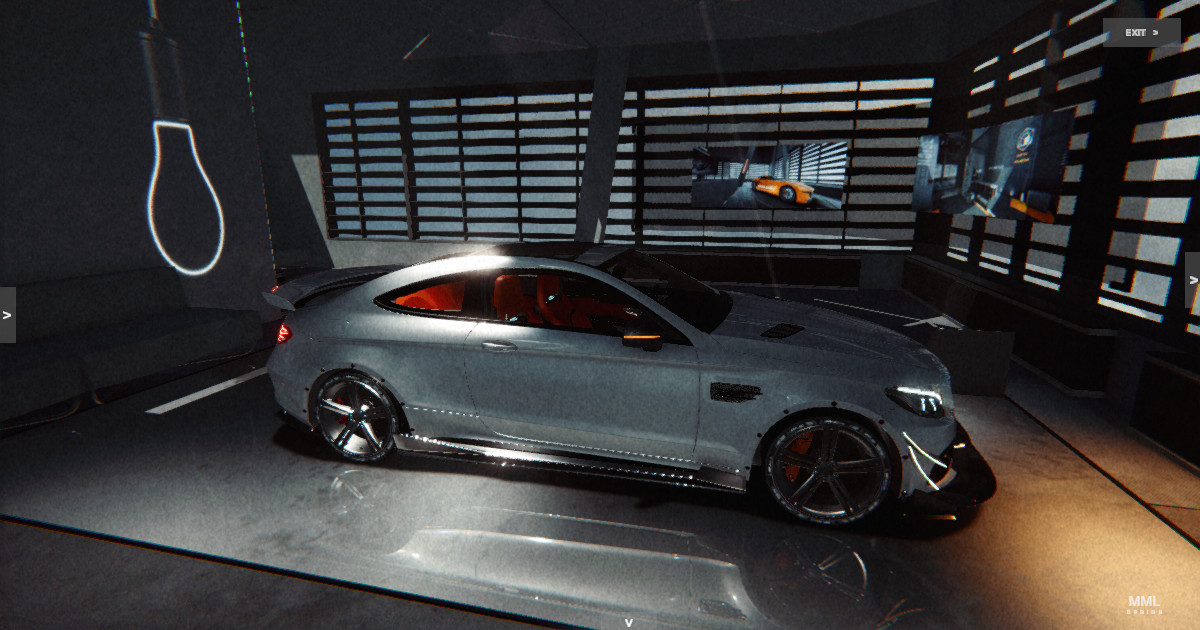
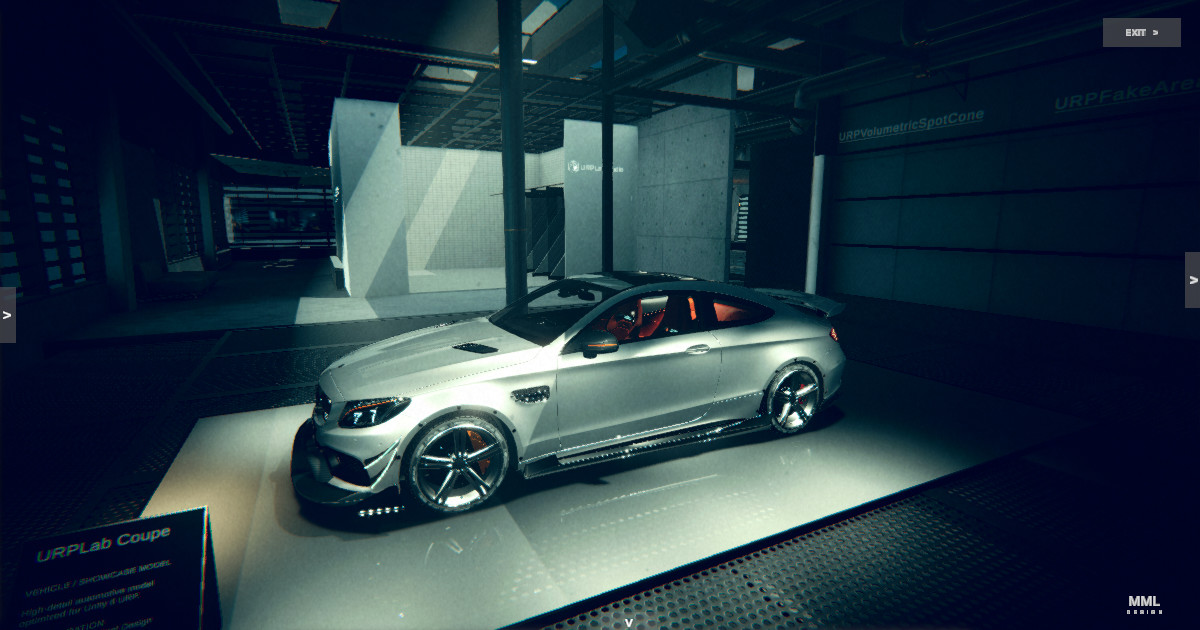
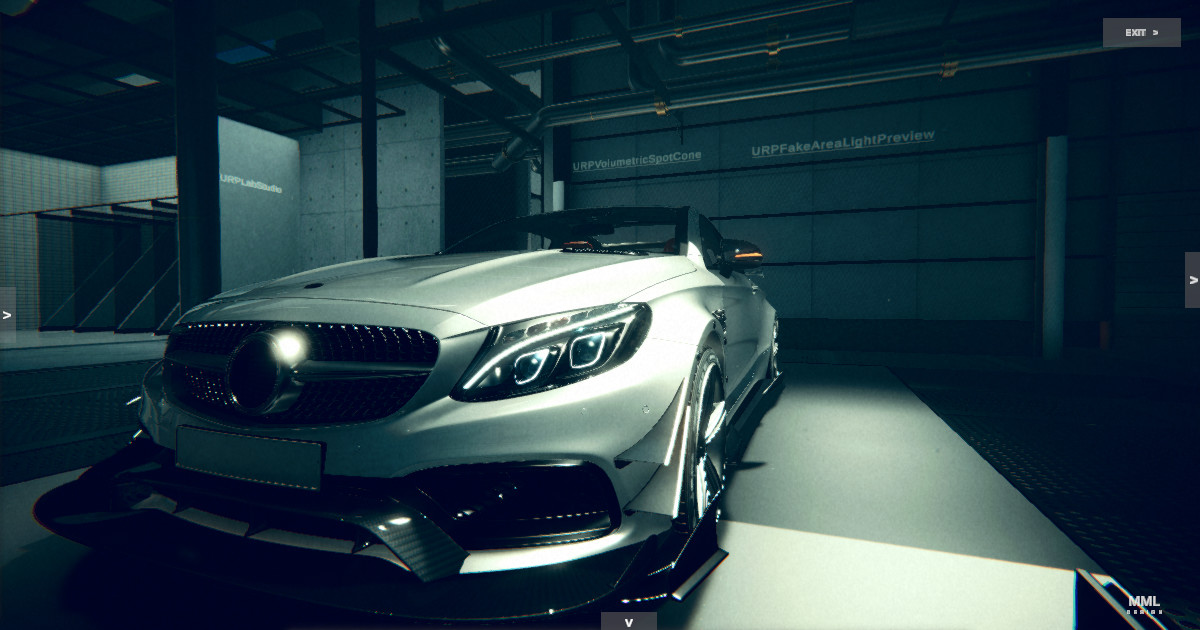
URP Lab Studio is a production-focused automotive visualization and rendering toolkit built for Unity 6 URP.
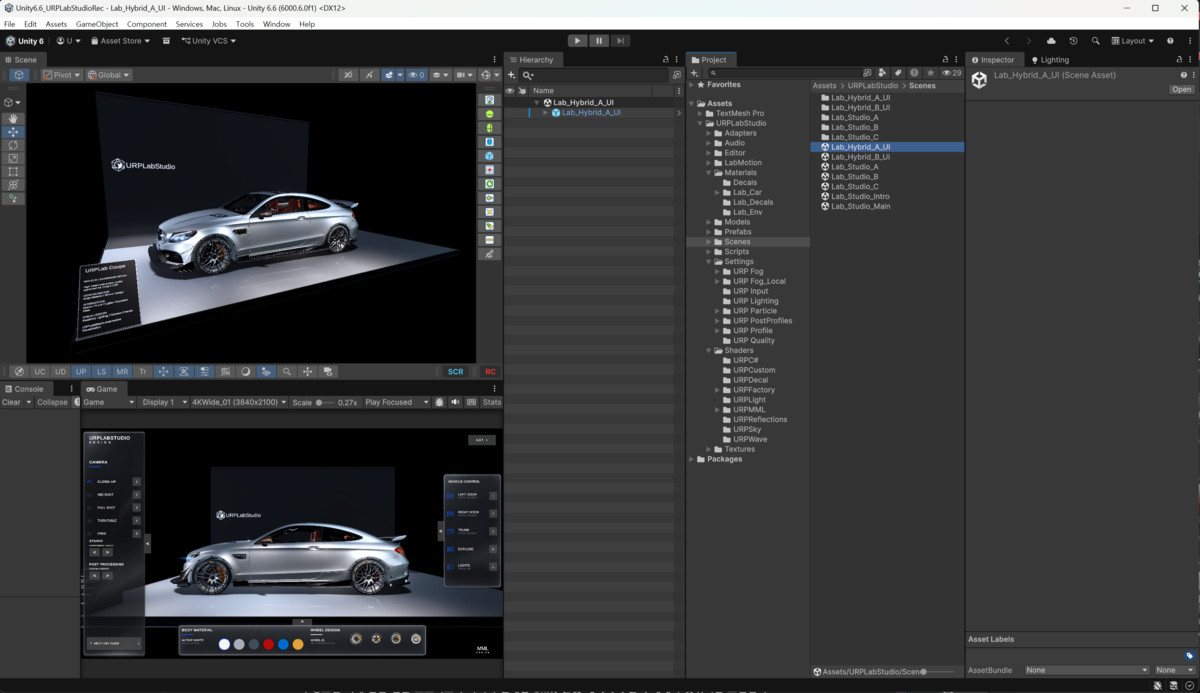
The package provides a complete realtime presentation environment combining an automotive studio, runtime configurator, vehicle interaction, camera systems, custom rendering features, shaders, look-development tools, and Scene View authoring utilities.
Key Features:
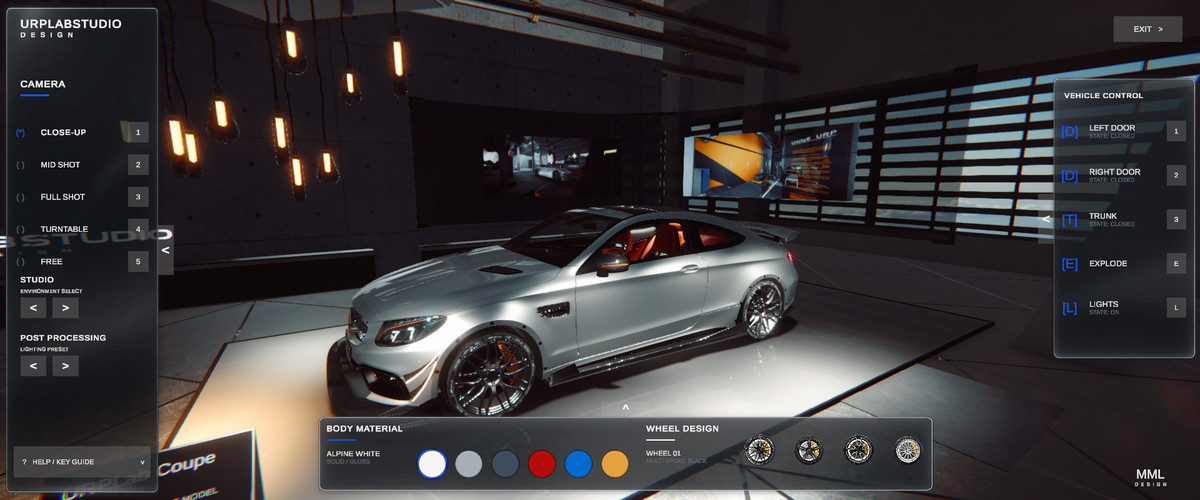
• Automotive visualization studio environment
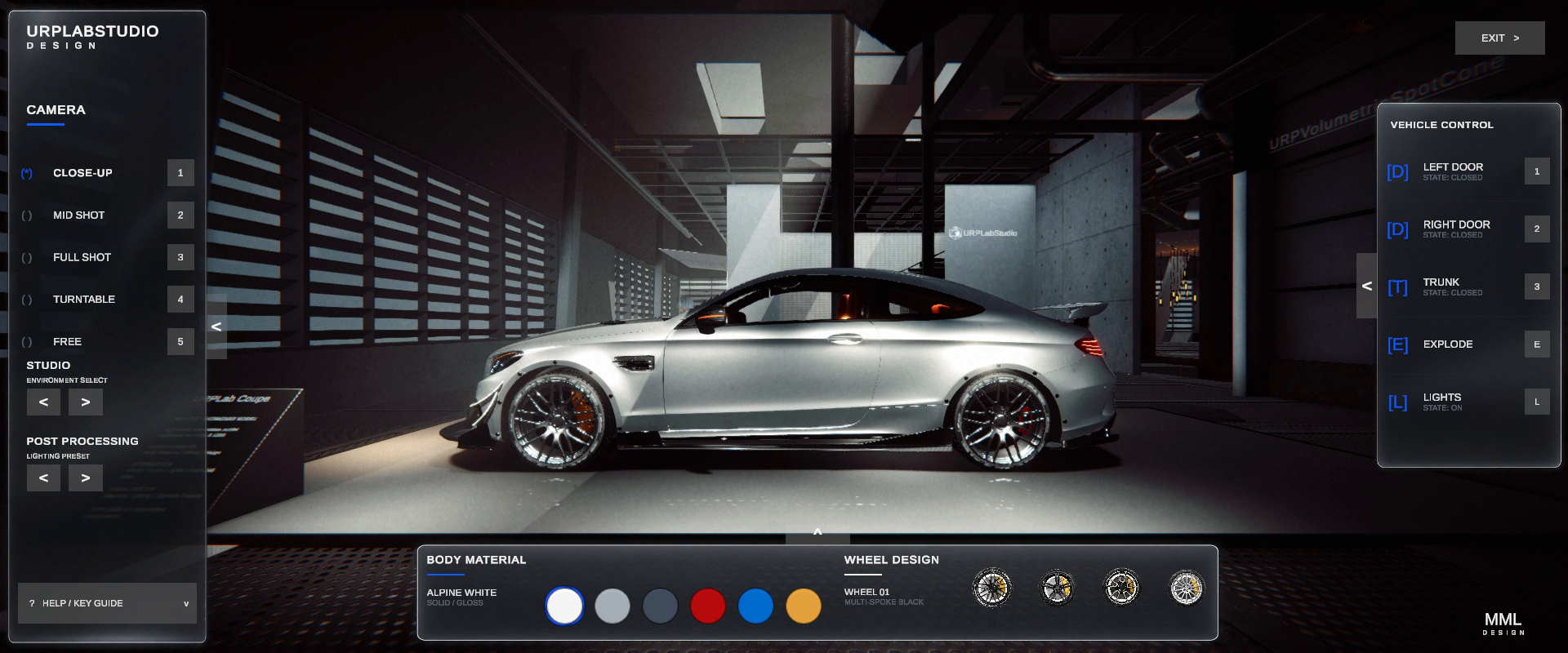
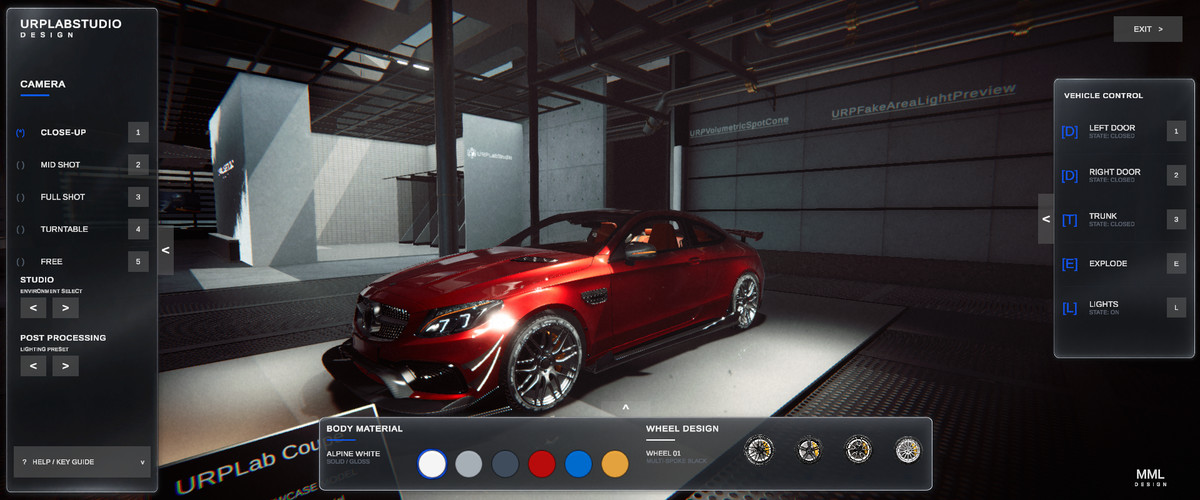
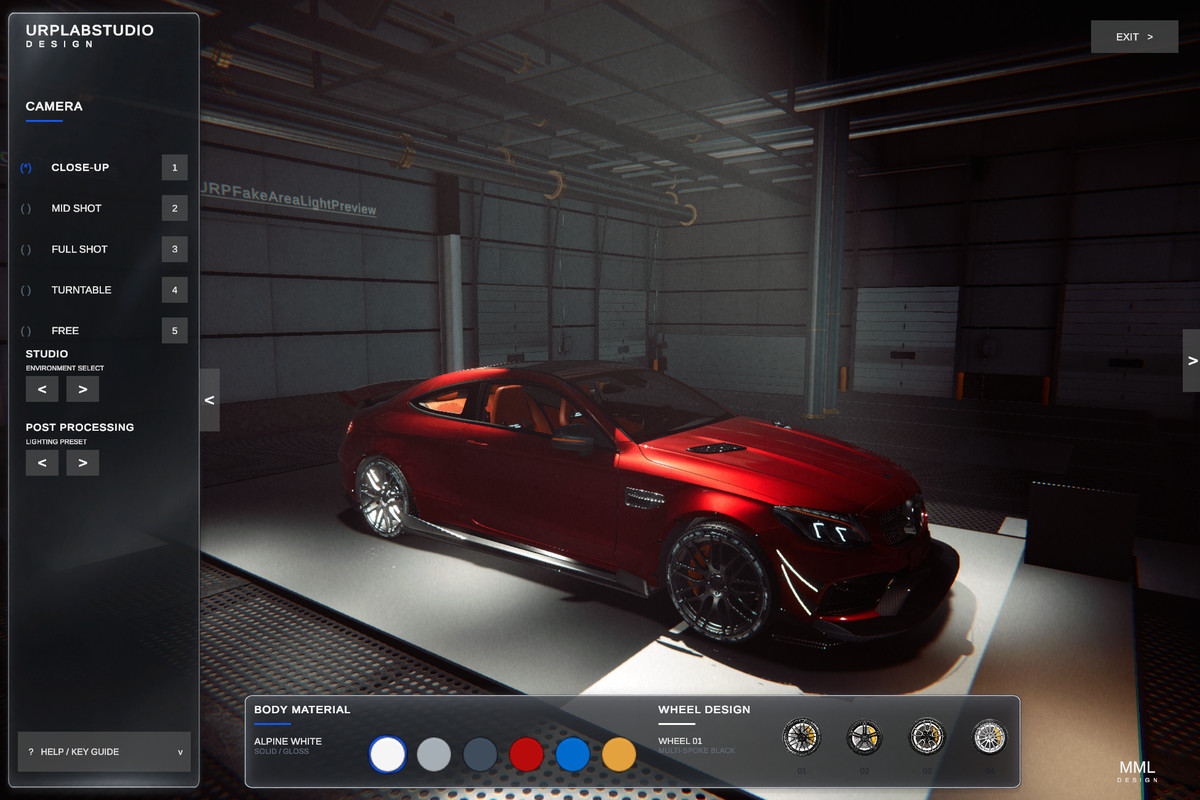
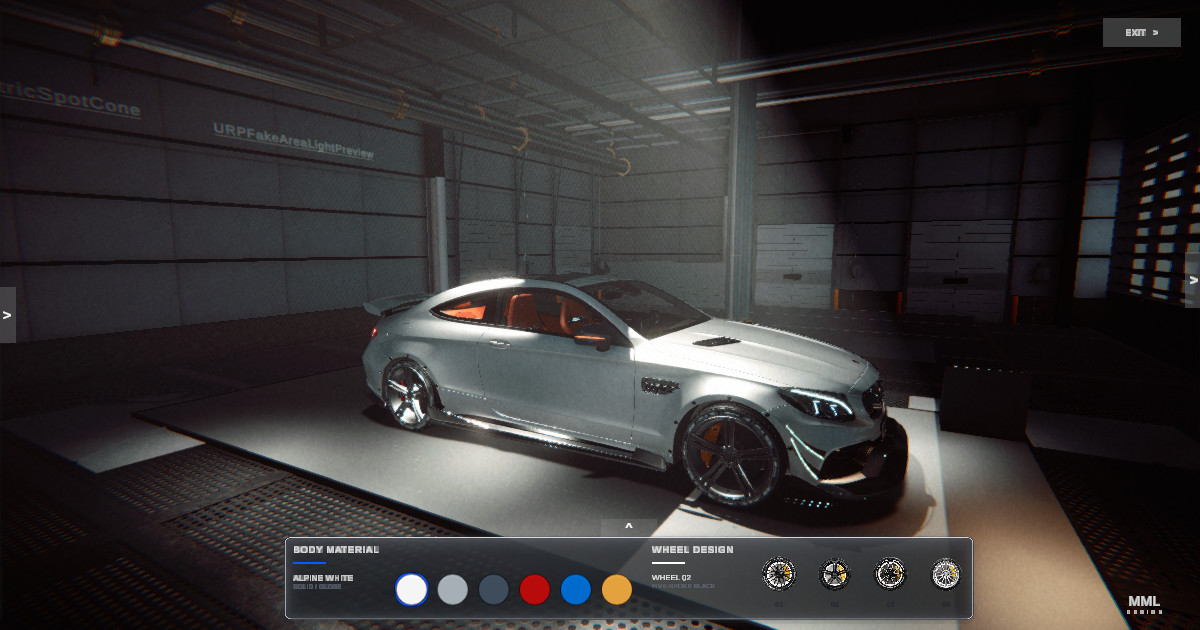
• Runtime vehicle configurator
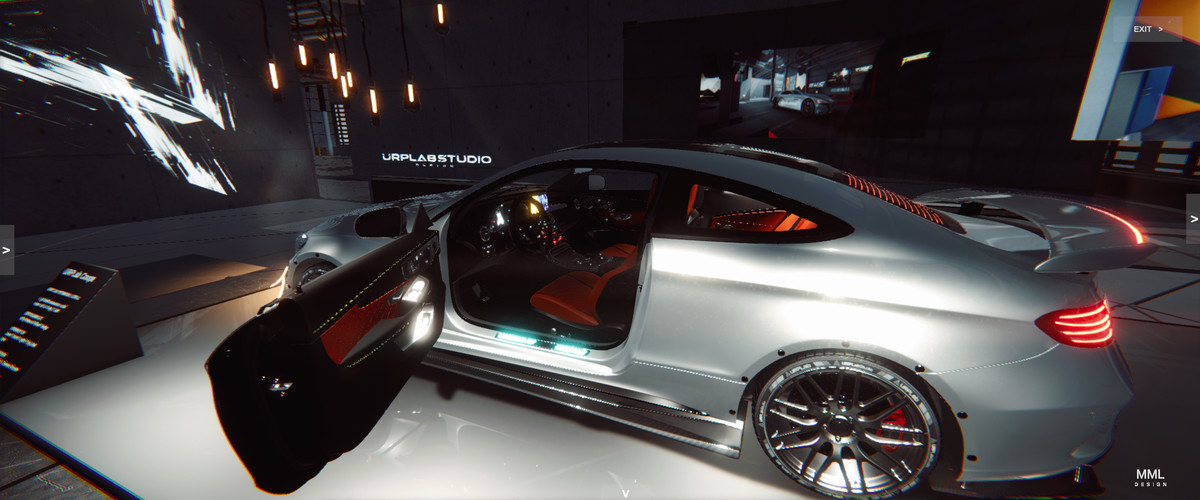
• Exterior and interior presentation workflows
• Camera presets and interactive camera controls
• Vehicle body material and wheel customization
• Door, trunk, lighting, and exploded-view controls
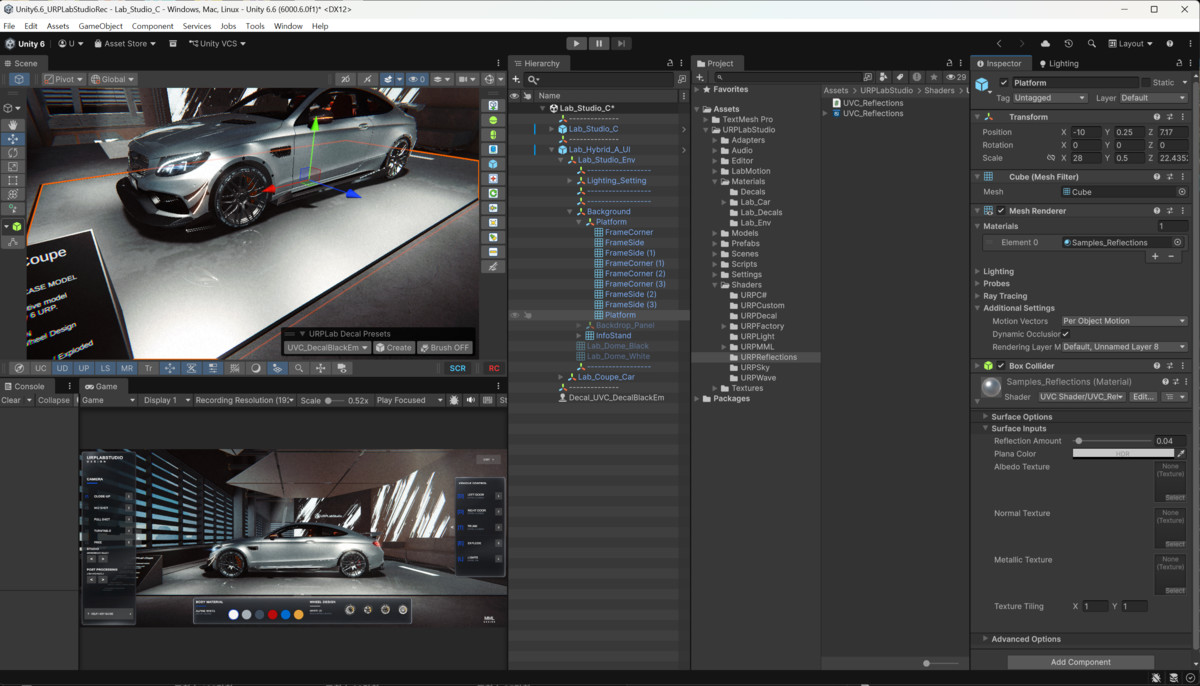
• Realtime planar reflections
• RenderGraph-based global volumetric fog
• Local volumetric fog volumes
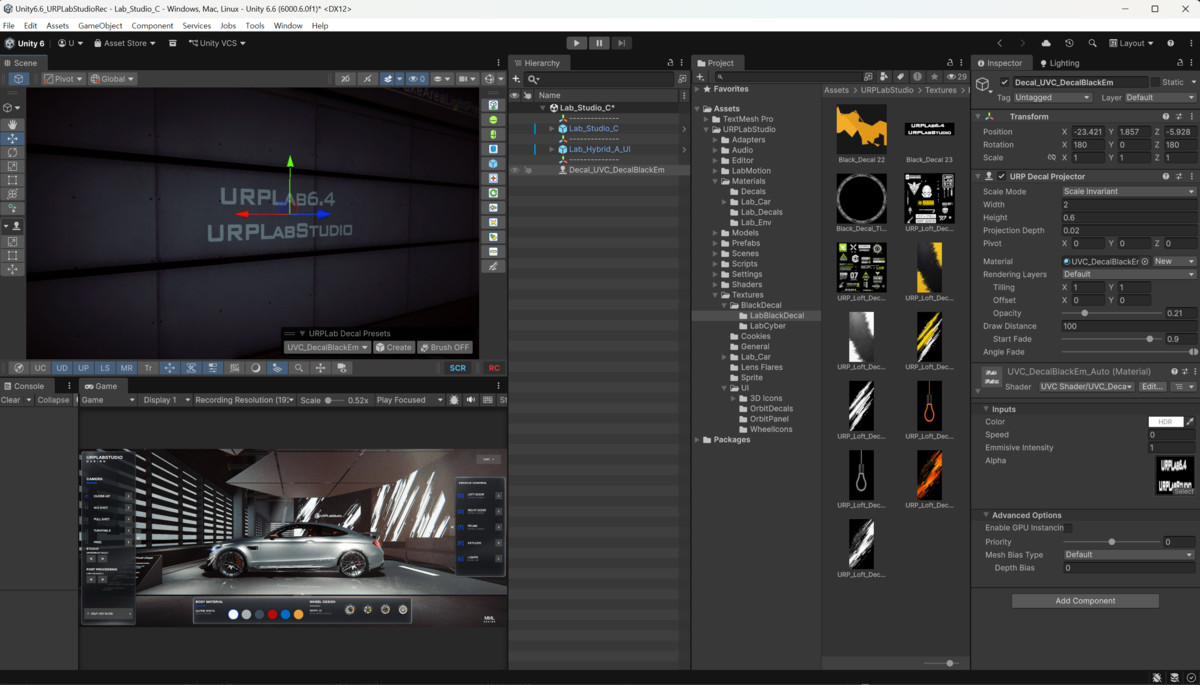
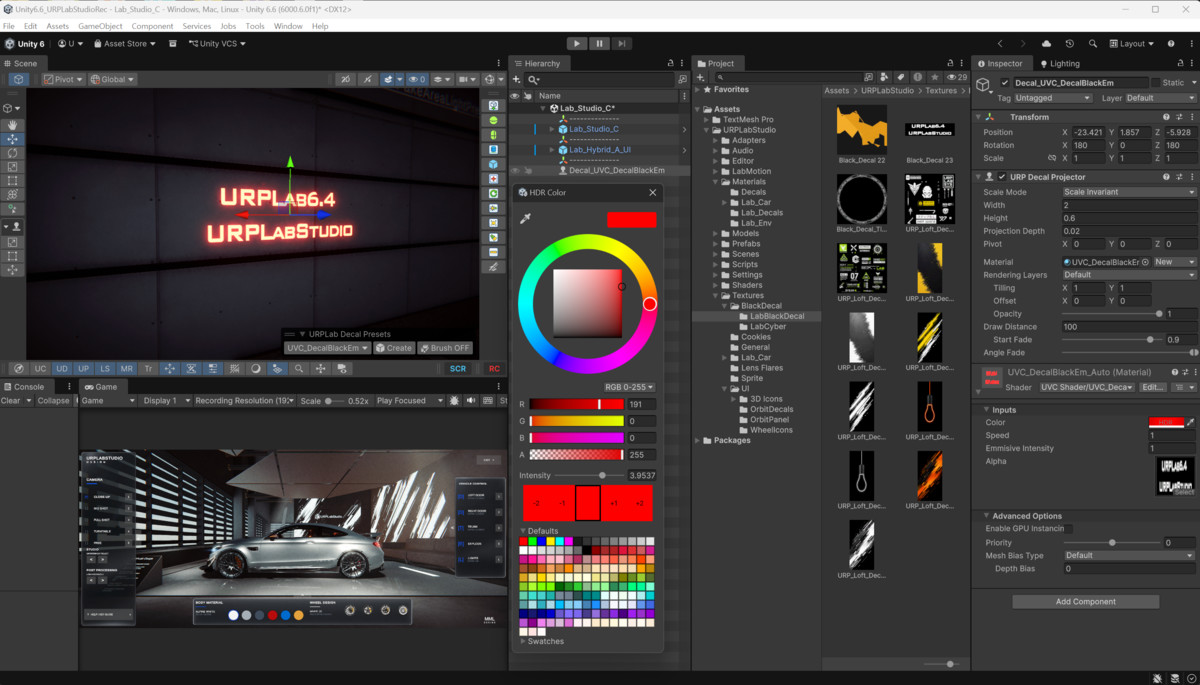
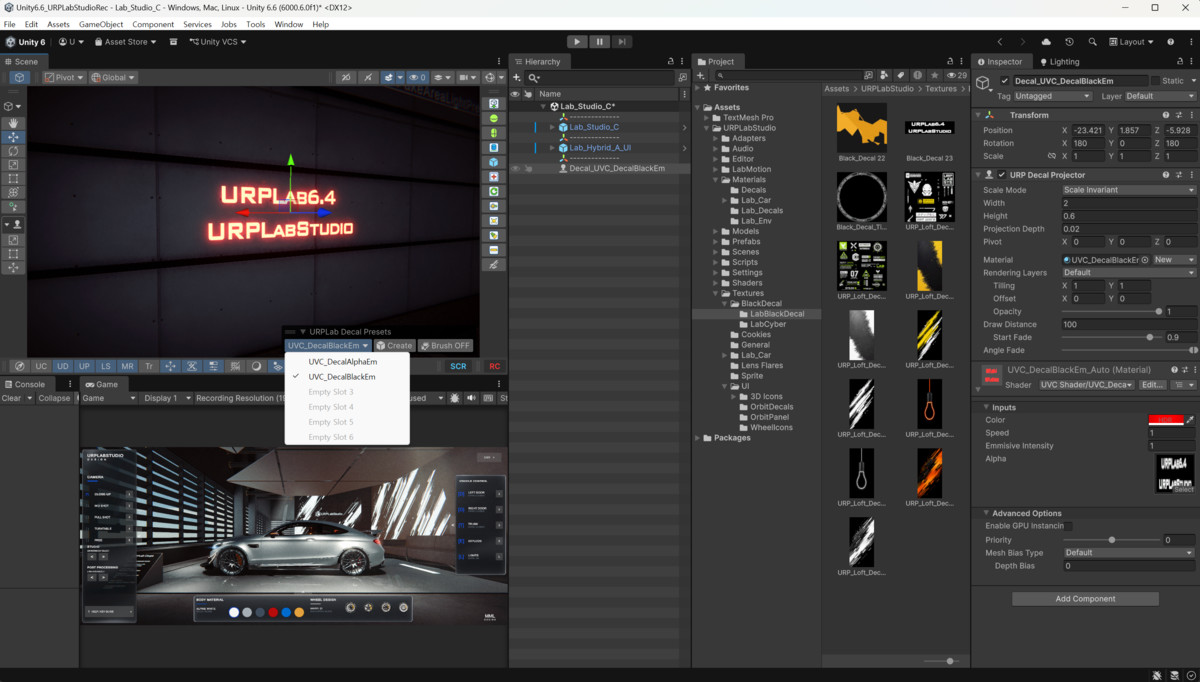
• Emissive decal shader and decal preset workflow
• Custom URP shaders and Shader Graph materials
• LabMotion reusable animation system
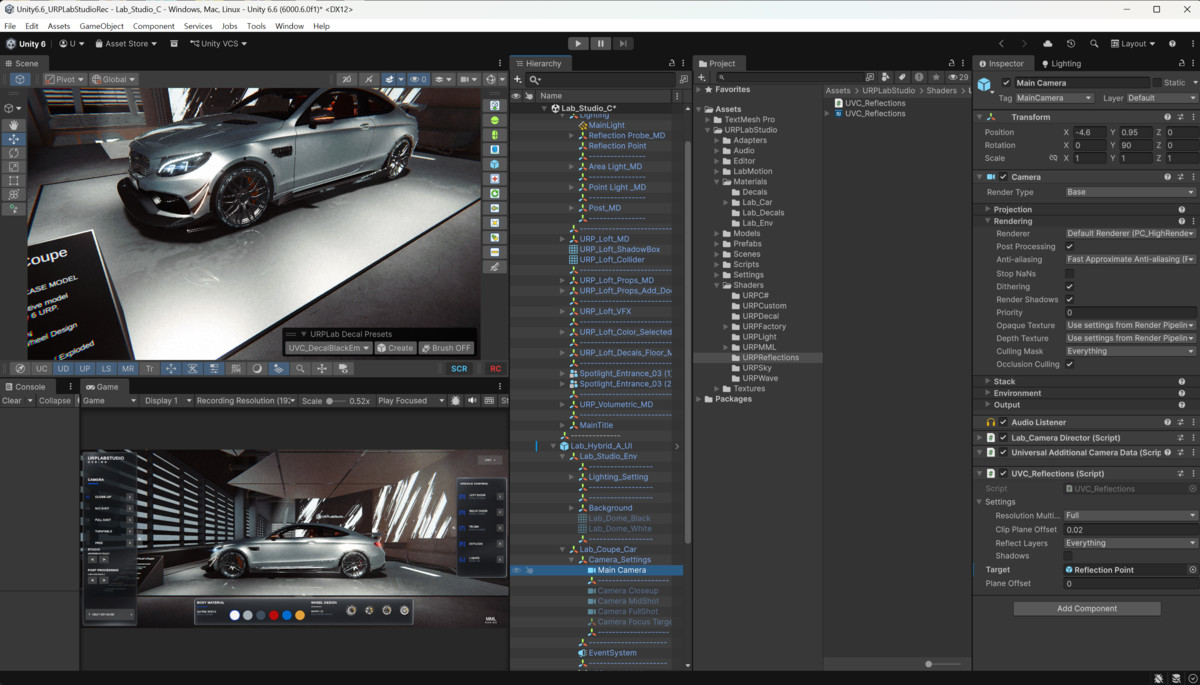
• Scene View editor and authoring tools
• Transform Overlay and PrimTools
• Example scenes and presentation setups
• Technical documentation included
Two runtime UI approaches are included:
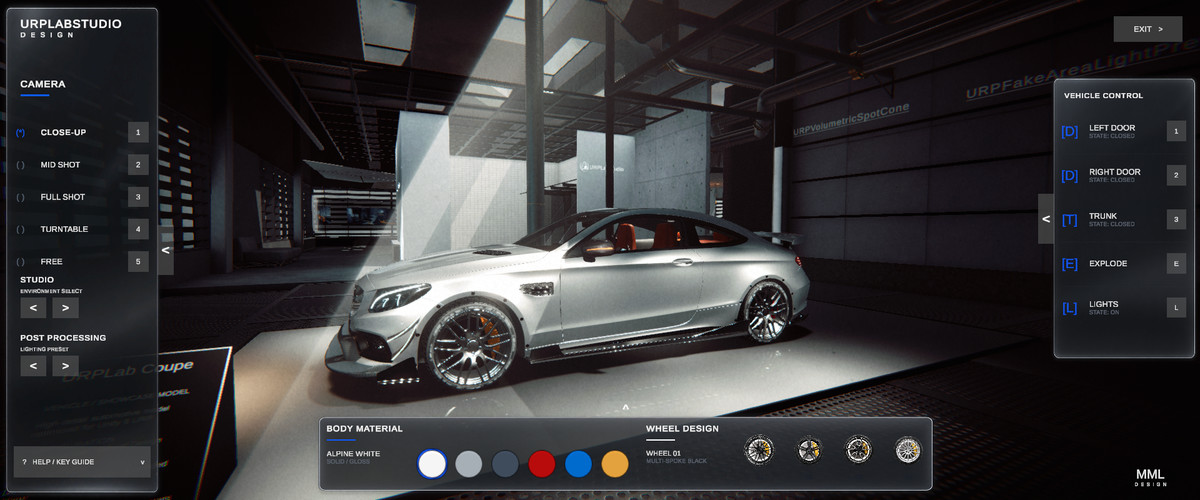
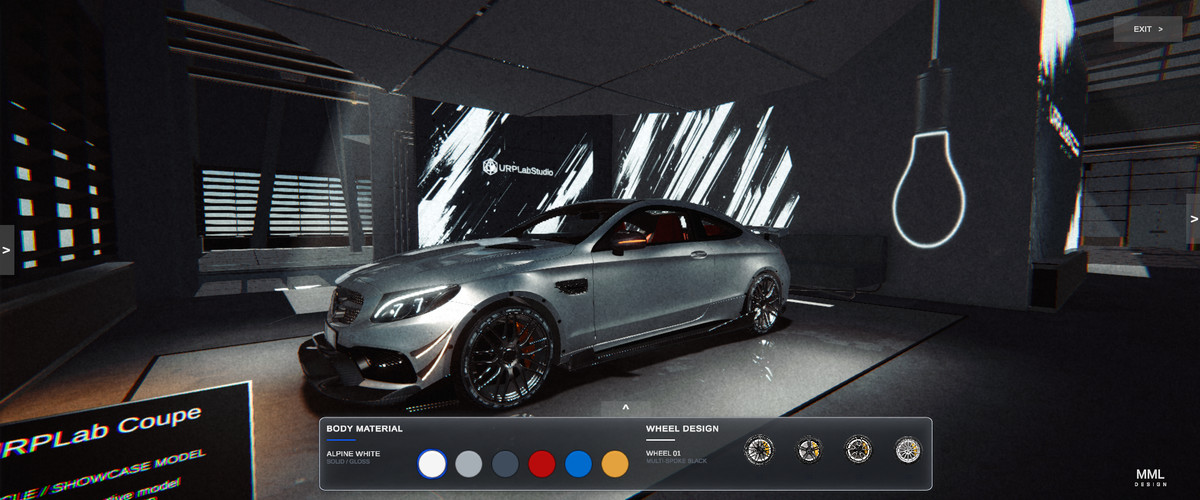
Hybrid A provides the primary production configurator interface for camera, studio, vehicle, and look-development controls.
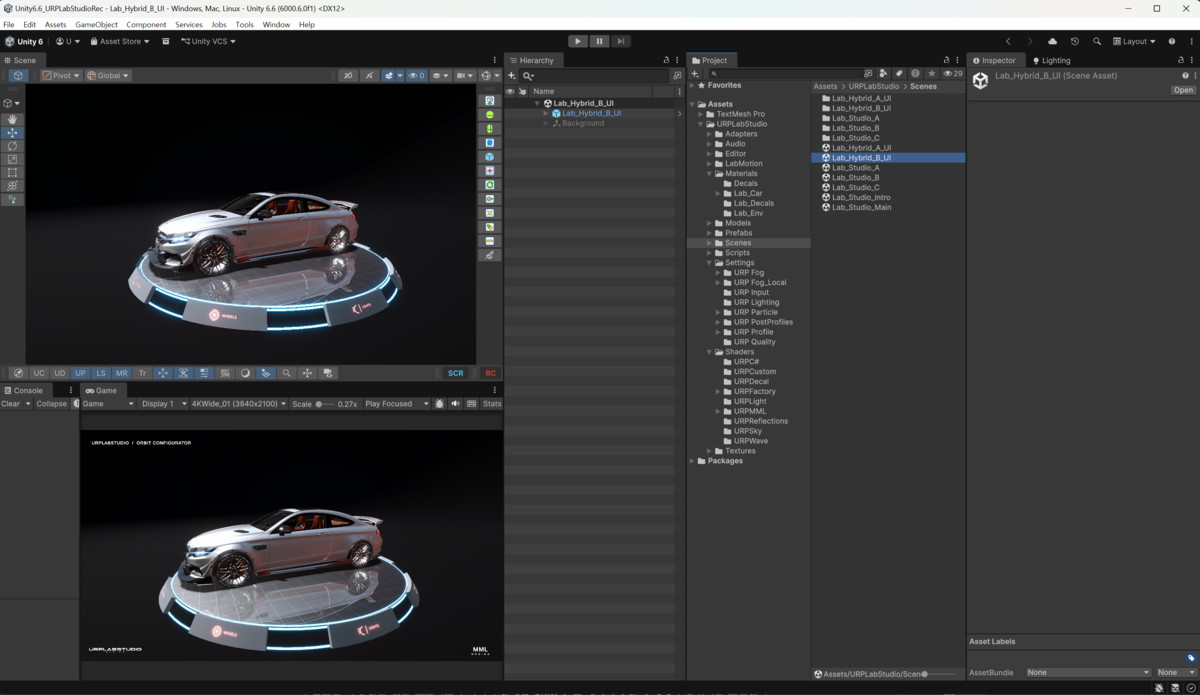
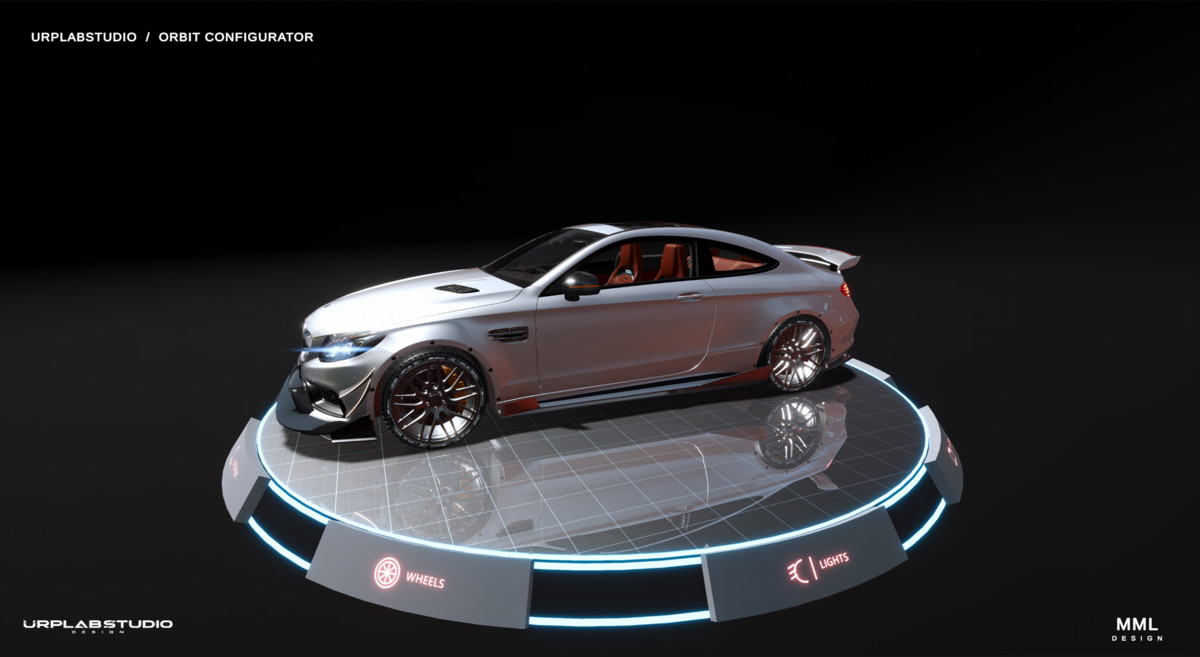
Hybrid B is included as an experimental ring-based UI study demonstrating an alternative approach to automotive configurator interaction.
URP Lab Studio is intended for automotive visualization, product presentation, realtime rendering development, technical art experimentation, and reusable Unity URP workflows.
From the publisher's Asset Store listing.
Technical details
Render Pipeline:
Universal Render Pipeline (URP)
Unity Version:
Developed and tested with Unity 6.6 (6000.6.0f1).
Rendering Features:
• Realtime planar reflection system
• RenderGraph-based global volumetric fog
• Local volumetric fog volumes
• Emissive decal workflow
• Custom URP shaders and Shader Graph materials
• Post-processing and studio lighting setups
Runtime Systems:
• Automotive configurator
• Camera and studio controls
• Vehicle interaction controls
• Exterior and interior presentation
• Material and wheel selection
• Lighting controls
• Exploded-view presentation
• LabMotion reusable animation system
Editor Tools:
• Decal Presets
• Transform Overlay
• PrimTools
• Scene View authoring utilities
Documentation:
Technical documentation is included with setup, runtime UI, rendering systems, shaders, fog, reflection, and editor tool information.
Platform:
Designed primarily for desktop realtime visualization workflows.
Render Pipeline Compatibility:
URP only.
Built-in Render Pipeline and HDRP are not supported.
Compatibility
| Unity version | Built-in | URP | HDRP |
|---|---|---|---|
| 6000.6.0f1 | Not listed | Compatible | Not listed |
Designed and tested with Unity 6.6 (6000.6.0f1) and the Universal Render Pipeline (URP).
This package is intended for URP projects only. Built-in Render Pipeline and HDRP are not supported.
Shader Graph is required for Shader Graph-based materials and shaders included in the package.
As listed on the Asset Store.