
 View on Asset Store (opens in new tab)
Package details
- Latest version
- 1.0
- Last updated
- First released
- Unity version
- 2021.3.27 or later
- Package size
- 1.1 MB
- Files
- 232
- Views in the past week
- 4
Price tracking
- Last checked
- Tracked since
- Lowest recorded
- $11.99 on
Keywords

Essential Attributes [Button]
Add clickable buttons to the Inspector to invoke any method — including those with parameters and return values.
Affiliate link · Purchases support this site
Price history
Last 6 months
USDAsset preview
1 / 3
Essential Attributes [Button] screenshot 1
About this asset
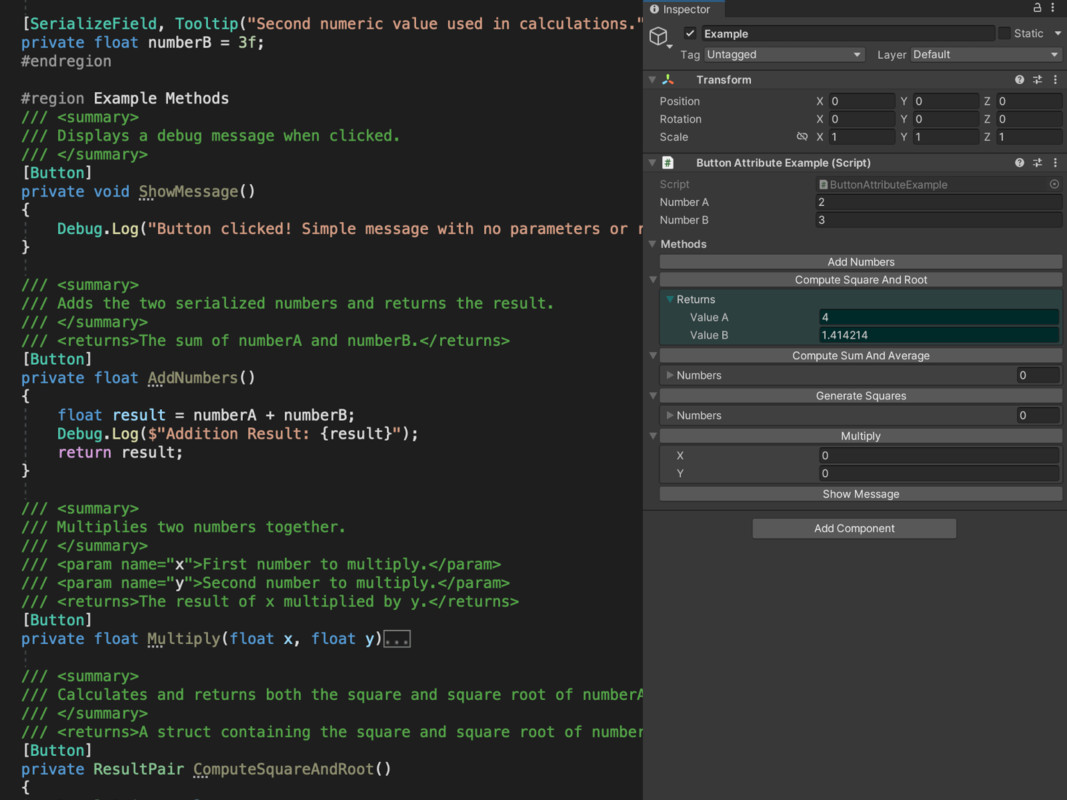
The [Button] attribute allows you to execute any method (even private) directly from the Unity Inspector by drawing a clean, context-aware button that adapts to the method it targets.
Unlike simple solutions that only support parameterless methods, [Button] handles:
- Methods with parameters (editable directly in the Inspector)
- Return values (displayed in the Inspector)
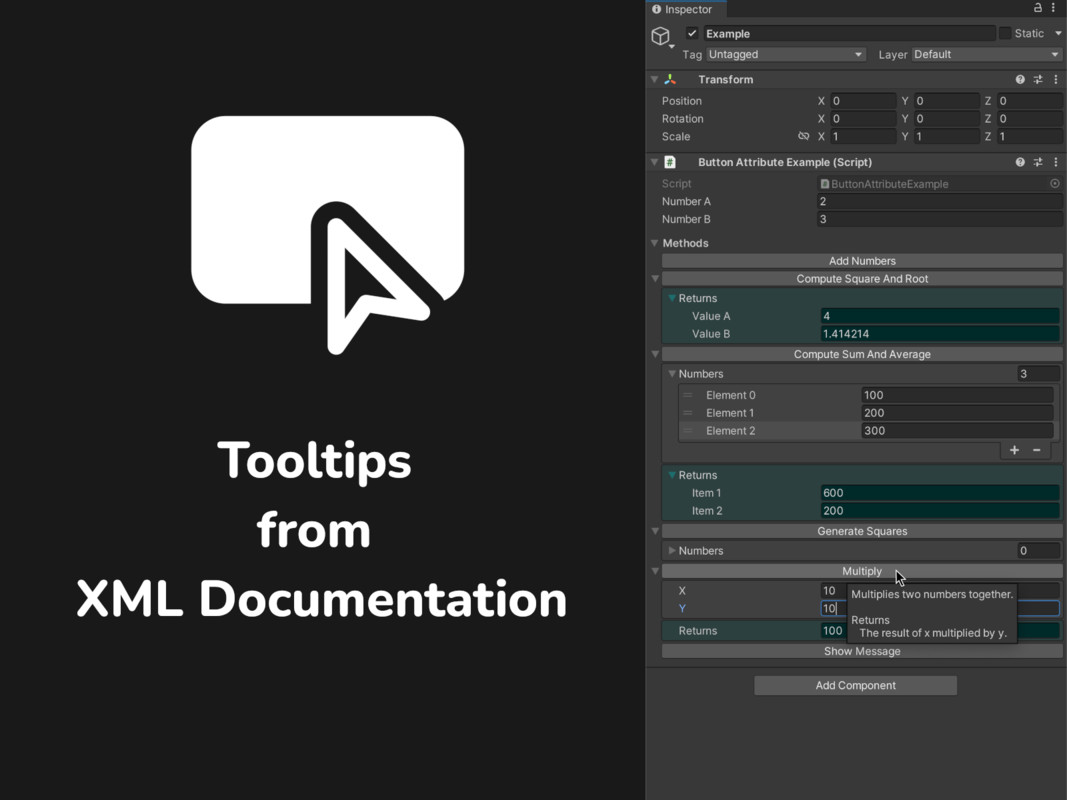
- Tooltip generation from XML documentation
- Editor/runtime mode filtering
- Persistent parameter memory
- Method grouping under a unified “Methods” foldout
This makes it a powerful productivity tool for testing, debugging, or automating workflows — without writing any custom editor code.
Everything is designed to blend seamlessly with Unity's native UI.
💡 Try Before You Buy
This attribute is also included in the Essential Attributes asset — or try [ElementName]and [TexturePreview] for free on the Unity Asset Store.
From the publisher's Asset Store listing.
Technical details
- 🔘 Draws a button in the Inspector to trigger method calls
- 🔐 Supports public and private methods
- ・Return values (rendered in the Inspector)🧩 Compatible with methods that:
・Accept parameters (displayed and editable) - ・Both🎛️ EnableMode enum to control availability:
・Editor only
・Play mode only - 🧠 Parameters and return values are cached between calls
- 💬 Tooltips generated from XML documentation (summary, param, returns)
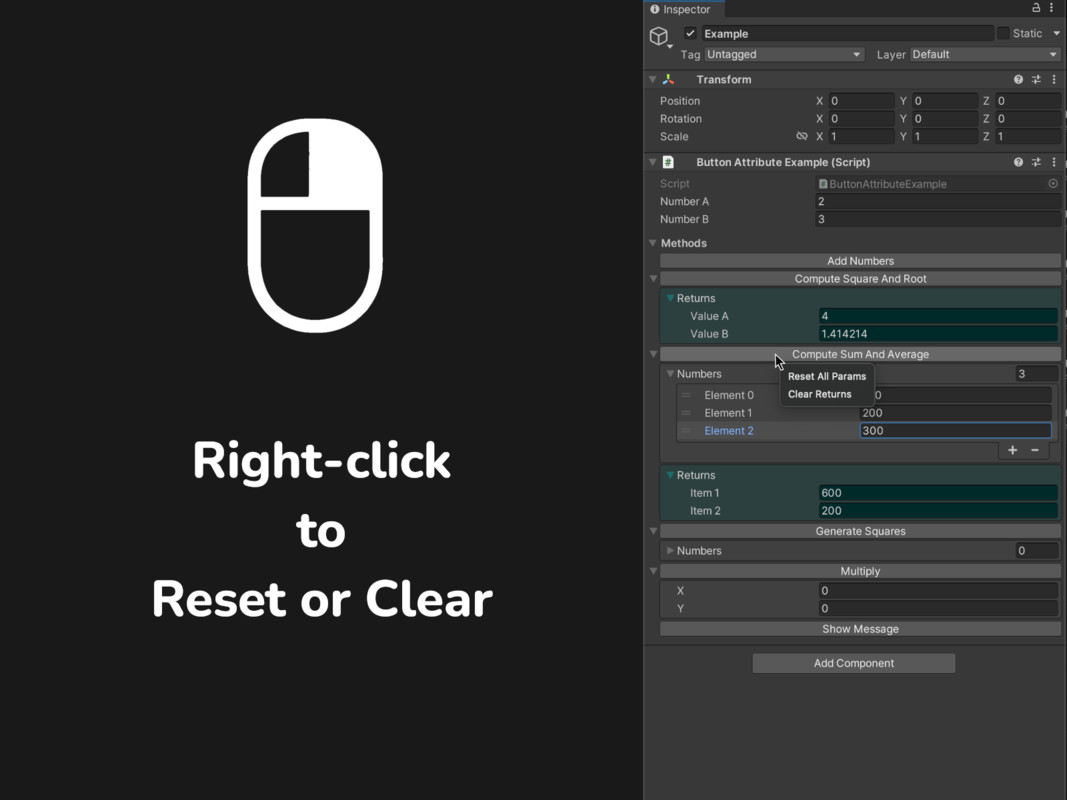
- ・Clear return value🧷 Supports right-click actions on buttons:
・Reset parameters - 📁 Grouped in a foldout at the bottom of the Inspector
- 💾 Optional Persistent Data system to share parameter values across the team
- (Persistent data toggle, XML documentation toggle)⚙️ Configurable options under:
Tools > FoxalFace > Attributes > Button
⚠️ Internal Usage
- Reflection
- CustomEditor (UnityEngine.Object)
- OdinSerializer (Open-Source Serializer)
Compatibility
| Unity version | Built-in | URP | HDRP | Custom |
|---|---|---|---|---|
| 2021.3.27f1 | Compatible | Compatible | Compatible | Compatible |
As listed on the Asset Store.