
 View on Asset Store (opens in new tab)
Package details
- Latest version
- 1.0.3
- Last updated
- First released
- Unity version
- 2022.3.3 or later
- Package size
- 6.2 MB
- Files
- 114
- Favorites
- 14
- Views in the past week
- 5
Price tracking
- Last checked
- Tracked since
- Lowest recorded
- $9.90 on
Keywords

PathNavigator3D
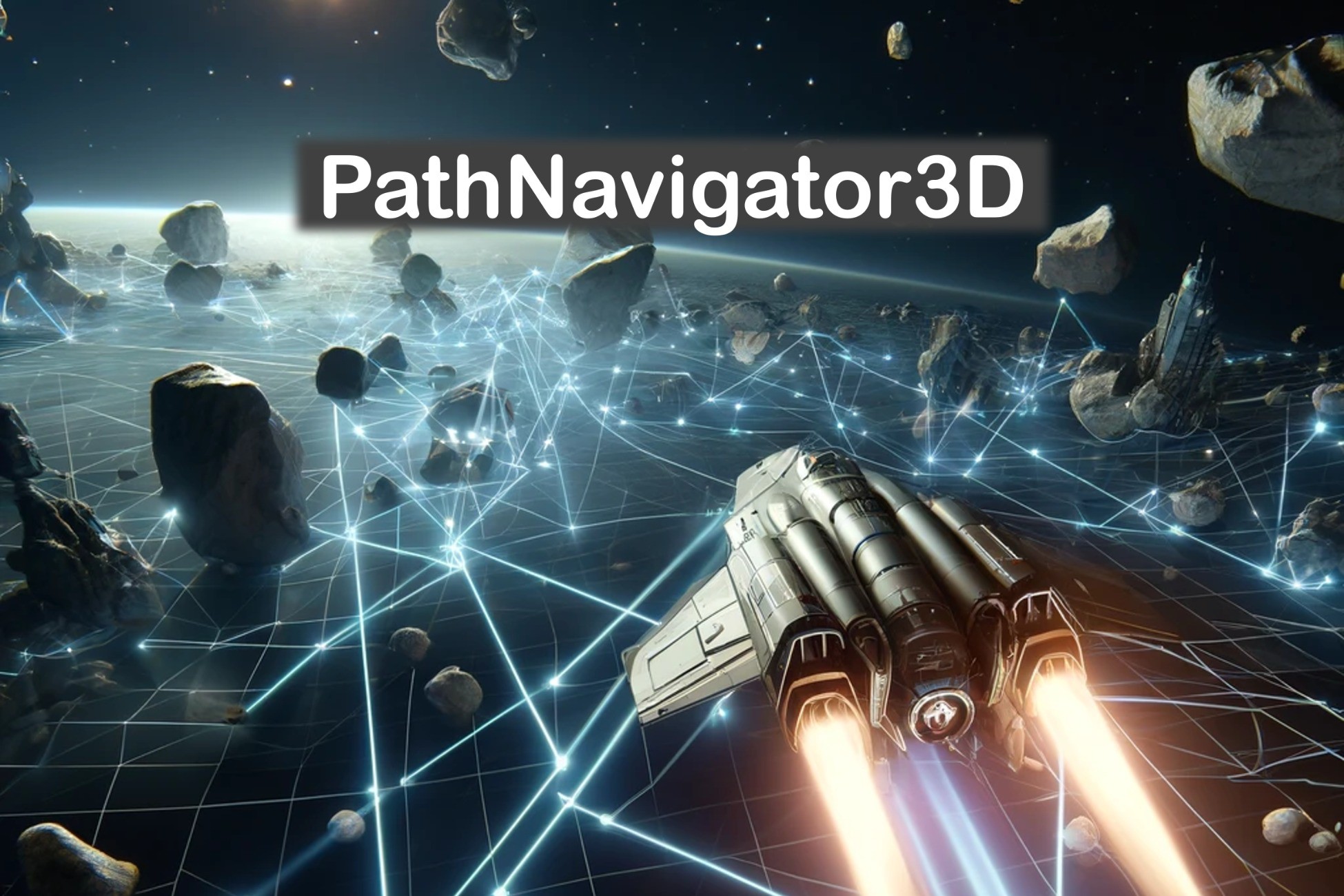
PathNavigator3D is a path navigation system that solve paths for any 2-3D spaces. Includes ready made components for fast game integration.
Affiliate link · Purchases support this site
Price history
Last 6 months
USDAsset preview
1 / 4

PathNavigator3D screenshot 1


About this asset
PathNavigator3D is geared towards creators that need a robust but still configurable path navigation capability in 3D space. These components rely only to Unity’s core components and do not require any extra libraries (other than delivered with PathNavigator3D). You have multiple options to optimize the quality or performance of the path solving. Path calculation is spread over multiple frames to prevent over usage of the resources.
Few highlights:
- Path LoS (Line of Sight) optimization.
- Bi-layered navigation grid for low and high LOD (Level of Detail).
- Hybrid navgrid path finding utilizing different LOD navgrids to find the path efficiently.
- Path calculation automatic global load balancing based on the game frame rate (CPU frame time) to prevent throttling.
- Centralized control API to manage all the path solver instances across scene.
- Path smoothing to get Bezier squared path points.
- Surface aligned navigation grid for near ground navigation.
- Closest point path solving when target is unreachable
- Dynamic navigation obstacles to support moving obstacles and path/obstacle carving
- Configuration Wizard for easy and quick start.
Compatibility: Unity versions starting from 2021 LTS are supported. API compatibility level .NET Standard 2.1. Package is not depended on any other extra unity packages. Actual navigation system in not depended on any render pipeline but the demo scene is using built-in render pipeline.
Support & manual: https://www.codescove.com/pathnavigator.html
From the publisher's Asset Store listing.
Technical details
Notice: Contact support to report any issues or to ask for guidance. Check also the manual that is included in the asset. You can also find link to it in the web pages.
Support & manual: https://www.codescove.com/pathnavigator.html
Compatibility
| Unity version | Built-in | URP | HDRP | Custom |
|---|---|---|---|---|
| 2022.3.3f1 | Compatible | Compatible | Compatible | Compatible |
Notice. The demo scene shaders are using the built-in render pipeline. There is only few materials in that scene. If you have diffulties with rendereing then try changing the shaders. The actual PathNavigator system is not depended on any shaders.
As listed on the Asset Store.