
 View on Asset Store (opens in new tab)
Package details
- Latest version
- 1.1.1
- Last updated
- First released
- Unity version
- 2021.3.45 or later
- Package size
- 240 KB
- Files
- 39
- Favorites
- 2
- Views in the past week
- 21
Price tracking
- Last checked
- Tracked since
- Lowest recorded
- $4.99 on
Keywords
Settings & Options Menu Creator - Built-In Post Processing Addon
Create settings/options menus in a few clicks with the Settings Menu Creator. This add-on adds over 80 Built-In Post Processing related settings to the Settings Menu Creator.
Affiliate link · Purchases support this site
Price history
Last 6 months
USDAsset preview
1 / 5
Settings & Options Menu Creator - Built-In Post Processing Addon screenshot 1


About this asset
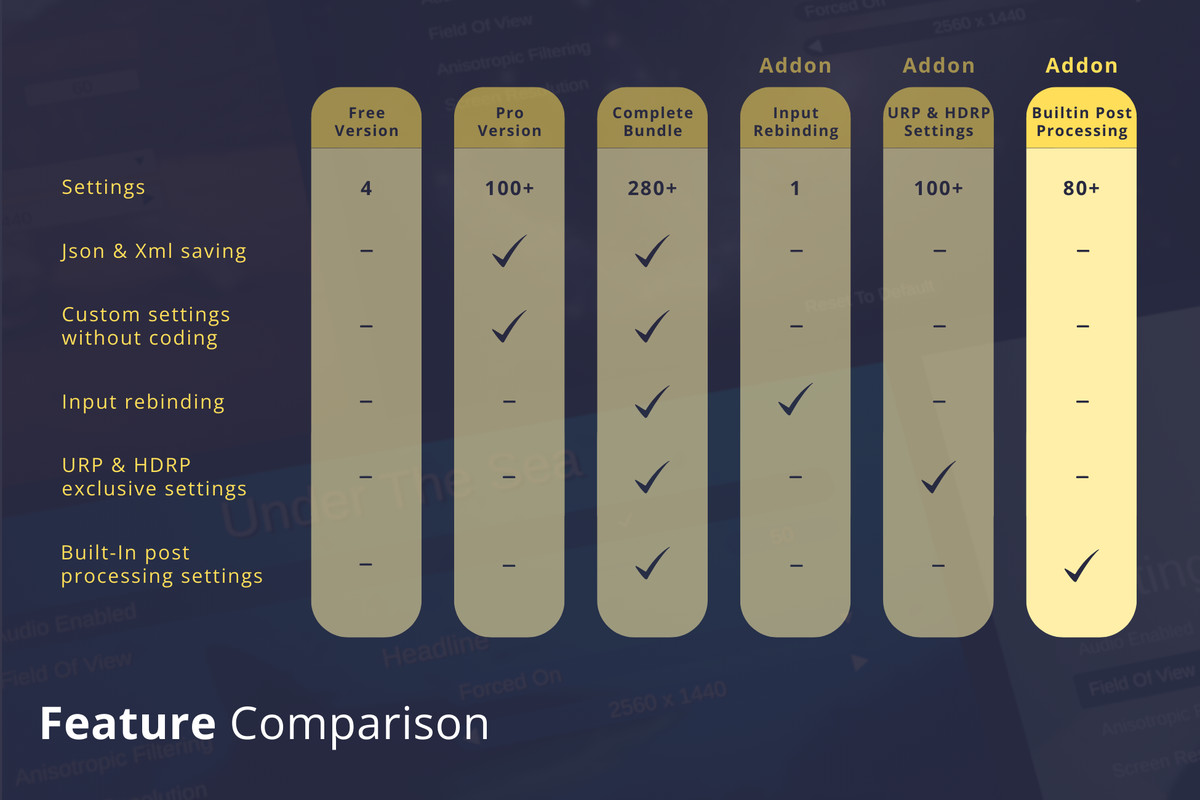
👉 This addon is also part of the Settings Menu Creator Complete Bundle 👈
Documentation | Forum | Discord | Website
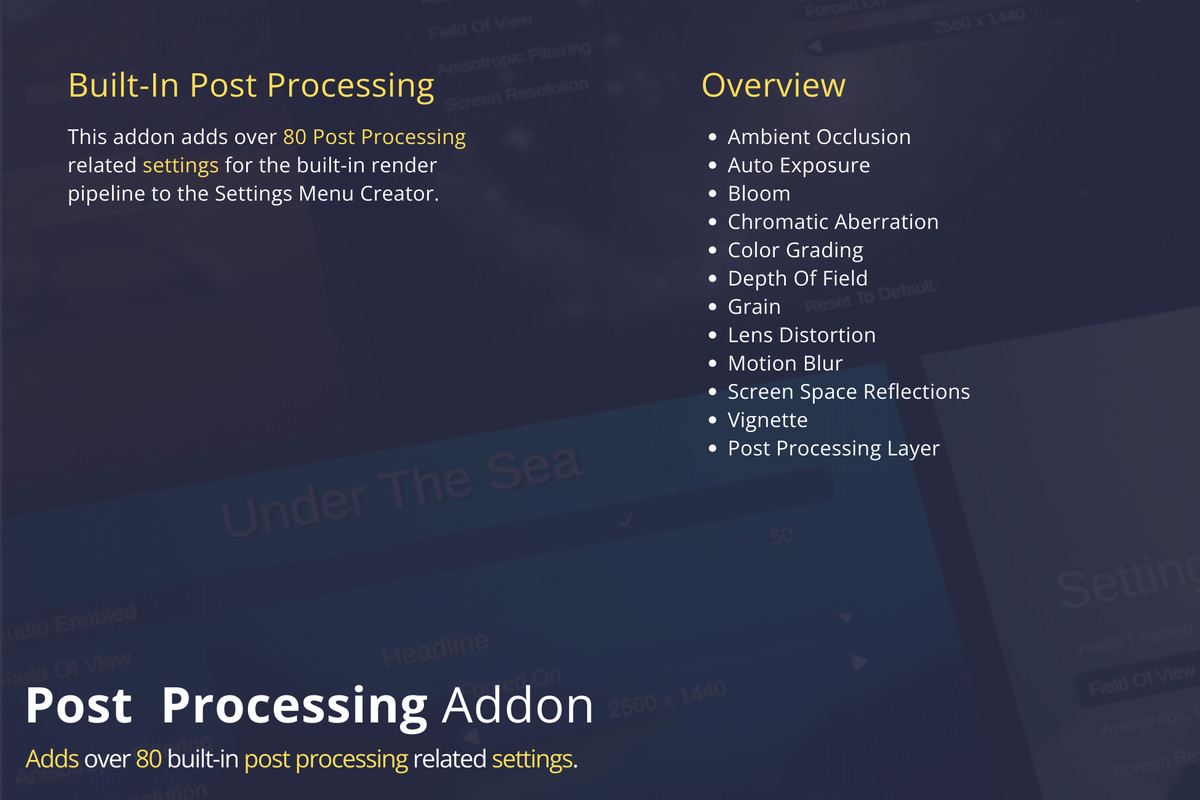
Adds over 80 Post Processing related settings for:
- Ambient Occlusion
- Auto Exposure
- Bloom
- Chromatic Aberration
- Color Grading
- Depth Of Field
- Grain
- Lens Distortion
- Motion Blur
- Screen Space Reflections
- Vignette
- Post Processing Layer
You can find the full list of settings here.
⚠️ May not work correctly in Unity 2022.1 due to UI Toolkit being rather broken in that version. Using LTS versions is advised.
⚠️ Does not work in Unity versions 2023.2.0f1 - 2023.2.6f1 due to an incompatibility of the text mesh pro dependency and Unity's reorganizing of text mesh pro into another package. Please update to at least version 2023.2.7f1 if you are using any of those versions. Using LTS versions is advised.
⚠️ May not work correctly in Unity 2023 due to Unity bugs related to the inspector updating. It could happen that things like adding a setting to the list is not immediately shown unless the project is saved. Since Unity 2023 is not considered an official version I recommend updating to Unity 6 instead.
⚠️If you get the error 'Failed to create folder structure:' while importing you might have to update your project to a newer minor version of the one you are currently using. This is due to a Unity bug that is present in some early versions of each major version but is fixed later. For example 2022.3.8 has this issue but it is fixed in 2022.3.10.
Other Addons:
Check out my other assets:
- Settings Menu Creator Pro
- Settings Menu Creator - Complete Bundle
- Style Profile - Runtime Style Modifications
✉️ Contact
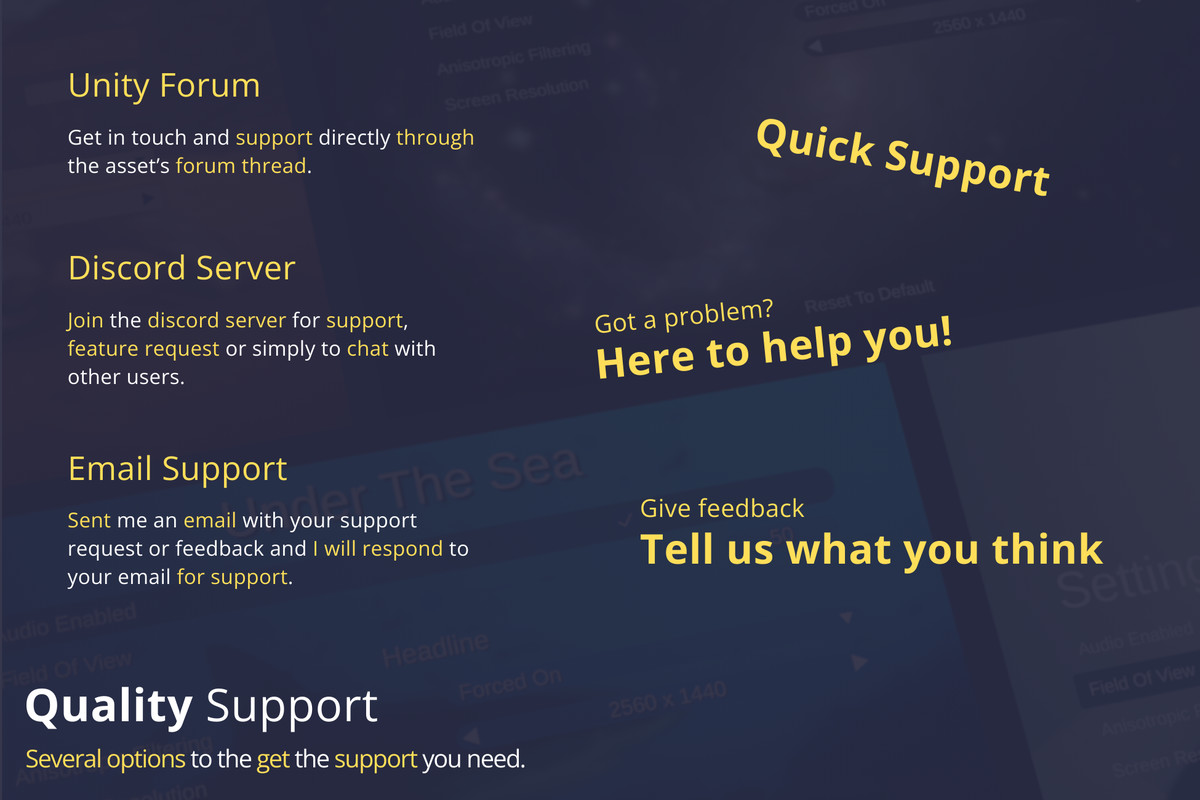
If you have any feedback, suggestions or need help, feel free to contact me:
From the publisher's Asset Store listing.
Technical details
Adds post processing settings for:
- Ambient Occlusion
- Auto Exposure
- Bloom
- Chromatic Aberration
- Color Grading
- Depth Of Field
- Grain
- Lens Distortion
- Motion Blur
- Screen Space Reflections
- Vignette
- Post Processing Layer
Full list of settings can be seen here.
Compatibility
| Unity version | Built-in | URP | HDRP |
|---|---|---|---|
| 2021.3.45f2 | Compatible | Not listed | Not listed |
⚠️ Requires Settings Menu Creator or Settings Menu Creator Pro to work!
As listed on the Asset Store.