
 View on Asset Store (opens in new tab)
Package details
- Latest version
- 1.0.1
- Last updated
- First released
- Unity version
- 2021.3.30 or later
- Package size
- 137 KB
- Files
- 11
- Favorites
- 6
- Views in the past week
- 10
Price tracking
- Last checked
- Tracked since
- Lowest recorded
- $5.99 on
Keywords
PAID Multi-Material - Static Mesh & Collider Combiner
- Price drop
Affiliate link · Purchases support this site
Price history
Last 6 months
USDAsset preview
1 / 2

PAID Multi-Material - Static Mesh & Collider Combiner video 1

About this asset
✔ Supports HDRP 2021.3.30+
✔ Supports URP 2021.3.30+
✔ Supports Standard 2021.3.30+
Should support just about any Unity version 2018.4+
Static Mesh Combiner
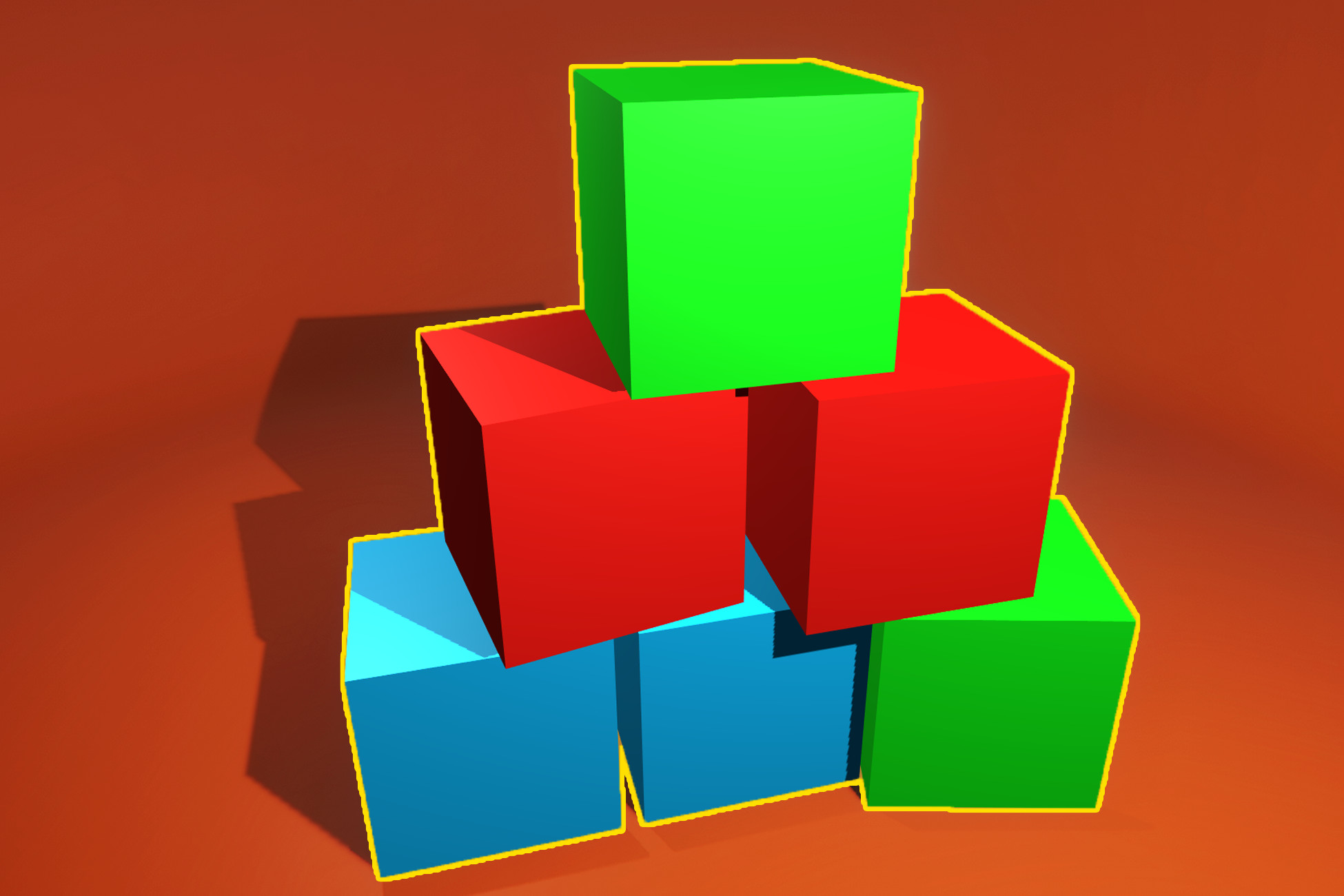
♦ This tool helps you optimize your static meshes - the easiest way possible - Just a few clicks! Tools > Combine > Static Meshes.
♦ Combine any number of meshes, and any number of materials.
♦ If your meshes have colliders, the colliders can be combined and saved as separate meshData which can then be utilized by a Mesh Collider. NOTE: Only Box Colliders and Meshes Colliders will be recognized.
♦ You can also disable your combined mesh, with no harm done to the original meshes.
♦ The new mesh will also retain its pivot point and orientation in the world.
♦ You can save your combined meshes as prefabs!
How to Use
♦ Parent any number of meshes to an empty game object. Select the this parent object and choose Tools > Combine > Static Meshes.
♦ Your meshes will automatically be combined, and a few new components will be added to your once empty game object. These components included: a MeshFilter, a MeshRenderer, and CombineMeshes script.
♦ Through the combine script you will have the option to save the newly forged mesh as a prefab, either as Destructive (child meshes are destroyed) or Non-Destructive (prefab is created with hidden child meshes), or to Disable the combined mesh, with no harm done to the original meshes or materials.
Tips
♦ There is a vertices limit, in Unity, for any given mesh. The combination of meshes cannot exceed this limit.
♦ Combining ALL of the meshes in your scene may not be ideal. This will force the game engine to render large portions of the game that the player may not even be able to see at the current location. Try to balance this for best performance.
Please, by all means, do not hesitate to send me an email if you have any questions or comments!
Guaranteed Support!
Your satisfaction is my top priority! Please, by all means, do not hesitate to send me an email if you have any questions or comments.
lylekgames.com/contacts
Website
lylekgames.com
Support
lylekgames.com/contacts
From the publisher's Asset Store listing.
Compatibility
| Unity version | Built-in | URP | HDRP | Custom |
|---|---|---|---|---|
| 2021.3.30f1 | Compatible | Compatible | Compatible | Compatible |
As listed on the Asset Store.