
 View on Asset Store (opens in new tab)
Package details
- Latest version
- 1.0
- Last updated
- First released
- Unity version
- 2021.3.21 or later
- Package size
- 3.6 MB
- Files
- 50
- Favorites
- 1
- Views in the past week
- 1
Price tracking
- Last checked
- Tracked since
- Lowest recorded
- $14.99 on
Keywords

WebcamHelperGUI
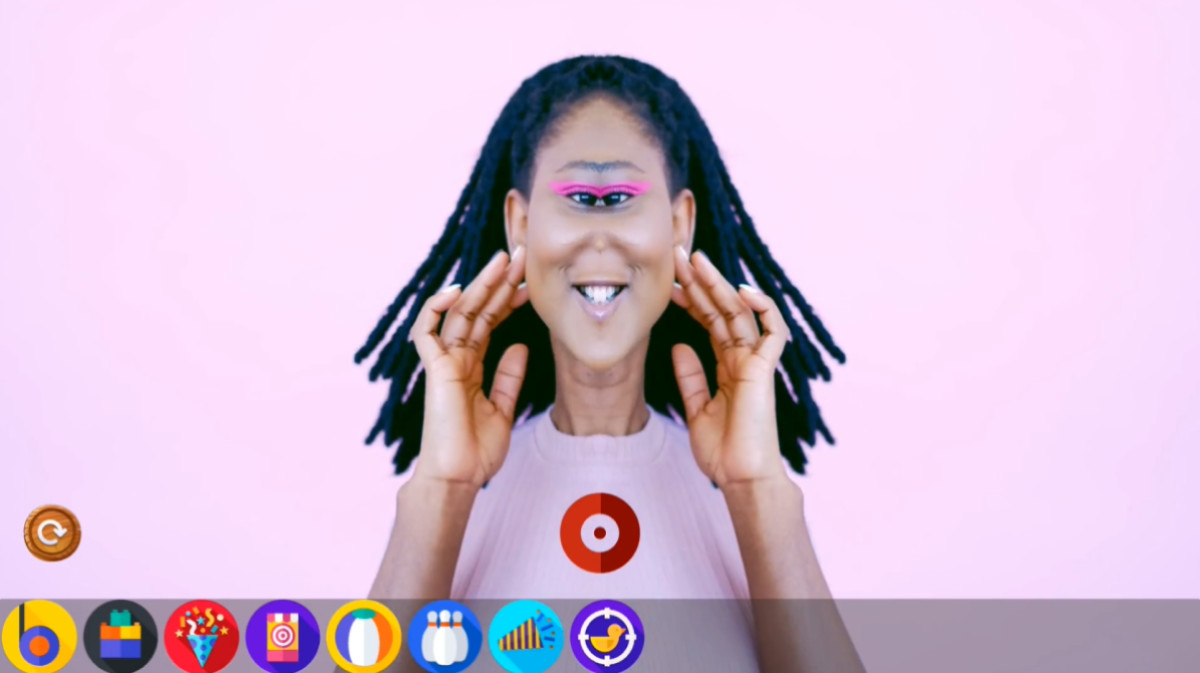
A tool to facilitate the production of interactions with real-time camera feed. Allow to define settings according to camera specification and orientation, apply filters, and capture snapshots.
Affiliate link · Purchases support this site
Price history
Last 6 months
USDAsset preview
1 / 5

WebcamHelperGUI screenshot 1



About this asset
WebcamHelperGUI is a plugin that aims to add functionalities to the WebCamTexture component from Unity and make it easier to use with the objective of accelerating the development of solutions that need to interact with an external camera feed that can be placed in any orientation. It's the perfect tool for developing Photobooths because it allows you to apply filters to the real-time camera feed and capture those moments. It includes 8 filters and allows you to add your own filters.
From the publisher's Asset Store listing.
Technical details
Features:
+ Select camera resolution and orientation;
+ Mirror mode;
+ Automatic snapshot capture setup (name|folder);
+ Two snapshot capture modes: Material Mode and Camera Mode;
+ Possibility to apply filters;
+ Tools to modify image results (ex: watermark, flipping pixels, scale, rotating, etc...).
In a package:
+ WebCam controller;
+ 8 filters:
- Standard (base);
- HorizontalMirror;
- VerticalMirror;
- Pinch;
- Bulge;
- Comic;
- Frame (ex: can add a brand photo frame);
- FrameAnimated (shader example with a simple image animated).
+ Image tool script (Rotation|Scale|Watermark|Contrast|Brightness|Grayscale);
+ Material Capture Mode scene (direct webcam feed capture);
+ Camera Capture Mode scene (capture from a virtual camera that allows to add images or objects in front of the webcam feed).
Compatibility
| Unity version | Built-in | URP | HDRP |
|---|---|---|---|
| 2021.3.21f1 | Compatible | Not listed | Not listed |
As listed on the Asset Store.