
 View on Asset Store (opens in new tab)
Package details
- Latest version
- 1.7.0
- Last updated
- First released
- Unity version
- 2021.3.15 or later
- Package size
- 16.2 MB
- Files
- 133
- Favorites
- 150
- Views in the past week
- 19
Price tracking
- Last checked
- Tracked since
- Lowest recorded
- Free on
Keywords

Kaldera Prefab Painter Lite
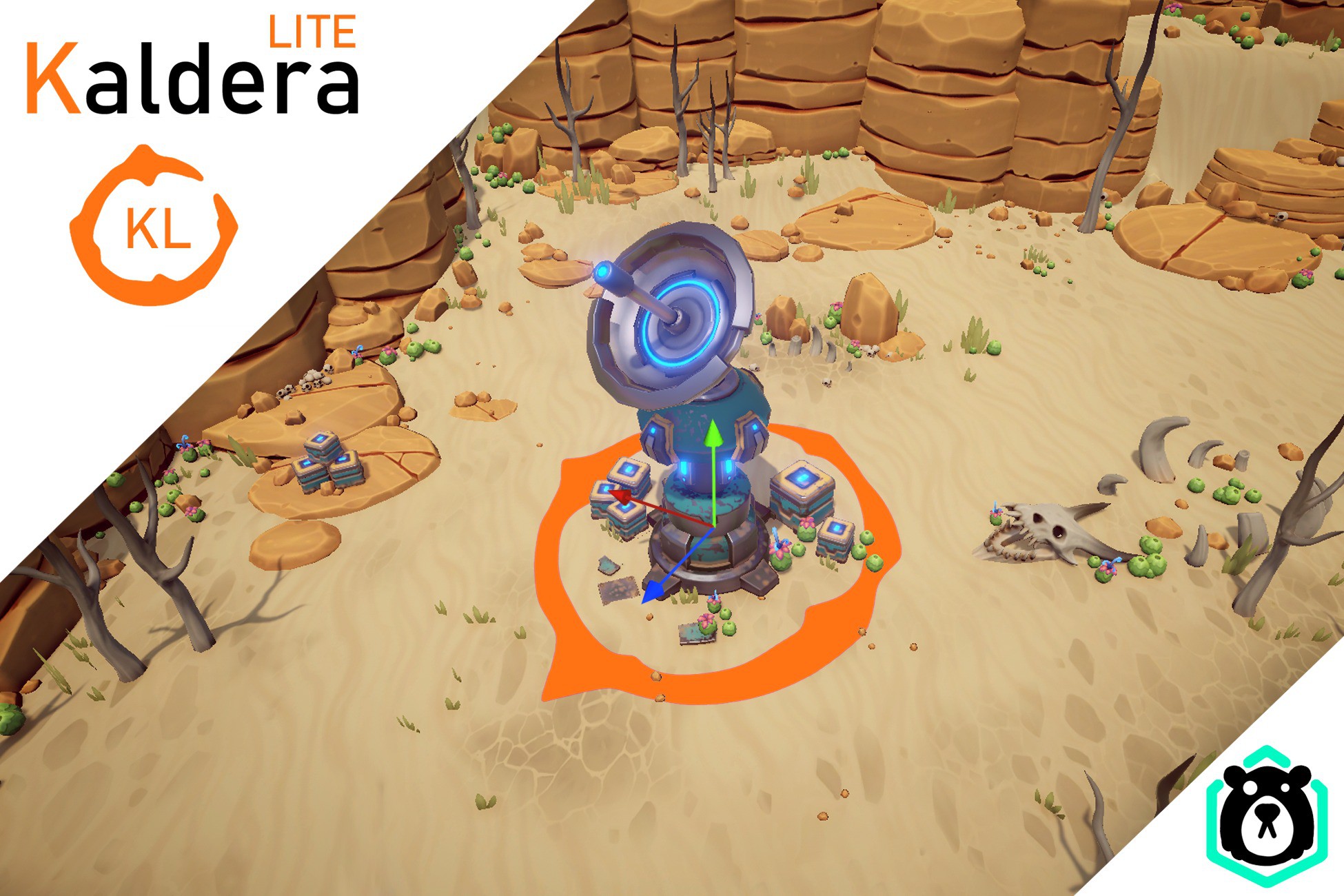
This is a free and trimmed down version of Kaldera Prefab Painter. It is a tool made to quickly and easily place prefabs in a scene.
Affiliate link · Purchases support this site
Price history
Last 6 months
USDAsset preview
1 / 13

Kaldera Prefab Painter Lite screenshot 1



About this asset
Paint out Unity scenes with Prefabs to your heart's content.
Kaldera Prefab Painter is a productivity and level design tool with the purpose of enabling Artists and Level designers to paint prefabs of your liking into a scene just the way you want them.
Lite Version
This is just a small trimmed down version where we only kept to most basic brushes.
You can test out the Paint brush, Cricle brush and the Eraser.
Otherwise this version is still feature complete and will receive updates along side the full version.
https://assetstore.unity.com/packages/tools/level-design/kaldera-prefab-painter-249492
We initially built this Prefab Painter as a tool for our own projects to help with level design, and for filling out scenes with assets without the tediousness that usually comes with having to search through folder upon folder to find the exact prefab needed at the moment.
This editor instead gives you all available Prefabs in a Palette window, where you can see and select the one you want for the moment. You can in theory display hundreds of Prefabs in a single Palette window and maintain a sense of organization.
When importing new prefabs to your projects, you can easily add them to a Palette, making them available in the Palette window.
The prefab painter is a great tool whether you need to place a few Prefabs with high precision, fill out large areas with random trees or rocks, or anything in between.
Visit https://collisionbear.com/products/kaldera-prefab-painter for more infomration.
From the publisher's Asset Store listing.
Technical details
This is a free and trimmed down version of Kaldera Prefab Painter.
https://assetstore.unity.com/packages/tools/level-design/kaldera-prefab-painter-249492
Slimmed down tool set.
The free version ships with three brushes. The full version currently has 7 and more added contiously.
Palette window with Preview for assets
View and select prefabs from a Palette with previews.
Brush stroke visualization.
See the brush stroke before you place them.
On-the-fly scaling and rotating.
Easily Rotate and Scale brush strokes while painting.
Can place any Prefab.
Works with any prefabs you have in your project. Meshes, VFX, empty objects, or even gameplay assets like moving platforms, enemy units etc.
Shift multi select.
Select multiple prefabs on-the-fly, and paint them together in a single brush stroke.
Customizable Palettes
Customize prefab details on an individual level, letting you tweak random rotations, offset, scale and much more.
Minimal initial set up.
After downloading the Prefab painter, you can set up your first palette within minutes and is then ready to start painting.
Full source included in the package.
At Collision Bear, we believe that you know your own needs best. For that, we include the full source code, open for editing and/or expanding, to suite your current and future needs.
Automatic spacing
We use an estimate of how big a prefab is, based on the size of its Renderer component. Though not perfect for complex prefabs, the rough estimate is good enough for most use cases.
Automatic height detection.
You can paint on any surface as your prefabs correctly place themselves on top of any collider, such as terrain, mesh collider, or even recently placed prefabs.
Surface alignment
Aligns the object along the surface normal that it's placed upon.
Hotkey support.
We support hotkeys for most of the commonly used tool and features.
Scaling and rotation randomness.
In the palette configuration, you can set predefined random rotation and scale for your prefabs, allowing automatic asset variation when placed in the scene.
Distribution randomness.(Spatial randomness)
Choose between uniform spatial distribution, or a managed randomness for a more organic and natural feel.
Prefab variant randomization.(Prefab randomness)
While painting, Kaldera can randomly pick prefabs within your Prefab variation set to quickly create variation instead of switching back and forth between different prefabs of a similar type.
Customizable shortcuts (Key bindings)
Most input can have their shortcuts reconfigured to fit your personal need better.
Supports Unity's Undo/Redo flow.
Naturally, the editor fully supports Unity's Undo/Redo flow. This goes for both when painting with the brushes and editing the Palettes.
Tools agnostic prefabs.
Once an object is placed, there is no lingering data from the Prefab painter. No custom scripts are added to your Prefabs. A prefab placed with Kaldera is literally identical as one dragged into the scene from the project view.
Open to community feedback.
We're always ready to hear feedback and feature requests from you, the user. In fact, many of our current features started as suggestions from our user base.
Compatibility
| Unity version | Built-in | URP | HDRP | Custom |
|---|---|---|---|---|
| 2021.3.15f1 | Compatible | Compatible | Compatible | Compatible |
As listed on the Asset Store.