
 View on Asset Store (opens in new tab)
Package details
- Latest version
- 3.0.0
- Last updated
- First released
- Unity version
- 2021.3.45 or later
- Package size
- 1.0 MB
- Files
- 199
- Favorites
- 66
- Views in the past week
- 26
Price tracking
- Last checked
- Tracked since
- Lowest recorded
- Free on
Keywords

Mobile Controller Framework
- Price drop
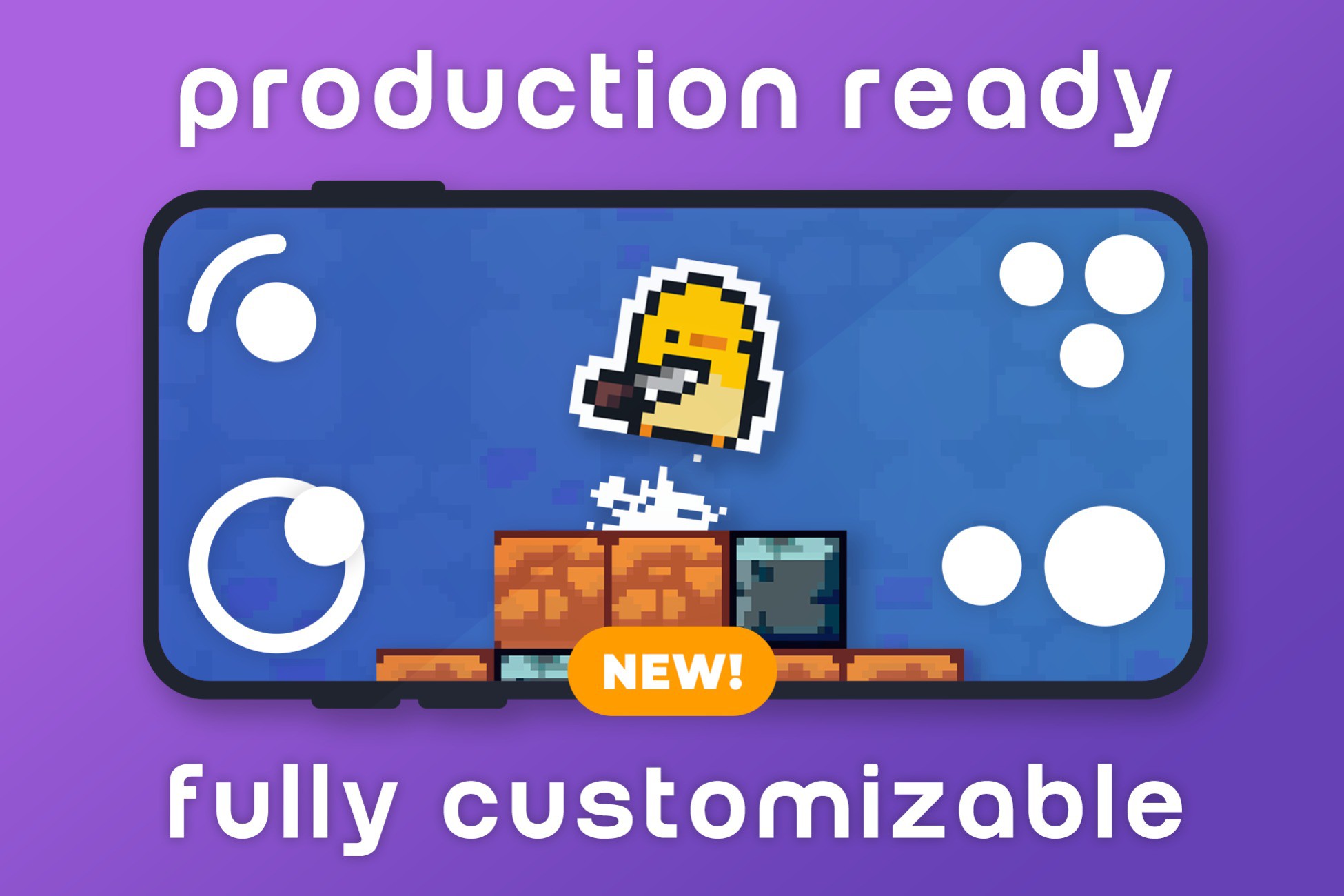
Mobile Controller Framework is a complete collection of game-ready mobile inputs adaptable to your needs. It includes everything from analog and toggles to swaps and colldowns as well as debug menus
Affiliate link · Purchases support this site
Price history
Last 6 months
USDAsset preview
1 / 14

Mobile Controller Framework screenshot 1


About this asset
Dynamic Analog Joystick & Versatile Button System
Seamless Optimization for iOS and Android Devices
Responsive Design for All Screen Sizes
Works with Old and New Input System
Demo
Android APK of the FPS scene: https://bit.ly/3UcQ48B
Android APK of the RPG scene: https://bit.ly/49x5YPI
Documentation: nappin.dev
Support: [email protected]
▒▒▒▒▒▒▒▒▒▒▒▒▒▒▒▒▒▒▒▒▒▒▒▒▒▒
What is it?
Mobile Controller Toolbox is a comprehensive collection of game-ready mobile inputs designed to adapt to your requirements. This versatile package encompasses a wide spectrum of inputs, from analog controls and toggles to swap functions and cooldowns, while also featuring convenient debug menus.
How do I use it?
Simple: install the package, instanciate an event system and drag and drop the prefabs you want to use! The package accommodates anyone who wants a simple plug and play solution and also developers who want to add their own modifications on top of the existing code.
What's included?
- Supports Unity Events: onPointerDown, onBeginDrag, onDrag, onPointerUp, onEndDrag, onActivateSkill, onCancelSkill.
- Analog prefab with size, dead zone, and snapping options, plus optional Heatmap for visual feedback.
- Arrow Keys and Dpad prefabs for precise cardinal and diagonal inputs.
- Action and Cooldown buttons with tap/hold, text display, and image fill.
- Swap prefab for cyclical or non-cyclical navigation (ideal for items and weapons).
- Toggle button with customizable initial state.
- Touch Drag prefab for smooth camera panning, works on mobile and editor.
- Helper components: Key, Direction, and Touch Display.
- Multiple animations included for all Input Types.
- Debug Menu accessible with a double tap (mobile and editor).
- Prefabs folder with all core components ready to use.
- Two sample scenes to demonstrate setup and parameters.
- Consistent hierarchy separating visuals from input detection.
- Works with both Old and New Input Systems via IPointer events.
- Compatible with Built-in, URP, and HDRP pipelines.
- Lightweight and optimized for performance.
▒▒▒▒▒▒▒▒▒▒▒▒▒▒▒▒▒▒▒▒▒▒▒▒▒▒
» FAQ:
- How do I integrate the mobile controller asset into my Unity game project? Integrating the mobile controller asset into your Unity game project is straightforward; it's as simple as a drag-and-drop process. Just import the asset into your project and place it in your scene as needed, and you'll be ready to start using it in your game.
- Can I customize the appearance and behavior of the mobile controller? Yes, everything about the mobile controller is highly customizable. You can tailor both its appearance and behavior to seamlessly align with your game's unique theme and mechanics, ensuring a perfect fit for your project.
- Are there pre-built templates or examples available to help me get started? There are pre-built templates available for top-down and first-person shooter (FPS) games to assist you in configuring the mobile controller for these specific game genres.
____________________________________
Need help or guidance with the tool? Reach out anytime at [email protected]
Did you enjoy the tool? We’d really appreciate a positive rating—it helps us improve and keep creating great tools!
From the publisher's Asset Store listing.
Compatibility
| Unity version | Built-in | URP | HDRP | Custom |
|---|---|---|---|---|
| 6000.0.57f1 | Compatible | Compatible | Compatible | Compatible |
| 2023.2.20f1 | Compatible | Compatible | Compatible | Compatible |
| 2022.3.62f1 | Compatible | Compatible | Compatible | Compatible |
| 2021.3.45f1 | Compatible | Compatible | Compatible | Compatible |
Mobile Controller Framework focuses on responsive input logic and is fully renderer-agnostic. Built on Unity’s IPointer events, it works seamlessly with Built-in, URP, and HDRP without extra setup. Demo scenes use Built-in by default, but all pipelines are supported out of the box.
For developers new to Unity’s render pipelines, Unity provides official guides: URP | HDRP.
As listed on the Asset Store.