
 View on Asset Store (opens in new tab)
Package details
- Latest version
- 1.0
- Last updated
- First released
- Unity version
- 2021.3.11 or later
- Package size
- 152 KB
- Files
- 24
- Favorites
- 7
- Views in the past week
- 7
Price tracking
- Last checked
- Tracked since
- Lowest recorded
- Free on
Keywords

Screenshot A Day - Timelapse Creator For Marketing Your Game On Social Media
☄️Create stunning timelapse marketing videos for your project ☄️Showing your project progress throughout the months & years ☄️By automatically capturing screenshots daily (or specify custom duration)
Affiliate link · Purchases support this site
Price history
Last 6 months
USDAsset preview
1 / 3
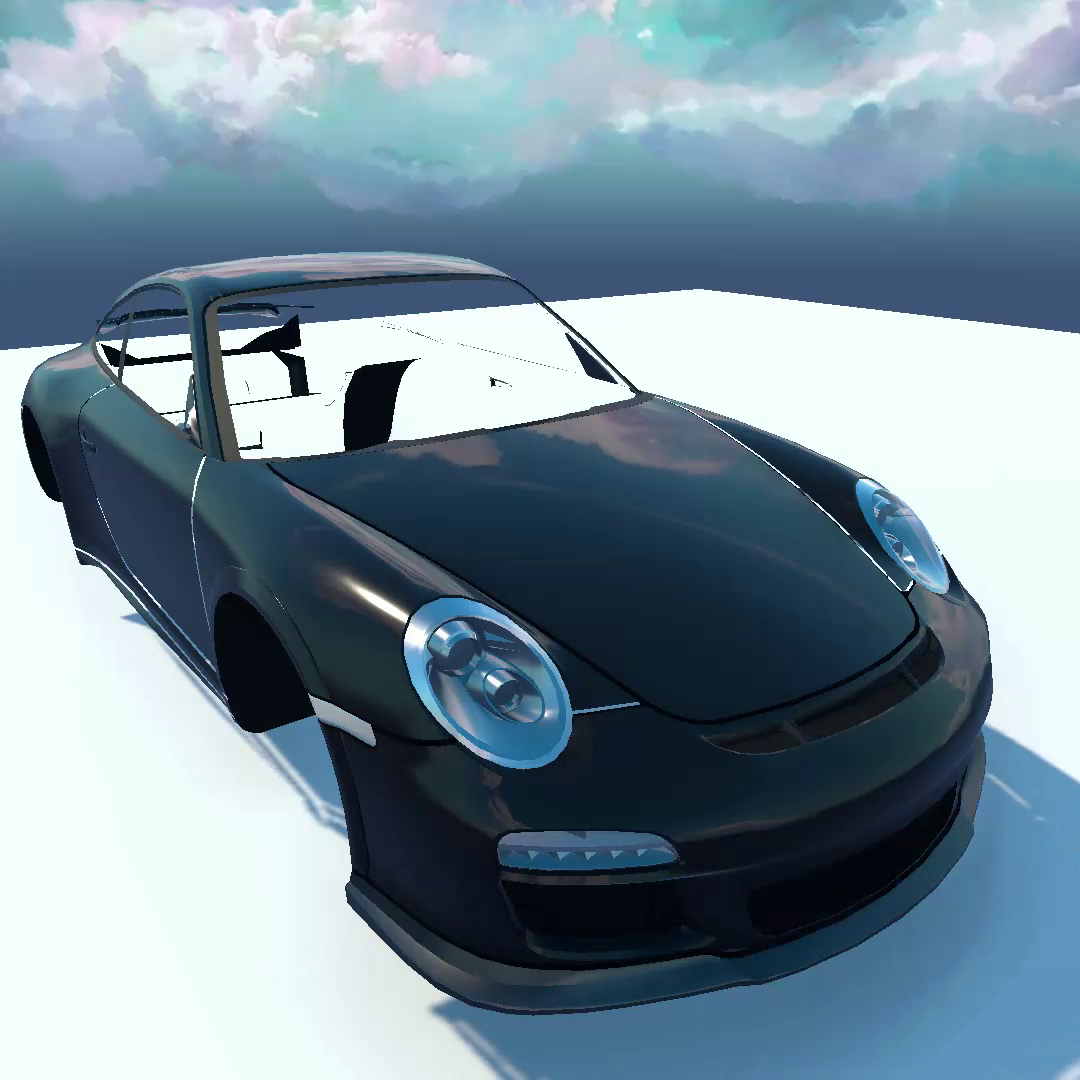
Screenshot A Day - Timelapse Creator For Marketing Your Game On Social Media video 1 (plays on the Asset Store)
About this asset
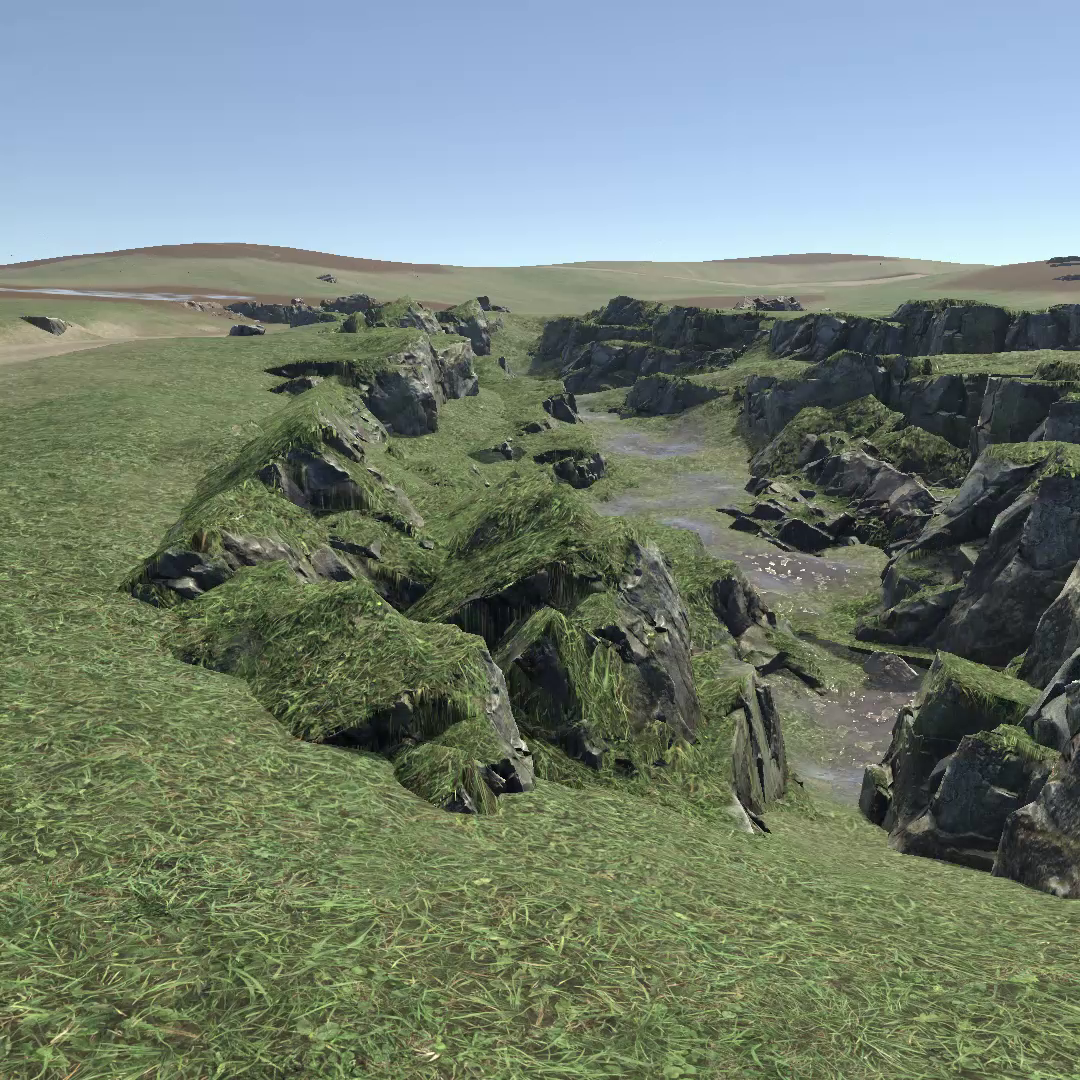
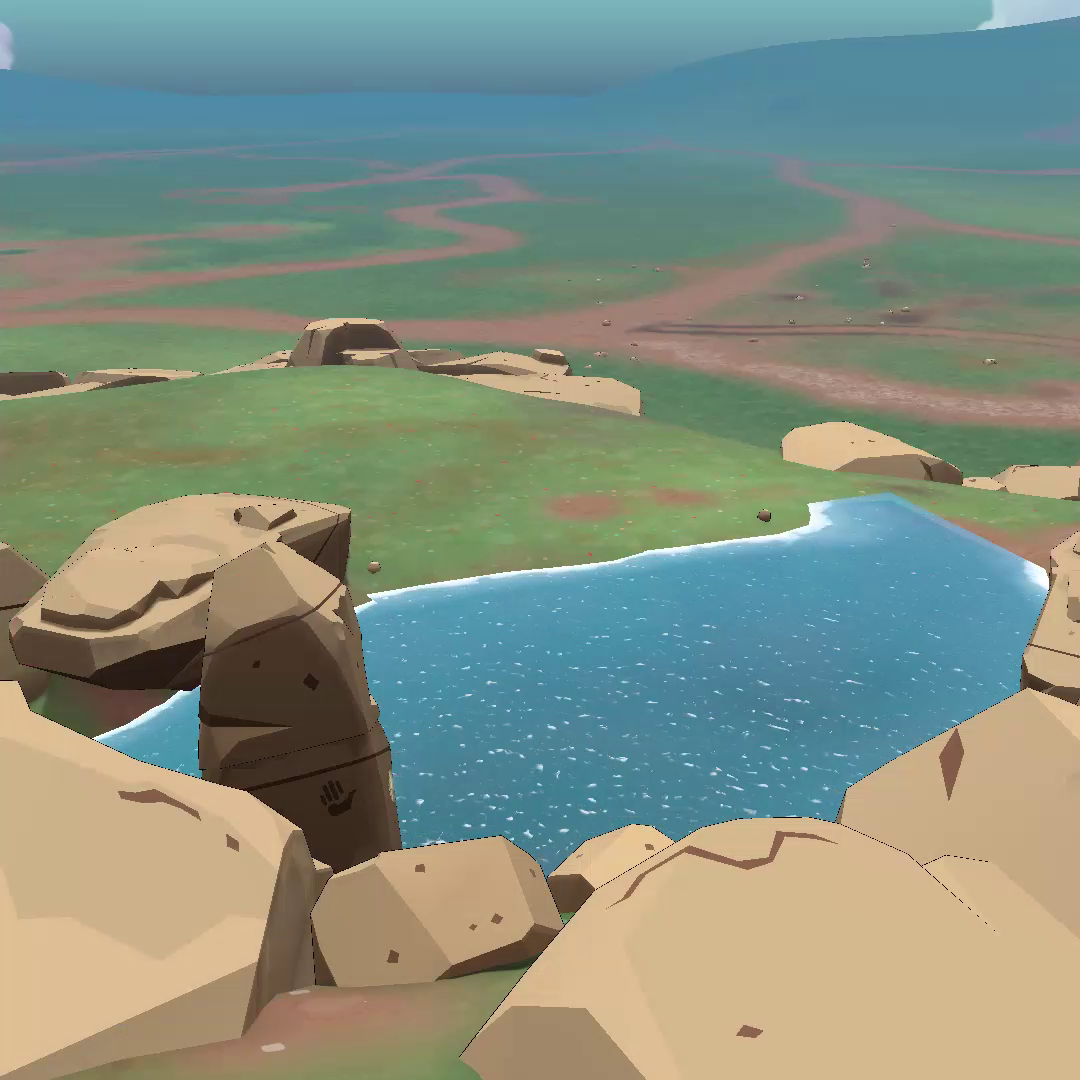
☄️Create stunning timelapse marketing videos for your project ( great for Reddit, Tiktok, Instagram & Youtube )
☄️Show your project progress throughout the months & years
☄️automatically capture screenshots daily ( or use custom duration )
☄️Capture Scene View, Game View
☄️Add extra editor cameras to capture the scene progress from different angles
Modes-------------------------------------
1. Auto Mode: capture screenshots / photos every day or custom duration.
2. Manual Option: capture screenshots / photos manually at any moment.
Instant Timelapse Creator ( works for already built scenes )
Creates a timelapse of an already made scene
☄️This system automatically hides all objects of the scene & sequentially shows them while capturing screenshots, creating eye catching timelapse videos where the scene appears gradually.
Customize Everything--------------------
☄️Image Dimensions.
☄️Add editor cameras to capture the scene from specific angles.
☄️Conrol screenshots interval for each individual camera.
☄️Add hotkeys for capturing the screenshots
Source code------------------------------
The asset includes the full source code.
Online Manual----------------------------
https://cyborgassets.weebly.com/screenshotaday.html
Important Notes--------------------------
☄The Asset only captures photos
- The online manual has instructions on turning the photos into a video, using a free video editor.
- ( you can use any video editor you like but a free option is explained )
☄️This is an Editor asset ( does nothing in builds )
☄️Unity UI Canvas:
- Screen space canvas is not captured.
- Camera space canvas is only captured by the render camera assigned for that canvas.
- World space canvas is captured by all cameras.
Have a question?---------------------------
Send me an email
From the publisher's Asset Store listing.
Compatibility
| Unity version | Built-in | URP | HDRP | Custom |
|---|---|---|---|---|
| 2021.3.11f1 | Compatible | Compatible | Compatible | Compatible |
As listed on the Asset Store.