
 View on Asset Store (opens in new tab)
Package details
- Latest version
- 1.0
- Last updated
- First released
- Unity version
- 2021.3.20 or later
- Package size
- 328 KB
- Files
- 10
- Favorites
- 1
- Views in the past week
- 3
Price tracking
- Last checked
- Tracked since
- Lowest recorded
- $7.00 on
Keywords
Keyboard and Mouse Simulation for Windows
Keyboard and Mouse Simulation for Windows is a script component that allows easy creation of authentic keyboard or mouse input, such as UI testing or perhaps creating in-game controls for the cursor.
Affiliate link · Purchases support this site
Price history
Last 6 months
USDAsset preview
1 / 5

Keyboard and Mouse Simulation for Windows screenshot 1


About this asset
Windows operating system
The tool supports specifically Windows operating systems as it utilizes native Windows libraries to simulate keyboard and mouse input exactly like a real device.
Features
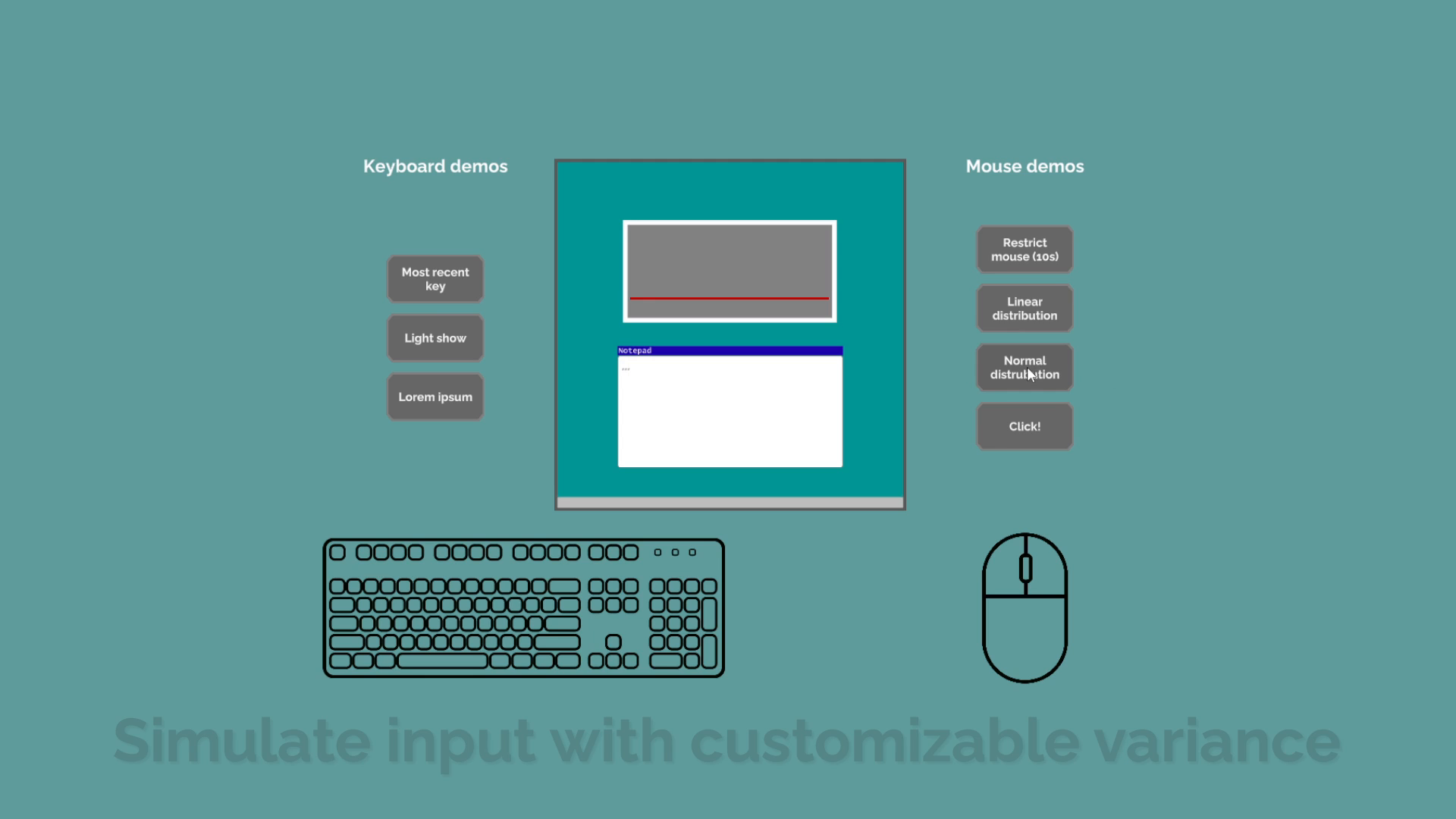
Any input that you can produce on a keyboard or a mouse can be created using this tool. You don't even need to have a physical input device connected at all, and there are no limits to how many keys/buttons can be pressed at once, unlike with real hardware. The mouse movement also takes multiple displays into account. The tool can be used simply in the editor or by using C#.
The tool also allows you to customize certain options, such as the following:
- Pausing the input while the application doesn't have focus or the cursor is not on top of the window.
- Remapping any cursor movement so that the application window is considered to be the whole screen.
- Repeating the inputs a number of times.
- Listing multiple different inputs to be performed in a row.
- Customizing specific inputs. For example applying keyboard inputs at the same time or specifying cursor movement as an absolute position on the display.
- Distribution of the inputs over time with natural variance.
Variance
It is possible to customize the distribution of the given inputs. This allows for realistic, less deterministic input.
Distribution can be either normal or linear, with customizable average lengths and standard deviations for the input groups and even specific keystrokes.
Support
If you have any questions or suggestions for additional functionality for Keyboard and Mouse Simulation for Windows, do not hesitate to contact us via email!
If you find this tool helpful, please let us know by leaving a review. All feedback is appreciated.
From the publisher's Asset Store listing.
Compatibility
| Unity version | Built-in | URP | HDRP | Custom |
|---|---|---|---|---|
| 2021.3.20f1 | Compatible | Compatible | Compatible | Compatible |
The demo is created with the built-in RP and uses TextMeshPro, but the tool itself works well regardless of RP.
As listed on the Asset Store.