
 View on Asset Store (opens in new tab)
Package details
- Latest version
- 2.4.1
- Last updated
- First released
- Unity version
- 2021.3.45 or later
- Package size
- 7.6 MB
- Files
- 125
- Favorites
- 85
- Views in the past week
- 31
Price tracking
- Last checked
- Tracked since
- Lowest recorded
- $4.99 on
Keywords

Vertex-colored & Vertex-lit Shaders (N64/GC/DS/PS1/PS2 style)
Bring back vertex colors and vertex lighting, like it was done in the old days! Essential if you're going for accurate N64/PS1/PS2/DS era graphics.
Affiliate link · Purchases support this site
Price history
Last 6 months
USDAsset preview
1 / 6

Vertex-colored & Vertex-lit Shaders (N64/GC/DS/PS1/PS2 style) screenshot 1


About this asset
Overview
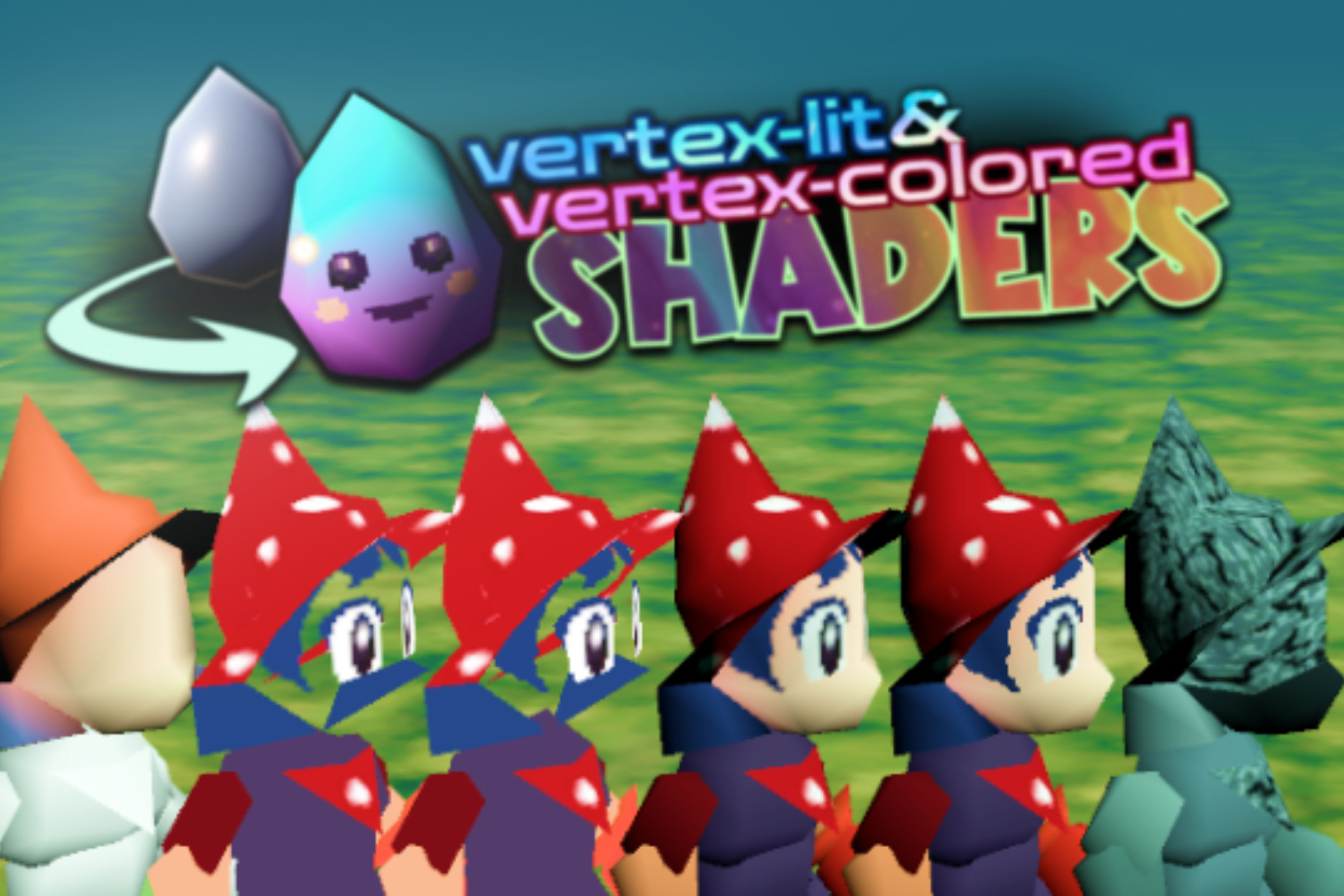
This is a collection of shaders I use to replicate the look of Nintendo 64 models and sprites. Unlike the standard PBR shaders, these shaders use per-vertex lighting, support vertex colors, and emulate the N64 and PS1 texture filtering styles.
Vertex lighting vs per-pixel lighting comparison
List of shaders included
- Vertex-lit & Vertex-colored/
- Opaque/
- Dual texture: Allows you to transition between two different textures on the same model, with vertex lighting. I used this on the ground tiles in a digging game to transition between the default state and the "dug" state.
- Sphere mapped: Fake environmental reflections (Metal Mario effect).
- Vertex-lit Alpha Blend: Overlays a texture and a color (optional) on top of a model's vertex colors, with smooth edges.
- Vertex-lit Alpha Clip: Overlays a texture and a color (optional) on top of a model's vertex colors, with pixelated edges.
- Vertex-lit Modulate: Tints a texture with a model's vertex colors in multiply mode.
- Transparent/
- Alpha Blend: Displays a transparent texture with smooth edges.
- Alpha Clip: Displays a transparent texture with pixelated edges.
- Billboard Alpha Blend: Renders a sprite as a billboard (always faces the camera) with alpha blending. Great for Bomberman/Smash style item pickups.
- Billboard Alpha Clip: Same as above, with pixelated edges.
- Animated Billboard Alpha Blend: Plays an animation from a sprite sheet as a billboard with smooth edges.
- Animated Billboard Alpha Clip: Plays an animation from a sprite sheet as a billboard with pixelated edges.
Shader features
From the publisher's Asset Store listing.
Technical details
Main features
Where applicable, most of these shaders support these features:
- Vertex lighting: Most of these shaders use per-vertex lighting instead of per-pixel. This is the key to the hard, diamond-shaped shading artifacts that make old games look the way they do.
- Vertex colors: Vertex painting was used in N64 games to fake lighting and shadows while saving up on texture storage space. You can paint or bake vertex colors in Blender, and use the vertex-colored shaders to render them in Unity.
- Fog: Older 3D games used fog to avoid having to render large environments. These shaders work with Unity's fog setting, allowing you to recreate this aspect of the N64/PS1 look.
- (Optional) N64 or PS1 style texture filtering: Enable accurate N64-style three-point filtering or PS1-style affine texture mapping.
Shader parameters
- Lit/Unlit: Enable or disable lighting for each material.
- Base color: Replace or tint all of your model's vertex colors with this base color. Same as the diffuse color in most shaders.
- Overlay color: An optional color overlay that allows you to replace a model's base texture or color with another color. This is useful for making characters flash white/red when they get hit.
Compatibility
| Unity version | Built-in | URP | HDRP |
|---|---|---|---|
| 2021.3.45f1 | Compatible | Not listed | Not listed |
Compatible with Unity 6.
Only works in BRP (built-in render pipeline) projects. Not compatible with URP (Universal Render Pipeline) at the moment.
As listed on the Asset Store.