
 View on Asset Store (opens in new tab)
Package details
- Latest version
- 3000.4.1
- Last updated
- First released
- Unity version
- 2022.3.62 or later
- Package size
- 105.0 MB
- Files
- 1,645
- Favorites
- 181
- Views in the past week
- 343
Price tracking
- Last checked
- Tracked since
- Lowest recorded
- $29.63 on
Keywords
Vista Pro - AI Assisted, Node Based Procedural Terrain Generator
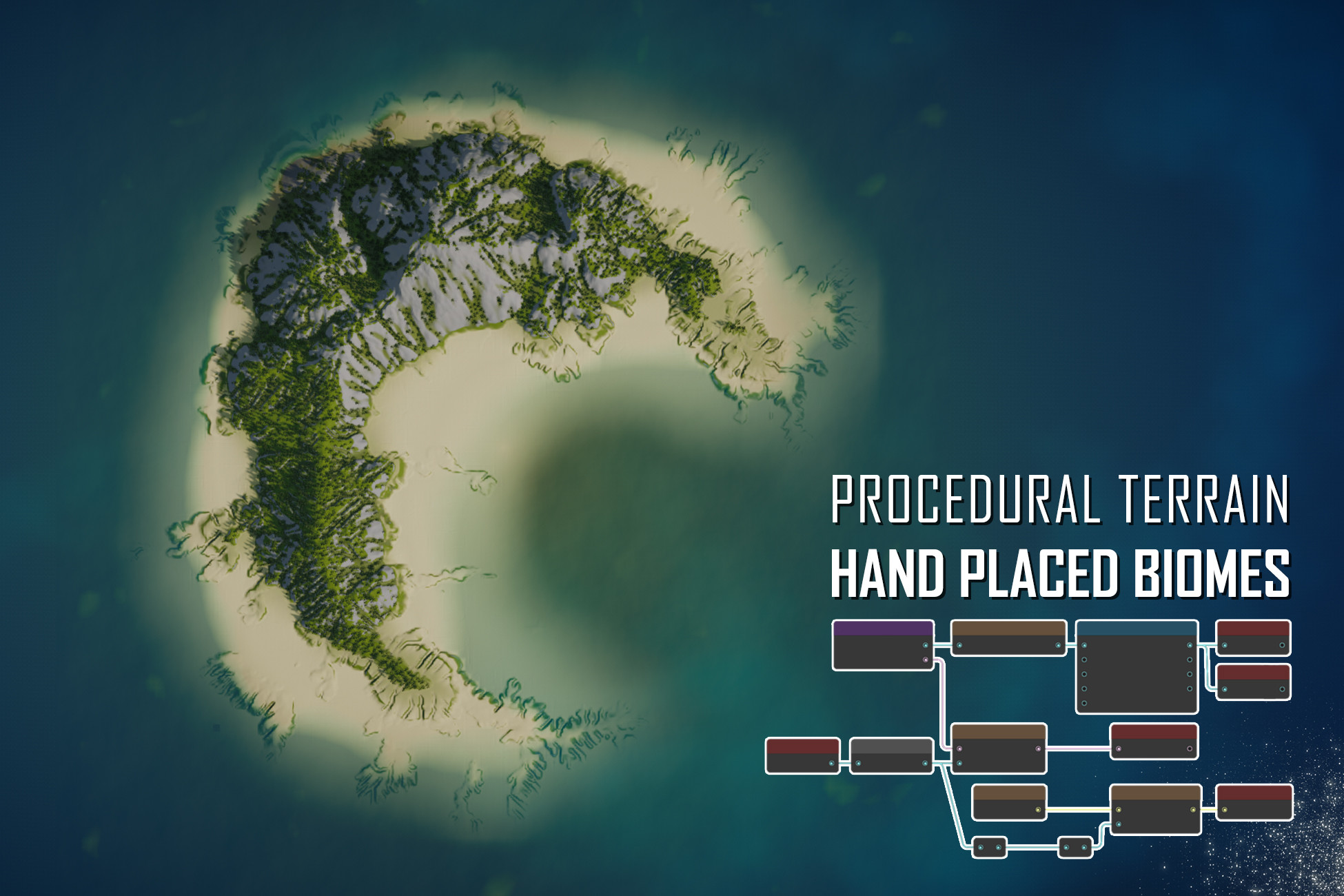
Graph based procedural terrain generator. Build each biome in a graph, place them by hand like a layered terrain system, and blend seamlessly with full control over transitions.
Affiliate link · Purchases support this site
Price history
Last 6 months
USDAsset preview
1 / 34

Vista Pro - AI Assisted, Node Based Procedural Terrain Generator screenshot 1









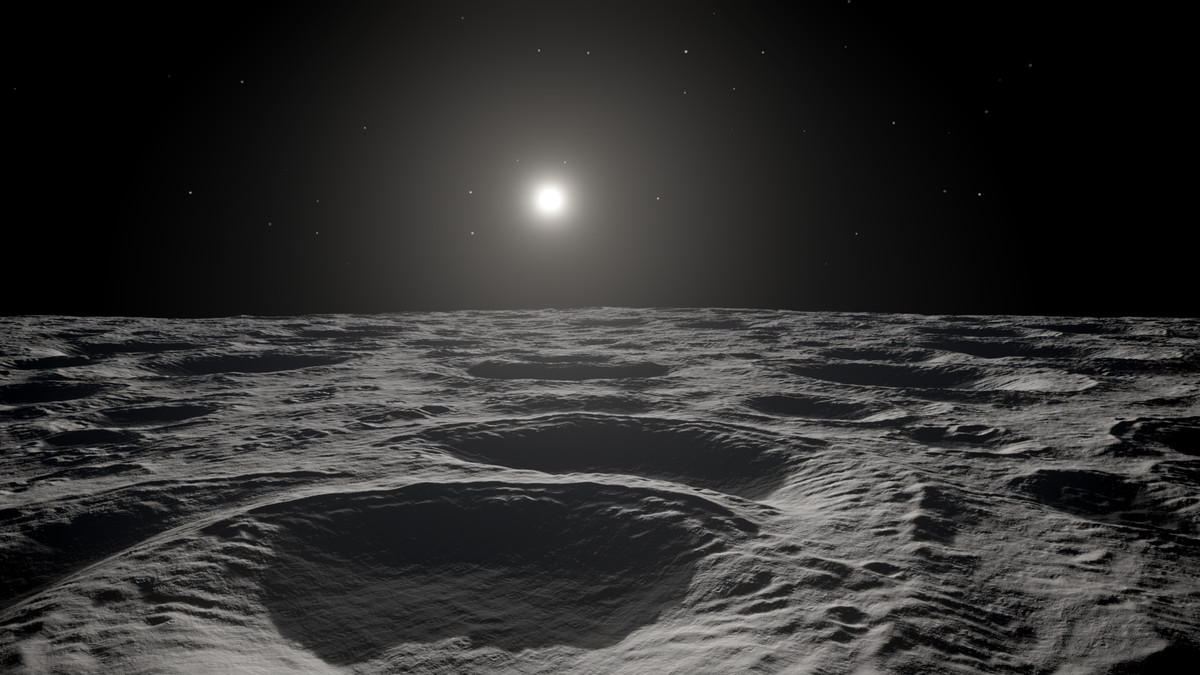

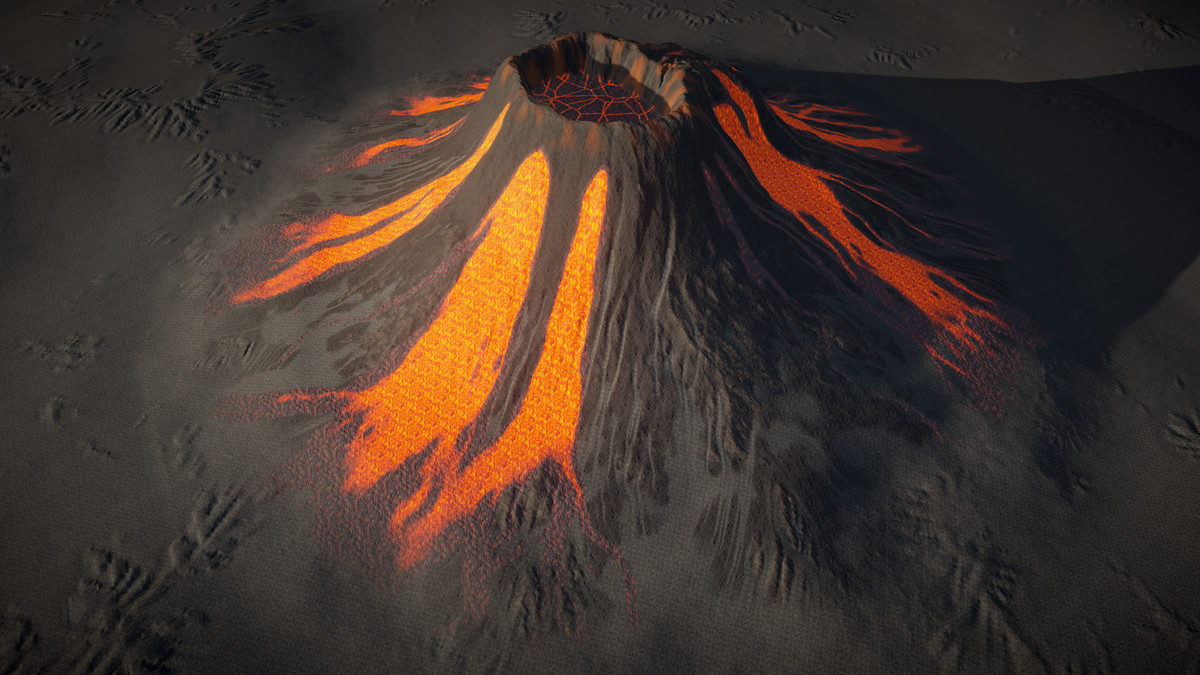
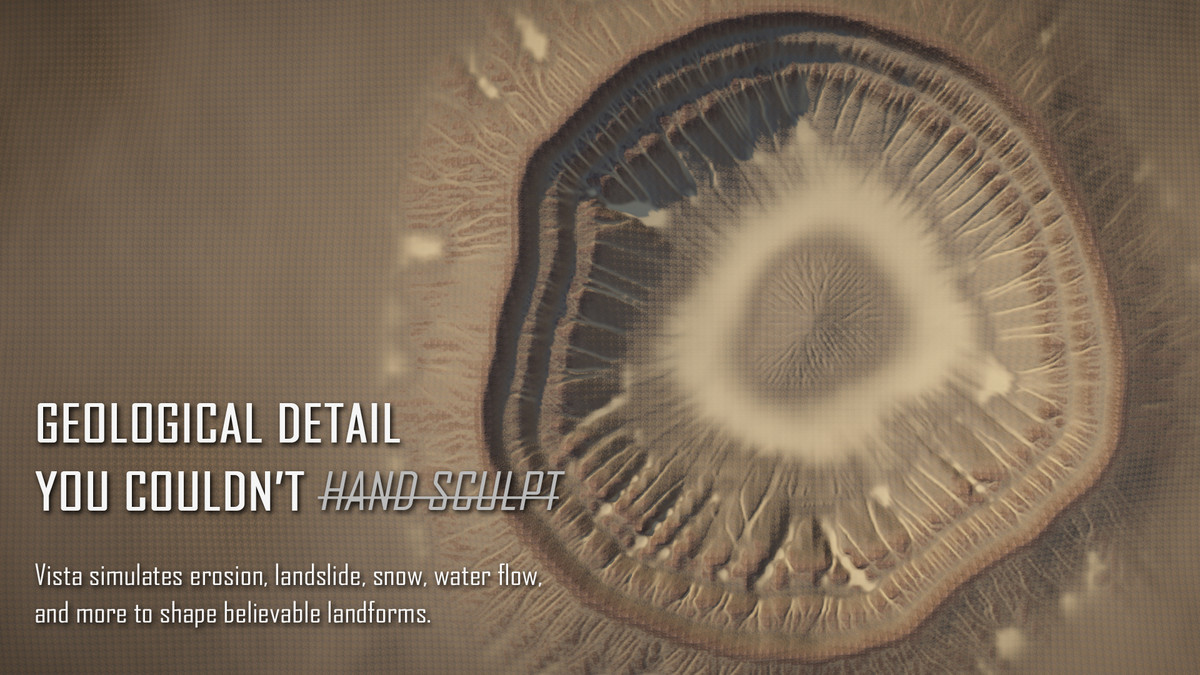
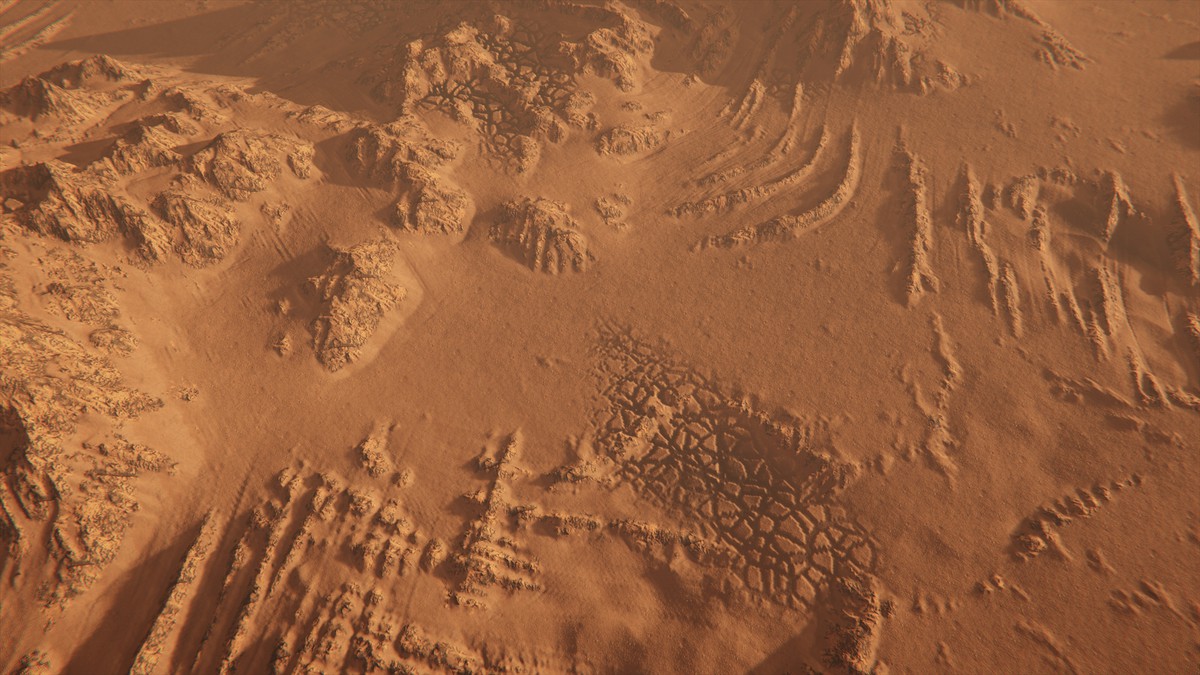




About this asset
WHAT IS IT?
Vista Pro is a procedural terrain generator built for intentional, artist-directed terrain production.
HOW IS IT DIFFERENT?
Other tools distribute biomes through noise and abstract rules, producing repetitive, generic results. Vista puts those decisions in your hands: you decide where each biome sits, how large it is, and how it blends with its surroundings. Biomes work like layers in a layered terrain system: stack them, configure blend modes, and Vista resolves the transitions.
HOW DO YOU BUILD EACH BIOME?
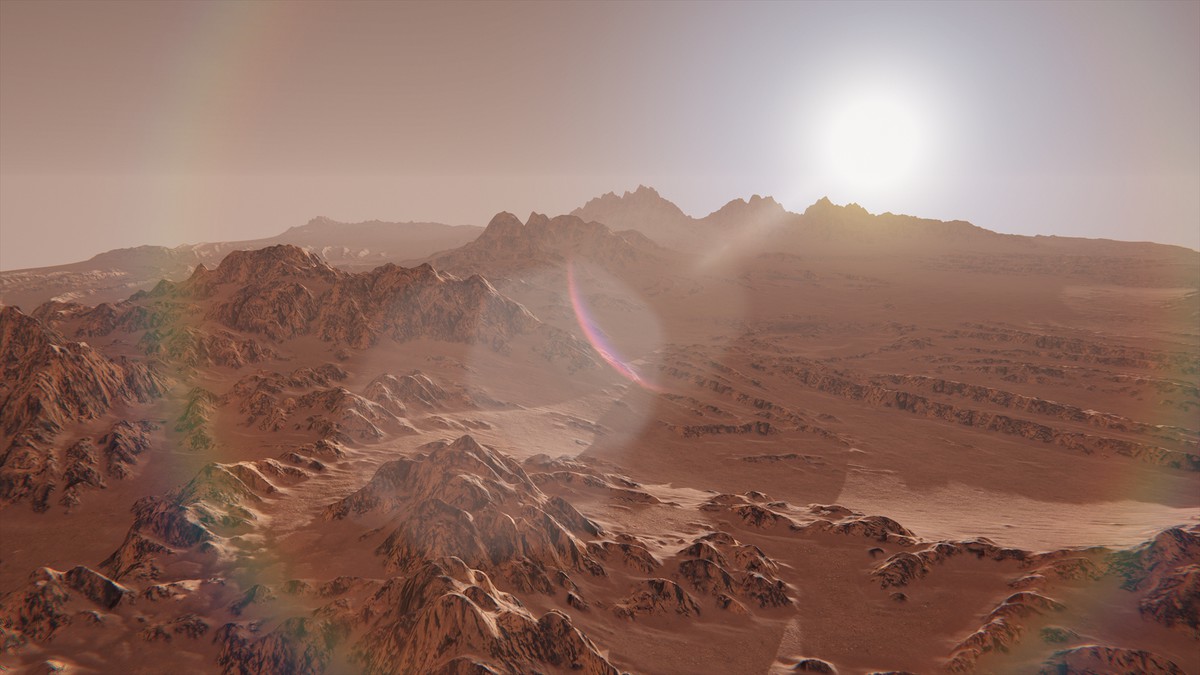
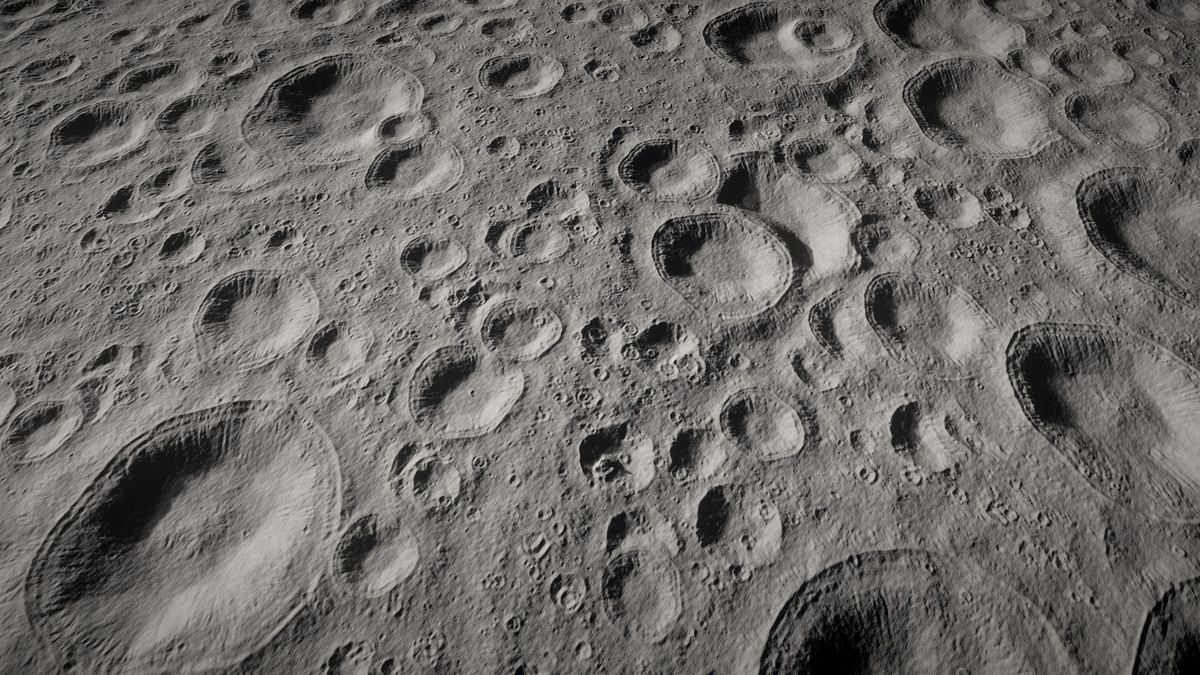
As a procedural terrain generator, Vista lets you build each biome in its own graph, where you define height, textures, vegetation, and custom data. Add geological detail with natural simulations such as erosion, water flow, landslide, and snow, producing landforms that would take hours to sculpt by hand.
WILL REGENERATION ERASE MANUAL WORK?
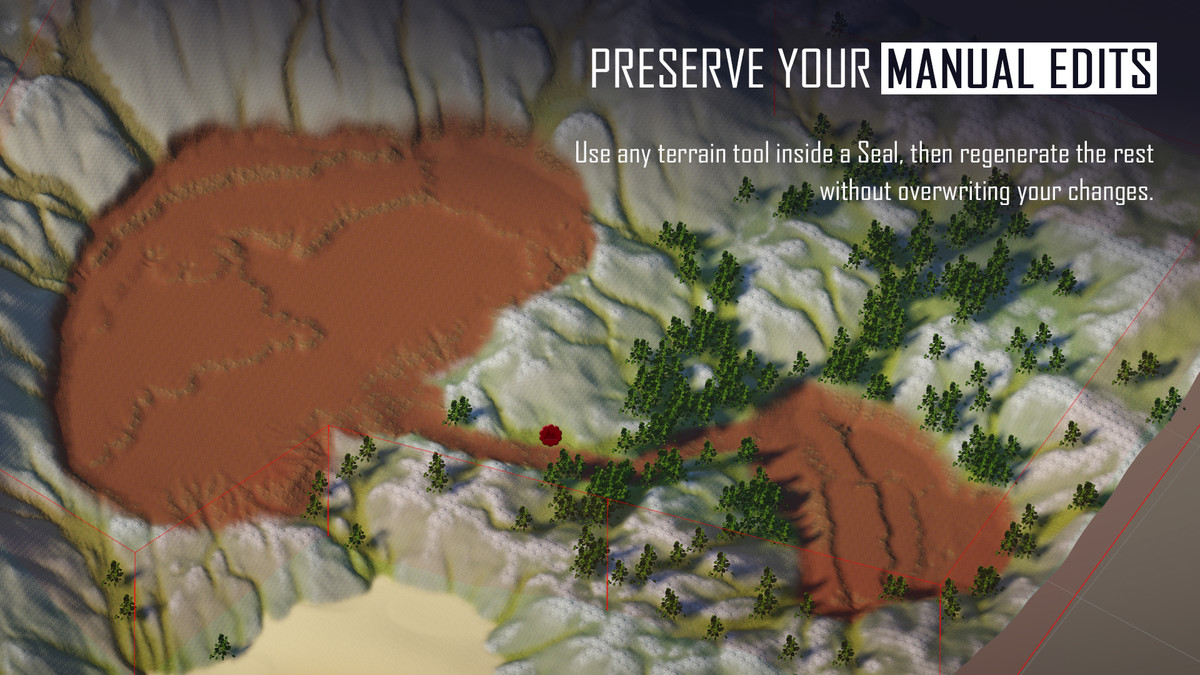
Terrain Seal protects the regions you want to edit and keep. Draw a Seal around the area first, then sculpt, paint, or add vegetation inside it. Later, you can regenerate the surrounding terrain without overwriting the work inside the Seal's boundary.
CAN YOU MAKE MANUAL ADJUSTMENTS?
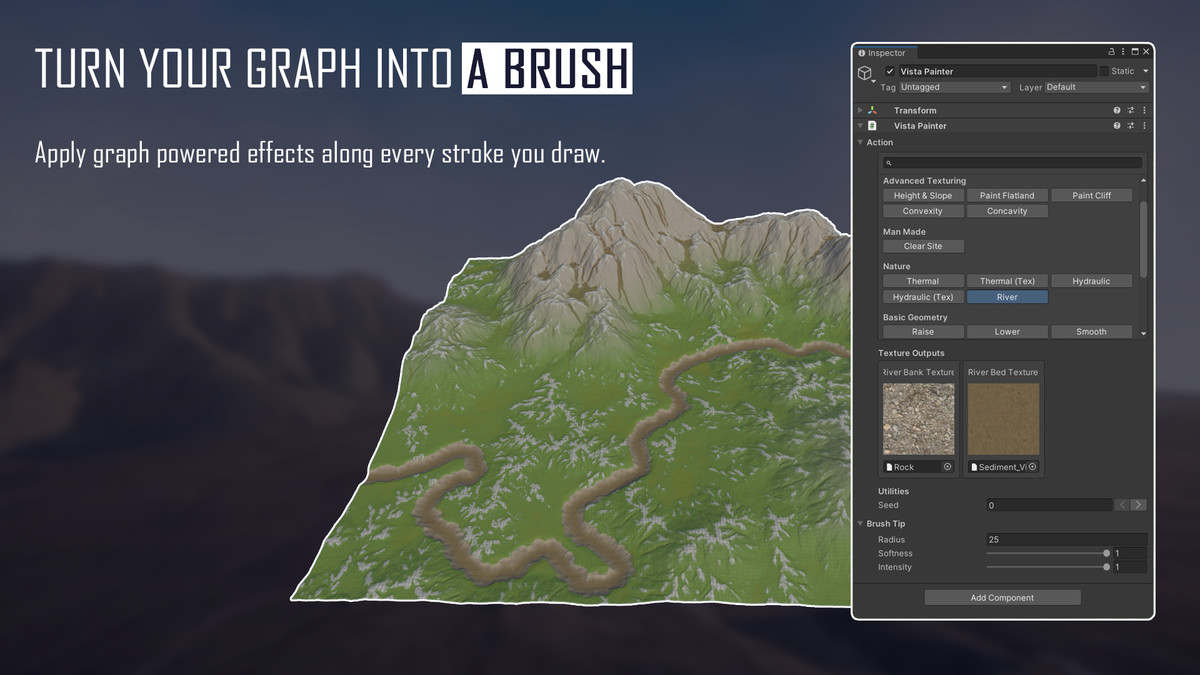
Yes. Vista includes tools for making manual adjustments alongside procedural generation. Stroke Painter lets you draw directly on terrain with reusable, graph-powered Stroke Actions. Carve a river, prepare a construction site, apply erosion, or change terrain shape, textures, trees, and grass together with one stroke.
You can also use other terrain tools if you like.
IS IT EASY TO GET STARTED?
Yes. The Wizard walks you through setting up the scene, creating terrain, and adding biomes. Choose a biome template for a ready-made starting point, then open its graph and customize it.
THE WORKFLOW
From there, a typical workflow looks like this:
- Add terrains to the scene.
- Add a base biome covering the whole scene and build its graph.
- Drop regional biomes into specific areas.
- Vista blends everything into the final result.
- If you want later regeneration to preserve manual work, place Terrain Seals around those areas first.
- Make adjustments wherever you need them with Stroke Painter or any terrain tool.
- Modify biomes and regenerate at runtime if your game needs it.
CAN AN AI AGENT BUILD TERRAIN WITH YOU?
Yes, in Vista Pro. Describe the terrain you want, and an AI agent builds it in your open Unity Editor, checking its own results as it goes. You watch every step and can take over by hand at any time. The AI Workflow is experimental and requires Unity 6 or newer.
WHAT DOES VISTA PRO ADD?
Vista Pro adds three exclusive capabilities on top of the complete Personal and Indie workflows:
- Splines: Draw roads, rivers, and trails in the scene while conforming height, painting textures, and clearing vegetation.
- Real World Data: Import elevation and satellite imagery from real locations.
- Expose Property: Surface graph parameters in the inspector for level designers and runtime systems, including editable Stroke Action controls.
- AI Workflow (experimental): Let AI coding agents such as Claude Code or Codex set up scenes, build graphs, generate, and review terrain in your open Unity Editor.
Everything in Vista Personal and Vista Indie is also included. Compare editions
Note: Some art assets shown in screenshots are not included in the package.
From the publisher's Asset Store listing.
Technical details
FEATURES
- Vista Wizard: Set up the scene, create terrain grids, add biomes, return to recent biomes, and access tools from one guided editor hub.
- Biome templates: Start from a ready-made biome, create it directly in the scene, then customize its graph. You can also build reusable templates for your own project.
- Graph editor: Build procedural terrain logic by connecting nodes. Output height, textures, vegetation, and custom data from a single graph instead of stacking manual edits.
- Local biomes: Place biome regions by hand in the scene, similar to how layers work in a layered terrain system. Overlap them, configure blend modes, and Vista resolves the transitions into the final terrain.
- Multi-terrain: Drive multiple terrain tiles from one graph with no seams between tiles.
- Natural simulations: Run hydraulic erosion, thermal erosion, water flow, landslide, snow, and crack nodes to build landform complexity that would be impractical to hand-sculpt.
- Hex map: Generate terrain layouts built on hexagonal grids with biome support.
- Runtime generation: Generate or update terrain at runtime, not just in the editor.
- GPU acceleration: Terrain generation runs on the GPU, keeping iteration fast even on complex graphs.
- Hand painting: Paint biome masks in the scene view and paint mask or color data inside the graph for direct manual control.
- Terrain Seal: Protect persisted terrain edits inside a polygon when Vista regenerates the surrounding terrain. Seals preserve sculpting, textures, trees, grass, holes, and custom terrain data automatically within their hard boundary.
- Stroke Painter: Paint graph-powered effects directly on terrain. A Stroke Action can process the complete painted path and change terrain shape, textures, trees, and grass together.
- Productivity tools: Work faster with subgraphs, smart search, anchor nodes, sticky images, and drag to reconnect.
- MicroSplat integration: Sync texture arrays and terrain FX maps with MicroSplat for advanced texture and shader workflows.
- Nav mesh utilities: Generate helper meshes from terrain data for navigation baking.
- Splines: Draw spline paths in the scene. Conform height, paint textures, and clear vegetation along roads, rivers, and trails.
- Real World Data: Browse and import real elevation data and satellite imagery from USGS, OpenTopography, and similar sources.
- Expose Property: Surface graph parameters in the Unity inspector so level designers and runtime systems can adjust terrain and Stroke Actions without opening the graph.
- AI Workflow (experimental): AI coding agents that run terminal commands, such as Claude Code or Codex, drive Vista in your open Unity Editor through the Unity CLI. Agents set up the Vista Manager, terrain grids, and biomes, build and organize graphs, generate terrain, and check results in the Scene view and graph previews. Scene Pins label areas of the scene for requests, and techniques learned from your grouped graphs are saved as reusable recipes.
COMPATIBILITY
Supports Unity Terrain and Polaris Terrain with equivalent workflow coverage for both.
Compatible with Built-in RP, Universal RP, and HDRP.
REQUIREMENTS
- Compute shader support required.Unity 2022.3 LTS and above.
- Package dependencies (installed automatically): com.unity.searcher, com.unity.editorcoroutines, com.unity.mathematics
PLATFORMS
- Editor: Supported on Windows and Mac. Terrain baked in the editor can be deployed to any platform Unity supports.
- Runtime generation: Requires compute shader support. Supported on Windows (DirectX 12, DirectX 11, Vulkan) and Mac (Metal). Other platforms are not supported for runtime generation.
LIMITATIONS
Vista generates terrain for defined biome areas placed in the scene. Projects requiring infinite terrain streaming generated on demand as the player moves are outside the intended scope.
Compatibility
| Unity version | Built-in | URP | HDRP | Custom |
|---|---|---|---|---|
| 2022.3.62f3 | Compatible | Compatible | Compatible | Compatible |
As listed on the Asset Store.