
 View on Asset Store (opens in new tab)
Package details
- Latest version
- 6.0
- Last updated
- First released
- Unity version
- 6000.3.11 or later
- Package size
- 146.8 MB
- Files
- 524
- Favorites
- 21
- Views in the past week
- 60
Price tracking
- Last checked
- Tracked since
- Lowest recorded
- $6.99 on
Keywords

Basketball Game 3D and AR
- Price drop
Basketball (AR and Non-AR) — sports arcade template with realistic physics of net & ring, ring growing, hoop movement, advanced scoring & audio systems. Throw the Ball and Try to Get the Best Score!
Lowest recorded price
Get 86% off on Asset Store (opens in new tab)Affiliate link · Purchases support this site
Price history
Last 6 months
USDAsset preview
1 / 31
Basketball Game 3D and AR screenshot 1


About this asset
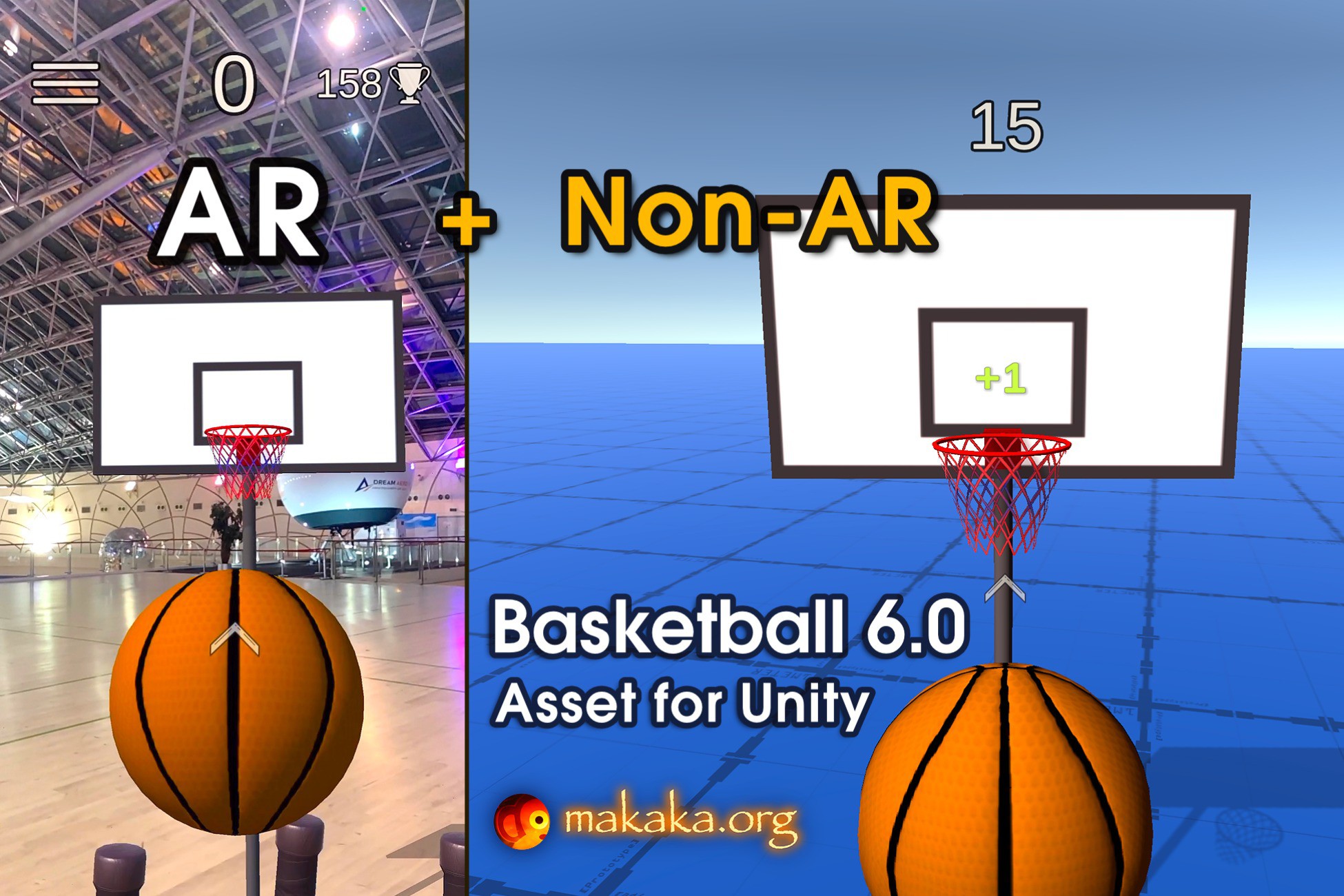
Basketball 🏀 3D Game (AR and Non-AR) — cross-platform sports arcade template with realistic physics of basketball net & ring, ring growing & hoop movement, advanced scoring & audio systems.
Throw Diligently and Try to Get the Best Score without touching the Ground!
[ Documentation | Support Forum | Map of Assets ]
Another sports game template: Football.
👉 Game Modes
You can choose Game Mode on the Demo Scene before the start:
1. Non-AR Mode (for all tested platforms) with the next Camera Control Modes:
- Desktop: Keyboard/Mouse.
- Mobile: Sensor Camera.
2. AR Mode (if it’s available, user can see a button to activate it) with the next features using the AR Foundation (ARCore, ARKit) — Augmented Reality engine:
- Real Plane Detection (includes tutorial, visual plane confirmation/resetting, placing the game around the player).
- AR Safe Zone. The player needs to stay in the Safe Zone to avoid accidents during the game and continue the game itself! The player will be notified when leaving the Safe Zone.
- AR Onboarding UX with Transparent Video Manuals & AR States.
- AR Shadows & Light Estimation: estimates light data in the real world and applies it to game space.
🍏 Package Contains
- Unified Demo Scene for Both Modes (AR and Non-AR).
- Sensor Camera.
- Throw Control.
- Menu Scene.
- Permission Scene with Camera Permission Request using free Native Camera.
- Loading Screen to switch scenes seamlessly.
👉 Features
Throw like a Pro with your amazing Game or App:
- 2 Bonuses: Ring Growing (Big Ring), Hoop Movement.
- 3 Throwing Modes with Throw Control.
- 100+ Customizable Parameters: Points, Throwing, Bonuses, Delays, etc.
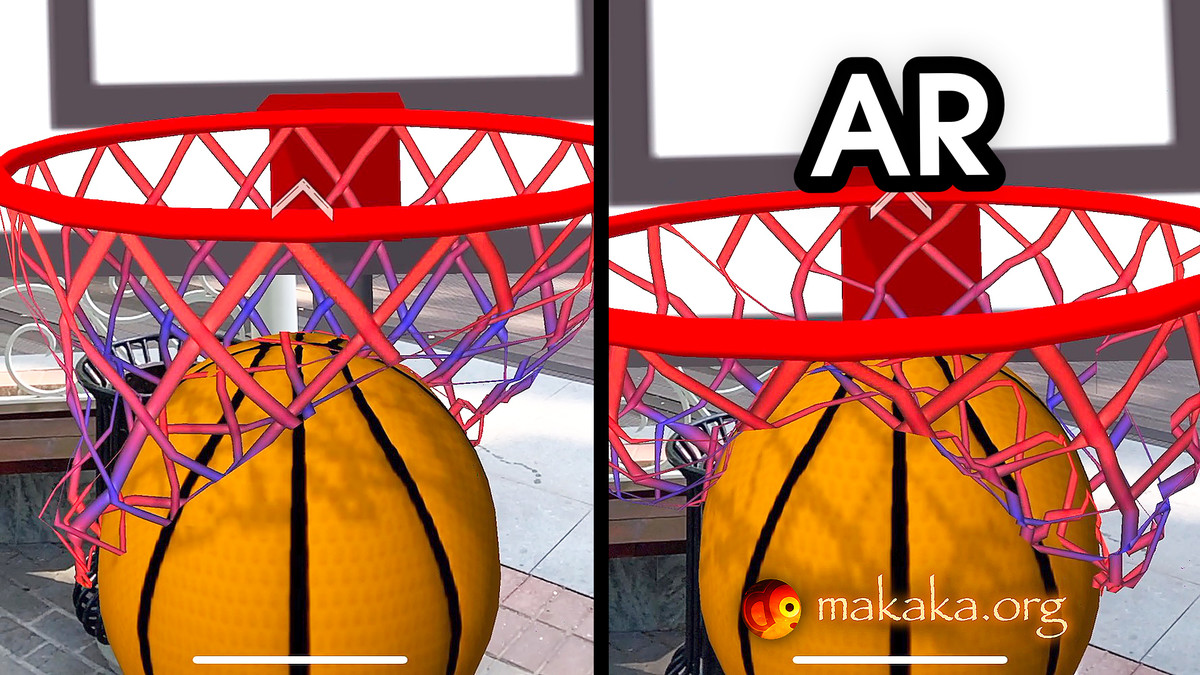
- Super Realistic Physics of a Basketball Net & Ring: Bank Shot, Toilet Bowl Shot, Rimshot, Net Shot, Clear Shot...
- Dissolving (Fading) VFX for All Game Objects.
- Dynamic Sound System: play Sounds based on speed, pitch, and volume factors of the Ball when it collides with Ring, Net, Backboard, Floor, Pole.
- Directional Arrow that points to the Current Target.
- Advanced Scoring System with Combos & Accounting Distance to Basket.
- UI Animations and Sounds: Clear Ball, Best Score, Current Score, Fail.
- Simulation of Player Breathing (Desktop).
📚 Docs & Support
I state the work of the asset only with uploaded Unity version or with the version indicated in the latest online docs that contain all instructions for the 1st launch.
If you find a bug, or you can't use the asset as you need, please first
get the support before leaving a review on the asset store.
I am here to help and to improve my assets for the best.
Response time can be up to 5 business days.
From the publisher's Asset Store listing.
Technical details
[ Documentation | Support Forum | Map of Assets ]
Tested with Mobile Platforms:
- AR & Non-AR: iOS on iPhone 15;
- AR & Non-AR: Android on Samsung Galaxy A71;
- Non-AR: WebGL in Google Chrome.
Tested with Desktop Platforms (Non-AR):
- Windows;
- macOS;
- WebGL in Google Chrome.
Compatibility
| Unity version | Built-in | URP | HDRP |
|---|---|---|---|
| 6000.3.11f1 | Not listed | Compatible | Not listed |
The asset is downloaded into your project as a Template (Complete Project) and has a free external dependency. Read the “Getting Started” Tutorial to Import it correctly.
As listed on the Asset Store.