Game Asset Deals – Deal Finder for the Unity Asset Store™
All the price drops, freebies, and great deals you can't find anywhere else
All the price drops, freebies, and great deals you can't find anywhere else

PSX Retro – Authentic PlayStation 1 Aesthetics for Unity
Step back into the golden age of 3D gaming with PSX Retro, the complete toolkit for recreating the iconic visual style of the original PlayStation. Transform your modern Unity project into a nostalgic masterpiece with low-resolution rendering, polygon jitter, retro color processing, CRT-inspired effects, and a redesigned post-processing suite that reaches its most powerful form in Version 1.2.
Try PSXRetro in Action
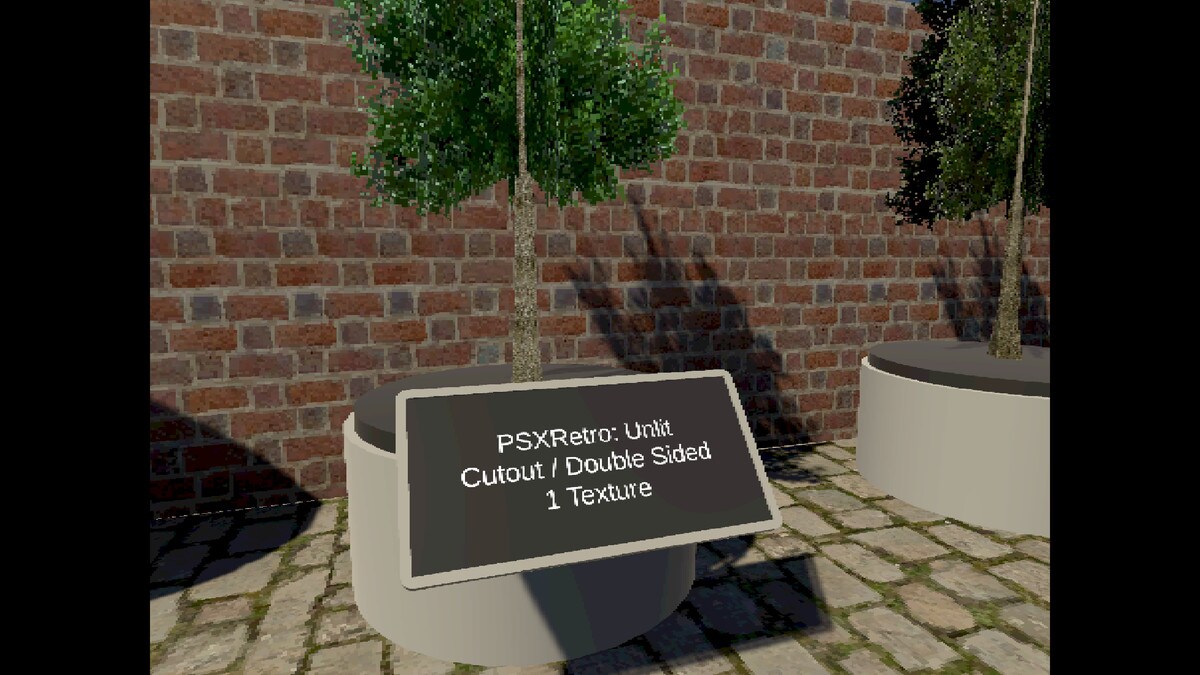
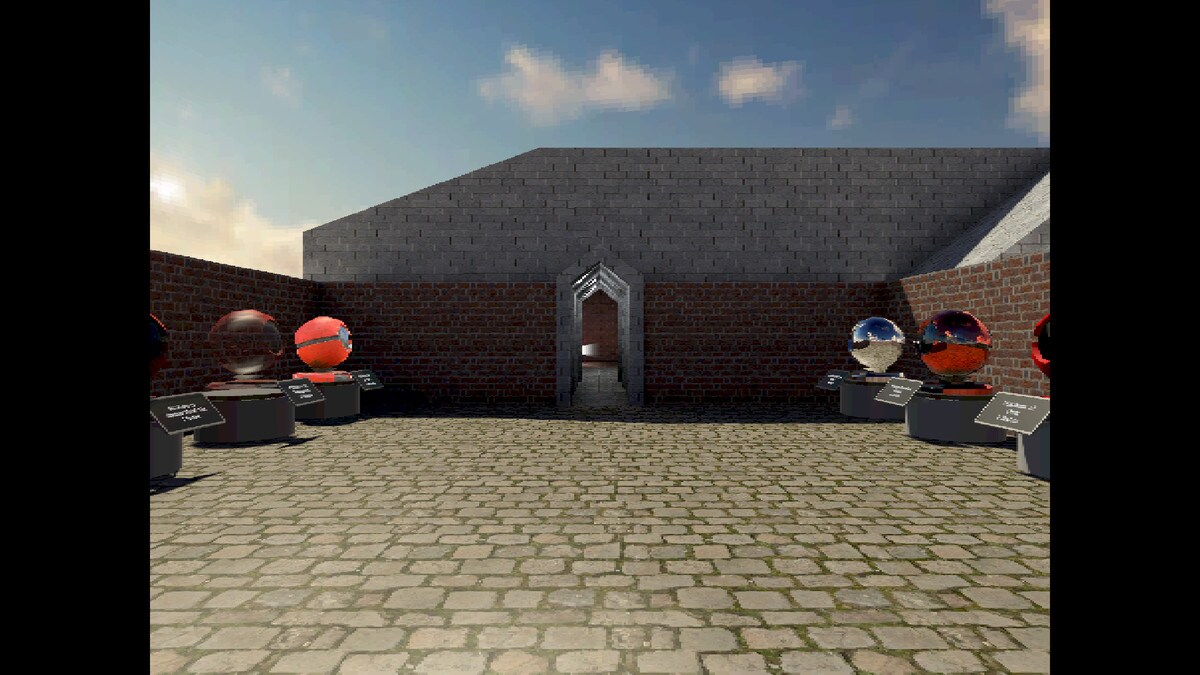
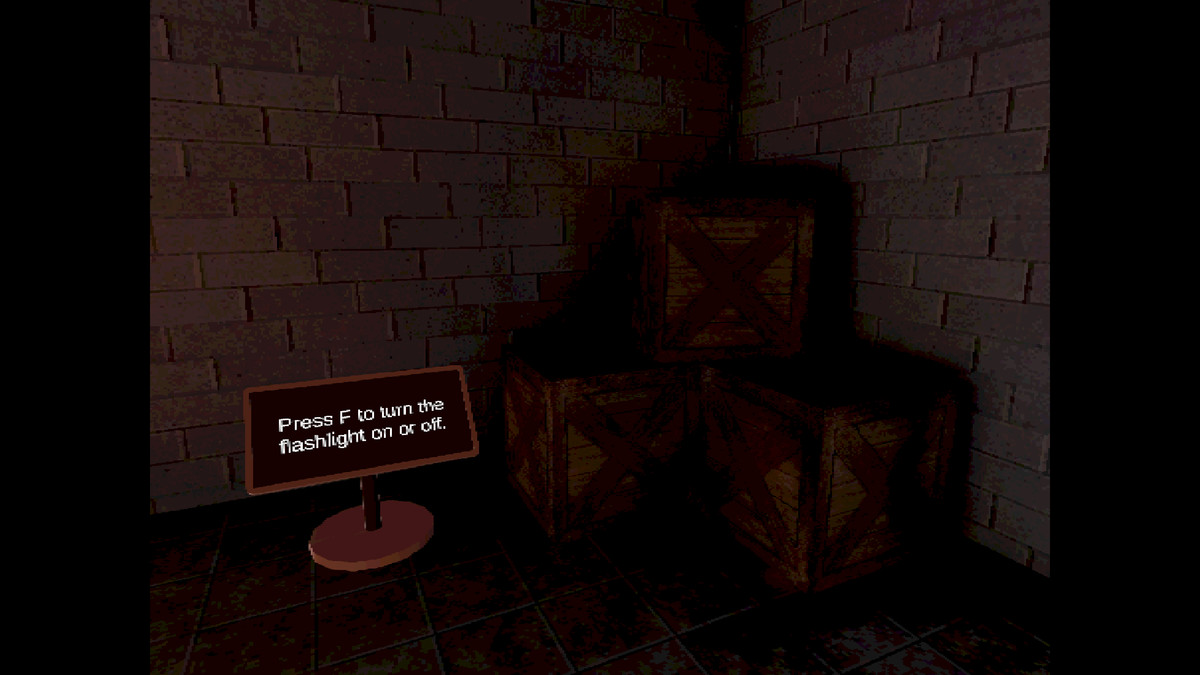
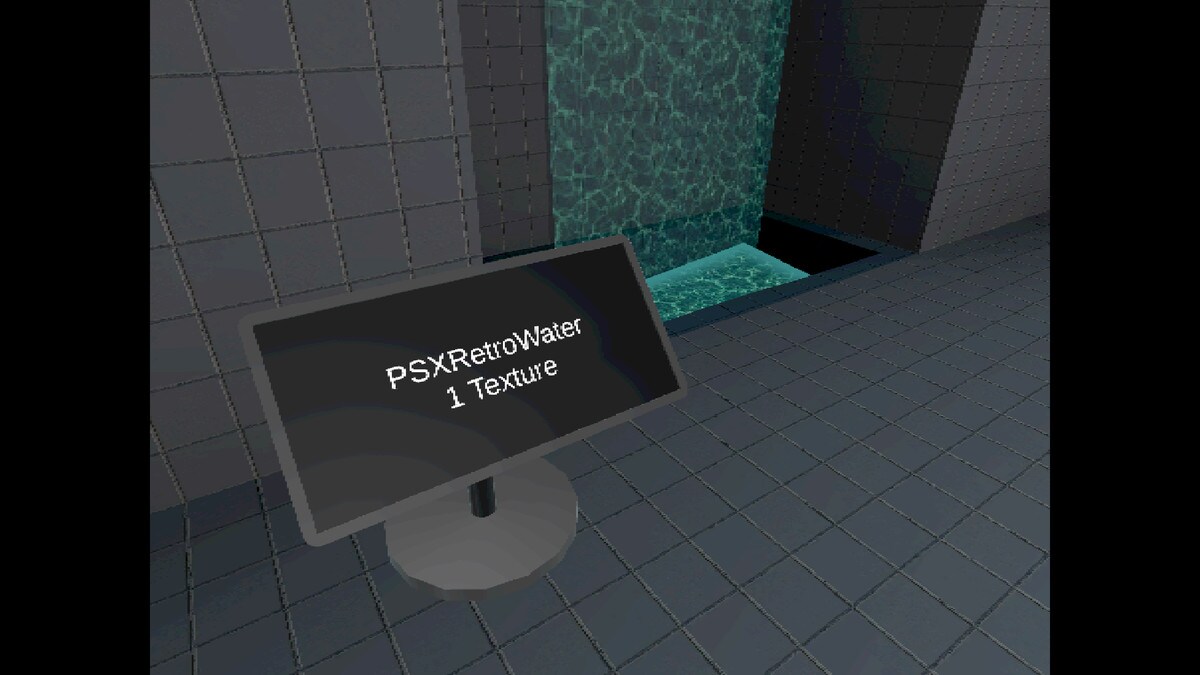
Download the standalone demo for Linux and Windows and experience how the shaders, post-effects, and camera system replicate the unmistakable PS1 atmosphere.
👉 Demo Link (Linux, Windows & Android)
Why Choose PSX Retro?
Authentic PS1 Aesthetic
Reproduce the characteristic look of PlayStation classics with:
Every piece of the pipeline is designed to stay true to real retro hardware behavior.
PSXRetroTexture Integration
Included with the asset, PSXRetroTexture is a custom Unity Editor tool that converts modern textures into true PS1-style assets.
Features:
Perfect for building a consistent low-color, low-resolution art pipeline.
True Retro Performance
Capture the feel of early 3D hardware with:
Designed to perform smoothly from high-end PCs to mobile devices.
Plug-and-Play Workflow
PSX Retro includes:
No coding required. Just drop in the components and start building.
NEW in Version 1.2 — Enhanced Shader & Post-Processing Suite
Version 1.2 brings the biggest upgrade yet to the retro rendering pipeline, introducing six new visual modules to recreate early 3D graphics and CRT displays more faithfully than ever.
• Advanced Dithering System
New modes: 4×4, 8×8, luminance, RGB, and PS1-style dithering
• Dynamic Tones / Posterization
New retro presets (Game Boy, Pocket, Four-Tone, Eight-Tone)
Fully customizable tone count (up to 256), palette colors, threshold & colorization.
• Color Adjustments
Built-in brightness, saturation, and contrast controls for fine-tuning the retro look.
• Levels Correction
Professional-grade input/output level controls to simulate CRT contrast and washed-out highlights.
• Improved CRT Scanlines
Horizontal or vertical scanlines with configurable frequency and intensity.
• New Bloom / Glow
Rebuilt multipass bloom for a smoother, more natural glow—perfect for late-90s aesthetics.
Key Features
Low-Resolution Rendering
Downscale to 320×240, 640×480, or any custom resolution for a pixel-sharp retro image.
Aspect Ratio Control
Shader Variety
Post-Processing (PSXRetroPost)
Perfect For
Get Started in Minutes
No scripting required. The entire system is fully component-driven.