
 View on Asset Store (opens in new tab)
Package details
- Latest version
- 1.0
- Last updated
- First released
- Unity version
- 6000.0.44 or later
- Package size
- 489 KB
- Files
- 11
- Favorites
- 2
- Views in the past week
- 11
Price tracking
- Last checked
- Tracked since
- Lowest recorded
- $5.00 on
Keywords
Simple Prefab Polybrush
- Price drop
Does what it says on the tin: a simple, ray cast based tool for placing prefab assets on a terrain or any mesh object. Think Unity poly brush, but simpler!
Lowest recorded price
Get 37% off on Asset Store (opens in new tab)Affiliate link · Purchases support this site
Price history
Last 6 months
USDAsset preview
1 / 3
Simple Prefab Polybrush screenshot 1
About this asset
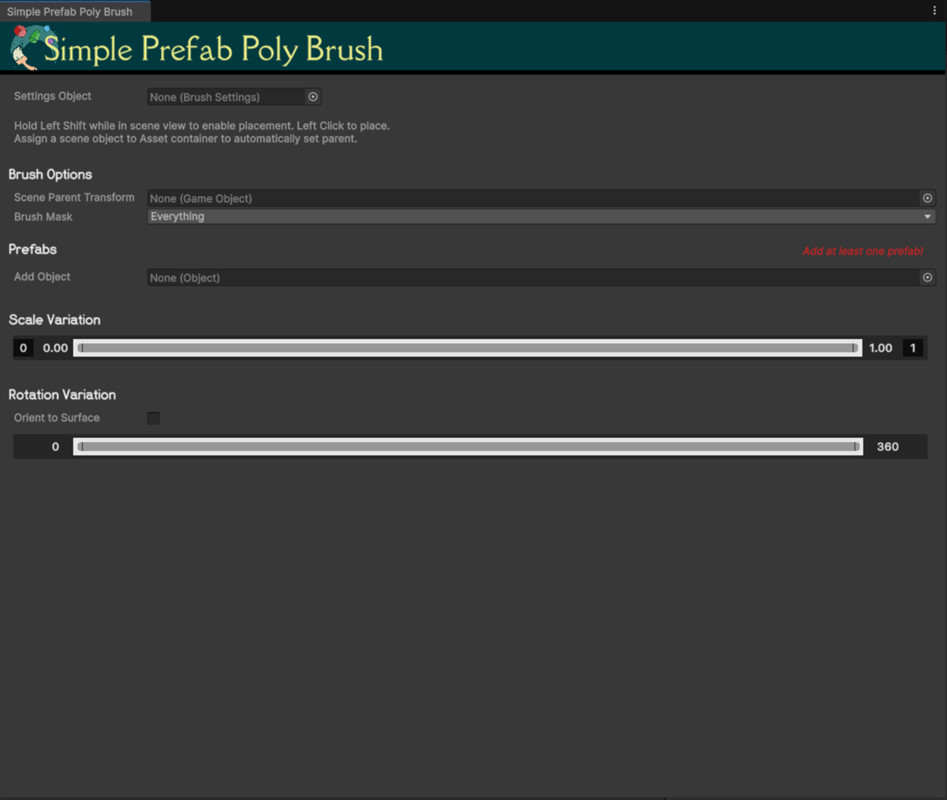
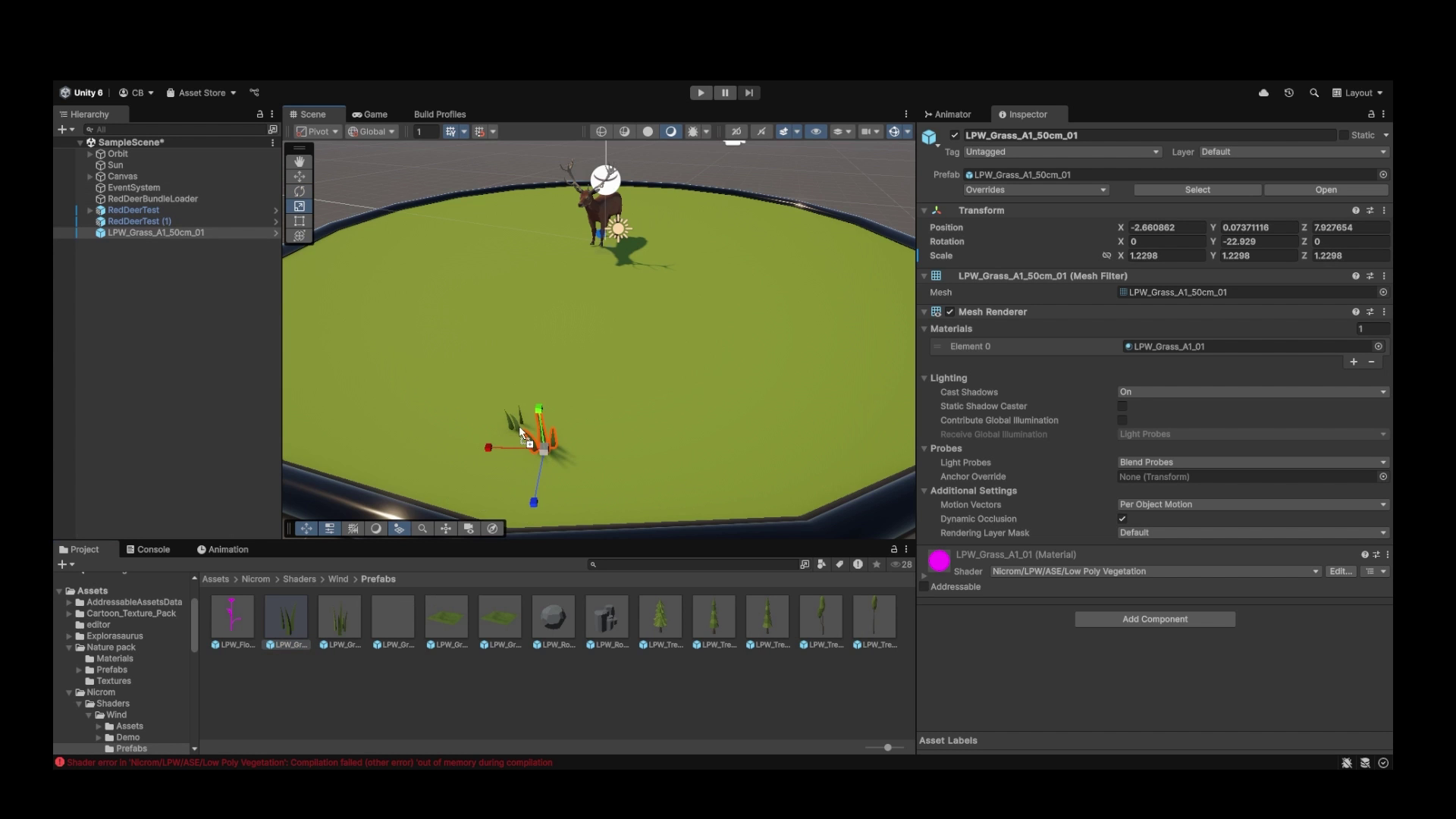
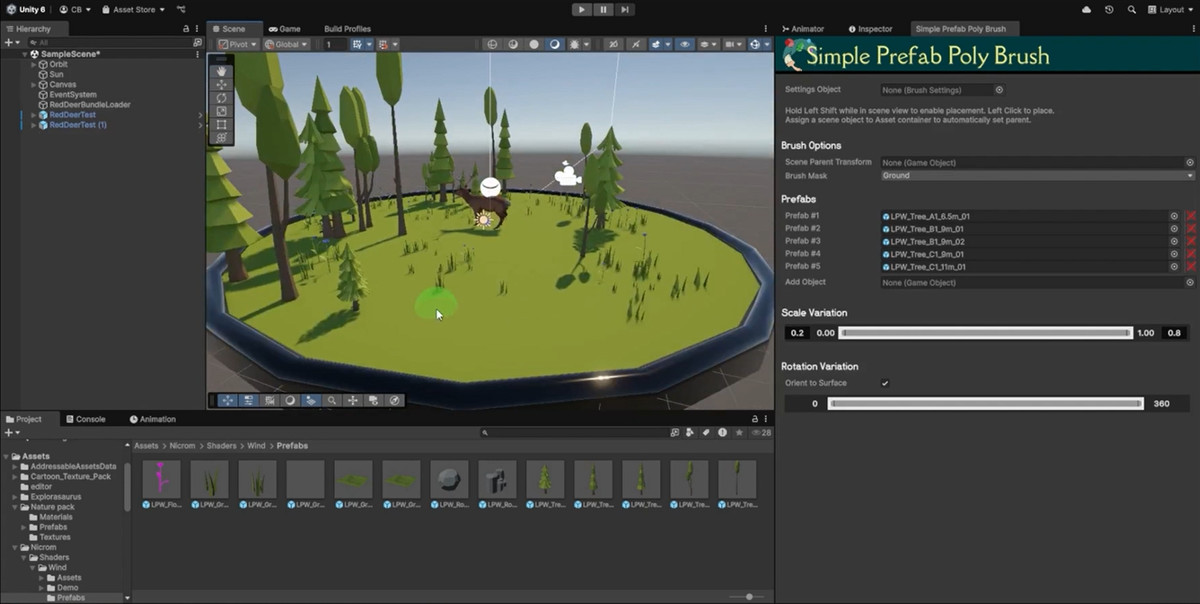
This tool allowa you to quickly place prefab assests by just clicking where you want an asset to go, similar to how details are placed on terrains. It was created with non-unity users in mind such as designers and artists but useful to anyone that hates dragging hundreds of objects manually into a scene one at a time.
The tool has controls for selecting randomly from a list of prefab assets as well as for varying the scaling and Y axis rotation of the placed object. Great for placing vegetation and environment assets. Supports a custom parent object for placed assets to keep your scene tidy and the creation of settings objects to save and switch between brushes.
Undo functionailty for placed assets and scripting values saved between sessions for minimal disruption to work flow. Designed to be an out-of-the box tool. Just put your prefabs in and go!
**DEMO ASSETS SHOWN IN VIDEO NOT INCLUDED IN PACKAGE. THIS IS ONLY THE EDITOR TOOL
Asset uses Expresso Dolce and Della Respira Fonts under SIL OPEN FONT LICENSE; see Third-Party Notices.txt file in package for details."
From the publisher's Asset Store listing.
Technical details
- Works in editor (not a runtime tool)
- Quick prefab placement
- Placement layer mask control
- Custom parent asset support
- Indicator for placement visualization
- Orient to surface fuctionaility
- Scale and Rotation variation
- Multi-prefab support
- Undo functionailty
- Tool preferences saved between sessions
- Scriptable objects for custom tool setting profiles
Compatibility
| Unity version | Built-in | URP | HDRP | Custom |
|---|---|---|---|---|
| 6000.0.44f1 | Compatible | Compatible | Compatible | Compatible |
As listed on the Asset Store.