
 View on Asset Store (opens in new tab)
Package details
- Latest version
- 2.1.1
- Last updated
- First released
- Unity version
- 6000.3.10 or later
- Package size
- 122 KB
- Files
- 13
- Favorites
- 16
- Views in the past week
- 9
Price tracking
- Last checked
- Tracked since
- Lowest recorded
- $8.99 on
Keywords

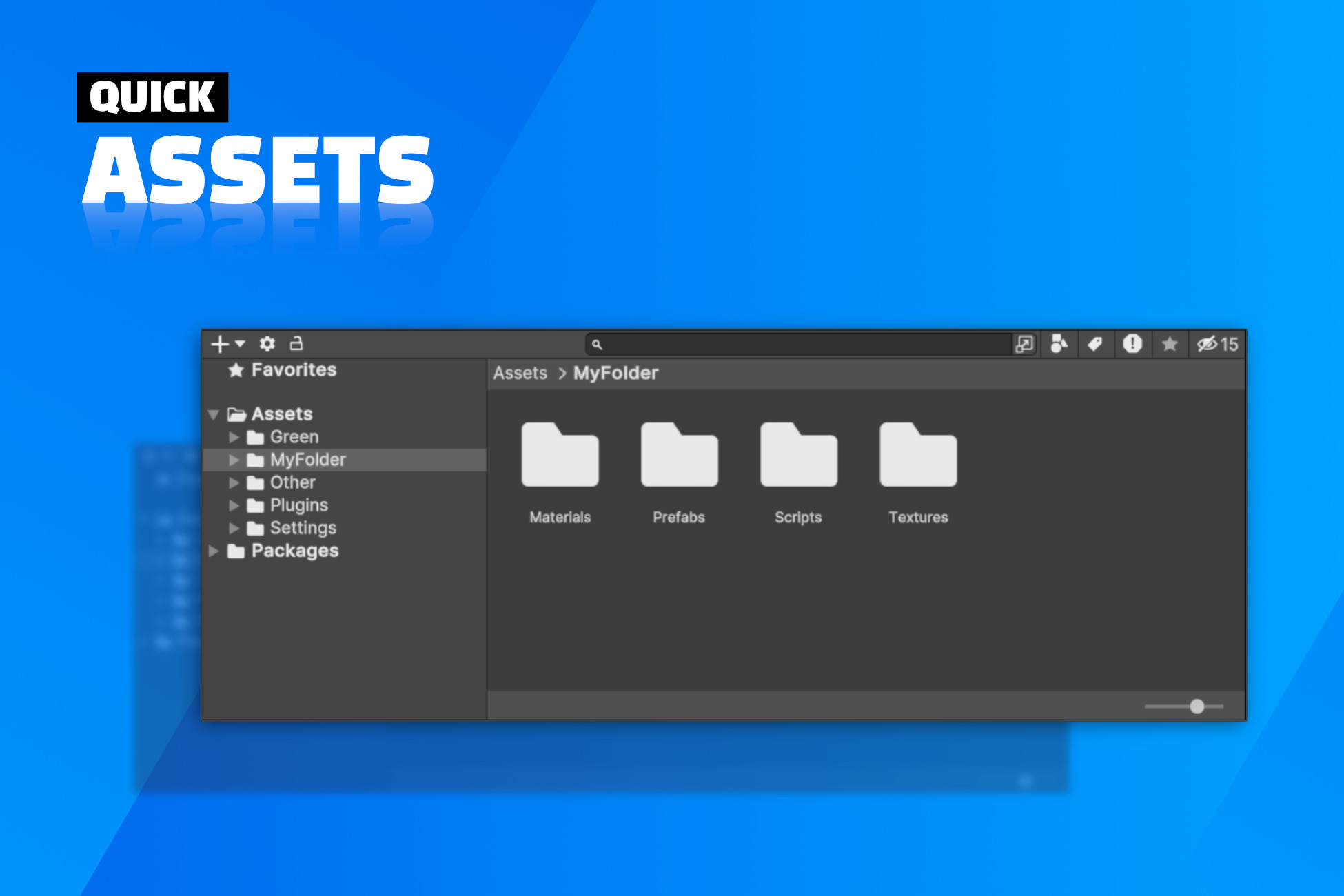
Quick Assets: Flexible Project Browser
Toggle your project window on/off with a custom shortcut!
Affiliate link · Purchases support this site
Price history
Last 6 months
USDAsset preview
1 / 5
Quick Assets: Flexible Project Browser screenshot 1

About this asset
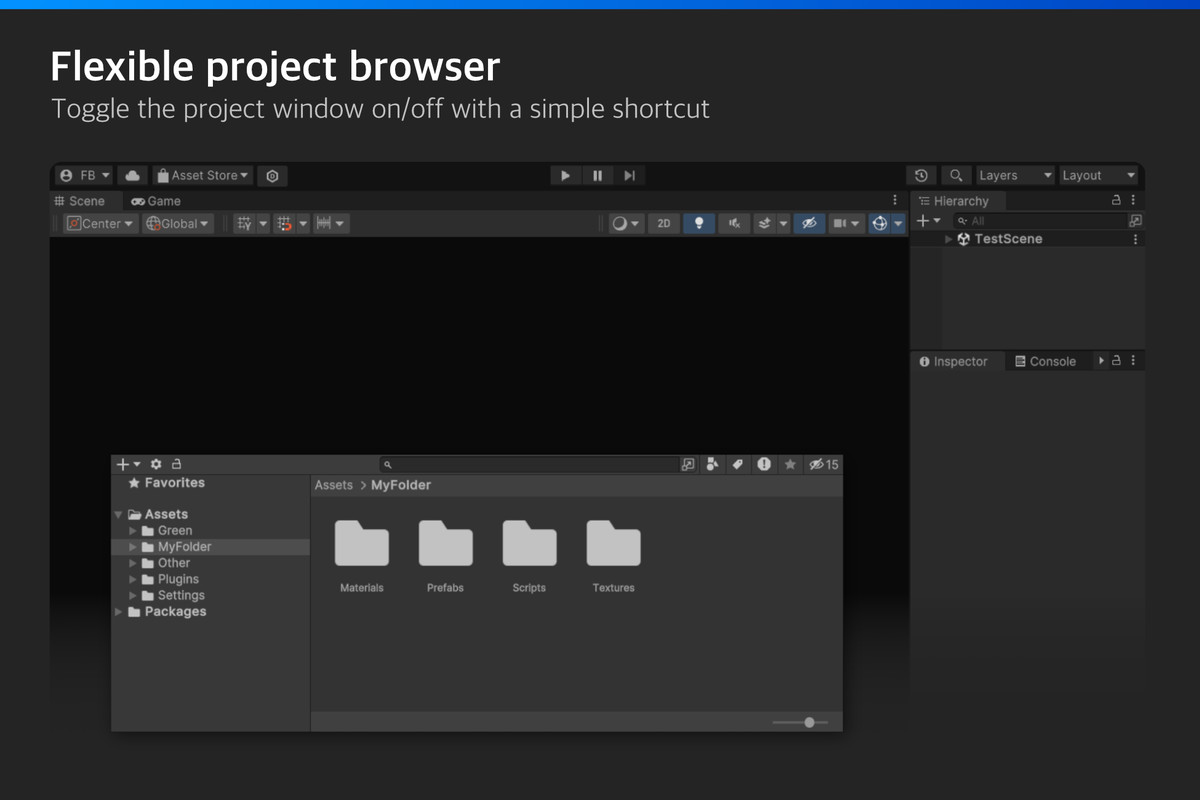
Enjoy flexible layouts by getting the project window out of the way!
[ Forum ]
➡️ Inspired by UE5
It's like the pop-up asset browser from Unreal Engine 5, but in Unity!
Having the project window out of the way frees up space in the editor.
➡️ Get a cleaner layout
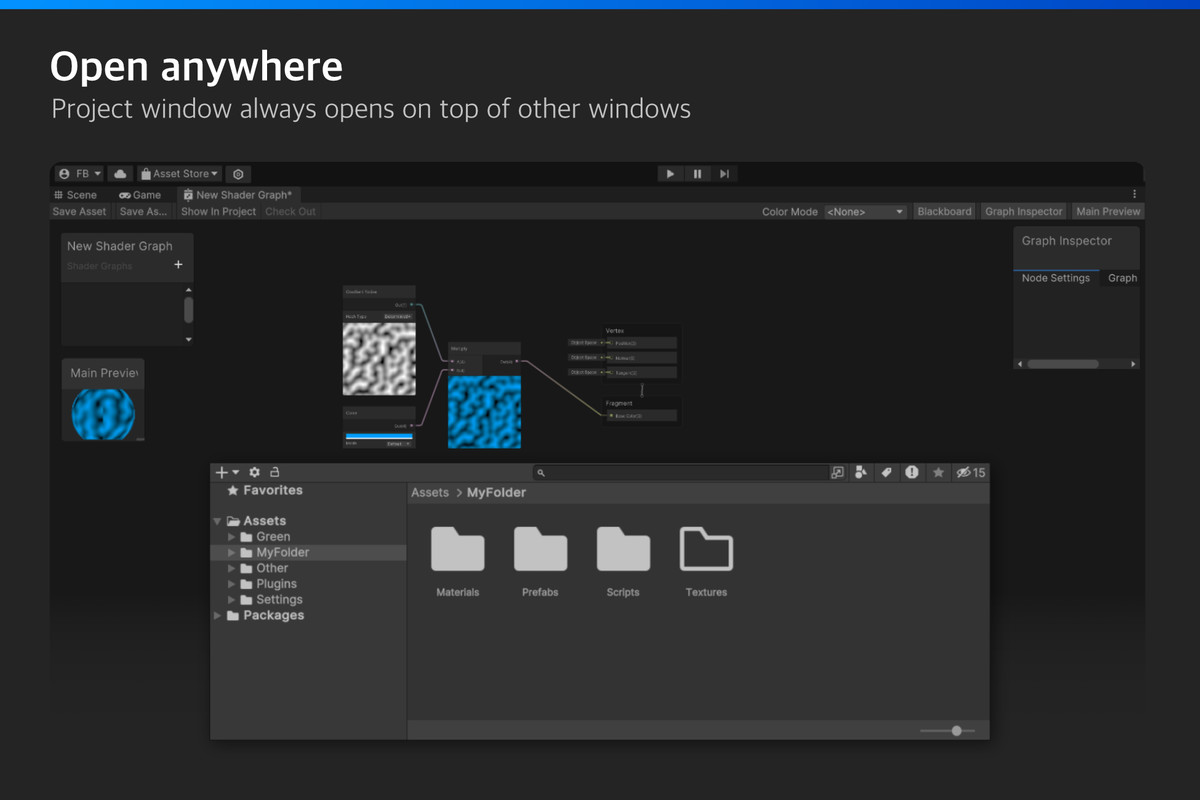
Why not have a larger scene view? Or maybe you need to edit assets while working inside a fullscreen Shader Graph?
Useful in general, and especially nice on laptops where screen space is limited.
➡️ Works everywhere
The project window can always be shown no matter which editor window has focus.
➡️ Customizable
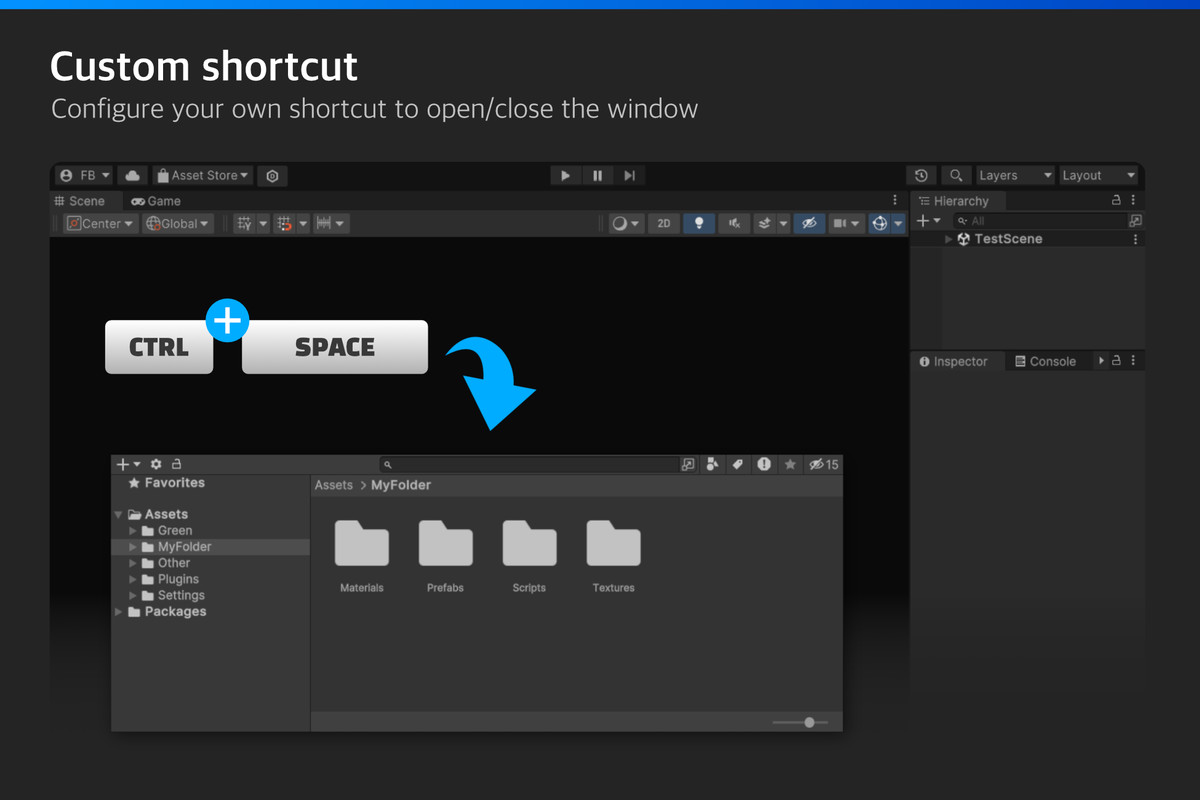
Use the default keyboard shortcut (Ctrl + Space), or setup your own shortcut.
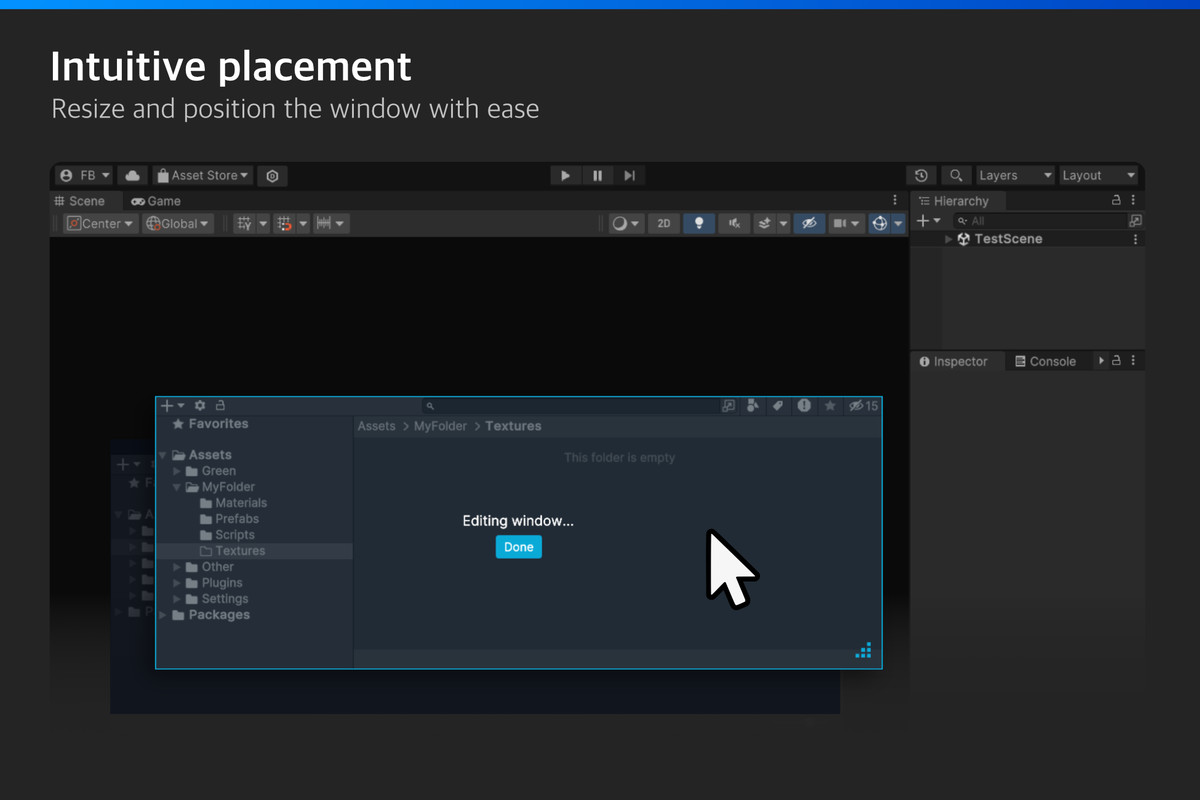
Change position, size and other settings to suit your preferences.
➡️ Compatible
Works together with other assets such as Rainbow Folders and vFolders.
➡️ Lightweight & documented
Don't worry about bloat; the package primarily contains scripts, taking up a very little amount of space. It's also neatly placed inside the Plugins folder so you don't get any unwanted folders in your project.
From the publisher's Asset Store listing.
Technical details
- Show/Hide the project window on demand.
- Works regardless of which window has focus.
- Customizable keyboard shortcut.
- Customizable position, size, and animation.
- Easy setup. Works instantly.
- Unity 6+ supported.
- Limitation: At the moment, the project window is exclusively in two-column layout, and does not support the one-column layout.
Compatibility
| Unity version | Built-in | URP | HDRP | Custom |
|---|---|---|---|---|
| 6000.3.10f1 | Compatible | Compatible | Compatible | Compatible |
As listed on the Asset Store.