
 View on Asset Store (opens in new tab)
Package details
- Latest version
- 1.0
- Last updated
- First released
- Unity version
- 2022.2.5 or later
- Package size
- 9.7 MB
- Files
- 20
- Favorites
- 19
- Views in the past week
- 25
Price tracking
- Last checked
- Tracked since
- Lowest recorded
- Free on
Keywords

Cel Shading Shader
Cel Shading Shader for Built-In
Affiliate link · Purchases support this site
Price history
Last 6 months
USDAsset preview
1 / 1
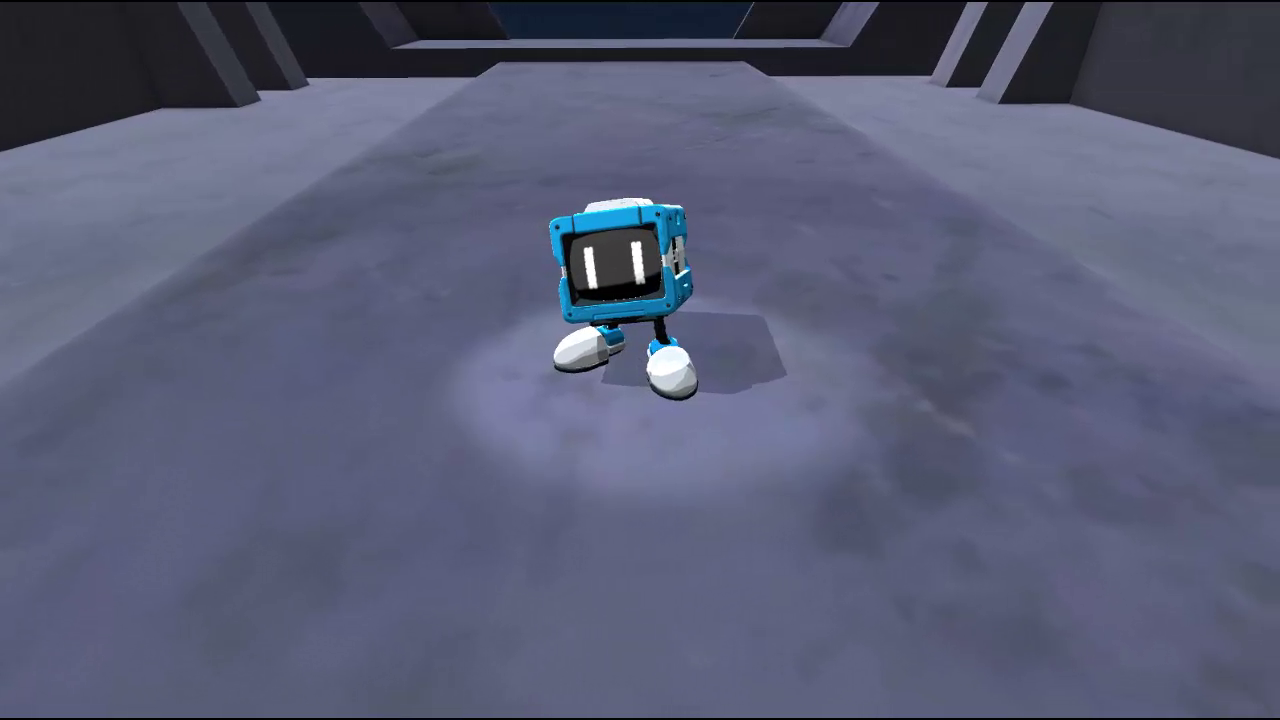
Cel Shading Shader video 1 (plays on the Asset Store)
About this asset
This is a stylized or "toon" shader designed to create a distinctive look often seen in cartoon-style games or anime. It features several parameters to customize the appearance. The "Albedo" parameter sets the base color or texture of the object. The "Toon Ramp" is used to establish the cell-shaded look common in stylized graphics. The "Normal Map" determines how light interacts with the surface of the object, based on an encoded texture. The "Rim Power" and "Rim Offset" work together to create a lighted rim effect around the edges of the object, which can enhance the cartoon feel. The "Tint" and "Rim Tint" can be used to colorize the object and the rim lighting respectively. The "Gloss Specular" and "Specular Map" can be used to add shiny specular highlights, like you might see on a polished surface. The "Specular Color" sets the color of these highlights and the "Spec Intensity" controls their strength.
From the publisher's Asset Store listing.
Technical details
- Albedo: This is the base texture used for the material.
- Toon Ramp: This is the texture that determines the color profile of toon-style shading.
- Normal Map: This is a texture that is used to add surface detail to an object without the need for more polygons.
- Rim Power: This controls the intensity of the rim or edge effect in the shader. The rim effect can give objects a bright outline or highlight their edges.
- Rim Offset: This value is used to adjust the position of the rim effect in the shader. Tint: This is the tint color applied to the material's albedo.
- Rim Tint: This is the tint color applied to the rim effect.
- Gloss Specular: This value controls the intensity of the specular or shiny aspect of the material.
- Specular Map: This is a texture that controls the shininess and color of the shiny parts of the material.
- Specular Color: This is the color used for the shiny or specular reflections of the material.
- Spec Intensity: This value controls the intensity of specular reflections.
Compatibility
| Unity version | Built-in | URP | HDRP |
|---|---|---|---|
| 2022.2.5f1 | Compatible | Not listed | Not listed |
As listed on the Asset Store.