
 View on Asset Store (opens in new tab)
Package details
- Latest version
- 2.1
- Last updated
- First released
- Unity version
- 6000.3.0 or later
- Package size
- 88 KB
- Files
- 3
- Favorites
- 9
- Views in the past week
- 11
Price tracking
- Last checked
- Tracked since
- Lowest recorded
- Free on
Keywords

EasyPeasy Component Copy
- Price drop
EasyPeasy Component Copy: The magic wand of Unity! Tired of tedious component copying? Wave goodbye to manual copy/paste and boost your project's productivity!
Affiliate link · Purchases support this site
Price history
Last 6 months
USDAsset preview
1 / 1
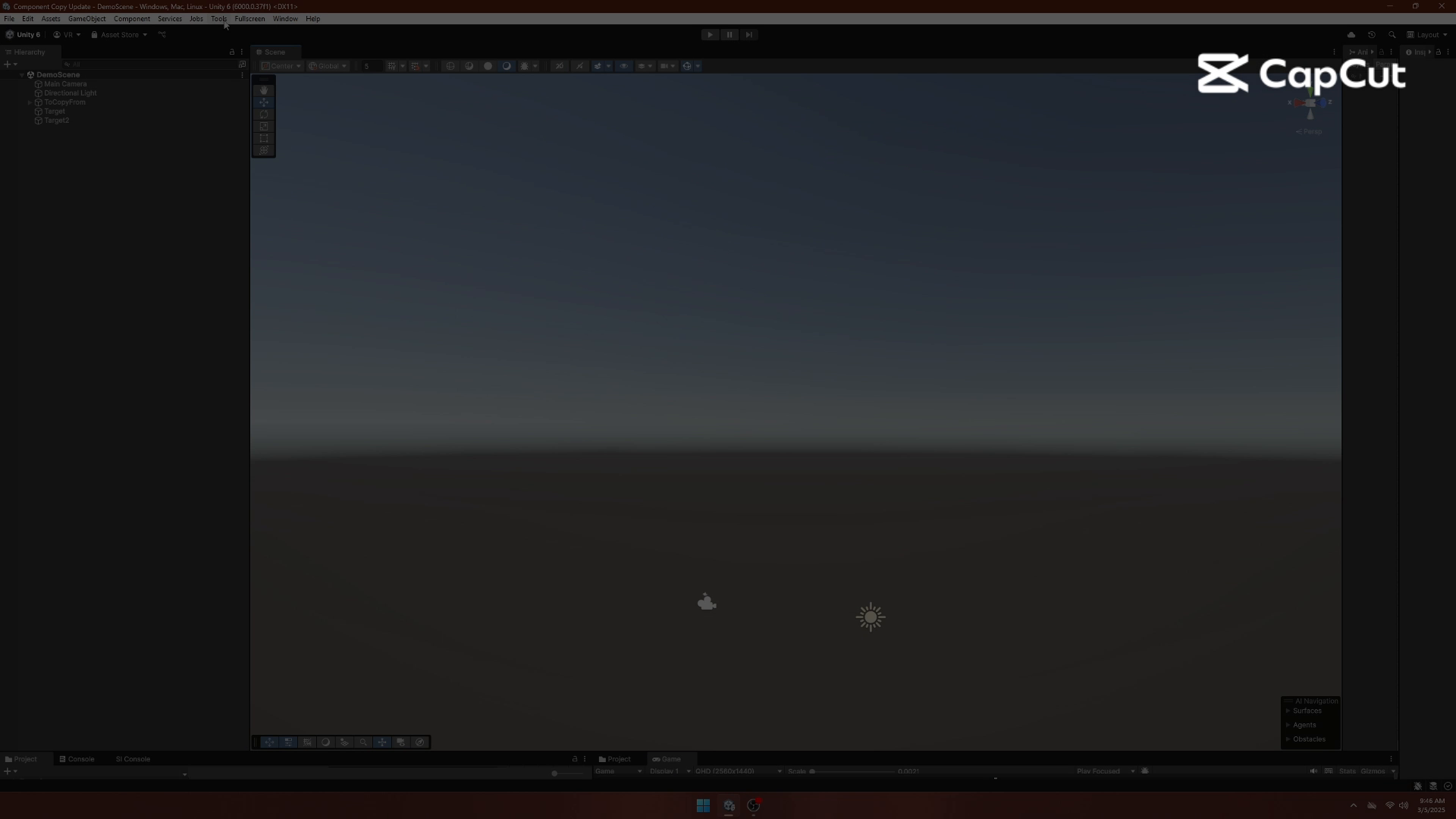
EasyPeasy Component Copy video 1 (plays on the Asset Store)
About this asset
EasyPeasy Advanced Component Copy is a polished, power-user EditorWindow that eliminates the slow, error-prone mess of manually replicating components in Unity.
In a few clicks, you can copy selected components (and optional child hierarchies) from one or multiple source objects to one or multiple targets, with full control over:
- Which components to include
- Which fields/values get copied
- Whether targets should be cleared first
- How conflicts are handled when the target already has the same component type
To keep you from “copying and praying,” the tool includes an Advanced Dry Run Preview that shows exactly what will happen before you commit: new vs overwritten components, field differences, missing-reference warnings, and optional export to a text file.
New in v2.1: the window now includes a dedicated Remover tab for bulk cleanup. Remove scripts/components across lists of objects, optionally including children, and one-click cleanup of Missing (broken) scripts. It also supports removing common component types via quick presets (colliders, renderers, mesh components, rigidbodies, and more).
The UI is fully customizable (colors, fonts, banner display) and built for speed: search, filter, expand/collapse controls, and a clean layout designed for real projects, not toy examples.
Work smarter, not harder. Your wrists will thank you.
From the publisher's Asset Store listing.
Technical details
Updated Technical Details
Copy & Paste Workflow
- Multi-source to multi-target copyingAdd sources/targets via drag & drop or from current selection.
- Per-component selectionToggle components on/off per source.
- Field/value copyingCopy component values reliably (supports serialized-based copying as an option for best coverage).
- Per-target “Clear Before Paste”Optionally remove existing components (except Transform) before applying the copied set.
Conflict Handling
- Overwrite or skip when a component type already existsPrompt per conflict or enable an Auto Overwrite mode.
Child Hierarchy Copy
- Optional recursive child copyingCopies selected components through the hierarchy.
Per-child enable/disable so you can skip entire sub-branches.
Advanced Dry Run Preview
- “Preview Copy (Dry Run)” shows:
New vs overwritten component instances
Field changes and identical fields
Potential issues (e.g., missing object references)
Child creation paths (what will be created) - Export summary to a text file
Powerful Searching & Filtering
- Search modes:
Partial, Exact, or Regex - Invert search by prefixing with “-”
- Search highlights matched segments and hides non-relevant items for faster navigation.
New Remover Tab (Bulk Cleanup)
- Remove components from a curated preset list (fast cleanup):
Common removals include:
Colliders (3D/2D), Rigidbodies (3D/2D), Joints, Renderers, MeshFilter, Lights, Cameras, Audio, Animators, Particle Systems, and more. - Remove a selected MonoBehaviour script type
- Remove Missing Scripts (broken components) in bulk
- Optional Include Children toggle to process whole hierarchies
- Supports operations on scene objects and prefab assets (prefab-safe workflow)
Customization / Theming
- Customize:
Background, panel, banner, and button colors
Fonts (size + style)
Banner visibility and title - Theme settings persist using EditorPrefs
Compatibility
- Tested and working in Unity 6.3
- Compatible with modern Unity editor versions (Unity 2020+ recommended)
Compatibility
| Unity version | Built-in | URP | HDRP | Custom |
|---|---|---|---|---|
| 6000.3.0f1 | Compatible | Compatible | Compatible | Compatible |
As listed on the Asset Store.