
 View on Asset Store (opens in new tab)
Package details
- Latest version
- 2.3.0
- Last updated
- First released
- Unity version
- 2022.3.44 or later
- Package size
- 959 KB
- Files
- 43
- Favorites
- 4
- Views in the past week
- 7
Price tracking
- Last checked
- Tracked since
- Lowest recorded
- $9.95 on
Keywords

Master Bookmarks
- Price drop
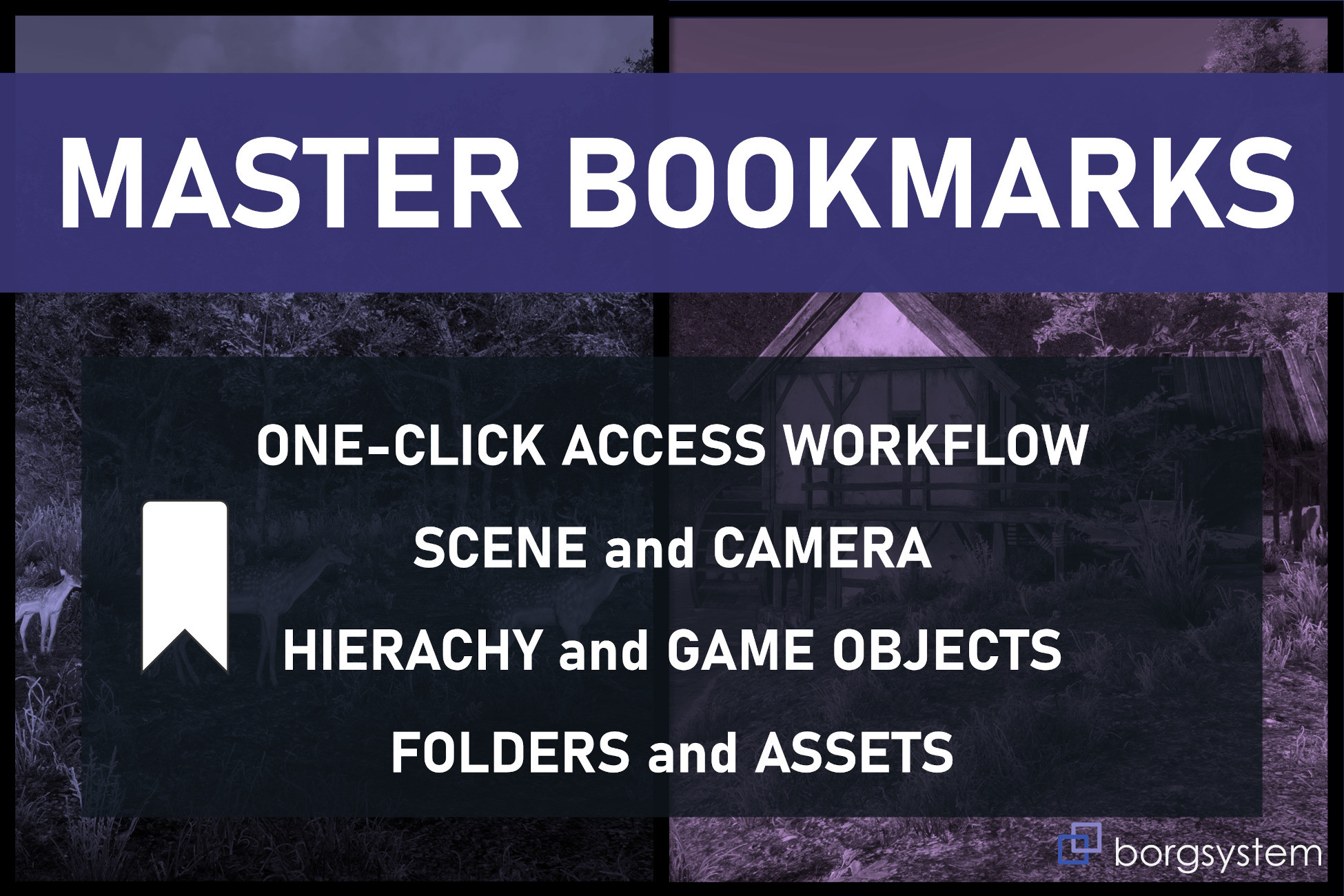
Bookmark your favourite world positions, game objects, tools, prefabs, assets and folders. Access with shortcut or single button click. Track objects in game view, drop your player and more.
Lowest recorded price
Get 34% off on Asset Store (opens in new tab)Affiliate link · Purchases support this site
Price history
Last 6 months
USDAsset preview
1 / 2
Master Bookmarks video 1

About this asset
Master Bookmarks is a workflow solution for quick and easy access to your favourite hierarchy objects and tools, activating default parents for structured design, jumping to specific scene view camera positions, accessing prefabs, project folders and other assets, automatically switch to the inspector for tools and settings and even adjust camera speed for overview or detailed work in the scene.
Bookmarks are scene specific or project-wide.
Uses a single button click or a simple two step shortcut.
With the Master Bookmarks camera controller you can also use the bookmarks in play mode/game view or development builds for jumping to a specific positions, drop your player controller on the spot or track moving objects in various ways.
Other features included are labels on bookmarked objects, only showing at specific distances or measuring the distance from scene camera to an object or between two objects for getting a grip on scale.
Buttons can be ordered by grouping, sorting and you can set tags for additional filtering.
Has a workflow implementation for multiple additive scenes as well.
Check out the videos for a quick demonstration of features as well as getting started.
Selected features list:
✔️ Quick bookmark favourite hierarchy objects or tools.
✔️ Quick bookmark favourite prefab, asset or folder.
✔️ Quick bookmark favourite camera positions or scene views.
✔️ Quick two-step shortcuts to access your favourite bookmarks.
✔️ Easy access to all bookmarks (camera positions, objects, prefabs, assets and folders).
✔️ Slim buttons and classic configurable panel.
✔️ Set and quickly switch default parents in hierarchy.
✔️ Scene specific or project wide bookmarks.
✔️ Sort, group and quick filter on types or tags.
✔️ Use tags and header comments also on tooltip.
✔️ Show labels on objects in scene and game view for identification.
✔️ Easily measure distance between camera and object or between two objects.
✔️ Includes "Unity-style" free flying camera prototype for play mode/game view.
✔️ Bookmarks integrated in game view/play mode.
✔️ Set bookmark to allow camera to follow moving objects in game view.
✔️ Switch between your player controller and bookmarks camera.
✔️ Drop player at the bookmarks camera position.
✔️ Compatible with additive/multiple scenes.
From the publisher's Asset Store listing.
Technical details
Master Bookmarks can be used with either legacy or new input system in game view.
If using the new input system make sure the input system package is installed.
Always check out the release notes on updates.
Camera Bookmarks FREE is the free basic version prior of Master Bookmarks if you want to try out a limited amount of the features. See differences listed below or check out the videos.
IMPORTANT!
For users of Camera Bookmarks.
If you're already using Camera Bookmarks you can keep your camera bookmarks but before installing Master Bookmarks you need to:
Close bookmarks editor window.
Delete the Camera Bookmarks folder found in Assets\borgsys\Tools and after that
Import MasterBookmarks.
Your previous bookmarks should be good to go.
For game view, delete the bookmarks camera and use the quick setup in Master Bookmarks to create a new one (or remove the CameraPrototype script from the prototype camera and replace it with the MasterBookmarksCamera script and reassign it to the CameraBookmarksManager.)
Demo scene
The demo scene is made for the built-in render pipeline.
Use material conversion wizards for URP or HDRP.
Available features comparison
Master Bookmarks - Camera Bookmarks
In Scene View
✅ - ✅ Camera position bookmark
✅ - ✅ Gameobject bookmark
✅ - ✅ Prefab bookmark
✅ - ❌ Folder and asset bookmarks
✅ - ❌ Project wide bookmarks
✅ - ❌ Quick add functionality
✅ - ❌ Shortcut keys
✅ - ❌ Set default parent in hierarchy
✅ - ❌ Extended options in bookmarks editor
✅ - ✅ Grouping and sorting
✅ - ❌ Custom group names
✅ - ❌ Tags and tag filtering
✅ - ❌ Labels and distance
✅ - ❌ Labels showing based on tag
✅ - ❌ Header & tooltip option
✅ - ❌ Settings panel
✅ - ❌ Auto-setup camera for game view
In Game View
✅ - ✅ Camera position bookmark
✅ - ✅ Use shortcut keys
✅ - ❌ Labels and distance
✅ - ❌ Tags and tag filtering
✅ - ❌ Labels showing based on tag
✅ - ✅ Following gameobjects
✅ - ❌ Camera offset setting
✅ - ✅ Shortcut switch between bookmark and main camera
✅ - ❌ Drop controller object at bookmark camera position
✅ - ❌ Custom controller integration option
Compatibility
| Unity version | Built-in | URP | HDRP | Custom |
|---|---|---|---|---|
| 6000.3.0f1 | Compatible | Compatible | Compatible | Compatible |
| 6000.0.42f1 | Compatible | Compatible | Compatible | Compatible |
| 2022.3.44f1 | Compatible | Compatible | Compatible | Compatible |
As listed on the Asset Store.