
 View on Asset Store (opens in new tab)
Package details
- Latest version
- 1.0
- Last updated
- First released
- Unity version
- 2021.3.22 or later
- Package size
- 22.1 MB
- Files
- 114
- Favorites
- 7
- Views in the past week
- 13
Price tracking
- Last checked
- Tracked since
- Lowest recorded
- $6.99 on
Keywords

VFX SWORD-VFX URP PACK
This package contains a collection of 6 Realistic Sword VFX
Affiliate link · Purchases support this site
Price history
Last 6 months
USDAsset preview
1 / 1
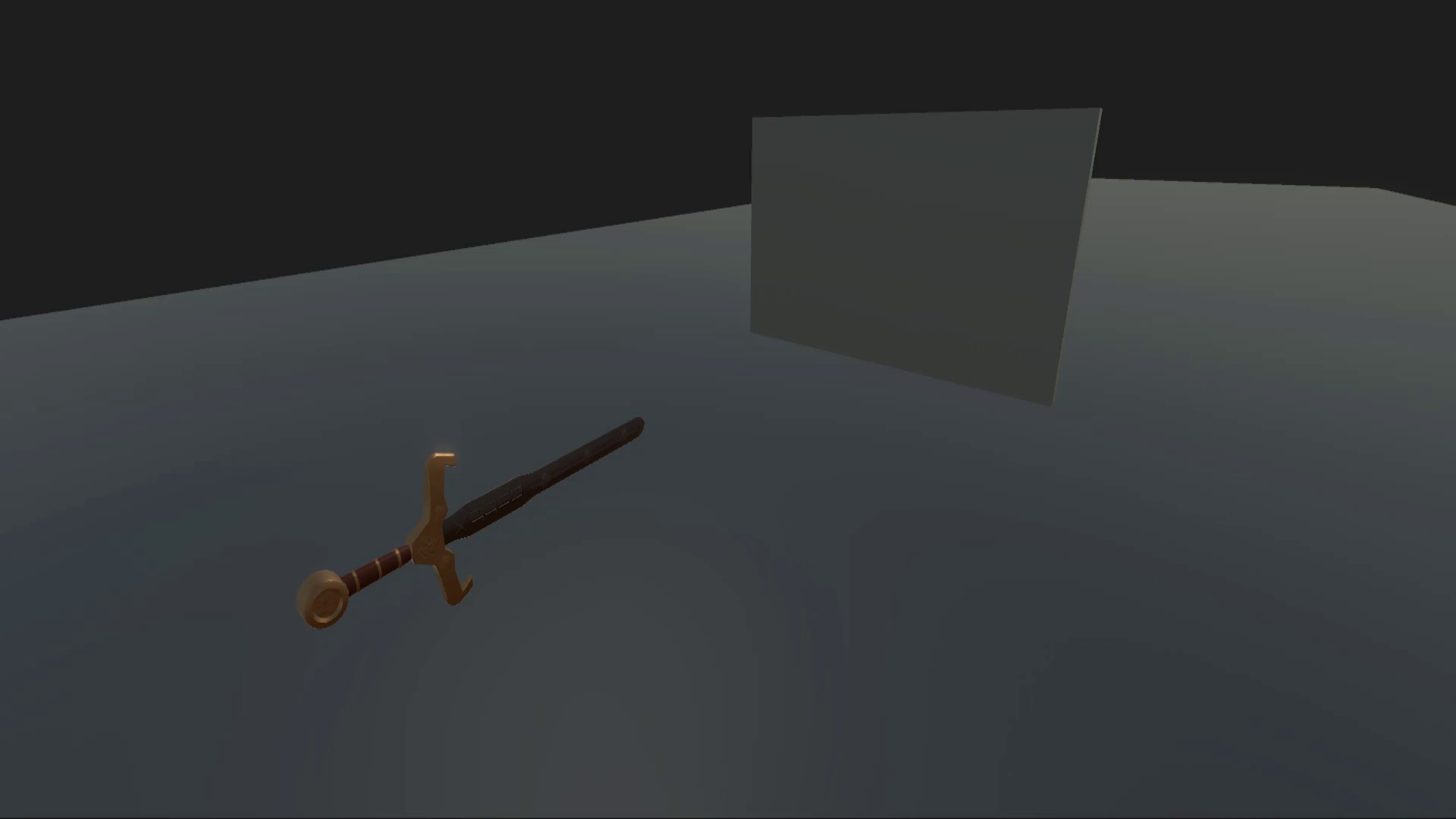 Play VFX SWORD-VFX URP PACK video 1 (plays on the Asset Store) on the Asset Store (opens in new tab)
VFX SWORD-VFX URP PACK video 1 (plays on the Asset Store)
About this asset
Stylized Sword VFX Pack
This package contains a collection of 6 Realistic Sword VFX (3 Unique Effects and the rest
of the Sword Effects are the variations of these VFX) which are created individually. The
different meshes are used in Sword VFX using a shader graph and if you want to customize
the mesh effect then you can modify the Shader Graph properties according to your taste.
In this pack the 2 Stylized Swords model are included for VFX representation These VFX
can be edit easily if you want to different color and style.
Shader Graphs
- Shader Graph from the package manager is required.
- This package consists of 7 Shader Graphs.
Sword Glow Shader Graph Properties:
Color - Controls the color of sword from shader side.
Texture - Texture of sword inside shader.
Strength – force in which spell will generate.
Laser Shader Graph Properties:
Color-Controls the color of laser beam from shader side.
LaserTexture -Texture of laser inside shader.
Speed_ controls the speed of Texture.
Mask_ limit the area of an effect inside of mesh.
Noise Amount_ amount with which the texture noise will generate.
Noise Scale_ controls scale of noise.
Noise Power_ force with which the texture noise will generate.
Noise Speed_ speed of texture with which the noise will move.
Dissolve Amount – amount with with the texture will dissolve.
READ ME FILE IS INCLUDED IN THE PACKAGE.
From the publisher's Asset Store listing.
Technical details
Technical details:
Texture size 2048 b/w 2048.
How to use?
Drag and Drop your prefab into the scene.
Select particle system/shader graph.
You can customize its properties that are visible.
Note:
PostProcessing is required only for LaserBeam VFX and its variant VFX’s
To access Features of PostProcessing.
Go to Camera > Add Volumn Component > Select New Option from Profile
Go to Camera > Add Bloom Component Enable Treshold and Intensity and adjust its values according to your requirements.
Enable the ProcessingProcessing from Camera setting
Camera > Rendering > Enable PostProcessing, NAN Stop, Dithering
Don’t forget to uncheck the PostProcessing from Camera Rendering for other Sword VFX’s
We have different folders.
Compatibility
| Unity version | Built-in | URP | HDRP |
|---|---|---|---|
| 2021.3.22f1 | Not listed | Compatible | Not listed |
As listed on the Asset Store.