
 View on Asset Store (opens in new tab)
Package details
- Latest version
- 2.0
- Last updated
- First released
- Unity version
- 2021.3.22 or later
- Package size
- 818 KB
- Files
- 4
- Favorites
- 4
- Views in the past week
- 8
Price tracking
- Last checked
- Tracked since
- Lowest recorded
- $4.99 on
Keywords
Scene Editor Keyboard Navigator
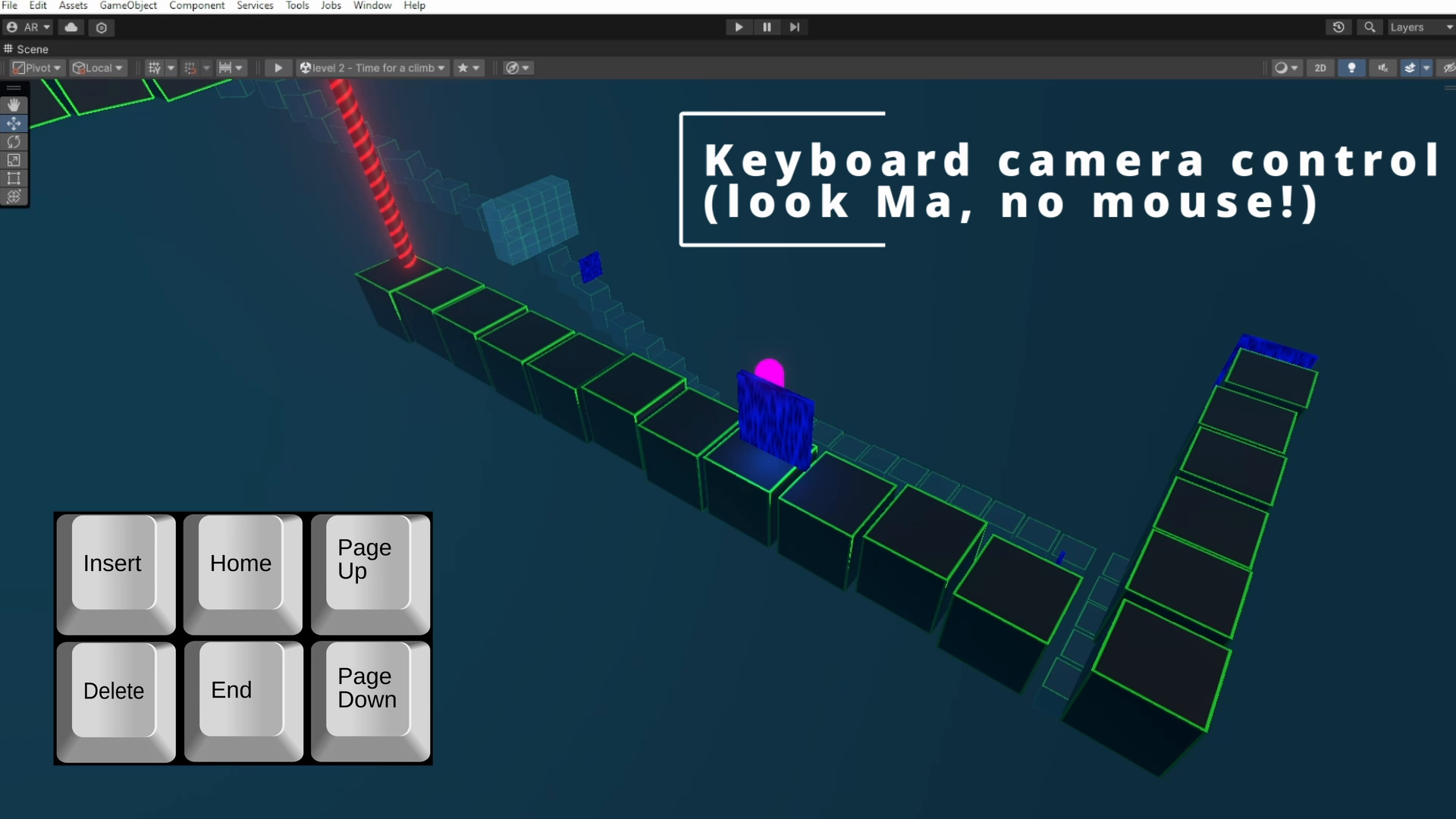
Full navigation of the Unity Editor Scene using Keyboard hotkeys: raise and lower the camera, move forward and back (not zoom!) and also full rotation both L/R + U/D. All keys remappable.
Affiliate link · Purchases support this site
Price history
Last 6 months
USDAsset preview
1 / 3

Scene Editor Keyboard Navigator screenshot 1

About this asset
The Unity Scene Editor forces you to move around the scene by holding down the middle or left mouse buttons and then tapping on the keyboard. Not very ergonomic, and even with this combo some critical movements are not available, such as orbiting around the selected object (normal Unity orbit is around the camera).
This package allows full keyboard control of the Editor View without touching the mouse, and adds in the additional movement options that most 3d modeling packages have built in. Furthermore, all keys are remappable using Unity's built in shortcut editor, so that you can, for instance, use the numpad for navigation.
From the publisher's Asset Store listing.
Technical details
Slide camera: Up, Down, Forward or Backward. Unity already provides Zoom and Left/Right, mapped to the arrow keys, no need to duplicate that.
Rotate Camera: Up, Down, Left and Right (around the currently selected object in the scene if you press "F" first).
These keys are normally limited to the Scene Window, but if you assign non-conflicting keys (such as using the numpad) you can toggle the package to allow it to operate while in other tabs such as the inspector.
Optional bonus: In addition to navigating within a scene, two light-weight shortcuts are added for navigating between scenes: F3 to open a dialog to select from any scenes in the same directory as the current scene, and Control+F3 to open the next scene in the build index. These hotkeys are in a separate source file for easy removal if not desired.
Compatibility
| Unity version | Built-in | URP | HDRP |
|---|---|---|---|
| 2022.3.33f1 | Compatible | Compatible | Compatible |
| 2021.3.22f1 | Compatible | Compatible | Compatible |
Developed under Unity 2021 LTS and 2022.3 LTS, but should work with older and newer versions too.
As listed on the Asset Store.