
 View on Asset Store (opens in new tab)
Package details
- Latest version
- 1.0.2
- Last updated
- First released
- Unity version
- 2021.3.25 or later
- Package size
- 16.5 MB
- Files
- 212
- Favorites
- 145
- Views in the past week
- 27
Price tracking
- Last checked
- Tracked since
- Lowest recorded
- $0.50 on
Keywords
CombatEditor
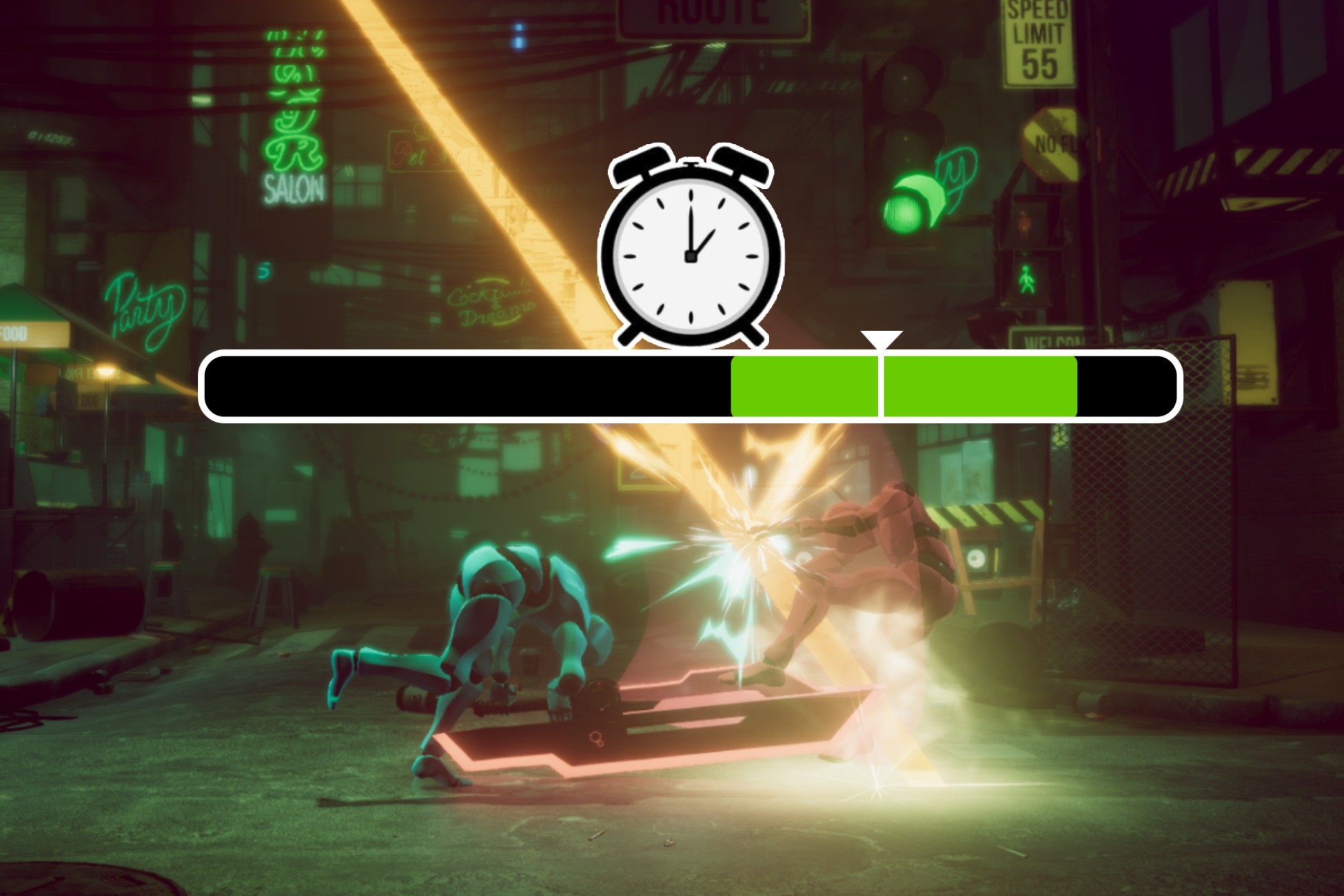
An Editor window tool to set up and preview the effects( SFX, VFX, SpeedScale, etc) on animation. It is used for game type that contains lots of effects based on animation, such as ACT.
Affiliate link · Purchases support this site
Price history
Last 6 months
USDAsset preview
1 / 10

CombatEditor screenshot 1


About this asset
CombatEditor is an Tool to manage the events based on the running animation clip such as particles, collider, motions, sfx . It have an editor window to easily add and remove the events, control the the start and the end time of these events, preview them in editor and run in playmode only with CombatController on the character. It just fetch the playable animations in the animator, doesn’t control the translation of animations, so you can implement your own animation translations.
If you have problems, you could join our discord to solve your problem, give feedbacks or...just discuss about ACT? https://discord.gg/geSZEH6h
Compared to traditional animation event workflow, it has adventages as below:
1.A tight window to control all of the event on animation, you can easily manage configs on animations by group, add, remove, swap, and change the start and end time of event are super easy. You don’t have to use the default animation window which feels very hard to manage events.
2.Preview and visualize every type of event in scene mode, which makes it very convenient to control your particle and sfx in combat.
3.Join you project at very low cost. It doesn’t control the translation the animation, it just fetch the playable data in the animator. So you can use your own character control with combat controller. You have to modify something, such as the trigger of sfx and physics control, but this is very easy.
4.You can write your own custom event very quickly by simply modify the template.
5.The Animation events on the editor is modular. You can reuse it on other characters with same animations.
6.Supports a strong range event, and this type will auto cut when animation are break and auto start if animation is enter after the event start time.
7.There are many details to accelerate the workflow. For example, loop preview animations, search to assign node on character, etc.
From the publisher's Asset Store listing.
Technical details
1.The Editor Window is based on IMGUI,
2.The Events is triggered by the playableClip infomation on animator.
3.The config data is saved to scriptableobject and monobehavior on character.
Compatibility
| Unity version | Built-in | URP | HDRP | Custom |
|---|---|---|---|---|
| 2021.3.25f1c1 | Compatible | Compatible | Compatible | Compatible |
Some shaders of the sample scene are made of amplify shader editor, by default they are built-in materials, and there are a package in this asset to replace all the materials to URP.
As listed on the Asset Store.