
 View on Asset Store (opens in new tab)
Package details
- Latest version
- 1.0
- Last updated
- First released
- Unity version
- 2021.3.33 or later
- Package size
- 95.3 MB
- Files
- 278
- Favorites
- 11
- Views in the past week
- 13
Price tracking
- Last checked
- Tracked since
- Lowest recorded
- $29.00 on
Keywords
- Search for AR Watch
- Search for Augmented Reality
- Search for Try-On Augmented Reality Watch
- Search for Virtual Try-on Watch
- Search for Augmented Reality Watch
- Search for watch
- Search for watches
- Search for AR Watch for Showrooms
- Search for Augmented Reality Watch Try-On
- Search for AR Watch Try-On
- Search for AR
- Search for AR Virtual Try-on Watch
Augmented Reality Watch, Virtual Try-On
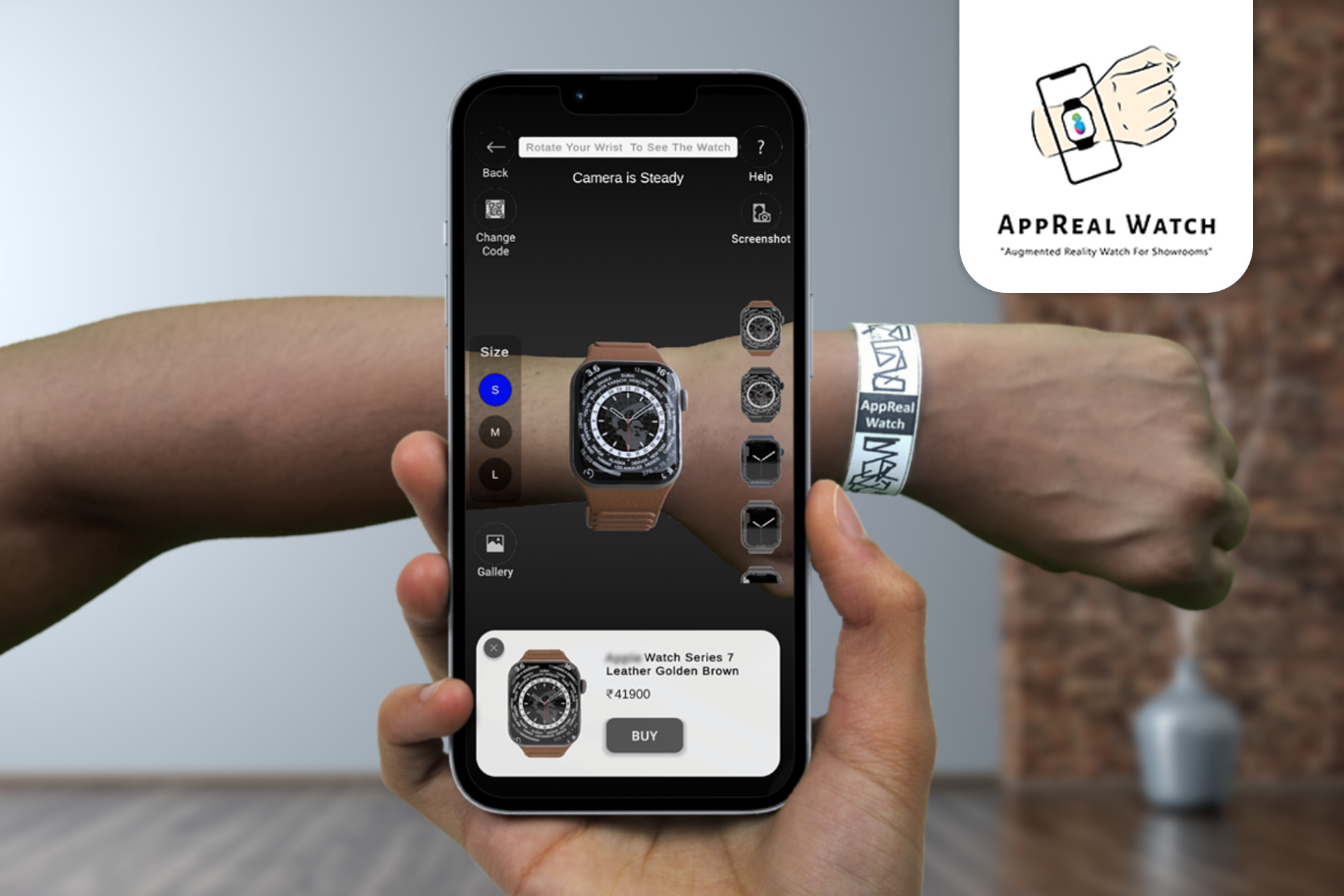
Step into the future of style with our Augmented Reality Watch Try-On! Immerse yourself in a virtual showroom, exploring an array of watches in stunning detail.
Affiliate link · Purchases support this site
Price history
Last 6 months
USDAsset preview
1 / 2

Augmented Reality Watch, Virtual Try-On video 1

About this asset
Instruction
· Install all required packages. (Refer Below Technical Details)
· install AR Watch package.
· update models in Assets\Resources -> ProductData.json in the Loading scene.
· download firebase credentials.
· build and run.
Step-by-Step Unity Package Setup Video Guide
Video Link: https://www.youtube.com/watc?v=This page isn't available.
0:08 Create A Project With a 3D (URP) Template
1:10 Remove the Default Scene
2:30 Import Addressable Package
1:08 Import Project
13:14 Project Setup
14:54 Copy Google Services File
15:25 Get Vuforia License Key
17:50 Taking A Build, For Android APK
27:09 Demo of Complete App
31:06 Admin App Complete Demo
Features
· Phone OTP Login - UI and Firebase auth integration
· Home Menu - UI and functionality
· Category Menu - UI and functionality
· Product Menu - UI and functionality
· AR View - UI and functionality
· Screenshots, view photos
Supported platforms.
· Android
Third-party software licensing included in the package.
From the publisher's Asset Store listing.
Technical details
Required Packages
· Addressables
· Firebase SDK -> FirebaseAuth, FirebaseFirestore
· project file -> Packages -> manifest.json Add "com.unity.nuget.newtonsoft-json": "2.0.0"
Required Setup
· Project settings -> scriptable Render Pipeline Asset -> Choice Universal Render Pipeline Asset
· Project settings -> Quality -> Render Pipeline Asset -> Choice Universal Render Pipeline Asset
Compatibility
| Unity version | Built-in | URP | HDRP |
|---|---|---|---|
| 2021.3.33f1 | Not listed | Compatible | Not listed |
As listed on the Asset Store.