
 View on Asset Store (opens in new tab)
Package details
- Latest version
- 1.0.5
- Last updated
- First released
- Unity version
- 2021.3.1 or later
- Package size
- 1.2 MB
- Files
- 21
- Favorites
- 14
- Views in the past week
- 4
Price tracking
- Last checked
- Tracked since
- Lowest recorded
- $7.99 on
Keywords
Simple Event System (SES)
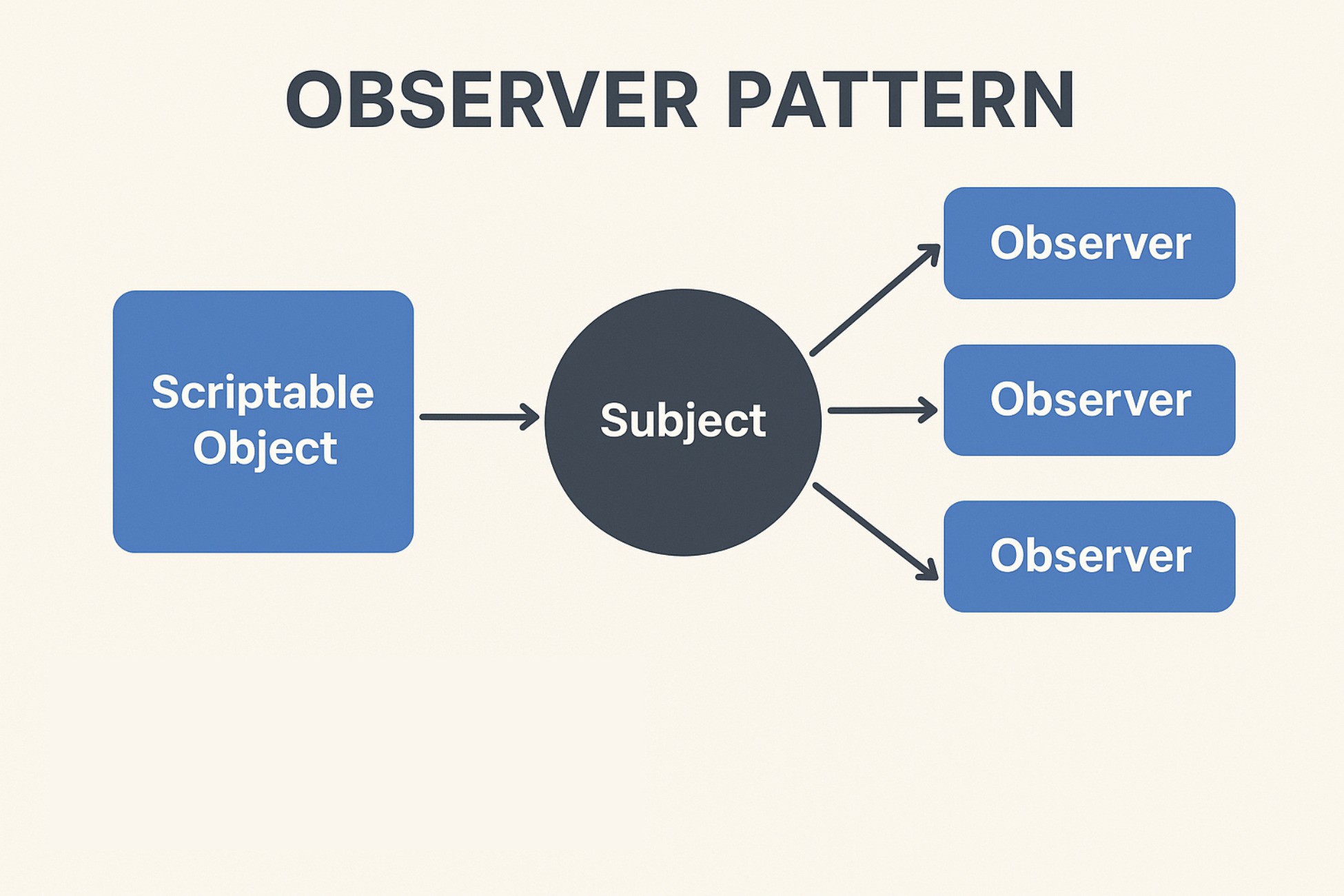
SES is an easy to use event system of Game Events, Producers, Listeners, editors, that's easily extendable. Also includes Game Event References Editor that shows you attached producers and listeners.
Affiliate link · Purchases support this site
Price history
Last 6 months
USDAsset preview
1 / 4

Simple Event System (SES) video 1



About this asset
The Simple Event System, or SES, is a remarkably user-friendly event system designed for managing Game Events, Producers, Listeners, and customized Editors effortlessly. This system allows you to trigger events directly from the Inspector, thanks to its seamless integration. Furthermore, it boasts an easily expandable architecture, allowing you to tailor it to your specific needs.
One of SES's standout features is its dedicated Game Event References Editor. This tool enables you to view all associated Producers and Listeners for a particular event, enhancing your understanding of event connections within your project.
Straight out of the box, SES offers comprehensive guidance on incorporating support and integration for both your custom data types and the system's built-in ones. This feature ensures that your unique requirements are met and smoothly integrated into the system.
The inclusion of SES's editors has the potential to significantly accelerate your development and testing processes. By enabling direct invocation from the Inspector, these editors eliminate the need to wait for events to occur naturally, streamlining your workflow and boosting overall efficiency.
Default Supported Game Event Types:
- Animation Curve
- Audio Clip
- Bool
- Char
- Color
- Double
- Float
- No Arg Game Event
- Game Object
- Int
- Long
- String
- Vector2
- Vector3
- Vector4
- Endless custom game event support.
From the publisher's Asset Store listing.
Technical details
- Support to add Game Events, Publishers and Listeners to your game objects.
- Custom editors to raise the events directly from the Inspector
- Full support for custom data types out of the box.
- Custom Game Event References editor to locate all producers and listeners for a given event.
- Drag and drop game events onto game objects or into the inspector to automatically add listeners
15 Supported Game Event Types out of the box.
- Animation Curve
- Audio Clip
- Bool
- Char
- Color
- Double
- Float
- No Arg Game Event
- Game Object
- Int
- Long
- String
- Vector2
- Vector3
- Vector4
- Endless custom game event support.
Compatibility
| Unity version | Built-in | URP | HDRP | Custom |
|---|---|---|---|---|
| 2022.3.27f1 | Compatible | Compatible | Compatible | Compatible |
| 2021.3.1f1 | Compatible | Compatible | Compatible | Compatible |
Requires Unity 2021.3 or higher
As listed on the Asset Store.